Craftsman Java PC
FrozenStudios
گیم لوپ ایمولیٹر کے ساتھ PC پر Craftsman Java ڈاؤن لوڈ کریں۔
پی سی پر Craftsman Java
Craftsman Java، جو ڈویلپر FrozenStudios سے آرہا ہے، ماضی میں اینڈرائیڈ سسٹم پر چل رہا ہے۔
اب، آپ پی سی پر Craftsman Java آسانی سے GameLoop کے ساتھ چلا سکتے ہیں۔
اسے GameLoop لائبریری یا تلاش کے نتائج میں ڈاؤن لوڈ کریں۔ مزید غلط وقت پر بیٹری یا مایوس کن کالوں پر نظر نہیں ڈالی جائے گی۔
بس بڑی سکرین پر Craftsman Java PC کا مفت میں لطف اٹھائیں!
Craftsman Java تعارف
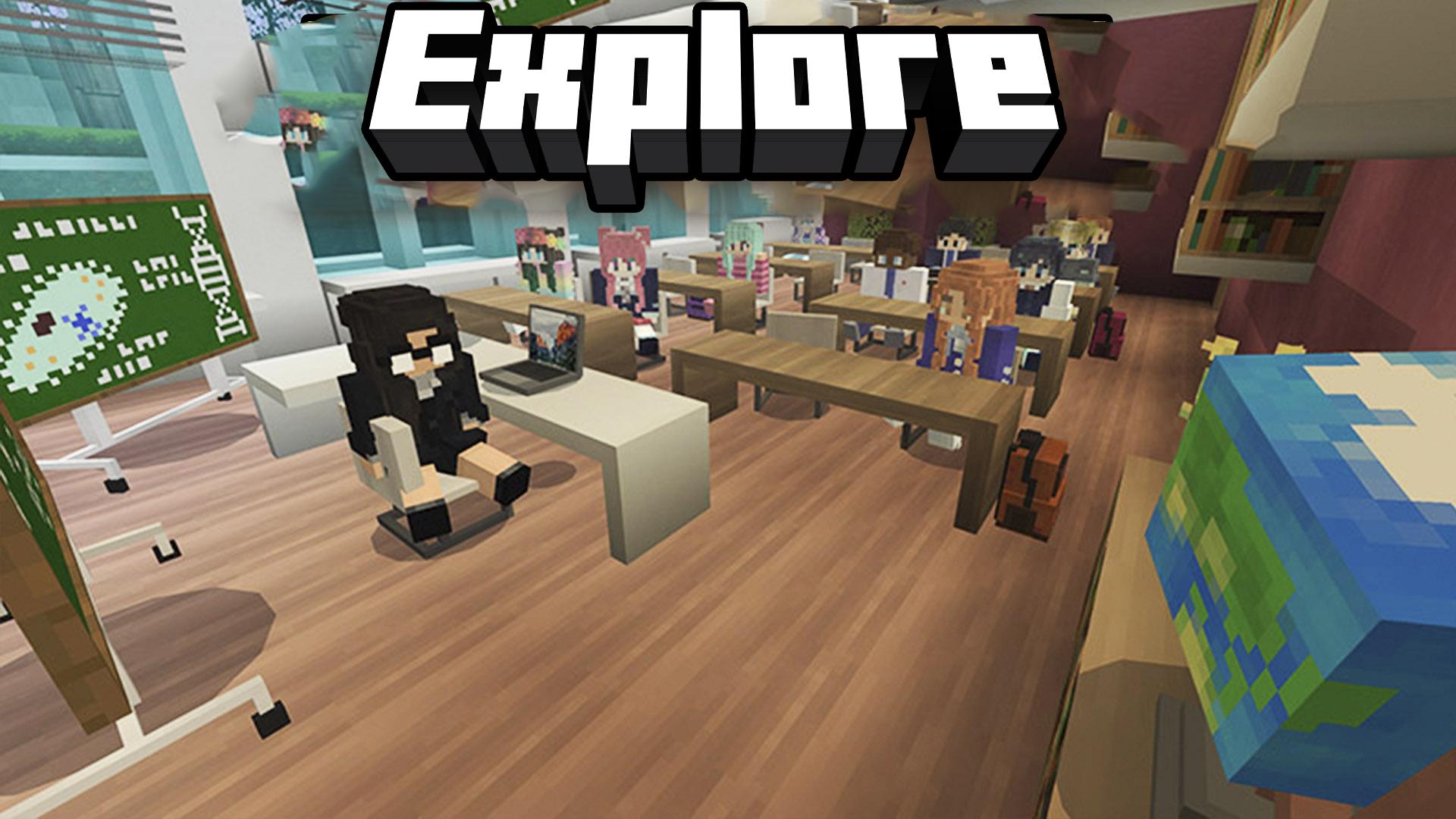
Explore the fantastic world of Craftsman Java! Build, explore, and experience the game as if you were on a laptop, enjoying an immersive and versatile experience. Play with friends and explore all that this exciting game has to offer on a PC.
Experience the game in PC mode! Enjoy the optimized interface just like on laptops, with intuitive controls and a fluid and immersive gameplay experience. Feel the difference of playing in an environment designed especially for mobile!
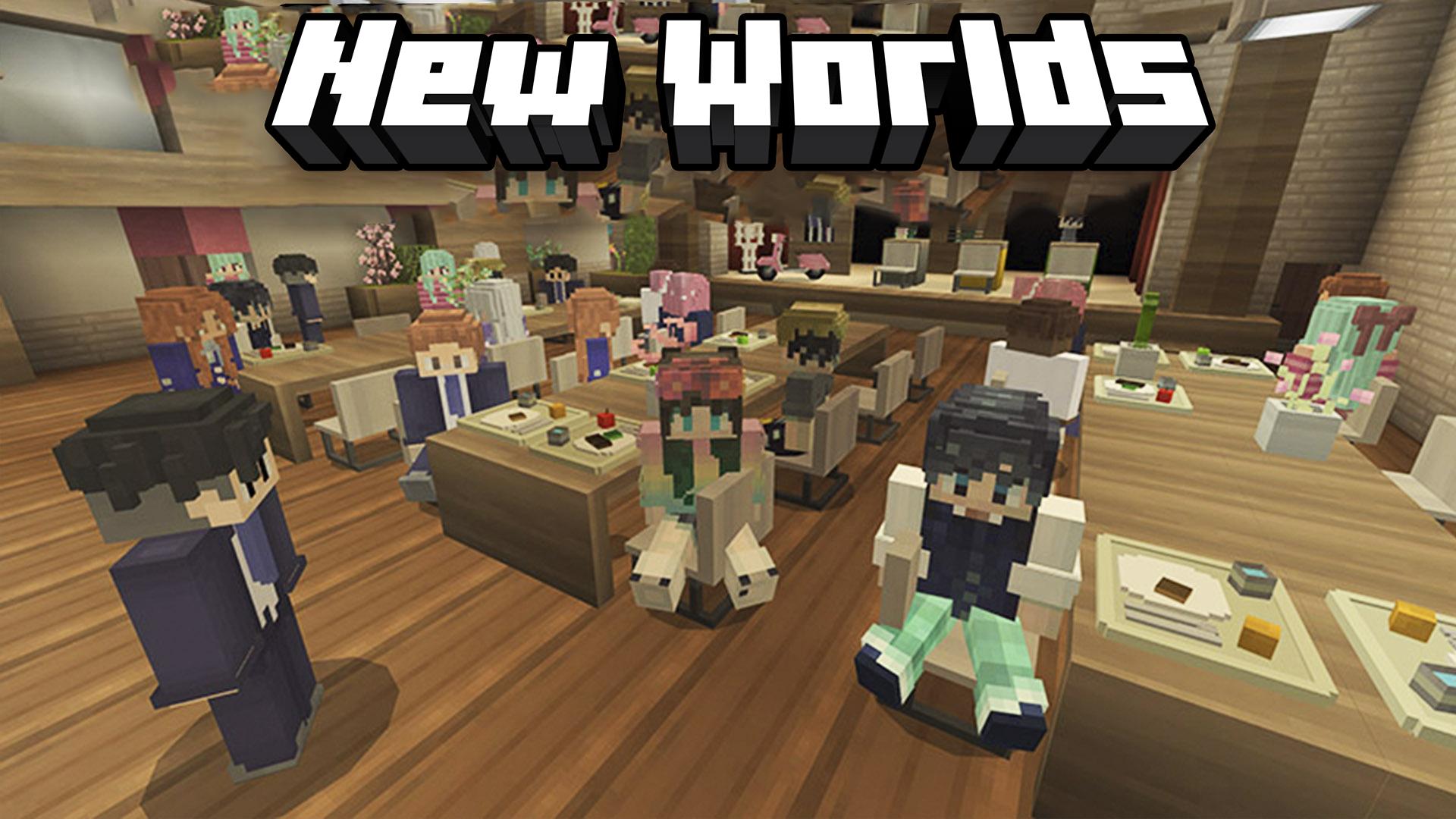
Play with friends! In multiplayer mode, join your friends to share the fun and excitement of the game. Collaborate on missions, explore together, and enjoy an interactive social experience while playing from your laptop.
Customize your experience. With mobile-friendly options, you can adjust the game settings to perfectly fit your needs. Enjoy graphics and controls designed to give you the best possible experience on your device!
Key features:
-Designed for laptop mode: play optimally on your mobile.
-Multiplayer mode: join friends and share the fun online.
-Smooth experience: controls and graphics optimized for laptops.
-Full customization: adjust settings to suit your play style.
-High-quality pixel graphics for an immersive visual experience.
With Craftsman Java, the fun and flexibility of playing on your mobile as if you were on a PC is guaranteed!
پیش نظارہ
ٹیگز
تخروپنسینڈ باکسروزانہواحد کھلاڑیاسٹائلائزڈپکسلیٹڈآف لائنمعلومات
ڈویلپر
FrozenStudios
تازہ ترین ورژن
1.29.00.02
آخری تازہ کاری
2025-10-24
قسم
آرکیڈ
پر دستیاب ہے۔
Google Play
مزید دکھائیں
پی سی پر گیم لوپ کے ساتھ Craftsman Java کیسے کھیلا جائے۔
1. آفیشل ویب سائٹ سے گیم لوپ ڈاؤن لوڈ کریں، پھر گیم لوپ انسٹال کرنے کے لیے exe فائل چلائیں۔
2. گیم لوپ کھولیں اور "Craftsman Java" تلاش کریں، تلاش کے نتائج میں Craftsman Java تلاش کریں اور "انسٹال کریں" پر کلک کریں۔
3. گیم لوپ پر Craftsman Java کھیلنے کا لطف اٹھائیں۔
Minimum requirements
OS
Windows 8.1 64-bit or Windows 10 64-bit
GPU
GTX 1050
CPU
i3-8300
Memory
8GB RAM
Storage
1GB available space
Recommended requirements
OS
Windows 8.1 64-bit or Windows 10 64-bit
GPU
GTX 1050
CPU
i3-9320
Memory
16GB RAM
Storage
1GB available space