
Canoniac Launcher: Arcade Game PC
Icestone
گیم لوپ ایمولیٹر کے ساتھ PC پر Canoniac Launcher: Arcade Game ڈاؤن لوڈ کریں۔
پی سی پر Canoniac Launcher: Arcade Game
Canoniac Launcher: Arcade Game، جو ڈویلپر Icestone سے آرہا ہے، ماضی میں اینڈرائیڈ سسٹم پر چل رہا ہے۔
اب، آپ پی سی پر Canoniac Launcher: Arcade Game آسانی سے GameLoop کے ساتھ چلا سکتے ہیں۔
اسے GameLoop لائبریری یا تلاش کے نتائج میں ڈاؤن لوڈ کریں۔ مزید غلط وقت پر بیٹری یا مایوس کن کالوں پر نظر نہیں ڈالی جائے گی۔
بس بڑی سکرین پر Canoniac Launcher: Arcade Game PC کا مفت میں لطف اٹھائیں!
Canoniac Launcher: Arcade Game تعارف
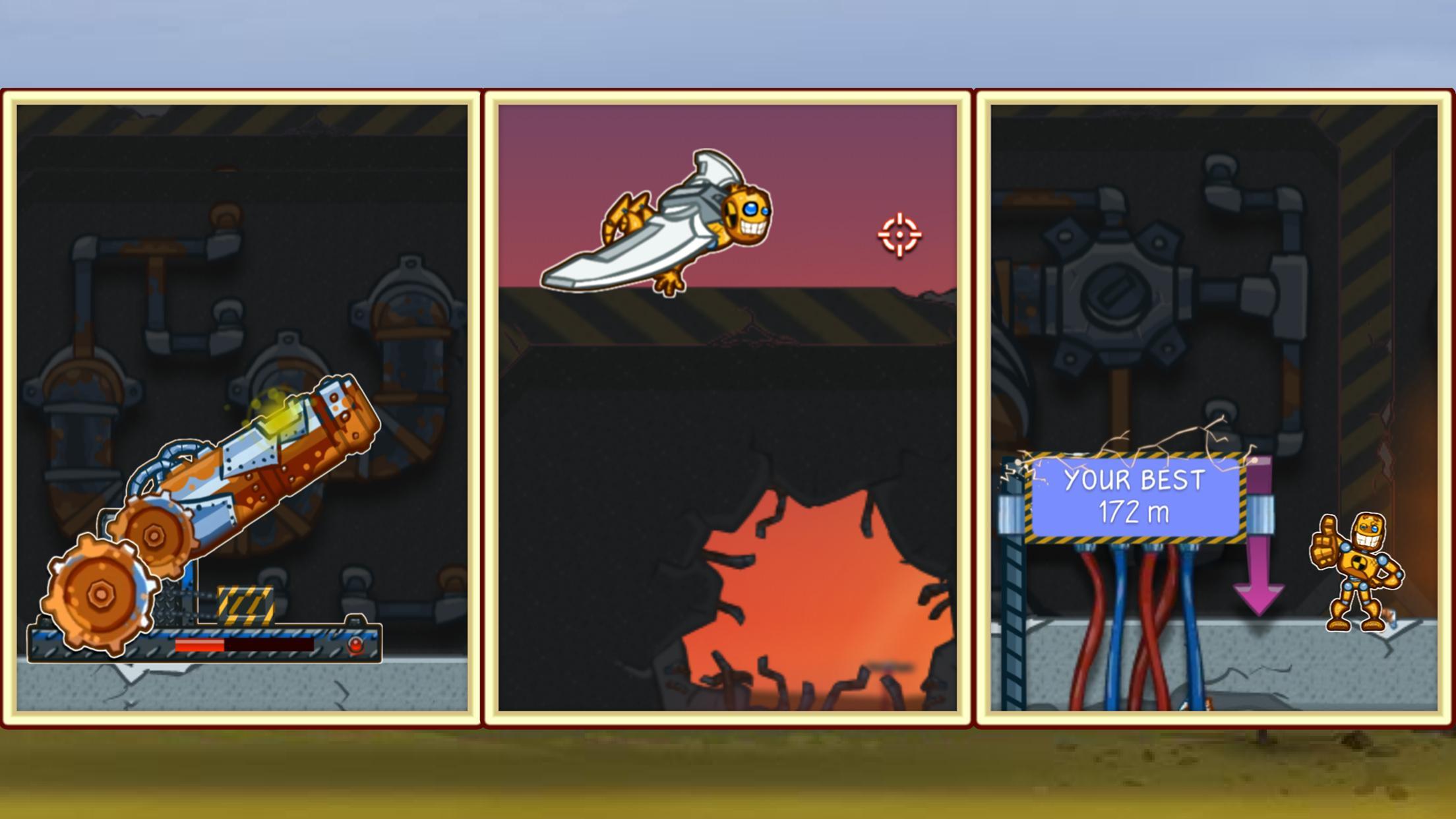
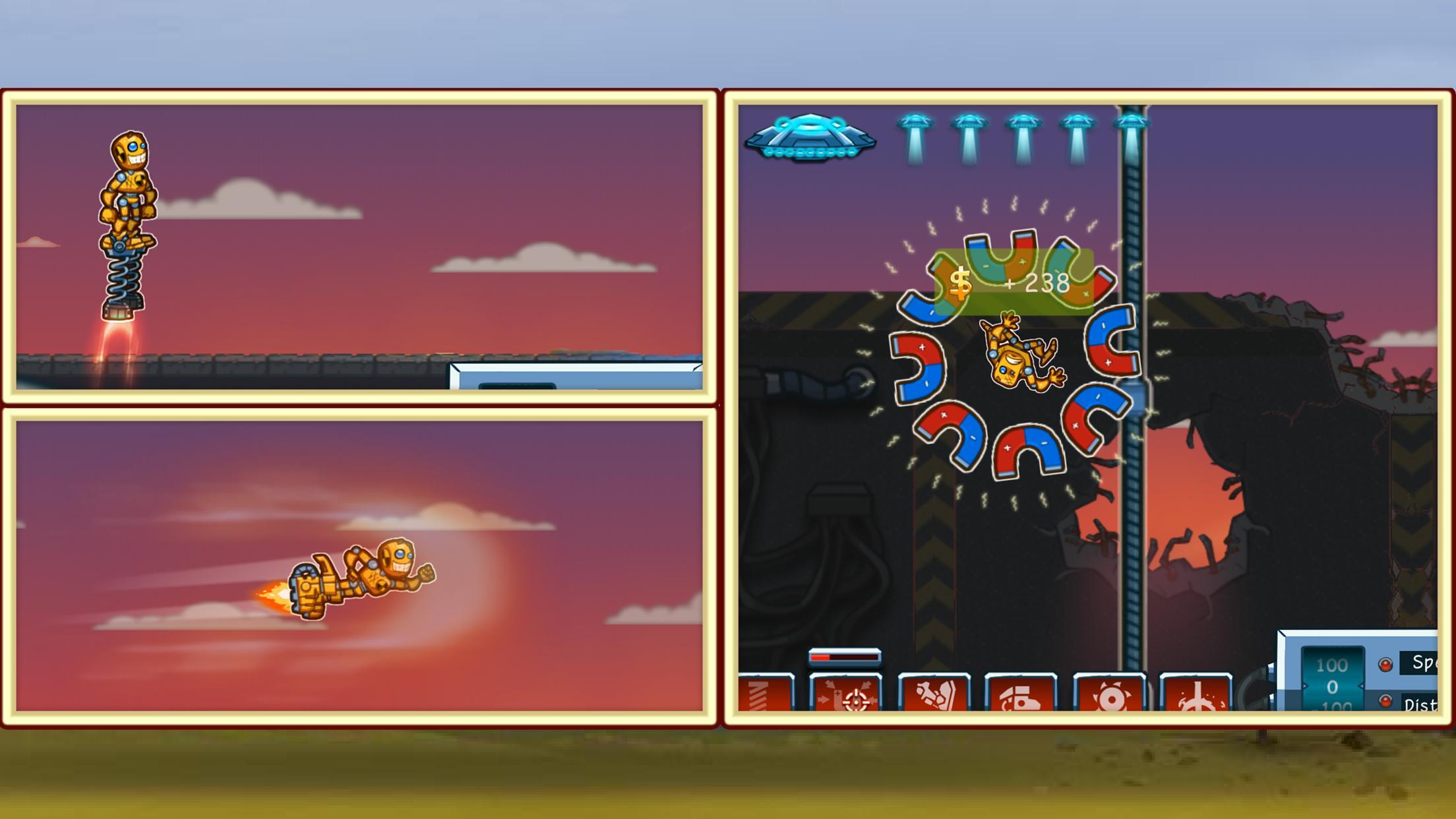
Help a little robot escape and find freedom in the real world! Throw him as far as you can and watch him fly to the finish! Enjoy a relaxing timekiller game now!
Jimmy the robot is tired of his daily routine and chooses the only way out of it! This time killer is just a perfect arcade for those who want to chill and train tapping skills at the same time.
Get on a wonderful adventure with Jim and find a better life for a ragdoll robot!
What’s Inside:
- A full version of the game for free
- A classic launcher timekiller game
- Colorful game arts
- No internet connection required
The rules are pretty simple - try to launch ragdoll Jim as far as you can, so he can escape and find freedom! Different upgrades are available, so you won't waste any effort! Earn points while flying to buy upgrades in the in-game shop.
This game will help you relax and have fun in your free time. Good luck, have fun!
Questions? Contact our tech support at icestonesup@gmail.com
پیش نظارہ
ٹیگز
آرکیڈمعلومات
ڈویلپر
Icestone
تازہ ترین ورژن
1.0.8
آخری تازہ کاری
2023-10-13
قسم
آرکیڈ
پر دستیاب ہے۔
Google Play
مزید دکھائیں
پی سی پر گیم لوپ کے ساتھ Canoniac Launcher: Arcade Game کیسے کھیلا جائے۔
1. آفیشل ویب سائٹ سے گیم لوپ ڈاؤن لوڈ کریں، پھر گیم لوپ انسٹال کرنے کے لیے exe فائل چلائیں۔
2. گیم لوپ کھولیں اور "Canoniac Launcher: Arcade Game" تلاش کریں، تلاش کے نتائج میں Canoniac Launcher: Arcade Game تلاش کریں اور "انسٹال کریں" پر کلک کریں۔
3. گیم لوپ پر Canoniac Launcher: Arcade Game کھیلنے کا لطف اٹھائیں۔
Minimum requirements
OS
Windows 8.1 64-bit or Windows 10 64-bit
GPU
GTX 1050
CPU
i3-8300
Memory
8GB RAM
Storage
1GB available space
Recommended requirements
OS
Windows 8.1 64-bit or Windows 10 64-bit
GPU
GTX 1050
CPU
i3-9320
Memory
16GB RAM
Storage
1GB available space