MapleStory Worlds PC
NEXON Company
گیم لوپ ایمولیٹر کے ساتھ PC پر MapleStory Worlds ڈاؤن لوڈ کریں۔
پی سی پر MapleStory Worlds
MapleStory Worlds، جو ڈویلپر NEXON Company سے آرہا ہے، ماضی میں اینڈرائیڈ سسٹم پر چل رہا ہے۔
اب، آپ پی سی پر MapleStory Worlds آسانی سے GameLoop کے ساتھ چلا سکتے ہیں۔
اسے GameLoop لائبریری یا تلاش کے نتائج میں ڈاؤن لوڈ کریں۔ مزید غلط وقت پر بیٹری یا مایوس کن کالوں پر نظر نہیں ڈالی جائے گی۔
بس بڑی سکرین پر MapleStory Worlds PC کا مفت میں لطف اٹھائیں!
MapleStory Worlds تعارف
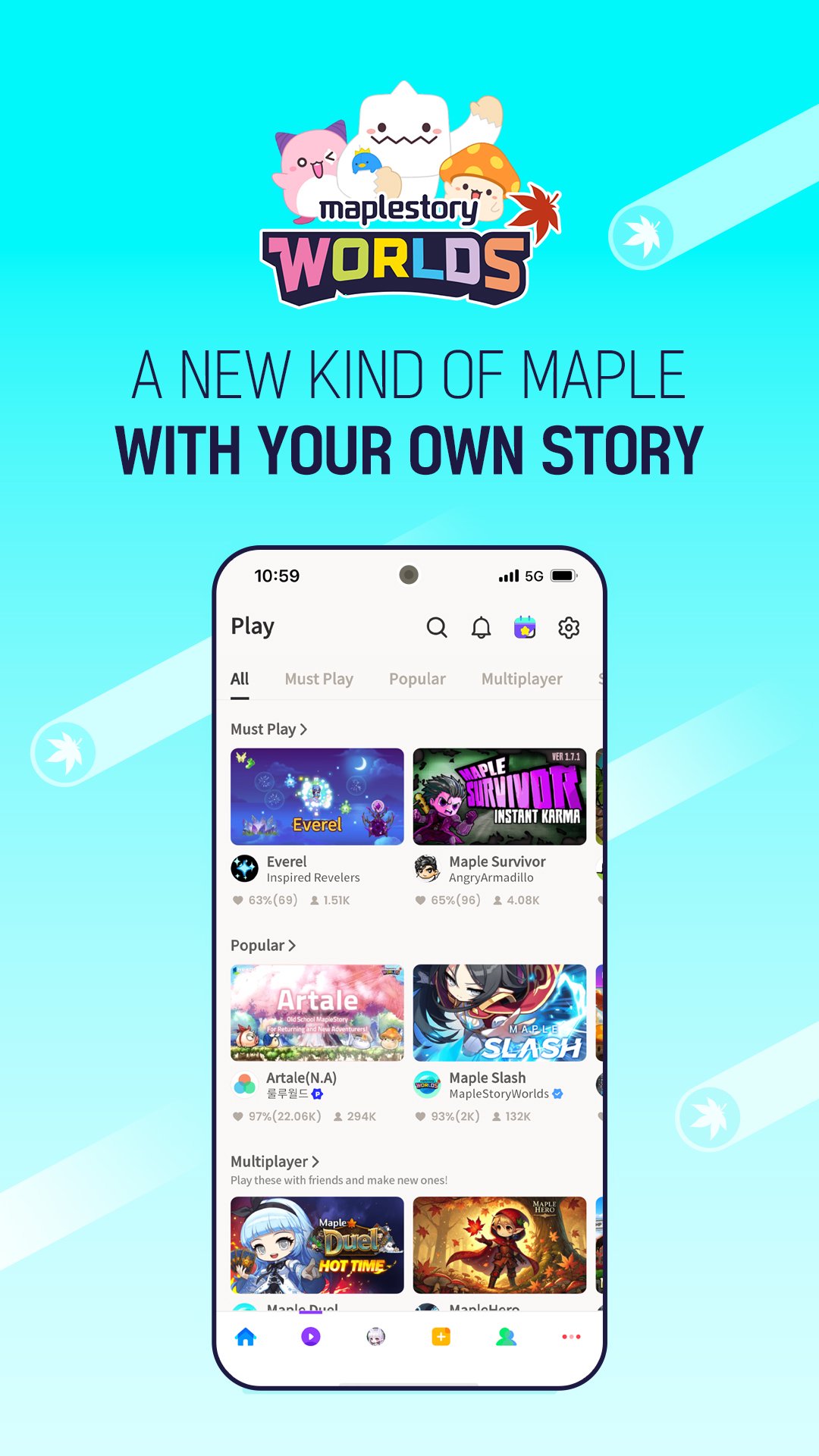
Explore worlds from across the globe!
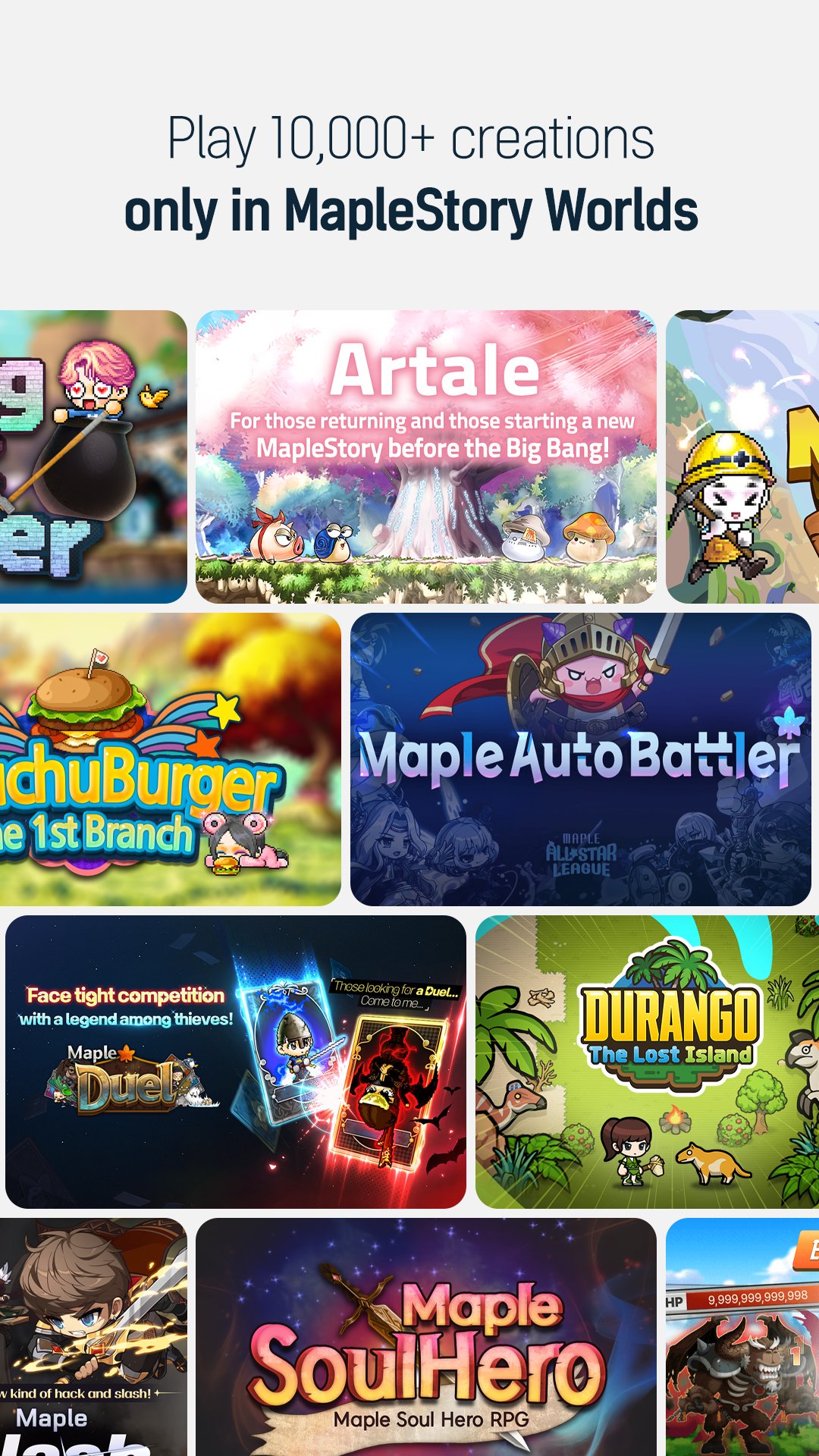
Play 10,000+ worlds in one place, all for free.
From avatars to worlds, build everything according to your vision!
■ Extremely Popular Worlds
【Artale】 The classic MapleStory MMORPG world that players have been waiting for!
Relive memories with your friends.
【ChronoStory】Have fun progressing and exploring! Meet the classic Maple Story of the past.
【Chu Chu Burger the 1st Branch】Exclusive News! A Burger Store in Our Region?! A tycoon world where you make your own shop!
【Durango: The Lost Island】 Hunt dinosaurs, explore the island, and survive! Durango is back as a spinoff!
【Maple Slash】 It's the same hack and slash fun from the original Maple!
【Maple Duel】 Tap into your skills from the original to card battle with monsters!
【Maple Soul Hero】 Fight the endless onslaught of monsters!
■ Events in progress!
Join the 【Attendance Event】 to get rewards for checking in,
the 【Invite Friends Event】 to get gifts for you and a friend,
and MapleStory Worlds' very own 【Surprise Gift Event】!
You can also earn Reward Coins!
■ Infinite Sandbox World, Building Creative Worlds
Use all kinds of maps, monsters, objects, and even avatar items!
Make magic by crafting unique worlds with the official assets provided by MapleStory Worlds.
You can create your own assets too!
From simple map customization to professional game creation, you can create anything you can imagine in a Sandbox world!
■ Customize your very own one-of-a-kind avatar!
Customize your avatar from head to toe to make it your own.
You can create your own avatar items or buy unique costumes created by other users.
■ Social Functions
Add friends you met in MapleStory Worlds and chat with them!
Once you become friends, you can log into the same world they're in to play alongside them.
■ Whenever, Wherever, Together!
Play cross-platform with others on PC and mobile in MapleStory Worlds!
■ Official Community
Check out the latest MapleStory Worlds news here!
【Official Website】: https://maplestoryworlds.nexon.com
【Creator Center】: https://maplestoryworlds-creators.nexon.com
【Official Discord(WEST)】: https://discord.gg/YansfK5gwC
【Official Discord(SEA)】: https://discord.gg/maplestoryworlds-sea
■ App Permissions Information
You will need to grant access to use the following services.
[Optional Permissions]
Photos/Media/Files: Required for saving and uploading photos and videos.
Camera: Required for capturing photos or recording videos, so they can be uploaded later.
Audio Recording: Required for in-game voice chat.
Notifications: Allow the app to send related notifications.
※ You can still use the service even if you don't grant optional permissions.
[Permissions Management]
▶ Android 6.0 or Higher: Settings > Apps > Select Application > Permissions > Not Allowed
▶ Below Android 6.0: Update the OS to revoke permissions or uninstall the app.
※ The app may not request individual permissions, in which case, you can use the methods above to change permissions.
پیش نظارہ
ٹیگز
ملٹی پلیئرکوآپریٹو ملٹی پلیئرواحد کھلاڑیاسٹائلائزڈعملمسابقتی ملٹی پلیئرپکسلیٹڈروزانہمنی گیمزمعلومات
ڈویلپر
NEXON Company
تازہ ترین ورژن
26.1.5
آخری تازہ کاری
2026-03-10
قسم
مہم جوئی
پر دستیاب ہے۔
Google Play
مزید دکھائیں
پی سی پر گیم لوپ کے ساتھ MapleStory Worlds کیسے کھیلا جائے۔
1. آفیشل ویب سائٹ سے گیم لوپ ڈاؤن لوڈ کریں، پھر گیم لوپ انسٹال کرنے کے لیے exe فائل چلائیں۔
2. گیم لوپ کھولیں اور "MapleStory Worlds" تلاش کریں، تلاش کے نتائج میں MapleStory Worlds تلاش کریں اور "انسٹال کریں" پر کلک کریں۔
3. گیم لوپ پر MapleStory Worlds کھیلنے کا لطف اٹھائیں۔
Minimum requirements
OS
Windows 8.1 64-bit or Windows 10 64-bit
GPU
GTX 1050
CPU
i3-8300
Memory
8GB RAM
Storage
1GB available space
Recommended requirements
OS
Windows 8.1 64-bit or Windows 10 64-bit
GPU
GTX 1050
CPU
i3-9320
Memory
16GB RAM
Storage
1GB available space