
Project Playtime : Boxy boo PC
naki Games
گیم لوپ ایمولیٹر کے ساتھ PC پر Project Playtime : Boxy boo ڈاؤن لوڈ کریں۔
پی سی پر Project Playtime : Boxy boo
Project Playtime : Boxy boo، جو ڈویلپر naki Games سے آرہا ہے، ماضی میں اینڈرائیڈ سسٹم پر چل رہا ہے۔
اب، آپ پی سی پر Project Playtime : Boxy boo آسانی سے GameLoop کے ساتھ چلا سکتے ہیں۔
اسے GameLoop لائبریری یا تلاش کے نتائج میں ڈاؤن لوڈ کریں۔ مزید غلط وقت پر بیٹری یا مایوس کن کالوں پر نظر نہیں ڈالی جائے گی۔
بس بڑی سکرین پر Project Playtime : Boxy boo PC کا مفت میں لطف اٹھائیں!
Project Playtime : Boxy boo تعارف
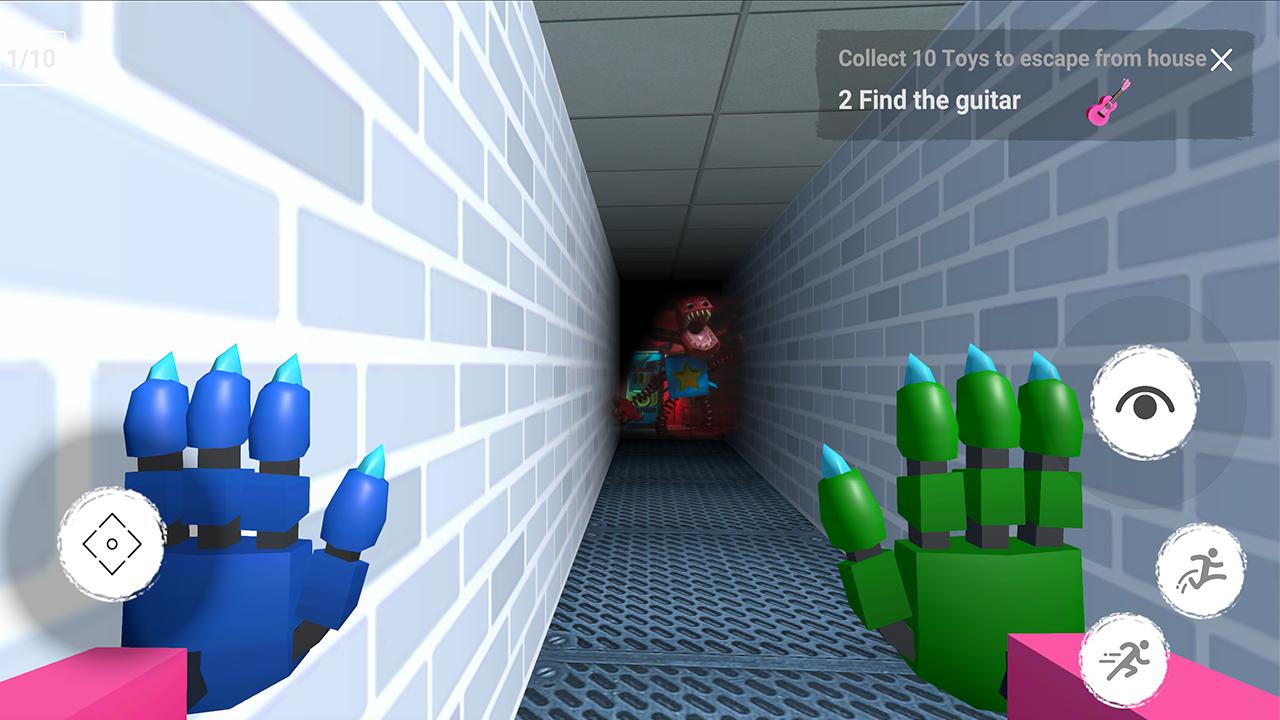
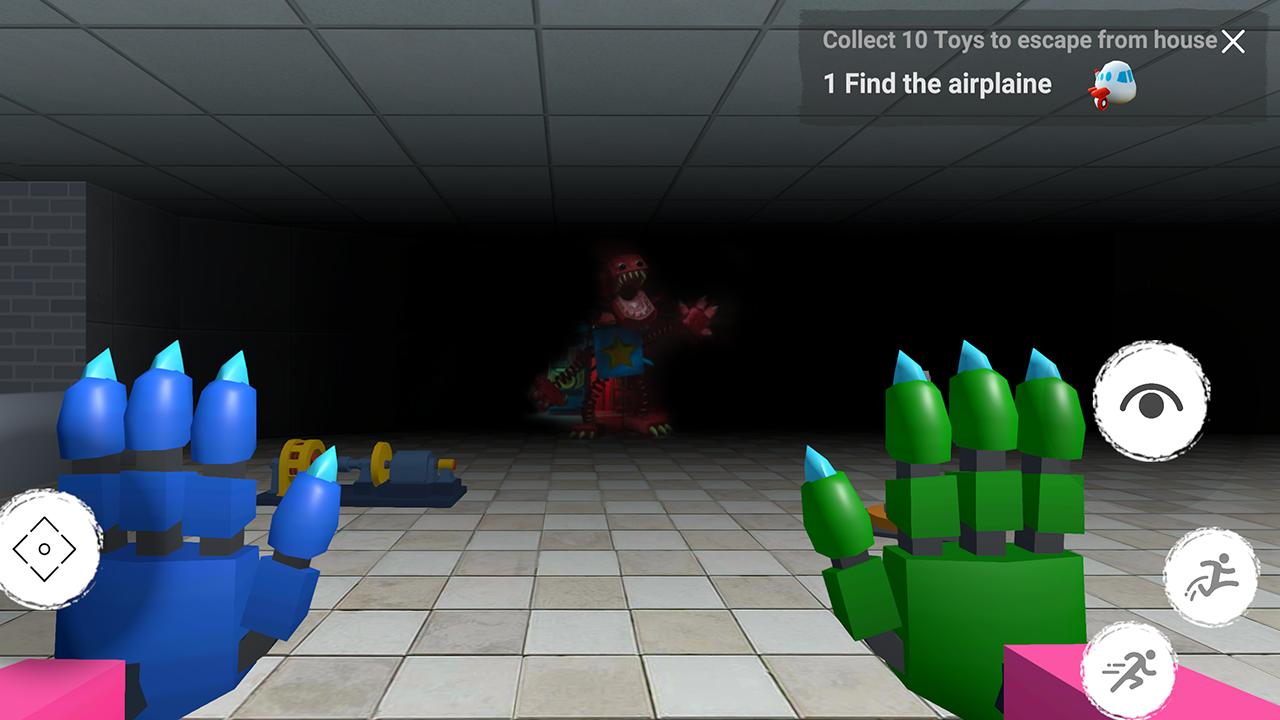
Join this Project Playtime Boxy adventure now!
With so much to discover inside Project Playtime boxy boo, the possibilities are nearly endless.
Have fun learning how to defeat Boxy boo Monsters and escape!
With brand new Project Playtime Chapter 3 cheats, this app will tell you the stories of your favorite characters and what happened to them.
Welcome to Playtime Co.!
Playtime Co. was once the king of the toy industry...until everyone inside the factory one day disappeared into thin air. Now, years later, you must explore the abandoned factory and uncover the truth.
Disclaimer:
This application is made by fans of free games to help other players win the game; this is NOT a game or an official application.
پیش نظارہ
ٹیگز
عملمعلومات
ڈویلپر
naki Games
تازہ ترین ورژن
1
آخری تازہ کاری
2022-12-21
قسم
عمل
پر دستیاب ہے۔
Google Play
مزید دکھائیں
پی سی پر گیم لوپ کے ساتھ Project Playtime : Boxy boo کیسے کھیلا جائے۔
1. آفیشل ویب سائٹ سے گیم لوپ ڈاؤن لوڈ کریں، پھر گیم لوپ انسٹال کرنے کے لیے exe فائل چلائیں۔
2. گیم لوپ کھولیں اور "Project Playtime : Boxy boo" تلاش کریں، تلاش کے نتائج میں Project Playtime : Boxy boo تلاش کریں اور "انسٹال کریں" پر کلک کریں۔
3. گیم لوپ پر Project Playtime : Boxy boo کھیلنے کا لطف اٹھائیں۔
Minimum requirements
OS
Windows 8.1 64-bit or Windows 10 64-bit
GPU
GTX 1050
CPU
i3-8300
Memory
8GB RAM
Storage
1GB available space
Recommended requirements
OS
Windows 8.1 64-bit or Windows 10 64-bit
GPU
GTX 1050
CPU
i3-9320
Memory
16GB RAM
Storage
1GB available space