
Word Letter: Daily & Unlimited PC
Word Puzzle Apps
Download Word Letter: Daily & Unlimited on PC With GameLoop Emulator
Word Letter: Daily & Unlimited sa PC
Ang Word Letter: Daily & Unlimited, na nagmumula sa developer na Word Puzzle Apps, ay tumatakbo sa Android systerm sa nakaraan.
Ngayon, maaari mong laruin ang Word Letter: Daily & Unlimited sa PC gamit ang GameLoop nang maayos.
I-download ito sa GameLoop library o mga resulta ng paghahanap. Hindi na tumitingin sa baterya o nakakadismaya na mga tawag sa maling oras.
I-enjoy lang ang Word Letter: Daily & Unlimited PC sa malaking screen nang libre!
Word Letter: Daily & Unlimited Panimula
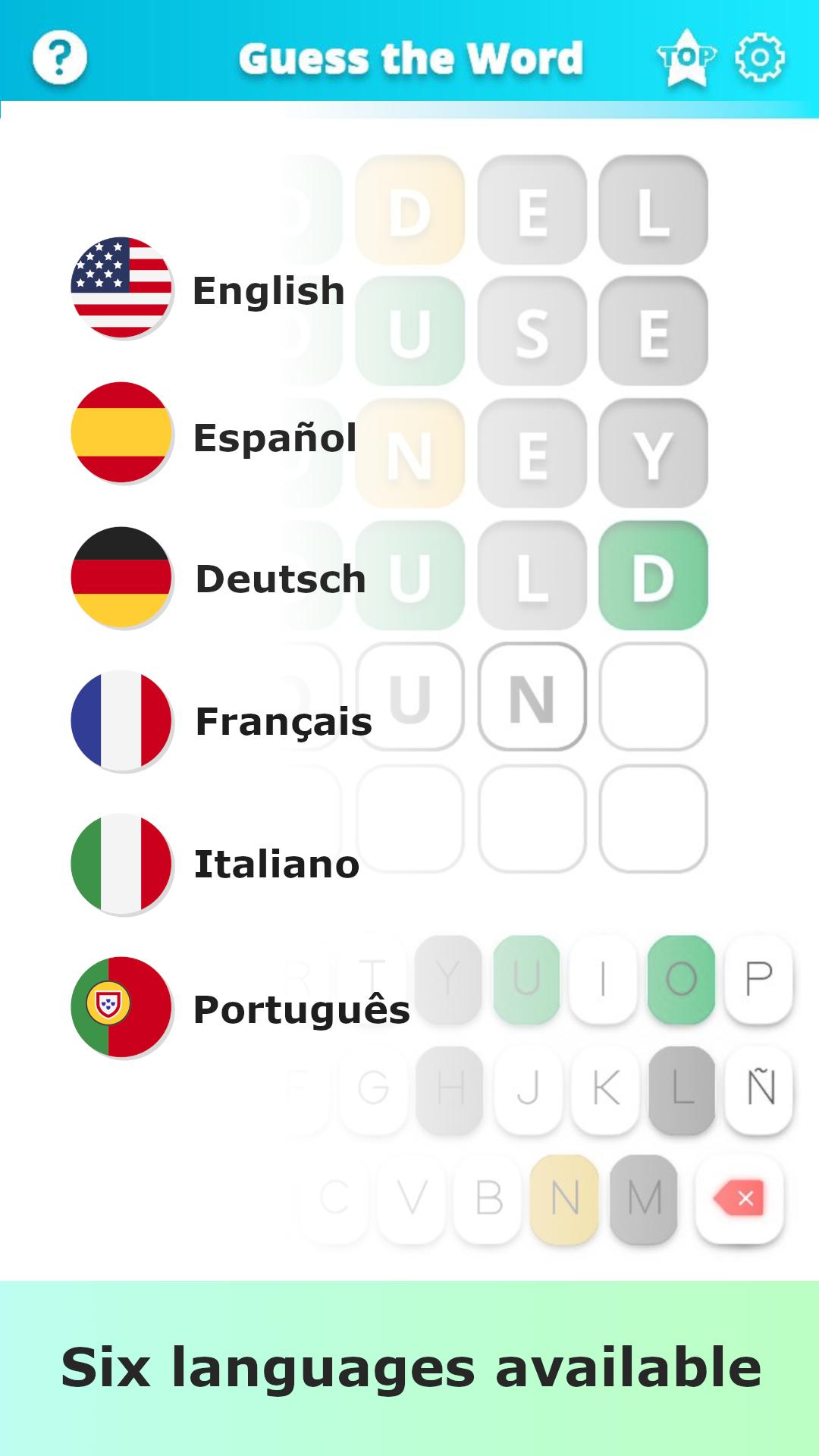
Daily Word Unlimited Challenge, the most addictive word game of the moment, finally arrives on the Play Store to help you train your brain and have a great time in your free time.
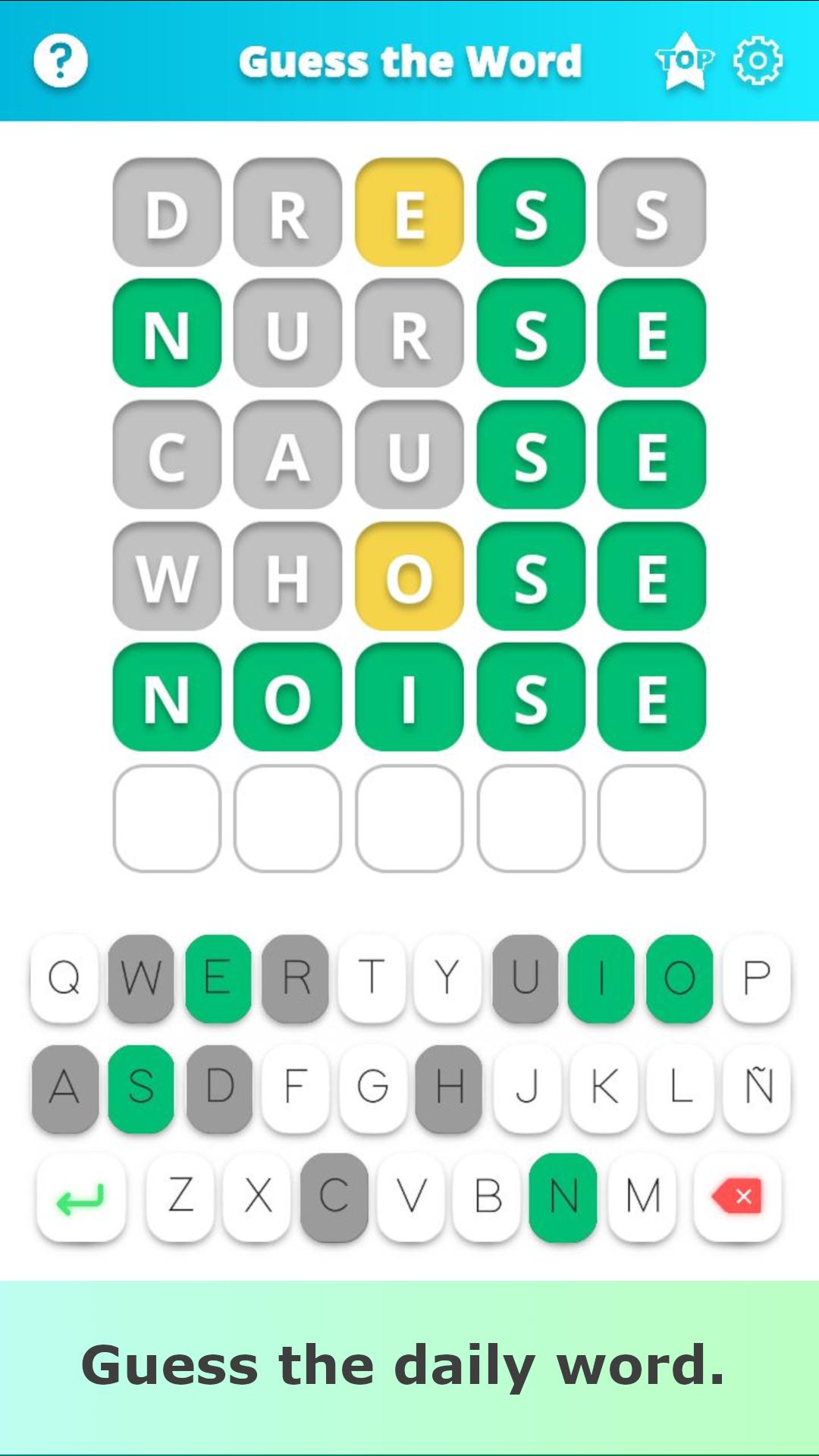
The objective of the game is very simple: find the five-letter word hidden behind the squares in a maximum of six tries.
The instructions are as follows:
- If when entering a word, you find a letter in green it means that letter is in the word, and it is also in the correct position.
- If a letter appears in yellow it means that the letter is in the word, but not in the correct position.
- If, on the other hand, the letter appears in gray, that letter is not in the word we are looking for.
Now that you know the rules, try to guess the hundreds of words we have prepared for you!
Don't forget to share your word streak with your friends, family or on your social networks.
Preview
Tags
WordInformation
Developer
Word Puzzle Apps
Latest Version
1.2.18
Last Updated
2024-01-11
Category
Word
Available on
Google Play
Show More
How to play Word Letter: Daily & Unlimited with GameLoop on PC
1. Download GameLoop from the official website, then run the exe file to install GameLoop
2. Open GameLoop and search for “Word Letter: Daily & Unlimited” , find Word Letter: Daily & Unlimited in the search results and click “Install”
3. Enjoy playing Word Letter: Daily & Unlimited on GameLoop
Minimum requirements
OS
Windows 8.1 64-bit or Windows 10 64-bit
GPU
GTX 1050
CPU
i3-8300
Memory
8GB RAM
Storage
1GB available space
Recommended requirements
OS
Windows 8.1 64-bit or Windows 10 64-bit
GPU
GTX 1050
CPU
i3-9320
Memory
16GB RAM
Storage
1GB available space