WordBrain: Puzzle Games PC
Madlyplay Games
Download WordBrain: Puzzle Games on PC With GameLoop Emulator
WordBrain: Puzzle Games sa PC
Ang WordBrain: Puzzle Games, na nagmumula sa developer na Madlyplay Games, ay tumatakbo sa Android systerm sa nakaraan.
Ngayon, maaari mong laruin ang WordBrain: Puzzle Games sa PC gamit ang GameLoop nang maayos.
I-download ito sa GameLoop library o mga resulta ng paghahanap. Hindi na tumitingin sa baterya o nakakadismaya na mga tawag sa maling oras.
I-enjoy lang ang WordBrain: Puzzle Games PC sa malaking screen nang libre!
WordBrain: Puzzle Games Panimula
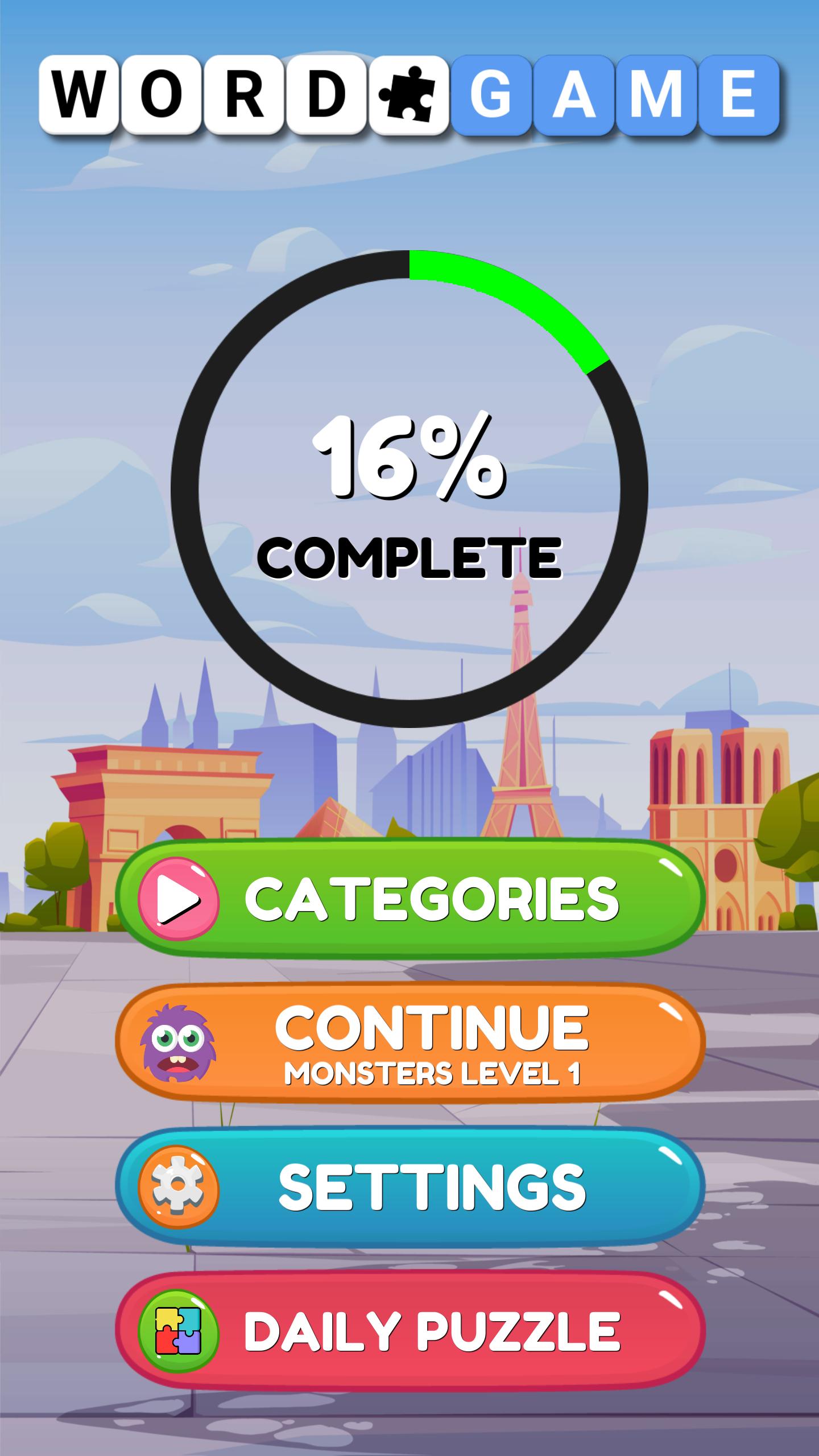
Welcome to Word Brain Puzzle Game, the most addicting word puzzle game tailored for everyone on mobile and tablet.
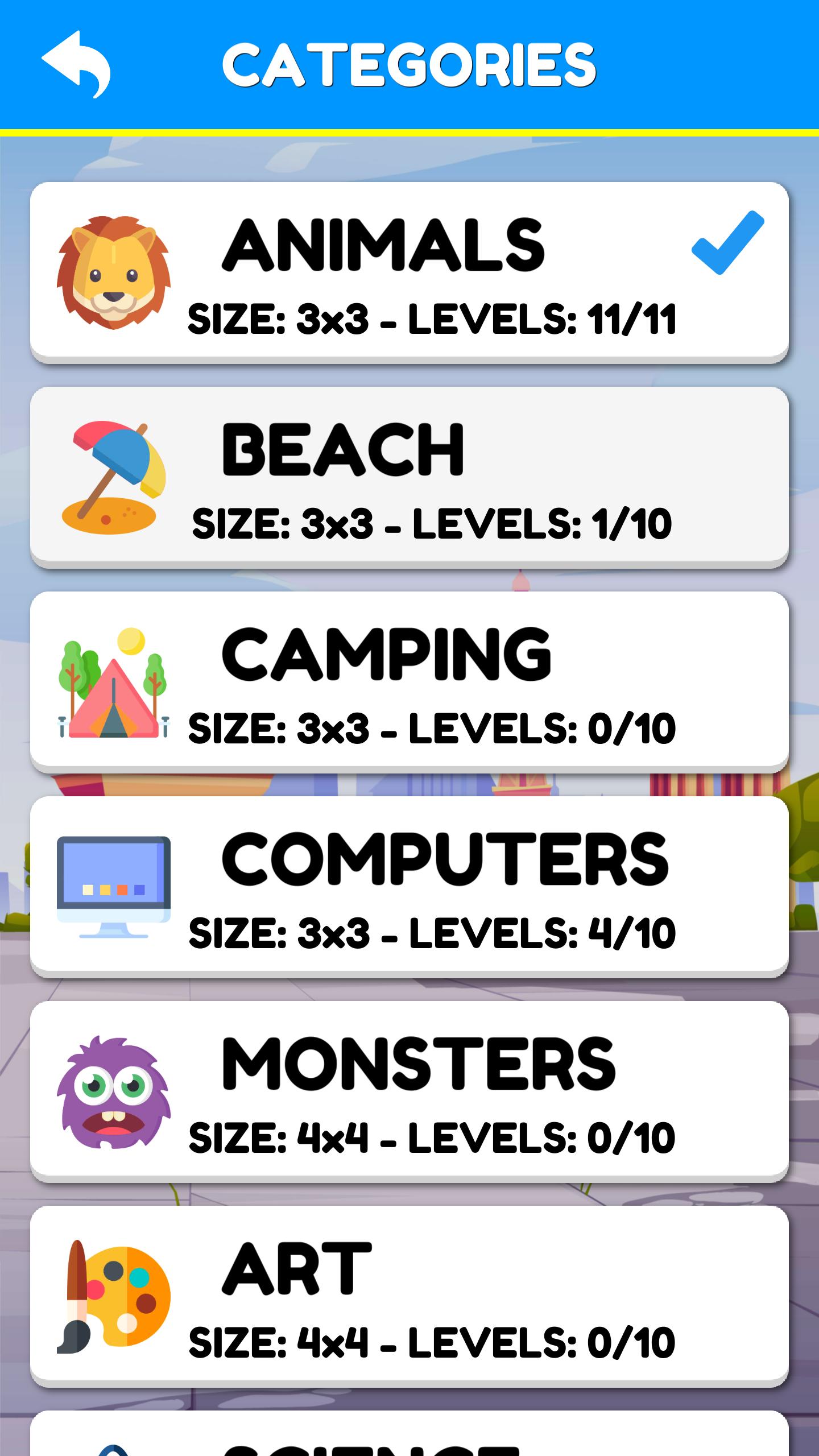
The first word puzzles ease you into the unique Word Brain Puzzle game way of thinking. Word Brain Puzzle Games are challenging and will test how broad your vocabulary. This crossword game will merge the needed skills you need to solve every riddle. Solve the puzzles and use your logic to find the words as you progress through thousands of challenging word puzzles.
Word Brain Puzzle game is free to play and there are so many new words to find and puzzles to solve. Word Brain puzzle game to sharpen your word searching and logic skills. This word puzzle game is a perfect entertainment tool to improve and develop your searching, writing, and solving problem skills.
Can you solve the puzzle of the day? Can you solve the word puzzle of the day tomorrow and maintain your streak? There are thousands of Word Brain players with streaks of hundreds of days long proving that Word Brain Puzzle keeps delivering exciting puzzles and challenges. This game is much more than a word search or a crossword puzzle but once you get hooked no other word game will feel the same.
Enjoy modern word puzzles with word searching, anagrams, and crosswords! Start simple with easy anagram puzzles that can be trickier word puzzles than you think to solve puzzles get trickier as more words are hidden in the levels. Can you solve the puzzles and find the words in the correct order to solve the puzzle?
Word Brain Puzzle game can be tricky! All of the Word Brain puzzles can be solved without using hints, but maybe you’d like some help with the more difficult puzzles. Hints will give you a clue about what words need to be found to solve this puzzle game.
How to play :-
• Connect the letters without lifting your finger, find the hidden words on the board.
• Find hidden words, swipe your finger over them, and see the puzzle collapse.
• To solve the puzzle at a first sight by guessing or maybe by finding one word at a time.
Word Brain Puzzle Game Features :-
• Easy to play with fresh and modern look.
• Suitable for you to train word search skills.
• Find words with bonus to collect more coins.
• Play game offline whenever & wherever.
• With simple gameplay, smooth controls and great physics.
• Simple and easy to play, hard to beat gameplay. Totally FREE for all players.
• Show your vocabulary power by connecting letters and finding all the hidden words.
• This crossword puzzle game starts easy and becomes challenging fast.
• Take each level at your own pace with unlimited tries. Simply fun and relaxation.
• Optimized, plays well on high and low resolution devices with very little memory requirements.
Word Brain Puzzle Game is the word hunt game that over many million people just can't stop playing.
The top-rated word game, from the makers of Word Stacks, Word Chums, Word Flowers, Word Mocha, Word-escapes, and Spell Blitz.
Love word puzzles game and word games? Think you can beat these anagram word puzzle game? Love WordBrain?
Share you’re doodles with your family and friends via Google, Facebook, Meta, Youtube, Twitter, Instagram, LinkedIn, WhatsApp, TikTok, email, and more.
Follow us to get news and updates :-
* Facebook : https://www.facebook.com/madlyplay
* Twitter : https://twitter.com/madlyplay
* Youtube : https://www.youtube.com/channel/UC2eq6re6JDdvFLbXP9d4n_g
* Instagram : https://www.instagram.com/madlyplay
* LinkedIn : https://www.instagram.com/madlyplay
* TikTok : https://www.tiktok.com/madlyplay
* Website : https://sites.google.com/view/madlyplay
Word Brain Puzzle game has been lovingly created by Madlyplay Games where we take fun seriously.
If you have any Questions, Comments or Suggestions so fell free to Contact Us at madlyplaygames@gmail.com.
Preview
Tags
WordInformation
Developer
Madlyplay Games
Latest Version
1.6
Last Updated
2022-05-28
Category
Word
Available on
Google Play
Show More
How to play WordBrain: Puzzle Games with GameLoop on PC
1. Download GameLoop from the official website, then run the exe file to install GameLoop
2. Open GameLoop and search for “WordBrain: Puzzle Games” , find WordBrain: Puzzle Games in the search results and click “Install”
3. Enjoy playing WordBrain: Puzzle Games on GameLoop
Minimum requirements
OS
Windows 8.1 64-bit or Windows 10 64-bit
GPU
GTX 1050
CPU
i3-8300
Memory
8GB RAM
Storage
1GB available space
Recommended requirements
OS
Windows 8.1 64-bit or Windows 10 64-bit
GPU
GTX 1050
CPU
i3-9320
Memory
16GB RAM
Storage
1GB available space