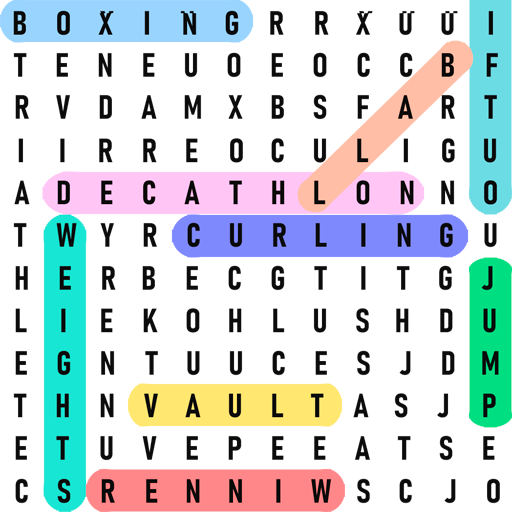
Word Search – Word Games PC
Recommended Word Games
Download Word Search – Word Games on PC With GameLoop Emulator
Word Search – Word Games sa PC
Ang Word Search – Word Games, na nagmumula sa developer na Recommended Word Games, ay tumatakbo sa Android systerm sa nakaraan.
Ngayon, maaari mong laruin ang Word Search – Word Games sa PC gamit ang GameLoop nang maayos.
I-download ito sa GameLoop library o mga resulta ng paghahanap. Hindi na tumitingin sa baterya o nakakadismaya na mga tawag sa maling oras.
I-enjoy lang ang Word Search – Word Games PC sa malaking screen nang libre!
Word Search – Word Games Panimula
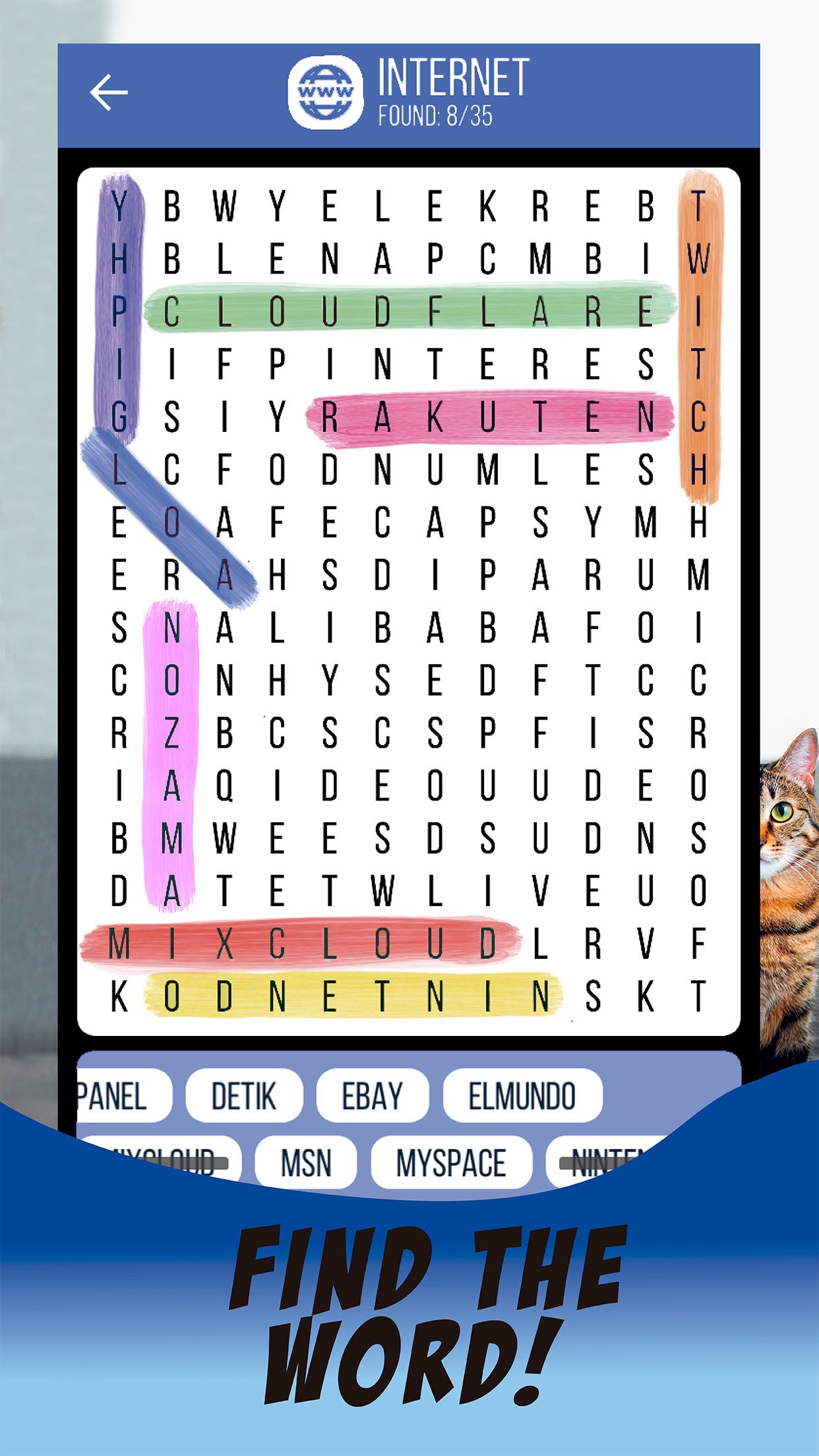
Relax with thousands of classic word search puzzles and keep your brain sharp anytime, anywhere. Word Search – Word Games is an offline word search game in English only, perfect for quick breaks or long puzzle sessions.
Train your vocabulary, focus and memory as you swipe to highlight hidden words in the grid. If you enjoy word games, crosswords, word connect or other letter puzzles, this easy-to-play word search will become your daily habit.
🔍 Why you’ll love this word search game
• Pure classic word search gameplay in English
• Thousands of hand-crafted word search puzzles
• Play completely offline – no Wi-Fi needed
• Smooth controls: swipe up, down, left, right and diagonal
• Relaxed play with no countdown timer
• Clean, easy-to-read design made for all ages
• Perfect both for beginners and word puzzle experts
🧠 Boost your brain with every puzzle
Word search games are a simple way to keep your mind active every day. Find hidden words, improve your spelling and expand your English vocabulary while you play. Use this word search as a calm, screen-light activity before bed or as a quick brain workout on the go.
📚 Lots of categories and difficulty levels
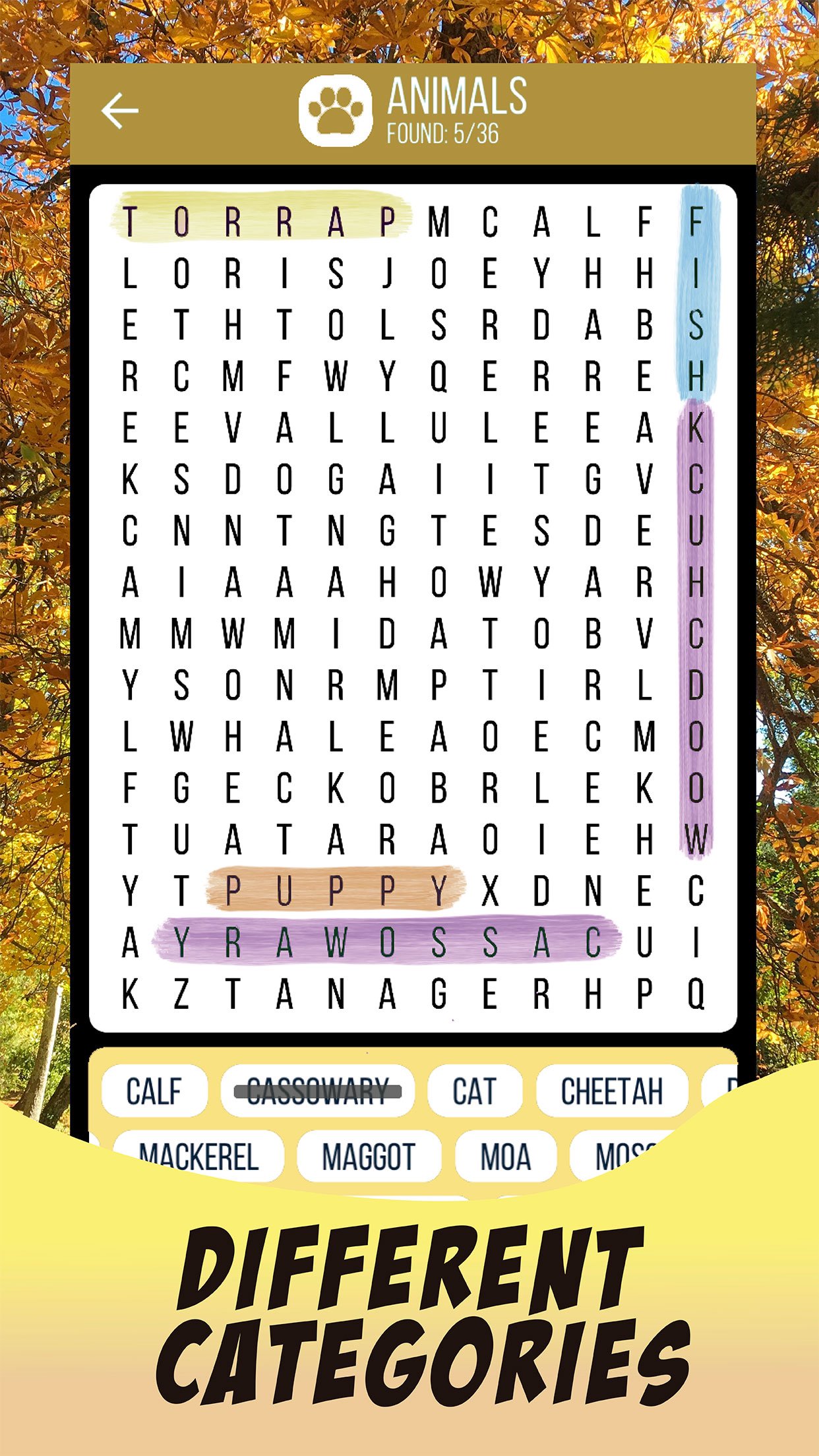
Play themed word search puzzles across many topics: animals, food, travel, nature, hobbies and more. Start with easy grids, then increase the difficulty as you improve. There is always a new challenge waiting for you.
🚆 Play offline – perfect for travel
No internet? No problem. All word search puzzles can be played offline, so you can enjoy the game on planes, trains, buses or anywhere you have a few free minutes.
🎮 Simple, free and addictive
Word Search – Word Games is designed to be simple and satisfying:
• Easy to learn, fun to master
• Quick games when you have a short break
• Longer sessions when you want to relax and disconnect
• Free word search puzzles for endless entertainment
Whether you are a longtime fan of word search puzzles or just starting with word games, this classic offline word search in English is a great way to relax and challenge your mind.
Download now and start finding every hidden word!
Preview
Tags
CasualSingle playerAbstractOfflineSearchInformation
Developer
Recommended Word Games
Latest Version
6.1
Last Updated
2025-11-18
Category
Word
Available on
Google Play
Show More
How to play Word Search – Word Games with GameLoop on PC
1. Download GameLoop from the official website, then run the exe file to install GameLoop
2. Open GameLoop and search for “Word Search – Word Games” , find Word Search – Word Games in the search results and click “Install”
3. Enjoy playing Word Search – Word Games on GameLoop
Minimum requirements
OS
Windows 8.1 64-bit or Windows 10 64-bit
GPU
GTX 1050
CPU
i3-8300
Memory
8GB RAM
Storage
1GB available space
Recommended requirements
OS
Windows 8.1 64-bit or Windows 10 64-bit
GPU
GTX 1050
CPU
i3-9320
Memory
16GB RAM
Storage
1GB available space