
Proverbs Game - Word Puzzle PC
ElitSolutions.com
Download Proverbs Game - Word Puzzle on PC With GameLoop Emulator
Proverbs Game - Word Puzzle sa PC
Ang Proverbs Game - Word Puzzle, na nagmumula sa developer na ElitSolutions.com, ay tumatakbo sa Android systerm sa nakaraan.
Ngayon, maaari mong laruin ang Proverbs Game - Word Puzzle sa PC gamit ang GameLoop nang maayos.
I-download ito sa GameLoop library o mga resulta ng paghahanap. Hindi na tumitingin sa baterya o nakakadismaya na mga tawag sa maling oras.
I-enjoy lang ang Proverbs Game - Word Puzzle PC sa malaking screen nang libre!
Proverbs Game - Word Puzzle Panimula
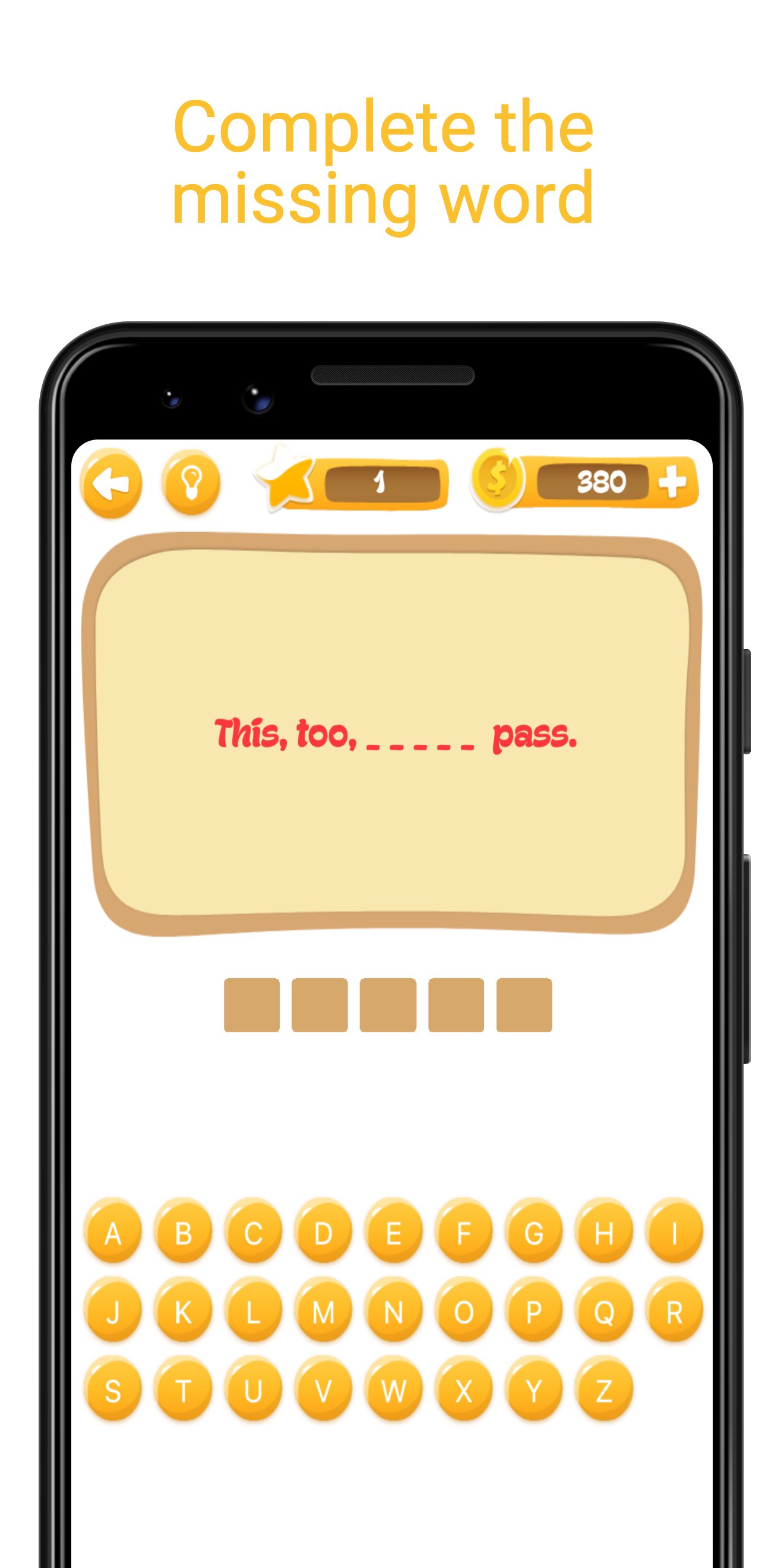
Can you guess the hidden word? Proverbs Game challenges you to complete famous proverbs by guessing the missing word letter by letter.
How to play:
- Read the proverb with a hidden word
- Tap letters on the keyboard to guess
- Chain correct guesses to build combos and earn bonus points
- Use hints when you're stuck
Features:
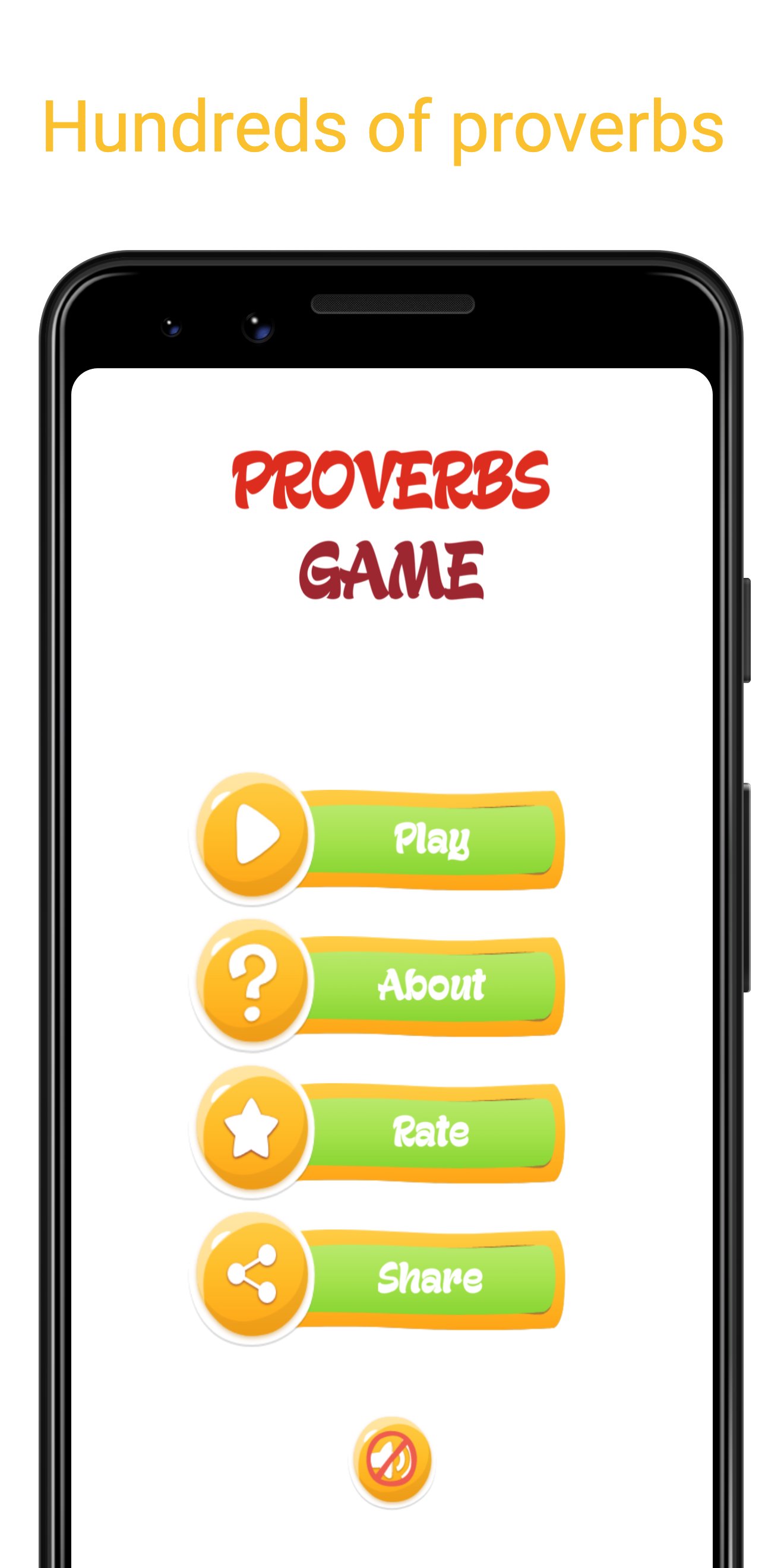
- Hundreds of proverbs to solve
- Combo system that rewards accuracy
- Daily lucky wheel for bonus points
- Watch videos to earn extra points
- Track your stats, streaks and achievements
- View your solved proverbs history
- Multiple hint options: random letter, first letter, or reveal all
Available in 6 languages: English, Azerbaijani, Turkish, Russian, German, and Indonesian.
A fun and educational word puzzle game for all ages. Expand your vocabulary and learn wisdom from around the world!
Preview
Tags
WordInformation
Developer
ElitSolutions.com
Latest Version
1.0.1
Last Updated
2026-04-18
Category
Word
Available on
Google Play
Show More
How to play Proverbs Game - Word Puzzle with GameLoop on PC
1. Download GameLoop from the official website, then run the exe file to install GameLoop
2. Open GameLoop and search for “Proverbs Game - Word Puzzle” , find Proverbs Game - Word Puzzle in the search results and click “Install”
3. Enjoy playing Proverbs Game - Word Puzzle on GameLoop
Minimum requirements
OS
Windows 8.1 64-bit or Windows 10 64-bit
GPU
GTX 1050
CPU
i3-8300
Memory
8GB RAM
Storage
1GB available space
Recommended requirements
OS
Windows 8.1 64-bit or Windows 10 64-bit
GPU
GTX 1050
CPU
i3-9320
Memory
16GB RAM
Storage
1GB available space