Calming Word Guess PC
Soft Towel Games
Download Calming Word Guess on PC With GameLoop Emulator
Calming Word Guess sa PC
Ang Calming Word Guess, na nagmumula sa developer na Soft Towel Games, ay tumatakbo sa Android systerm sa nakaraan.
Ngayon, maaari mong laruin ang Calming Word Guess sa PC gamit ang GameLoop nang maayos.
I-download ito sa GameLoop library o mga resulta ng paghahanap. Hindi na tumitingin sa baterya o nakakadismaya na mga tawag sa maling oras.
I-enjoy lang ang Calming Word Guess PC sa malaking screen nang libre!
Calming Word Guess Panimula
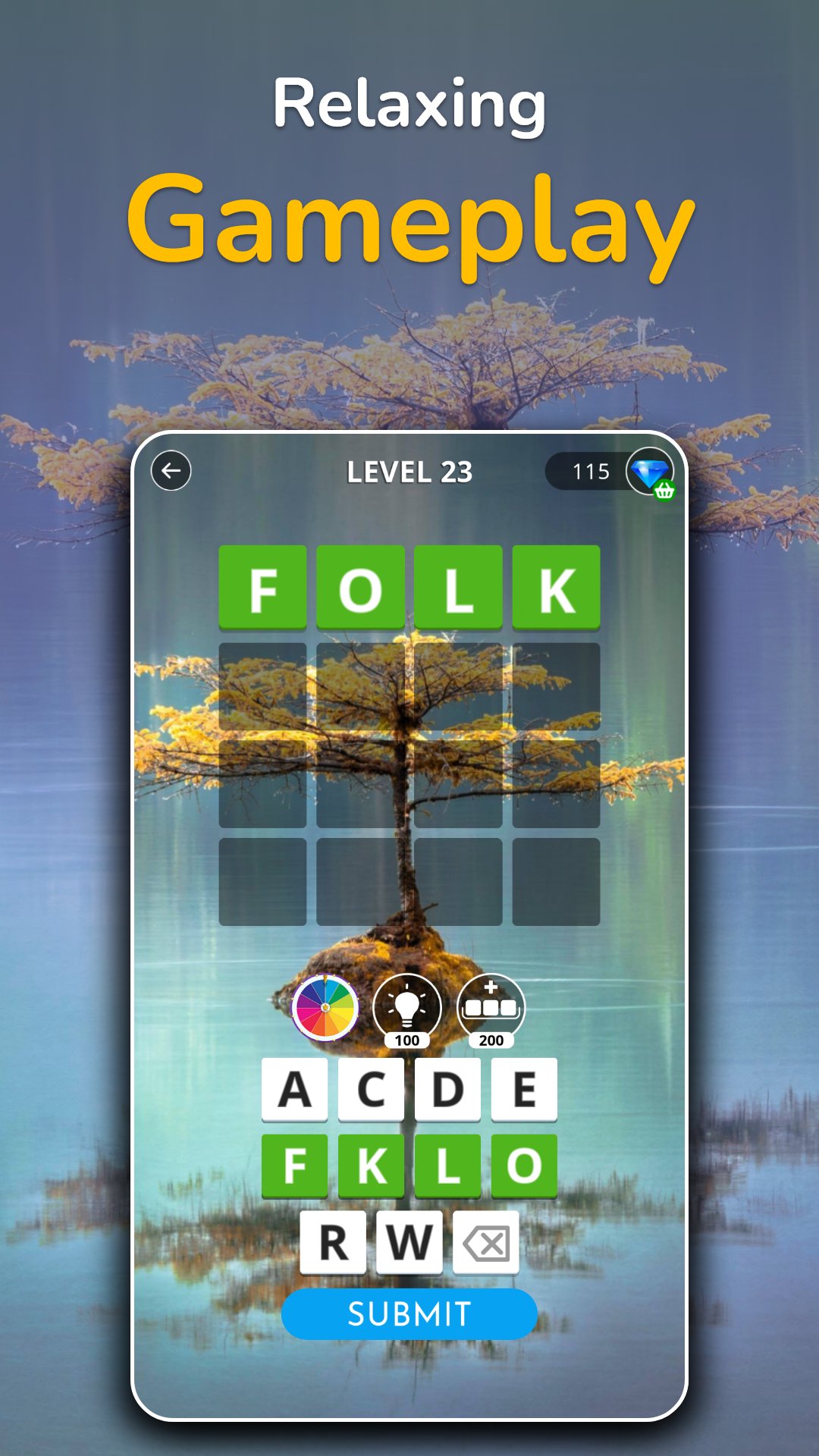
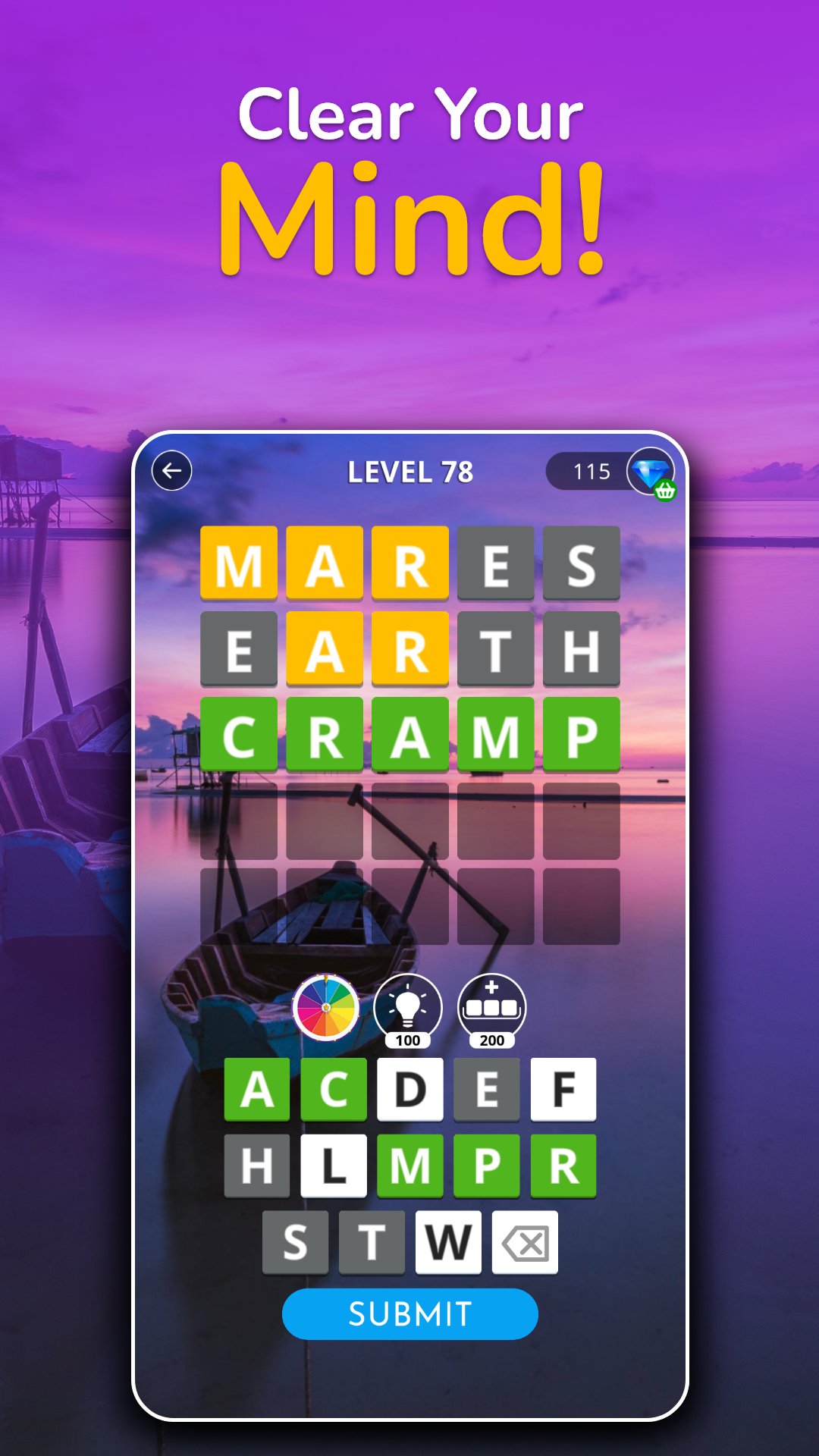
🔥 Calming Word Guess is a new wordle like game, where you try to guess the hidden word in 6 attempts, and using only the provided letter of the alphabet.
🔥 Click on provided letter blocks to form a word; you will not be typing from the keyboard in this game.
🔥 After each guess for the word is submitted, the color of the tiles will change to reveal the accuracy of the guess.
🔥 You don’t need wait for the next day to get another puzzle; you can play for as long as you’d like; no paywall to stop you from playing either!
🔥 At the start, few letters will be provided for quick solving. As the levels progress, more letters will be provided, and puzzles will get harder.
🔥 4-5-6-7 letter words to guess; more than than 2000 levels of continuous play.
Calming Word Guess is playable in the following languages:
Azerbaijani
Brazilian Portuguese
Bulgarian
Czech
Danish
German
English
Spanish
Finnish
French
Greek
Croatian
Hungarian
Indonesian
Italian
Japanese
Lithuanian
Malay
Dutch
Norwegian
Polish
Portuguese
Romanian
Russian
Swedish
Slovak
Slovenian
Turkish
Ukrainian
Preview
Tags
SearchCasualSingle playerRealisticOfflineInformation
Developer
Soft Towel Games
Latest Version
1.1.3
Last Updated
2026-05-04
Category
Word
Available on
Google Play
Show More
How to play Calming Word Guess with GameLoop on PC
1. Download GameLoop from the official website, then run the exe file to install GameLoop
2. Open GameLoop and search for “Calming Word Guess” , find Calming Word Guess in the search results and click “Install”
3. Enjoy playing Calming Word Guess on GameLoop
Minimum requirements
OS
Windows 8.1 64-bit or Windows 10 64-bit
GPU
GTX 1050
CPU
i3-8300
Memory
8GB RAM
Storage
1GB available space
Recommended requirements
OS
Windows 8.1 64-bit or Windows 10 64-bit
GPU
GTX 1050
CPU
i3-9320
Memory
16GB RAM
Storage
1GB available space