Anagram - Word Games PC
Emor Games Studio
Download Anagram - Word Games on PC With GameLoop Emulator
Anagram - Word Games sa PC
Ang Anagram - Word Games, na nagmumula sa developer na Emor Games Studio, ay tumatakbo sa Android systerm sa nakaraan.
Ngayon, maaari mong laruin ang Anagram - Word Games sa PC gamit ang GameLoop nang maayos.
I-download ito sa GameLoop library o mga resulta ng paghahanap. Hindi na tumitingin sa baterya o nakakadismaya na mga tawag sa maling oras.
I-enjoy lang ang Anagram - Word Games PC sa malaking screen nang libre!
Anagram - Word Games Panimula
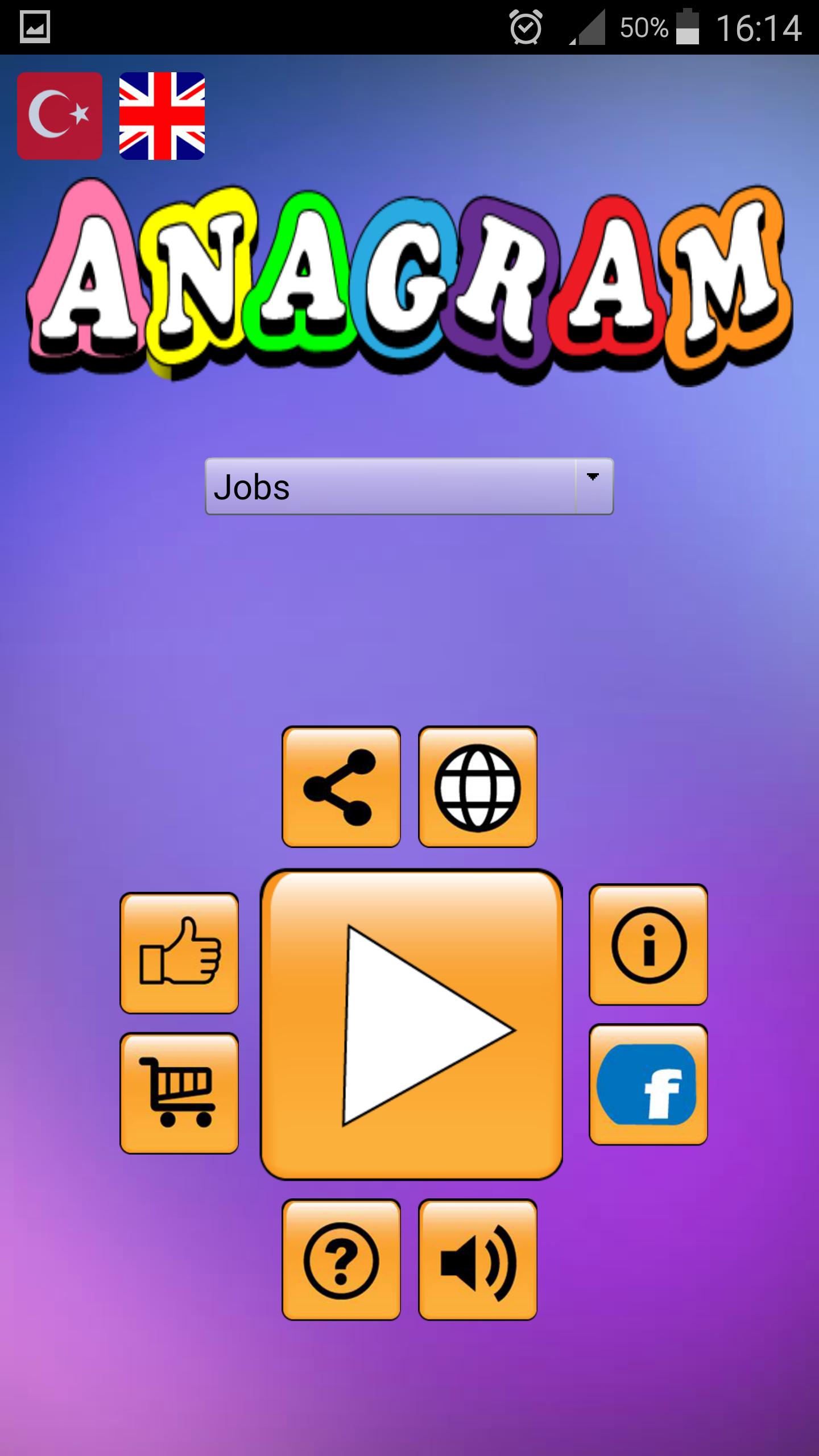
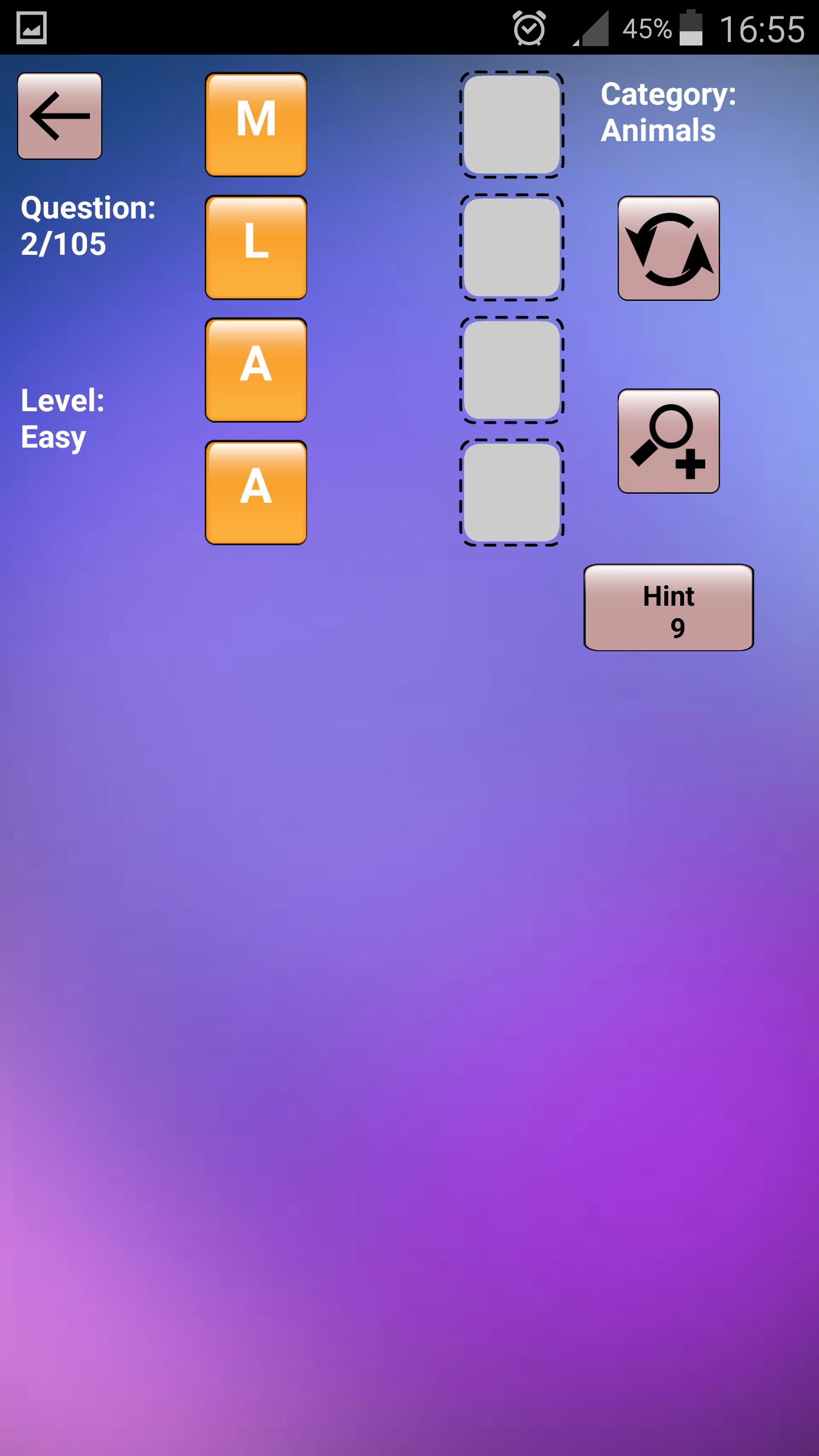
Anagram is the creation of meaningful and correct words by rearranging the mixed letters.
Anagram - Word Game How to Play?
The letterboxes are played by moving them to the empty boxes next to them, like scramble games.
I can not find the word, what shall I do?
You can reach the right words with the tips you get from watching the commercial.
You can purchase tips using the "Store" button on the Anagram - Word Game home page.
Enrich your vocabulary with both an amusing anagram word puzzle game in Turkish or English.
Anagram - Word Game In addition to Turkish, you also have the opportunity to develop your English vocabulary and have fun enjoying learning foreign vocabulary.
Features:
Six different categories.
More than 7 languages support!
This game has language support 'English', 'Deutsch', 'français', 'Español', 'Portuguese', 'Turkish', 'Italian' .
-free and without internet.
-All compatibility with the tables.
-Portability to memory card.
-Totally FREE for all players
- No network required and no time limit
- Suitable for both kids and adults
- Offline games
- Games free download
- Play OFFLINE or ONLINE - anytime, anywhere.
2018 All Rights Reserved. Emor Games Studio.
Preview
Tags
WordInformation
Developer
Emor Games Studio
Latest Version
58.0.0
Last Updated
2025-09-05
Category
Word
Available on
Google Play
Show More
How to play Anagram - Word Games with GameLoop on PC
1. Download GameLoop from the official website, then run the exe file to install GameLoop
2. Open GameLoop and search for “Anagram - Word Games” , find Anagram - Word Games in the search results and click “Install”
3. Enjoy playing Anagram - Word Games on GameLoop
Minimum requirements
OS
Windows 8.1 64-bit or Windows 10 64-bit
GPU
GTX 1050
CPU
i3-8300
Memory
8GB RAM
Storage
1GB available space
Recommended requirements
OS
Windows 8.1 64-bit or Windows 10 64-bit
GPU
GTX 1050
CPU
i3-9320
Memory
16GB RAM
Storage
1GB available space