
Weather@Home PC
Oregon Scientific Global Distribution Limited
Download Weather@Home on PC With GameLoop Emulator
Weather@Home sa PC
Ang Weather@Home, na nagmumula sa developer na Oregon Scientific Global Distribution Limited, ay tumatakbo sa Android systerm sa nakaraan.
Ngayon, maaari mong laruin ang Weather@Home sa PC gamit ang GameLoop nang maayos.
I-download ito sa GameLoop library o mga resulta ng paghahanap. Hindi na tumitingin sa baterya o nakakadismaya na mga tawag sa maling oras.
I-enjoy lang ang Weather@Home PC sa malaking screen nang libre!
Weather@Home Panimula
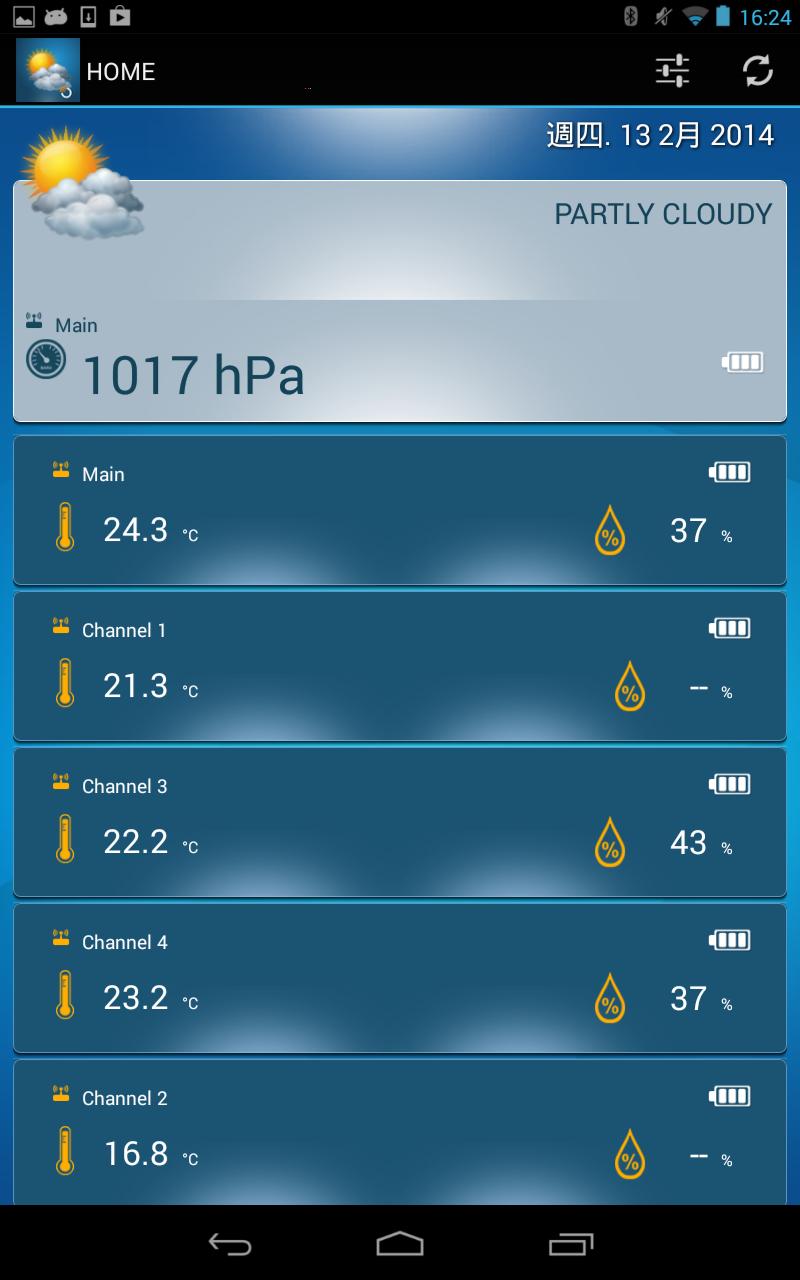
The Oregon Scientific Weather@Home Bluetooth weather series offers you the added convenience of App connectivity allowing you to view weather data collected by the product on your BLE-enabled smart device. With up to 50m transmission range, you can freely move around your house while checking out the latest updates.
- Requires Weather@Home Bluetooth Weather series. (Model no. : BAR218HG, RAR213HG or EMR211)
- Weather information provided varies over different models, including :
- +12hrs Weather Forecast
- Air pressure
- Indoor Temperature & Humidity
- Outdoor Temperature & Humidity
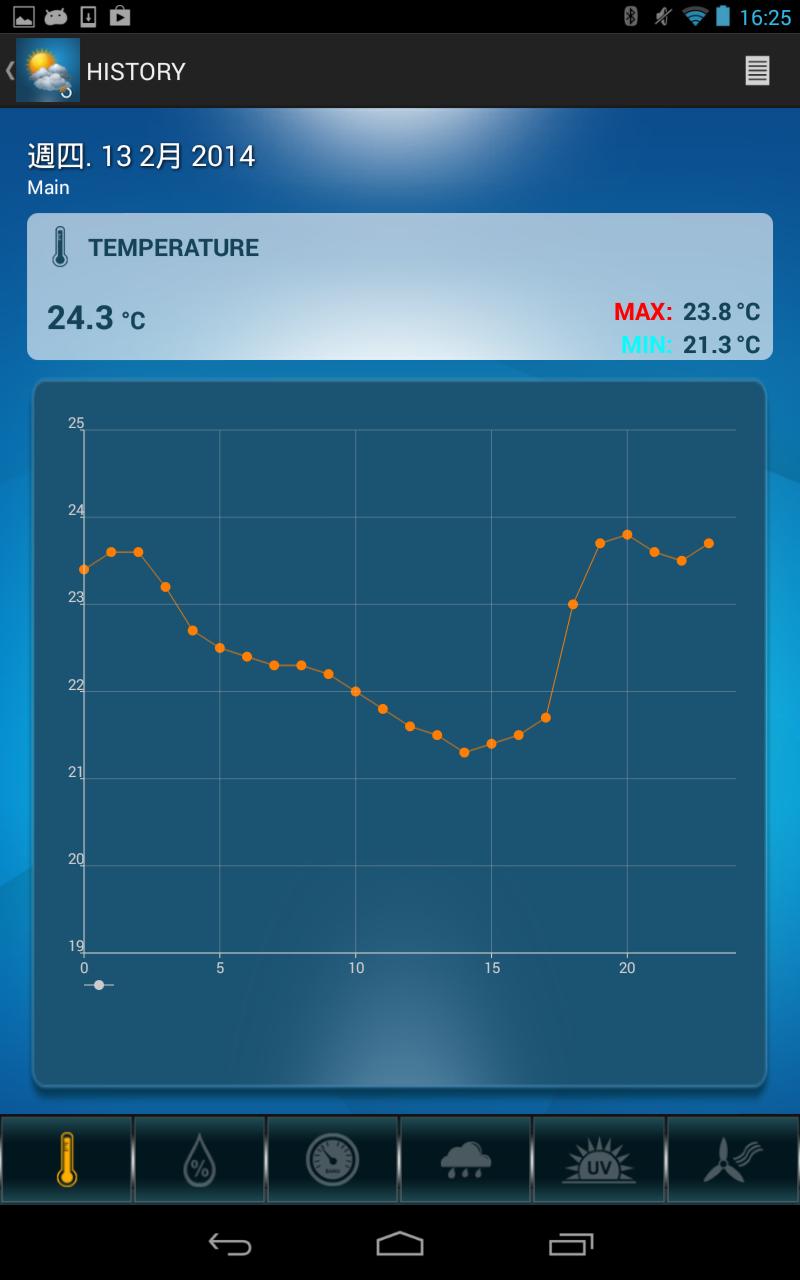
- Hourly 7days history
- Sync time for main unit
- Customizable sensor labeling for each channel
Preview
Tags
WeatherInformation
Developer
Oregon Scientific Global Distribution Limited
Latest Version
1.0.13
Last Updated
2018-06-10
Category
Weather
Available on
Google Play
Show More
How to play Weather@Home with GameLoop on PC
1. Download GameLoop from the official website, then run the exe file to install GameLoop
2. Open GameLoop and search for “Weather@Home” , find Weather@Home in the search results and click “Install”
3. Enjoy playing Weather@Home on GameLoop
Minimum requirements
OS
Windows 8.1 64-bit or Windows 10 64-bit
GPU
GTX 1050
CPU
i3-8300
Memory
8GB RAM
Storage
1GB available space
Recommended requirements
OS
Windows 8.1 64-bit or Windows 10 64-bit
GPU
GTX 1050
CPU
i3-9320
Memory
16GB RAM
Storage
1GB available space