
VEXUS CAM PC
VEXUS BRASIL
Download VEXUS CAM on PC With GameLoop Emulator
VEXUS CAM sa PC
Ang VEXUS CAM, na nagmumula sa developer na VEXUS BRASIL, ay tumatakbo sa Android systerm sa nakaraan.
Ngayon, maaari mong laruin ang VEXUS CAM sa PC gamit ang GameLoop nang maayos.
I-download ito sa GameLoop library o mga resulta ng paghahanap. Hindi na tumitingin sa baterya o nakakadismaya na mga tawag sa maling oras.
I-enjoy lang ang VEXUS CAM PC sa malaking screen nang libre!
VEXUS CAM Panimula
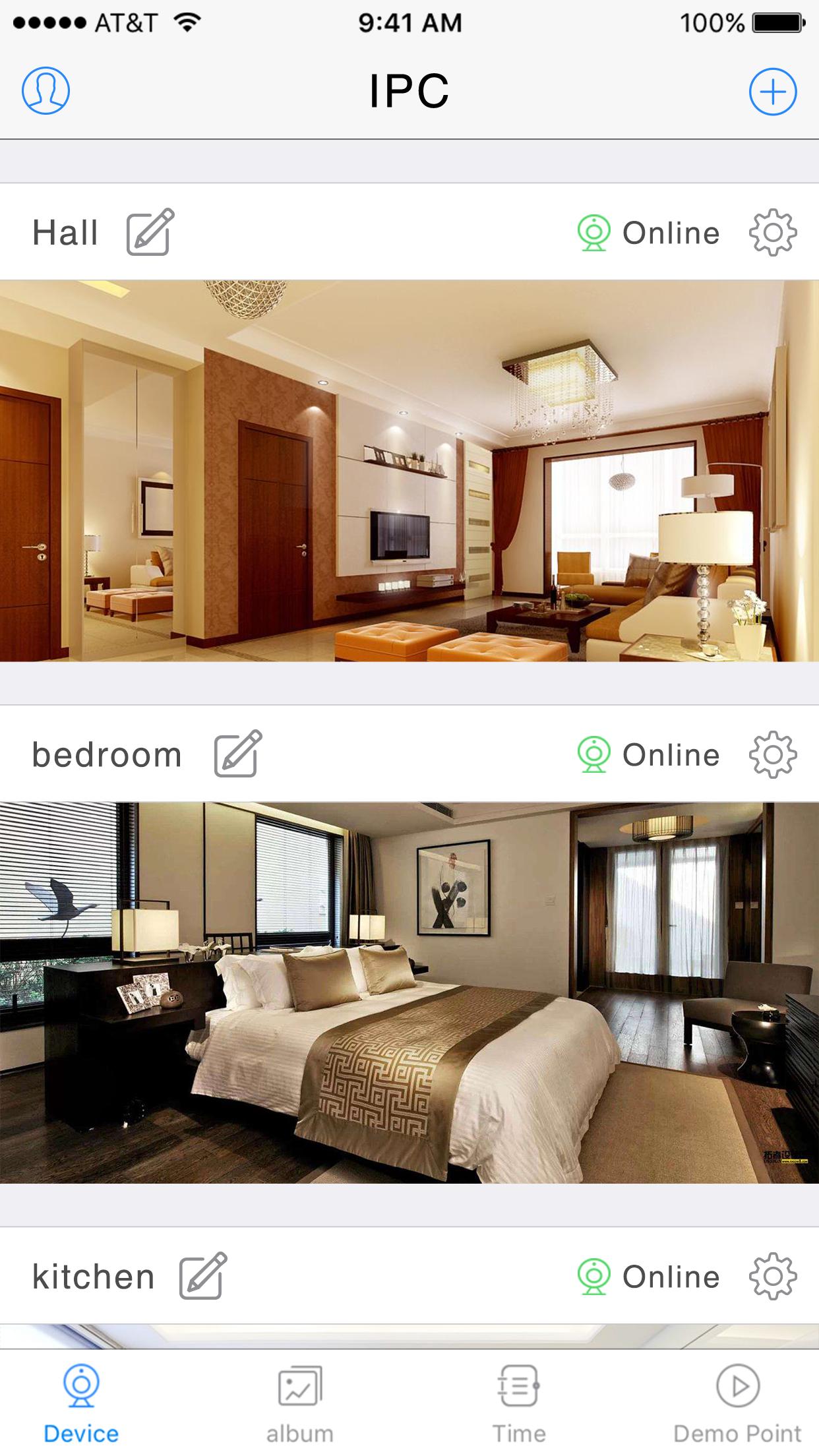
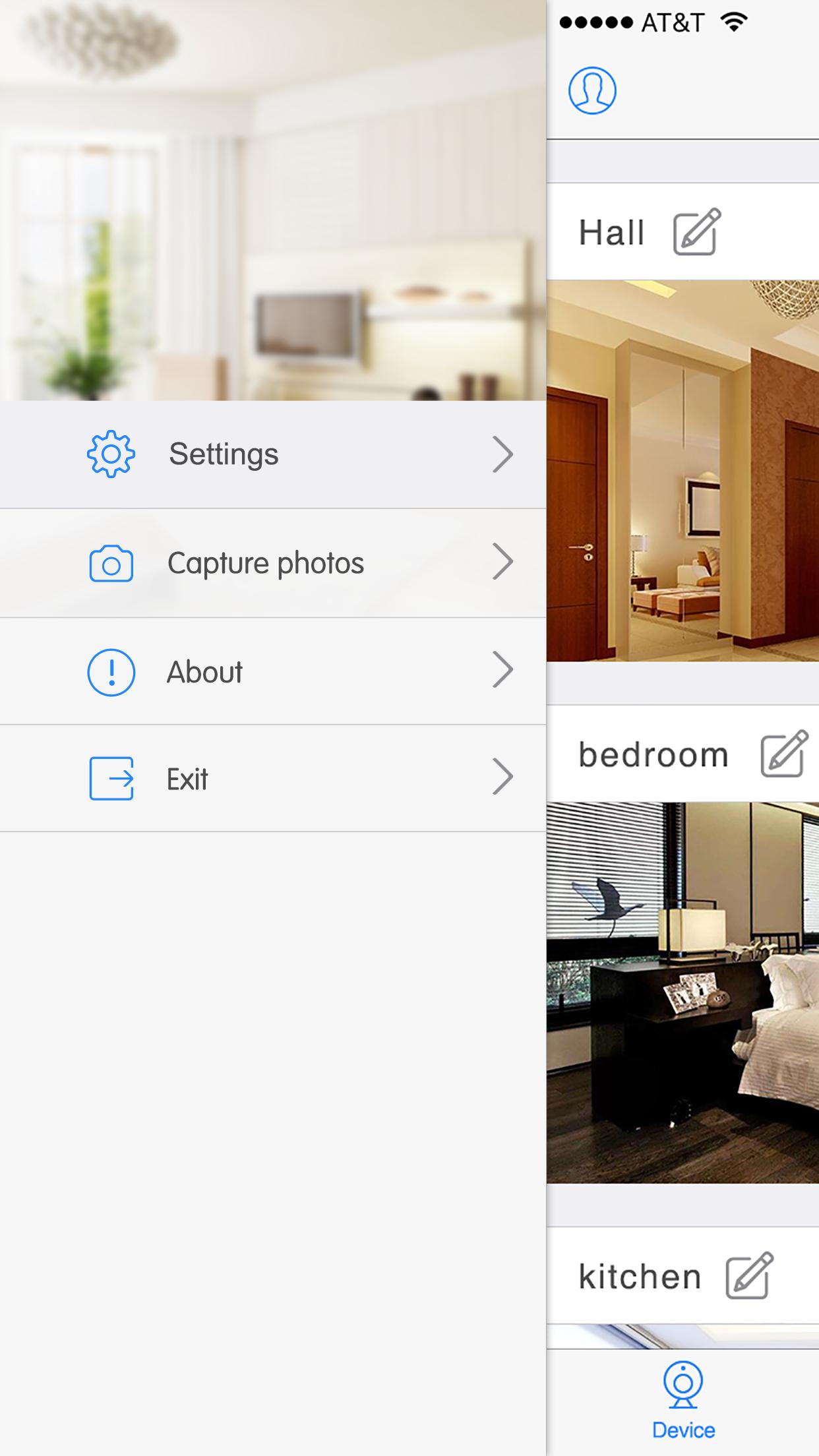
Support multiplayer online browsing. Just add the cameras to you phone with this App
· Easily direct connect to your cameras through VEXUS CAM secure live connection service (Free).
· Simple setup process, does not need setup dynamic DNS or port forwarding on your home router.
· Supports VEXUS CAM camera edge recording, record and play back from on camera SD card
· Save snapshots and record video clips to your photos folder Pan, tilt and zoom control for VEXUS CAM Pan Tilt cameras
· Listen and talk through your audio enabled cameras
· Control IR lights by switching between day and night modes
· Turn on or turn off real time notification from your VEXUS CAM cameras
Support VEXUS CAM cameras only, functions base on camera’s available features
Preview
Information
Developer
VEXUS BRASIL
Latest Version
V6.38.02.09
Last Updated
2019-09-11
Category
Weather
Available on
Google Play
Show More
How to play VEXUS CAM with GameLoop on PC
1. Download GameLoop from the official website, then run the exe file to install GameLoop
2. Open GameLoop and search for “VEXUS CAM” , find VEXUS CAM in the search results and click “Install”
3. Enjoy playing VEXUS CAM on GameLoop
Minimum requirements
OS
Windows 8.1 64-bit or Windows 10 64-bit
GPU
GTX 1050
CPU
i3-8300
Memory
8GB RAM
Storage
1GB available space
Recommended requirements
OS
Windows 8.1 64-bit or Windows 10 64-bit
GPU
GTX 1050
CPU
i3-9320
Memory
16GB RAM
Storage
1GB available space