
ZDFtivi-App – Kinderfernsehen PC
ZDFonline
Download ZDFtivi-App – Kinderfernsehen on PC With GameLoop Emulator
ZDFtivi-App – Kinderfernsehen sa PC
Ang ZDFtivi-App – Kinderfernsehen, na nagmumula sa developer na ZDFonline, ay tumatakbo sa Android systerm sa nakaraan.
Ngayon, maaari mong laruin ang ZDFtivi-App – Kinderfernsehen sa PC gamit ang GameLoop nang maayos.
I-download ito sa GameLoop library o mga resulta ng paghahanap. Hindi na tumitingin sa baterya o nakakadismaya na mga tawag sa maling oras.
I-enjoy lang ang ZDFtivi-App – Kinderfernsehen PC sa malaking screen nang libre!
ZDFtivi-App – Kinderfernsehen Panimula
Access the ZDF children's and youth program on the move.
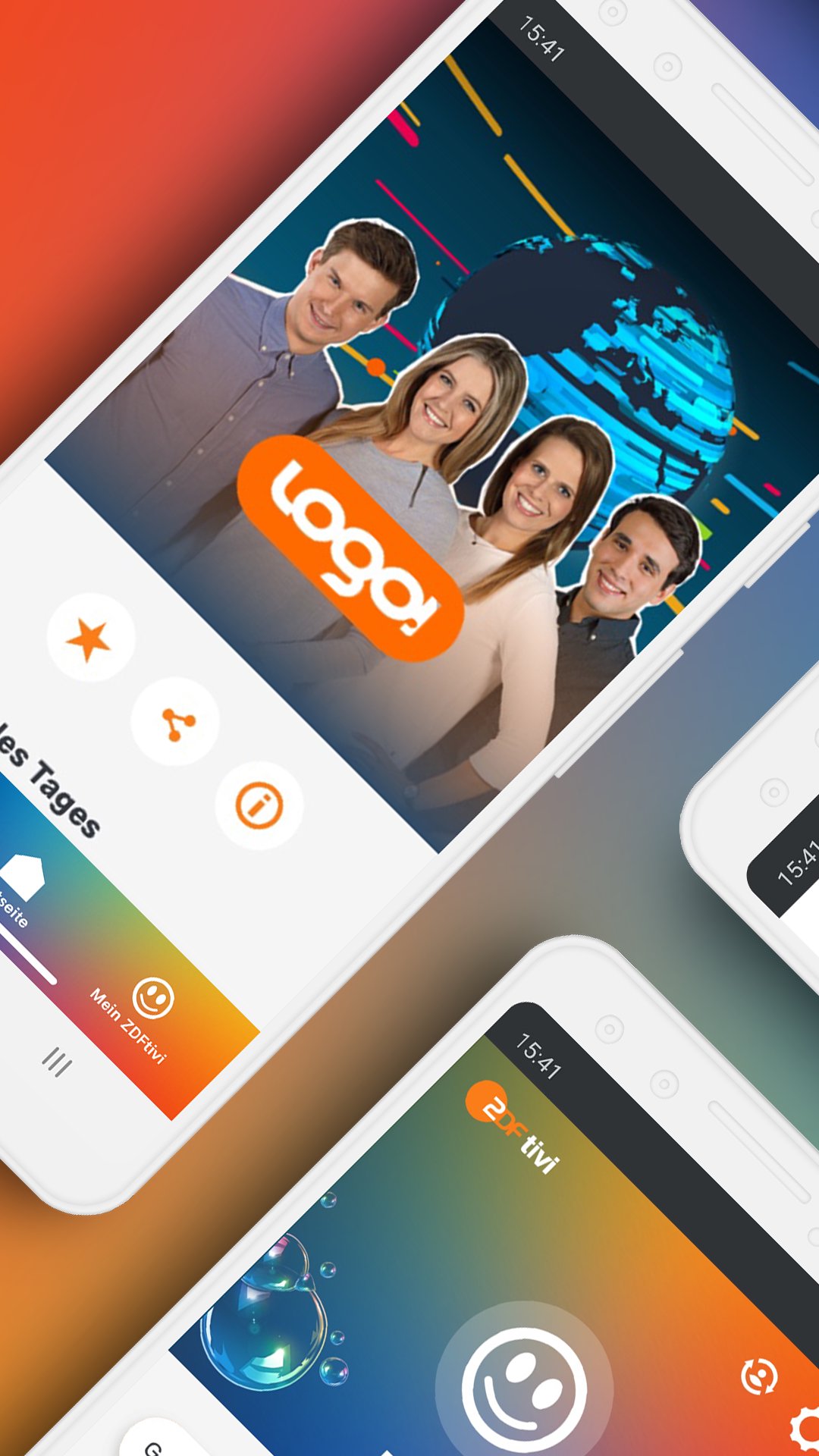
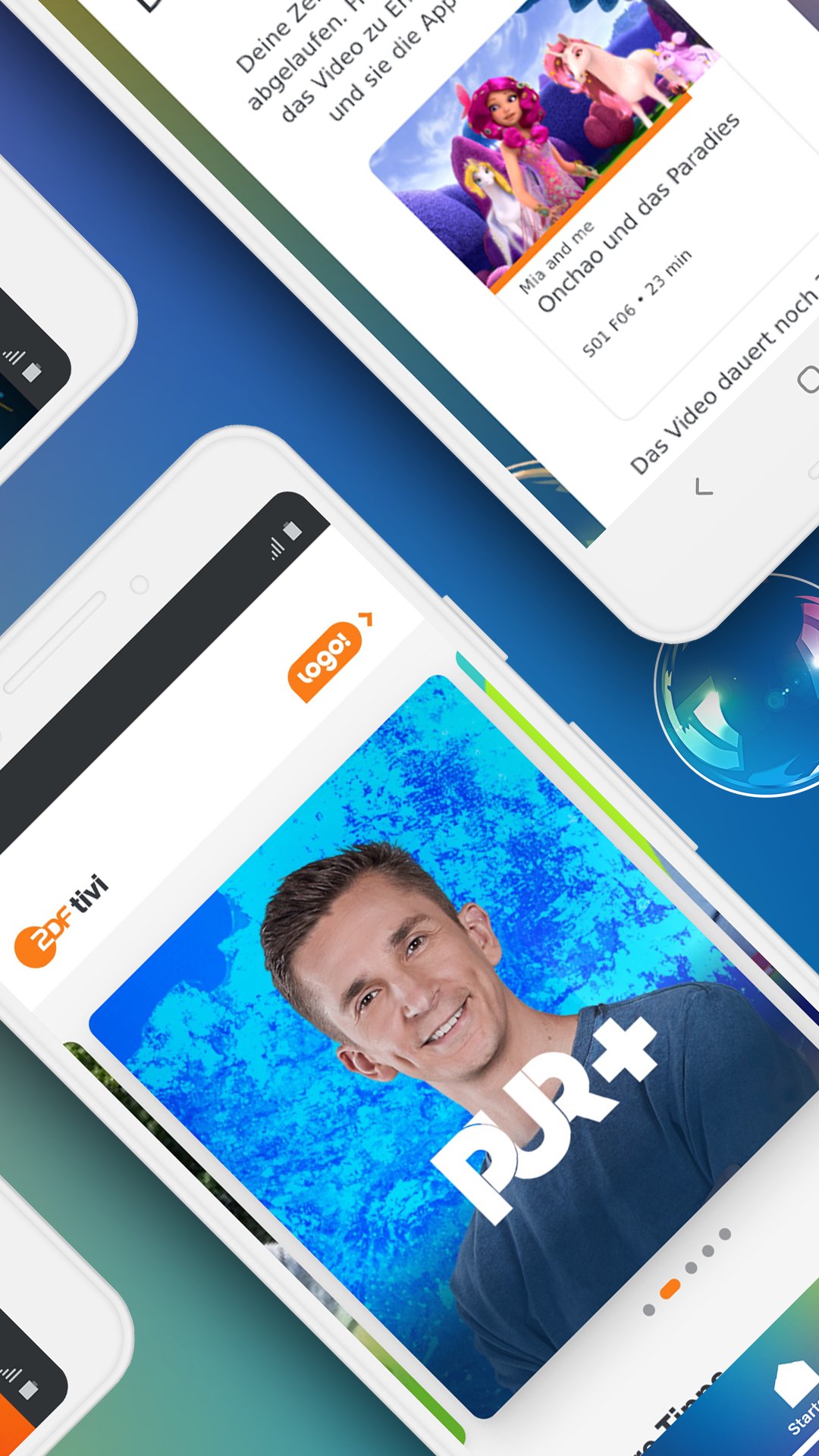
With the ZDFtivi app, a variety of popular children's series and children's films from the ZDFtivi and KiKA programs are available on mobile. Like all ZDF online offerings, the ZDFtivi app is ad-free, without in-app purchases and free of charge.
The app is available for smartphones, tablets and Android TV.
ZDFtivi app for smartphone and tablet
- Wide public VOD offering with entire programs: classics of children's television (e.g. Löwenzahn, 1, 2 or 3, logo!, PUR+), successful series (e.g. Mako - Simply Mermaid, Boys' WG, Girls' WG, Bibi Blocksberg, JoNaLu, My Friend Conni, Maya the Bee, Heidi), fairy tales and children's films
- Watch offline: almost all content of the children's program can be watched offline. Videos can be saved for a longer journey and viewed independently of network connections.
- Create a profile for each child: very conveniently without registering or logging in. You can easily switch between profiles in the app.
- Age-appropriate access: Select ZDFchen mode (content for children up to 6 years) or ZDFtivi mode (all content without restrictions).
- Parental area: set the time of use of the app, edit and delete profiles (multiple profiles can be created per device) and edit data protection settings.
- Chromecast function
- Watch list: under “My ZDFtivi” or “My ZDFchen” you will find the watch list as well as content and programs marked for offline viewing. As soon as there is new content for the saved programs, it will be displayed in “My ZDFtivi”.
- logo! children's news: quick access in ZDFtivi mode
- Barrier-free offers: quick access to the homepage
- Accessible settings: select that all videos are automatically played with subtitles, audio versions or German sign language (if available).
The following access permissions are required
- Phone: for offline mode of the app
- Phone statistics/ID: to read Android version of the device (for Chromecast)
- Network status/Wi-Fi status: for Chromecast and to show offline mode
- Show over other apps: required for Chromecast
- Prevent standby mode: so that the app does not switch to standby or the screen saver is activated while a video is playing
ZDFtivi app for SmartTV
- Wide public VOD offering with entire programs: classics (e.g. Löwenzahn, 1, 2 or 3, logo!-Kindernachrichten, PUR+), successful series (e.g. Mako – Simply Mermaid, Boys' WG, Girls' WG, Bibi Blocksberg, JoNaLu, My Friend Conni, Maya the Bee, Heidi), fairy tales and children's films
- Fast access to ZDFchen: all programs and videos for children up to 6 years bundled
- Accessible settings - select that all videos are automatically played with subtitles, audio versions or German sign language (if available).
General information
- The ZDFtivi app is free, ad-free and without in-app purchases, like all ZDF online offerings.
- The app is a safe space for children. Comments (optional) are checked by the ZDFtivi team and only released after moderation.
- A flat rate makes sense for use outside of a WLAN, as otherwise high connection costs can be incurred.
- For legal reasons, some ZDFtivi programs can only be accessed online as video in Germany or in German-speaking countries (Germany, Austria, Switzerland) (geoblocking). A list of all programs available worldwide can be found here: https://www.zdf.de/kinder/ueber-zdftivi/zdftivi-weltweit-100.html
- Optimized for Android 7 and above.
Contact
Please send feedback on the ZDFtivi app to tivi@zdf.de
Further information at www.zdftivi.de
Preview
Tags
Video-PlayersInformation
Developer
ZDFonline
Latest Version
3.12
Last Updated
2026-03-25
Category
Video-players-editors
Available on
Google Play
Show More
How to play ZDFtivi-App – Kinderfernsehen with GameLoop on PC
1. Download GameLoop from the official website, then run the exe file to install GameLoop
2. Open GameLoop and search for “ZDFtivi-App – Kinderfernsehen” , find ZDFtivi-App – Kinderfernsehen in the search results and click “Install”
3. Enjoy playing ZDFtivi-App – Kinderfernsehen on GameLoop
Minimum requirements
OS
Windows 8.1 64-bit or Windows 10 64-bit
GPU
GTX 1050
CPU
i3-8300
Memory
8GB RAM
Storage
1GB available space
Recommended requirements
OS
Windows 8.1 64-bit or Windows 10 64-bit
GPU
GTX 1050
CPU
i3-9320
Memory
16GB RAM
Storage
1GB available space