
All Video Downloader PC
downing app
Download All Video Downloader on PC With GameLoop Emulator
All Video Downloader sa PC
Ang All Video Downloader, na nagmumula sa developer na downing app, ay tumatakbo sa Android systerm sa nakaraan.
Ngayon, maaari mong laruin ang All Video Downloader sa PC gamit ang GameLoop nang maayos.
I-download ito sa GameLoop library o mga resulta ng paghahanap. Hindi na tumitingin sa baterya o nakakadismaya na mga tawag sa maling oras.
I-enjoy lang ang All Video Downloader PC sa malaking screen nang libre!
All Video Downloader Panimula
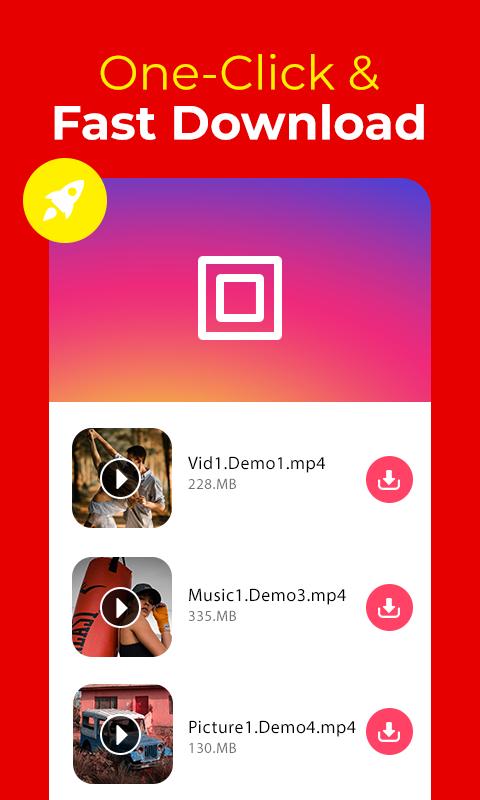
The Fastest Private HD Video Downloader & Free File Saver. Download Private Free videos and Fast browse in just a one click from all social webs.
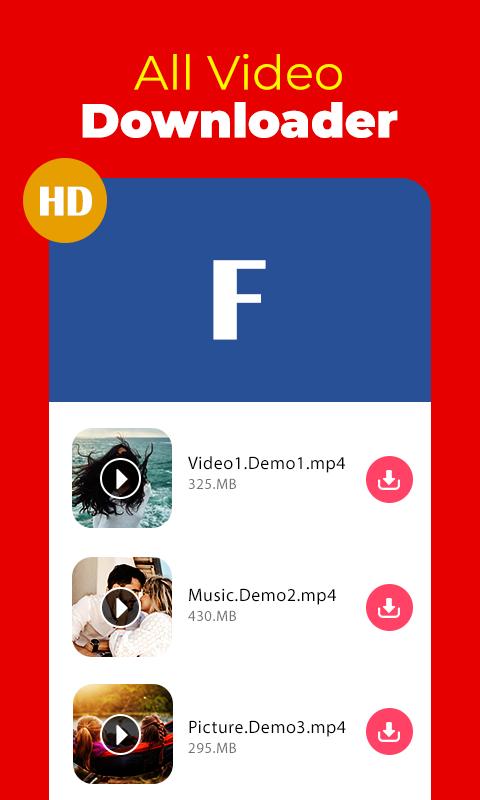
All video downloader app auto detects videos from webs, For Download detected videos you neet to click just download button. Download multiple videos at a same time. Also you can paste the download video link into our app to start the download with fastest video download manager. Free Video Downloader also play videos offline, 100% free!
Free Video Download - All Video Downloader enables you to download your favourite videos free by simply searching and social networks video clips on your mobile with the fastest speed from website URLs such as, Facebook, Instagram, etc. Easily download your favorite videos with all formats videos and files directly from the Internet to your device. Fast and free video downloader.
The powerful download manager can download multiple files at same time, also you can download big files, you can resume downloading files from previous downloaded files, This Free Downloader can download files in background also. This app provide you to rename, pause - resume downloading files, share and your downloads. video downloader/status saver is a super-fast video downloader, totally free, supports downloading videos with HD clearity Video Downlaoder through the link with built-in browser. Also you can play videos with built-in Video Player without downloading files.
Features:
===========
- In-built online Video Player, website browser, free video downloader and player.
- Auto detect videos from webs.
- Watch and single click file download in 4K videos quality.
- Background video downloader with multiple videos with fastest speed.
- Supports SD card to store videos with powerful download manager.
- Support all formats, MP3, M4A, MP4, MKV, M4V, MOV, AVI, WMV, DOC, XLS, PDF, TXT, etc
- Resume big files file from last stop.
- 3x downloading speed without buffering.
- Don't worry about network failure, You can resume download from previously stop.
- You can find full list of history and open them again in video browser downlaoder.
- Save videos on secret place and enable privacy setting.
- Secure your videos from unwanted person.
- video downloader/story saver
- unlimited video downloading and watching free videos online
HOW To USE:
==================
✰ Fast download social media clips in HD quality with the built-in browser
✰ Play the video you want to download now
✰ Download HD videos, pictures, and files with simply one click
✰ Best Video Downloader free!
Browser Private Downloader
Browse your favourite webs and download with this private downloader and browser. This secret safe browser downloader keeps your downloaded videos safe. This private browser allows you to browse secretly without leaving any traces.
Disclaimer:
• This app does not belong to nor is authorized by any social media site
• Please get permission from the content owner before you repost videos.
• Any unauthorized actions (re-uploading or downloading of contents) and/or violations of intellectual property rights is the sole responsibility of the user
• Downloading files protected by copyright is prohibited and regulated by the law of the country.
• This app doesn't support downloading YouTube videos due to the policy of the Play Store.
• If you want to prohibit video downloading from your website then please contact us, we will disable downloading videos from your website.
• You can't download videos restricted by website owner or some private videos as per their content policy.
Preview
Tags
Video-PlayersInformation
Developer
downing app
Latest Version
1.0.10
Last Updated
2023-11-24
Category
Video-players-editors
Available on
Google Play
Show More
How to play All Video Downloader with GameLoop on PC
1. Download GameLoop from the official website, then run the exe file to install GameLoop
2. Open GameLoop and search for “All Video Downloader” , find All Video Downloader in the search results and click “Install”
3. Enjoy playing All Video Downloader on GameLoop
Minimum requirements
OS
Windows 8.1 64-bit or Windows 10 64-bit
GPU
GTX 1050
CPU
i3-8300
Memory
8GB RAM
Storage
1GB available space
Recommended requirements
OS
Windows 8.1 64-bit or Windows 10 64-bit
GPU
GTX 1050
CPU
i3-9320
Memory
16GB RAM
Storage
1GB available space