
HD Video Player PC
Destiny Tool
Download HD Video Player on PC With GameLoop Emulator
HD Video Player sa PC
Ang HD Video Player, na nagmumula sa developer na Destiny Tool, ay tumatakbo sa Android systerm sa nakaraan.
Ngayon, maaari mong laruin ang HD Video Player sa PC gamit ang GameLoop nang maayos.
I-download ito sa GameLoop library o mga resulta ng paghahanap. Hindi na tumitingin sa baterya o nakakadismaya na mga tawag sa maling oras.
I-enjoy lang ang HD Video Player PC sa malaking screen nang libre!
HD Video Player Panimula
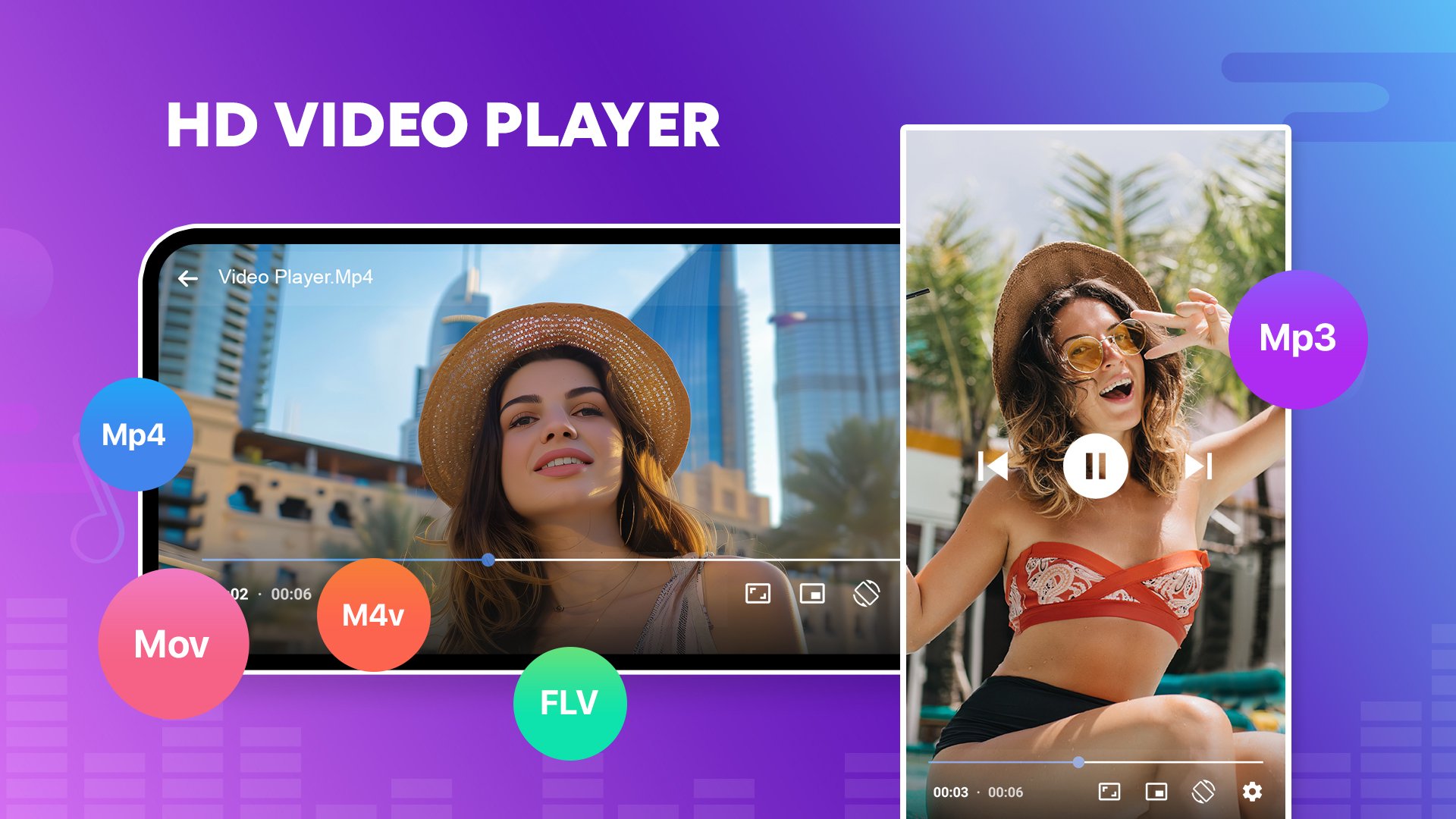
HD Video Player is a powerful and professional video playback tool that supports all video formats, including 4K and Ultra HD files, delivering crystal-clear high-definition viewing. It’s one of the best HD video players available for Android phones.
Enjoy a seamless video experience on mobile with our stunning UX/UI design and robust playback features. Play all your favorite videos-regardless of format-in smooth, high-quality resolution, anytime and anywhere.
• Supports All Formats - Play M4V, MKV, TS, 3GP, FLV, AVI, RMVB, MOV, MP3, MPG, WMV, MP4, and more.
• Built-In Music Player - Supports MP3 and other audio formats for seamless music playback.
• Multitasking Options - Split-screen mode and background play for audio-only streaming.
• Smart Playback Controls - Pinch to zoom, auto-rotate, and adjust aspect ratio with ease.
• Pop-Up Video Player - Watch videos in a floating window while using other apps.
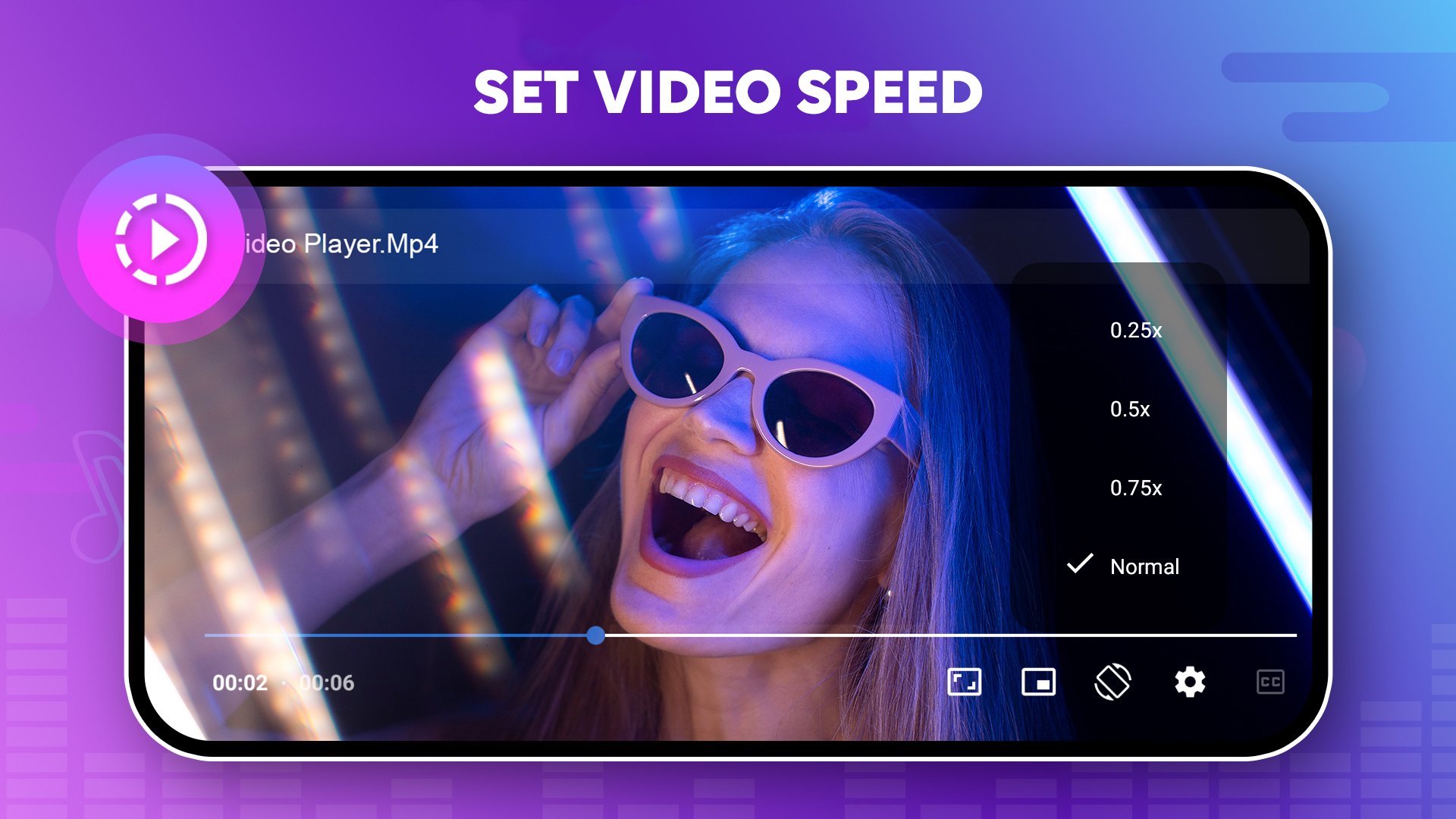
• Custom Playback Speed - Fine-tune your viewing experience with adjustable speed settings.
• Gesture Controls - Swipe to control volume, brightness, and playback progress.
• Easy Media Management - Browse and search all media files by name, artist, album, and more.
HD Video Player is a simple yet powerful media player designed to handle almost every video format stored on your phone. With advanced playback capabilities, it delivers smooth performance and crystal-clear quality for all your videos.
Whether you’re watching clips recorded on your smartphone or enjoying videos you’ve downloaded, Full HD Video Player ensures an effortless, high-quality viewing experience. It supports a wide range of resolutions-including HD, Full HD, 1080p, and 4K-with fast, smooth playback every time.
Download HD Video Player app today and start enjoying your favorite videos and music on your device!
Preview
Tags
Video-PlayersInformation
Developer
Destiny Tool
Latest Version
111.14
Last Updated
2025-12-07
Category
Video-players-editors
Available on
Google Play
Show More
How to play HD Video Player with GameLoop on PC
1. Download GameLoop from the official website, then run the exe file to install GameLoop
2. Open GameLoop and search for “HD Video Player” , find HD Video Player in the search results and click “Install”
3. Enjoy playing HD Video Player on GameLoop
Minimum requirements
OS
Windows 8.1 64-bit or Windows 10 64-bit
GPU
GTX 1050
CPU
i3-8300
Memory
8GB RAM
Storage
1GB available space
Recommended requirements
OS
Windows 8.1 64-bit or Windows 10 64-bit
GPU
GTX 1050
CPU
i3-9320
Memory
16GB RAM
Storage
1GB available space