
Video Quality Upscaler PC
Mobihero Apps
Download Video Quality Upscaler on PC With GameLoop Emulator
Video Quality Upscaler sa PC
Ang Video Quality Upscaler, na nagmumula sa developer na Mobihero Apps, ay tumatakbo sa Android systerm sa nakaraan.
Ngayon, maaari mong laruin ang Video Quality Upscaler sa PC gamit ang GameLoop nang maayos.
I-download ito sa GameLoop library o mga resulta ng paghahanap. Hindi na tumitingin sa baterya o nakakadismaya na mga tawag sa maling oras.
I-enjoy lang ang Video Quality Upscaler PC sa malaking screen nang libre!
Video Quality Upscaler Panimula
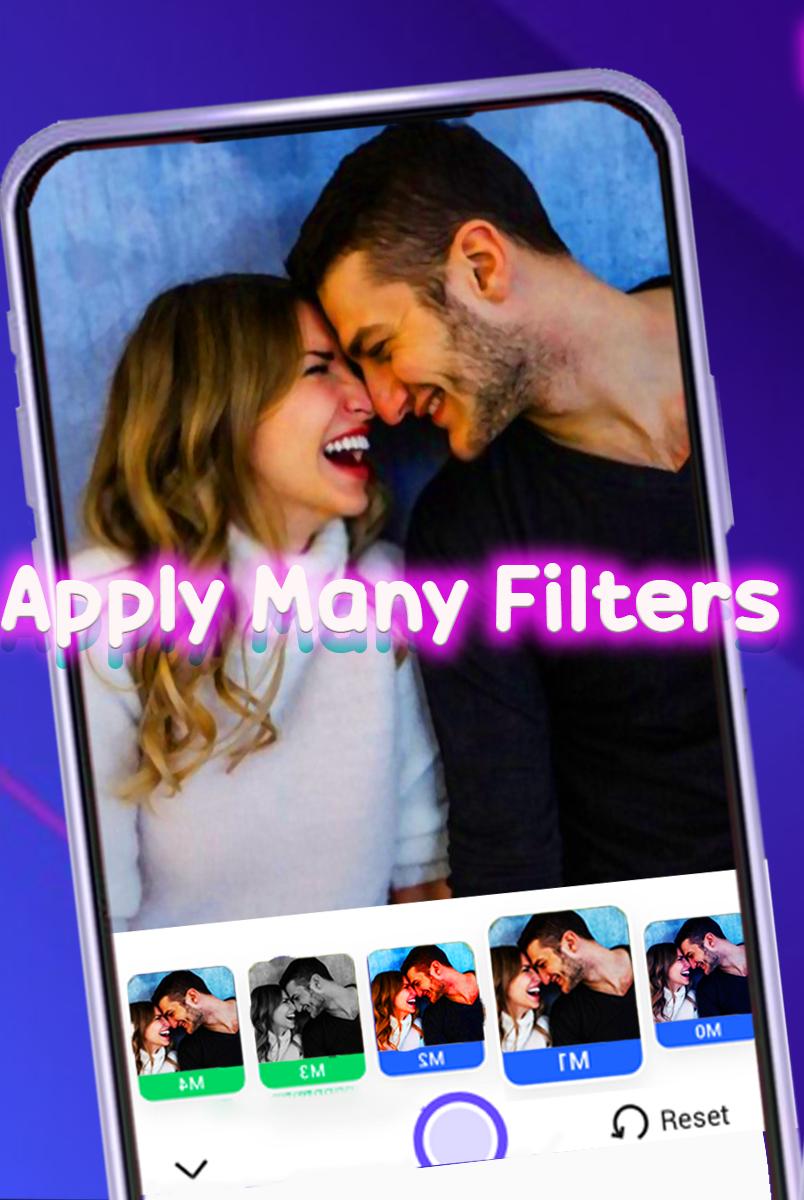
Video Quality Upscale ai will allow you to turn your old, pixelated, darkened, or hurt video into a top-quality video quality enhance And Photo with only one tap. improve the resolution of images and video quality enhancer. It can be used as a video improver to clean your photos and improve the quality of videos The best video quality improver apps and editors for long-term Use video quality to upscaler old and unclear album photos to look like recent photos with an HD camera. We use a video quality enhancer AI video Turn your old blurry, pixelated, and damaged photos into high definition with Photo Tune. The video photo ai enhancer quality by taking care of development to explain, restore and further develop the accounts you really want. Resurrect your old accounts and recover memories with the video cleaner, Enhance all photos by 200%, 400%, 800% with high-quality resolution in 1 click. Fix damaged and old blurry photos.
so live the moment and enjoy your memories .quality photo and video enhancer which can be used to clean up video high quality
Preview

Tags
Video-PlayersInformation
Developer
Mobihero Apps
Latest Version
1.0.2
Last Updated
2022-10-15
Category
Video-players-editors
Available on
Google Play
Show More
How to play Video Quality Upscaler with GameLoop on PC
1. Download GameLoop from the official website, then run the exe file to install GameLoop
2. Open GameLoop and search for “Video Quality Upscaler” , find Video Quality Upscaler in the search results and click “Install”
3. Enjoy playing Video Quality Upscaler on GameLoop
Minimum requirements
OS
Windows 8.1 64-bit or Windows 10 64-bit
GPU
GTX 1050
CPU
i3-8300
Memory
8GB RAM
Storage
1GB available space
Recommended requirements
OS
Windows 8.1 64-bit or Windows 10 64-bit
GPU
GTX 1050
CPU
i3-9320
Memory
16GB RAM
Storage
1GB available space