Change Video & Audio Format PC
Desa Technology
Download Change Video & Audio Format on PC With GameLoop Emulator
Change Video & Audio Format sa PC
Ang Change Video & Audio Format, na nagmumula sa developer na Desa Technology, ay tumatakbo sa Android systerm sa nakaraan.
Ngayon, maaari mong laruin ang Change Video & Audio Format sa PC gamit ang GameLoop nang maayos.
I-download ito sa GameLoop library o mga resulta ng paghahanap. Hindi na tumitingin sa baterya o nakakadismaya na mga tawag sa maling oras.
I-enjoy lang ang Change Video & Audio Format PC sa malaking screen nang libre!
Change Video & Audio Format Panimula
Media Converter is a powerful tool for converting video, audio and image formats. Instantly convert your movies, music and images in the fastest way and completely free. Save media files in any format for any device or platform.
In addition to the basic functions of changing file formats, Media Converter also has advanced conversion tools between media files such as converting video to audio, converting video to image, converting audio to video, converting image to video, and more.
During the process of changing video and audio formats, you can also use video and audio editing tools such as changing video resolution, reducing video size, changing audio quality, etc.
Video Format Converter
- Convert video in any format to any format.
- Convert video in any format to MP4 format.
- Convert video to audio.
- Extract audio from video.
- Convert video to GIF animation.
- Convert video to JPG image.
- Extract any frame from video.
- Choose custom resolution for output video.
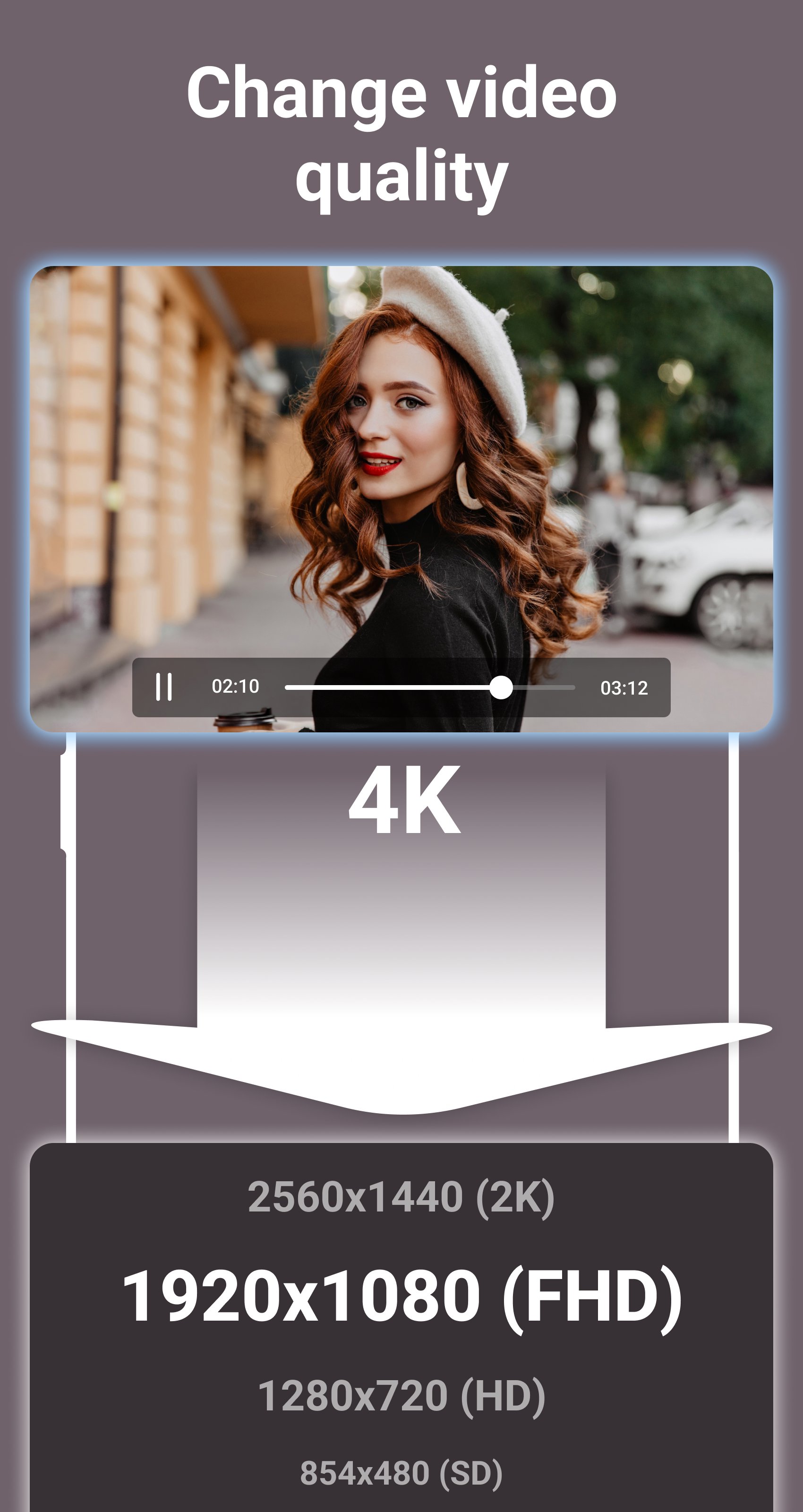
- Compress video to 2K, Full HD, HD, SD resolutions.
- Reduce video file size.
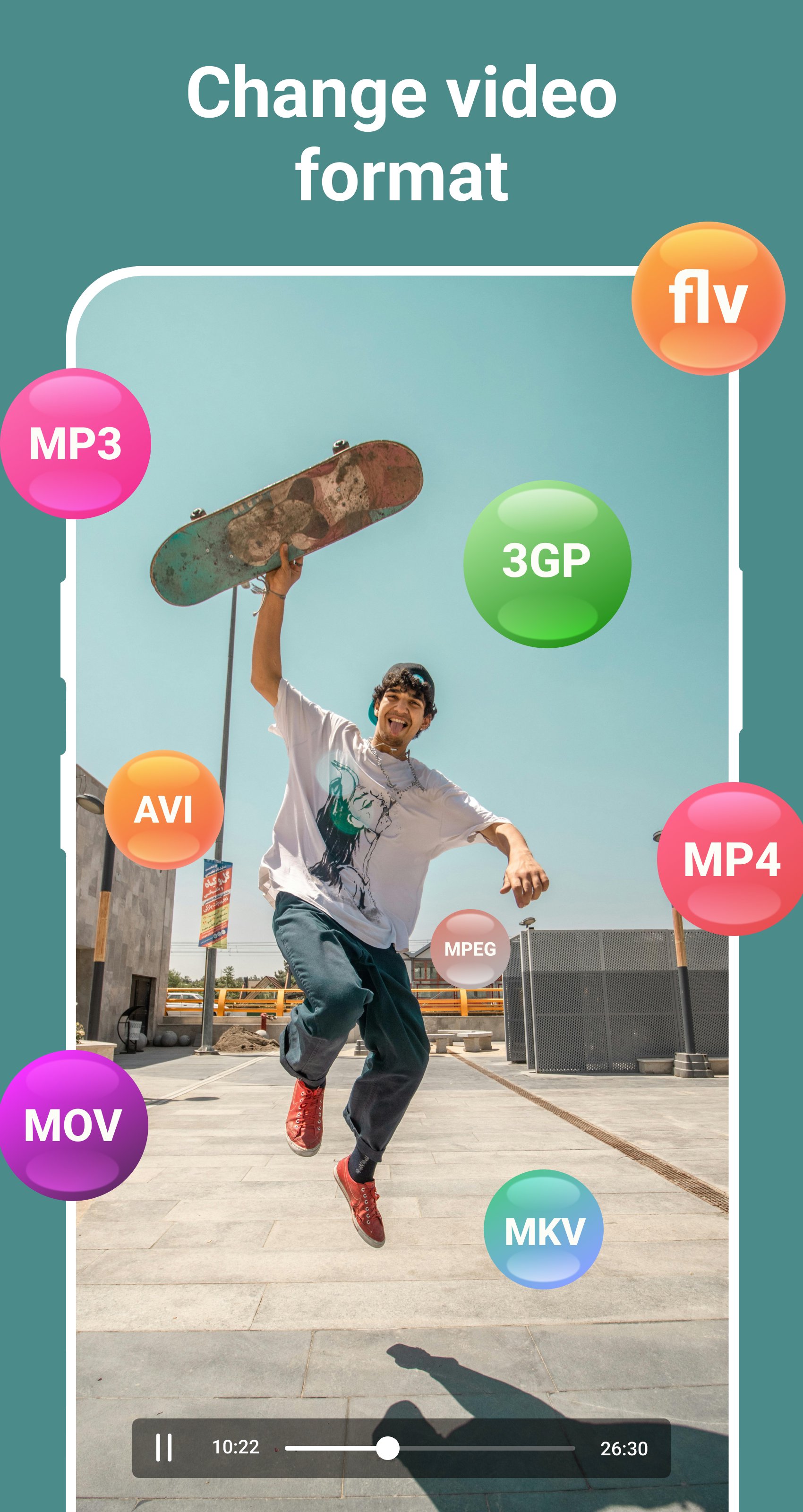
- Support all popular video formats, such as: MP4, MPEG, WEBM, WMV, MOV, MKV, FLV, AVI, 3GP, etc.
Audio and Music Format Converter
- Convert audio and music in any format to any format.
- Convert audio in any format to MP3 format.
- Convert audio to video.
- Choose custom bitrate for output audio.
- Compress audio to 320kbps, 256kbps, 192kbps, 128kbps, 96kbps, 64kbps, 32kbps qualities.
- Reduce audio file size.
- Support all popular audio formats, such as: MP3, OGG, WAV, WMA, M4B, M4A, FLAC, AMR, ALAC, AAC, etc.
Image Format Converter
- Convert images in any format to JPG format.
- Convert images in any format to PNG format.
- Convert GIF animations to video.
- Convert GIF animations to JPG images.
- Extract any frame from GIF animation.
- Reduce image file size.
- Support all popular image formats, such as: JPG, JPEG, PNG, RAW, TIFF, WEBP, XCF, ICO, HEIF, GIF, BMP, etc.
Do you like this app? Please leave your reviews and suggestions, it will help us to improve this app in the next versions! Thank you!
Preview
Tags
Video-PlayersInformation
Developer
Desa Technology
Latest Version
2.1
Last Updated
2025-09-25
Category
Video-players-editors
Available on
Google Play
Show More
How to play Change Video & Audio Format with GameLoop on PC
1. Download GameLoop from the official website, then run the exe file to install GameLoop
2. Open GameLoop and search for “Change Video & Audio Format” , find Change Video & Audio Format in the search results and click “Install”
3. Enjoy playing Change Video & Audio Format on GameLoop
Minimum requirements
OS
Windows 8.1 64-bit or Windows 10 64-bit
GPU
GTX 1050
CPU
i3-8300
Memory
8GB RAM
Storage
1GB available space
Recommended requirements
OS
Windows 8.1 64-bit or Windows 10 64-bit
GPU
GTX 1050
CPU
i3-9320
Memory
16GB RAM
Storage
1GB available space