
TopPlay - IPTV Player PC
비트로그 (BITLOG)
Download TopPlay - IPTV Player on PC With GameLoop Emulator
TopPlay - IPTV Player sa PC
Ang TopPlay - IPTV Player, na nagmumula sa developer na 비트로그 (BITLOG), ay tumatakbo sa Android systerm sa nakaraan.
Ngayon, maaari mong laruin ang TopPlay - IPTV Player sa PC gamit ang GameLoop nang maayos.
I-download ito sa GameLoop library o mga resulta ng paghahanap. Hindi na tumitingin sa baterya o nakakadismaya na mga tawag sa maling oras.
I-enjoy lang ang TopPlay - IPTV Player PC sa malaking screen nang libre!
TopPlay - IPTV Player Panimula
Mobile and Android TV support!
Landscape mode and portrait mode supported!
This is a Korean IPTV and video player.
It is composed of UI suitable for domestic set-top environment, so anyone aims for an easy and fast use environment.
* function
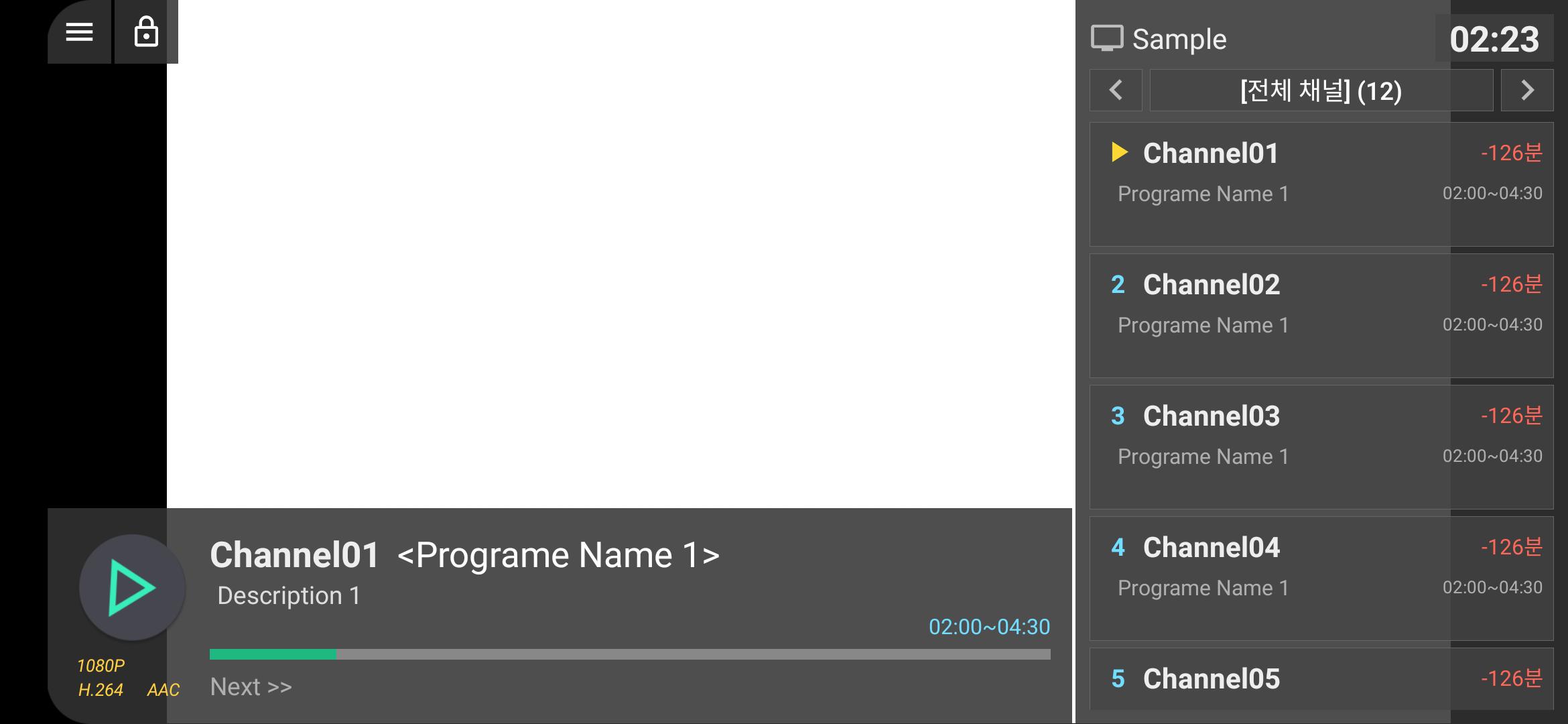
-Real-time M3U list support
-XMLTV EPG support
-Editable [My Channel] function
-App execution setting at boot
-Basic support for last channel auto play
-App launcher, favorite apps
-Screen lock function (touch interface only)
-Landscape/Portrait mode supported
-Web page viewer function
-Remote control operation control
-Other convenience functions will be added
* Scheduled to apply
-On/offline VOD playback
-Google Drive integration
-PLEX interworking
-PIP mode, background playback, etc.
[Optional access rights]
-Read storage space: Used to read playlist files (m3u, etc.).
Preview
Tags
Video-PlayersInformation
Developer
비트로그 (BITLOG)
Latest Version
1.0.7
Last Updated
2021-03-02
Category
Video-players-editors
Available on
Google Play
Show More
How to play TopPlay - IPTV Player with GameLoop on PC
1. Download GameLoop from the official website, then run the exe file to install GameLoop
2. Open GameLoop and search for “TopPlay - IPTV Player” , find TopPlay - IPTV Player in the search results and click “Install”
3. Enjoy playing TopPlay - IPTV Player on GameLoop
Minimum requirements
OS
Windows 8.1 64-bit or Windows 10 64-bit
GPU
GTX 1050
CPU
i3-8300
Memory
8GB RAM
Storage
1GB available space
Recommended requirements
OS
Windows 8.1 64-bit or Windows 10 64-bit
GPU
GTX 1050
CPU
i3-9320
Memory
16GB RAM
Storage
1GB available space