
KW Video Saver - Save Videos PC
Mobile Apps Smart Ultility Online
Download KW Video Saver - Save Videos on PC With GameLoop Emulator
KW Video Saver - Save Videos sa PC
Ang KW Video Saver - Save Videos, na nagmumula sa developer na Mobile Apps Smart Ultility Online, ay tumatakbo sa Android systerm sa nakaraan.
Ngayon, maaari mong laruin ang KW Video Saver - Save Videos sa PC gamit ang GameLoop nang maayos.
I-download ito sa GameLoop library o mga resulta ng paghahanap. Hindi na tumitingin sa baterya o nakakadismaya na mga tawag sa maling oras.
I-enjoy lang ang KW Video Saver - Save Videos PC sa malaking screen nang libre!
KW Video Saver - Save Videos Panimula
KW Video Bookmark – Save Video Links Easily
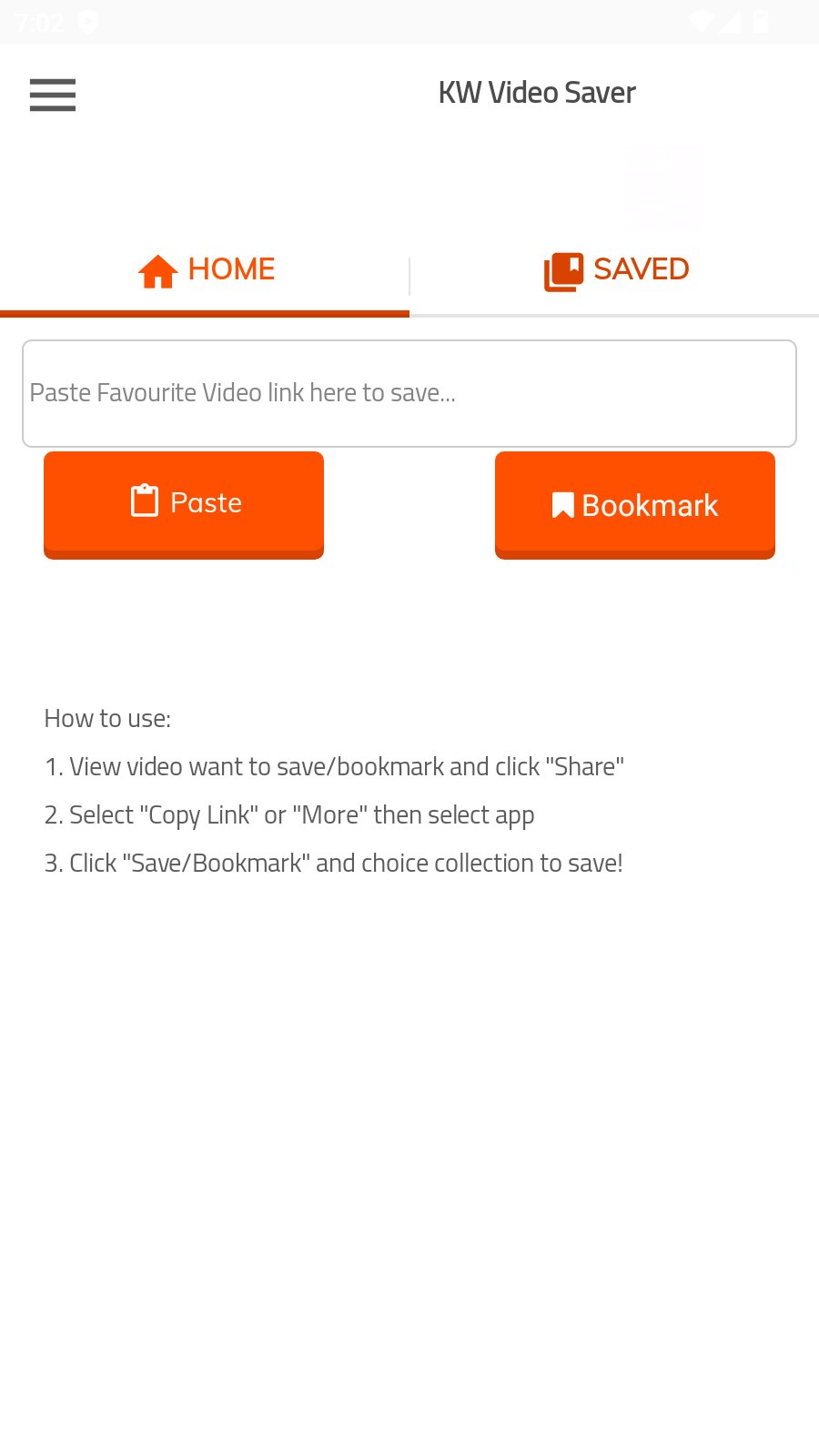
KW Video Bookmark is a simple and lightweight app that helps you save, organize, and quickly access your favorite video links in one place.
Found a video you want to watch later? Simply copy or share its link to KW Video Bookmark, and you can save it to your bookmark list for easy access whenever you need it.
No downloading, no complicated setup, and no account required. Just save the links you want and open them again anytime.
Main Features:
Save video links – Easily save video URLs for later.
Copy & share links – Save a link by copying it or sharing it directly to the app.
Quick access – Open your saved video links directly from your bookmark list.
Save multiple links – Keep as many video bookmarks as you need.
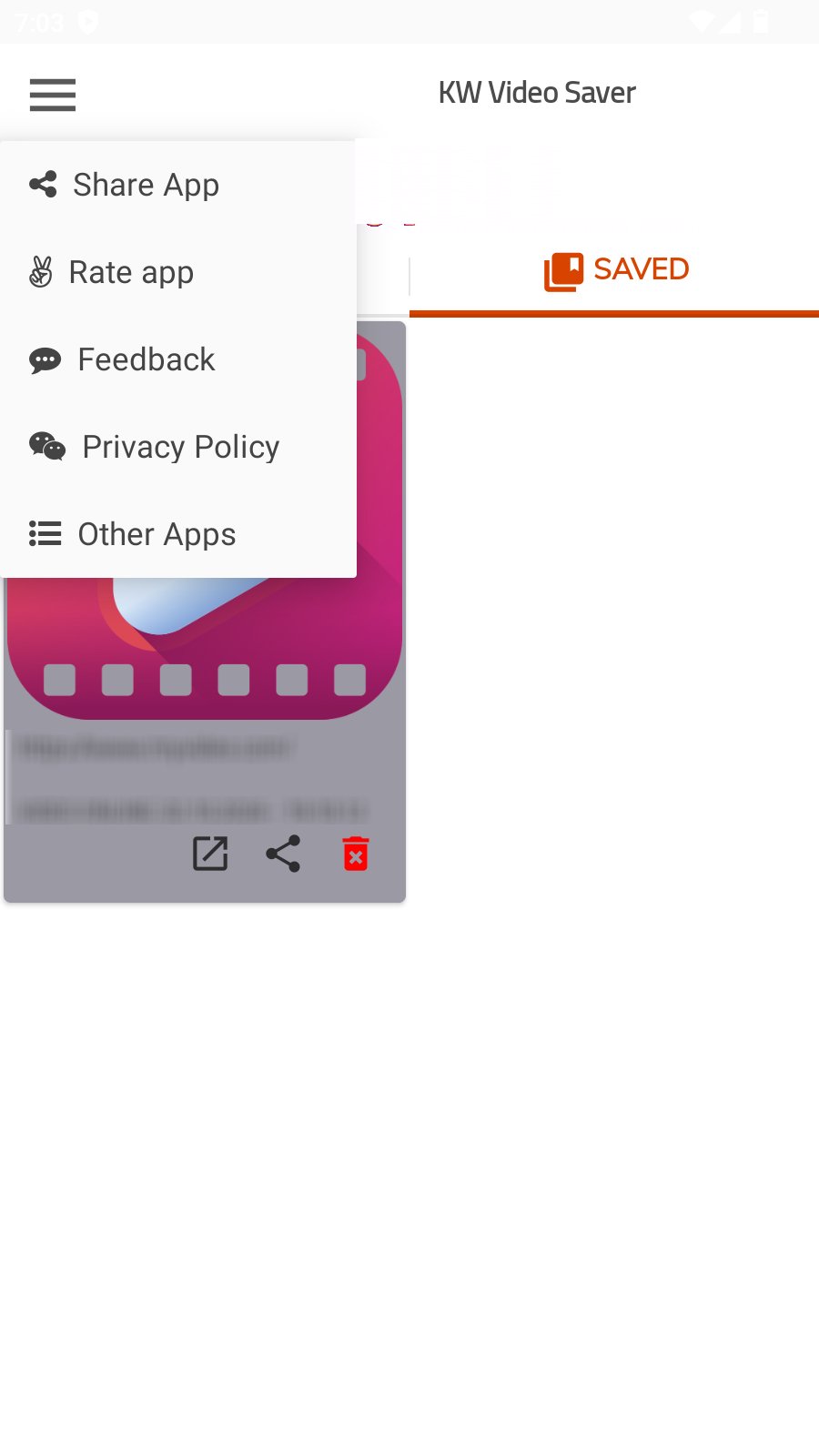
Easy management – Delete saved links whenever you no longer need them.
Save date and time – Keep track of when each video link was saved.
Simple interface – Clean, lightweight, and easy to use.
No login required – Use the app without creating an account.
Lightweight – Designed to use minimal storage and system resources.
100% FREE – No purchase is required to use the main features.
How to save a video link?
Method One: Copy the Link
Step 1: Open the video app and copy the link of the video you want to save.
Step 2: Open KW Video Bookmark.
Step 3: The app can detect the copied link.
Step 4: Save the link to your bookmark list.
Done! Your video link is now saved for later.
Method Two: Share the Link
Step 1: Open the video you want to save.
Step 2: Tap the "Share" button and select KW Video Bookmark.
Step 3: The shared link will be received by the app.
Step 4: Save the link to your bookmark list.
Done! You can access the saved link whenever you want.
How to open a saved video?
Open KW Video Bookmark and select any saved video link from your bookmark list. The app will open the link so you can continue watching the video on the supported platform.
How to delete a bookmark?
Simply select the delete option for a saved link. The bookmark will be removed from your saved list.
Why use KW Video Bookmark?
KW Video Bookmark makes it easy to keep track of videos you want to watch later without downloading them to your phone. Save interesting videos as bookmarks and access them again whenever you need them.
Notes:
Users are responsible for ensuring that their use of saved links complies with the terms of service, copyright rules, and intellectual property rights applicable to the content and platform.
Preview
Tags
Video-PlayersInformation
Developer
Mobile Apps Smart Ultility Online
Latest Version
45
Last Updated
2026-10-02
Category
Video-players-editors
Available on
Google Play
Show More
How to play KW Video Saver - Save Videos with GameLoop on PC
1. Download GameLoop from the official website, then run the exe file to install GameLoop
2. Open GameLoop and search for “KW Video Saver - Save Videos” , find KW Video Saver - Save Videos in the search results and click “Install”
3. Enjoy playing KW Video Saver - Save Videos on GameLoop
Minimum requirements
OS
Windows 8.1 64-bit or Windows 10 64-bit
GPU
GTX 1050
CPU
i3-8300
Memory
8GB RAM
Storage
1GB available space
Recommended requirements
OS
Windows 8.1 64-bit or Windows 10 64-bit
GPU
GTX 1050
CPU
i3-9320
Memory
16GB RAM
Storage
1GB available space