
Slow Motion & Speed Up Video - Adjust Video Speed PC
FAVAS Group
Download Slow Motion & Speed Up Video - Adjust Video Speed on PC With GameLoop Emulator
Slow Motion & Speed Up Video - Adjust Video Speed sa PC
Ang Slow Motion & Speed Up Video - Adjust Video Speed, na nagmumula sa developer na FAVAS Group, ay tumatakbo sa Android systerm sa nakaraan.
Ngayon, maaari mong laruin ang Slow Motion & Speed Up Video - Adjust Video Speed sa PC gamit ang GameLoop nang maayos.
I-download ito sa GameLoop library o mga resulta ng paghahanap. Hindi na tumitingin sa baterya o nakakadismaya na mga tawag sa maling oras.
I-enjoy lang ang Slow Motion & Speed Up Video - Adjust Video Speed PC sa malaking screen nang libre!
Slow Motion & Speed Up Video - Adjust Video Speed Panimula
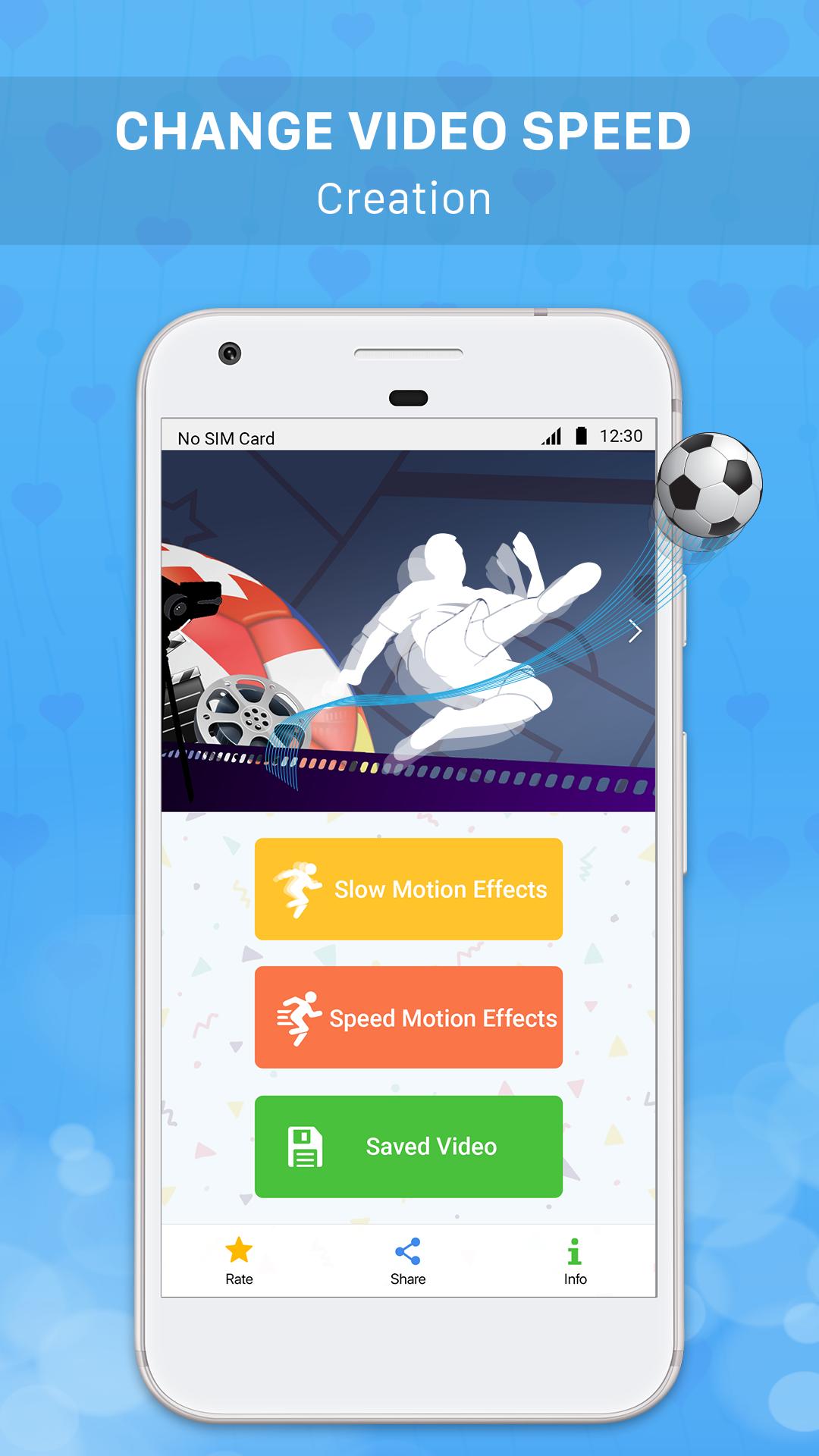
Slow motion & Speed up Video - The application allows you to create slow motion videos / fast motion videos easily by recording videos with your device camera or selecting any video from the device to slow down video / speed up video / adjust video speed and share interesting videos you've just created on social networking sites like Youtube, Facebook, Instagram, Tiktok, Twitter etc.
Let Slow motion & Speed up Video help you create interesting, million-view videos on video sharing social networks.
Main functions:
+ Slow down Video / Create slow motion video easily by recording video / selecting video in your device and then clicking "Slow Video" button to make slow motion effect for that video.
+ Speed up Video / Create fast-moving video easily by recording video / selecting video in the device and then clicking "Quick Video" button to perform fast motion effects for that video.
+ Slow motion video creation feature / Create fast motion video feature is often used in the following cases to create an interesting video:
. Slow down the video of throwing objects and jumping.
. Slow down videos of sports activities.
. Slow down the video of falling objects.
. Speed up the videos of natural and panoramic scenes.
. Speed up the video scenes showing emotions, running hilariously.
+ Slow motion videos / fast motion videos created by this application with low capacity and high resolution.
+ Manage created videos: add, edit, delete shared videos you have created in the application.
+ Share interesting videos that you have created on social media sharing sites like Youtube, Facebook, Tiktok, Instagram, Twitter etc.
Download the application Slow Video & Speed Up Video to create interesting, million-view videos right now!
Preview

Information
Developer
FAVAS Group
Latest Version
1.2
Last Updated
2020-01-02
Category
Video-players-editors
Available on
Google Play
Show More
How to play Slow Motion & Speed Up Video - Adjust Video Speed with GameLoop on PC
1. Download GameLoop from the official website, then run the exe file to install GameLoop
2. Open GameLoop and search for “Slow Motion & Speed Up Video - Adjust Video Speed” , find Slow Motion & Speed Up Video - Adjust Video Speed in the search results and click “Install”
3. Enjoy playing Slow Motion & Speed Up Video - Adjust Video Speed on GameLoop
Minimum requirements
OS
Windows 8.1 64-bit or Windows 10 64-bit
GPU
GTX 1050
CPU
i3-8300
Memory
8GB RAM
Storage
1GB available space
Recommended requirements
OS
Windows 8.1 64-bit or Windows 10 64-bit
GPU
GTX 1050
CPU
i3-9320
Memory
16GB RAM
Storage
1GB available space