
Love Collage - Video Slideshow PC
eToolkit Inc
Download Love Collage - Video Slideshow on PC With GameLoop Emulator
Love Collage - Video Slideshow sa PC
Ang Love Collage - Video Slideshow, na nagmumula sa developer na eToolkit Inc, ay tumatakbo sa Android systerm sa nakaraan.
Ngayon, maaari mong laruin ang Love Collage - Video Slideshow sa PC gamit ang GameLoop nang maayos.
I-download ito sa GameLoop library o mga resulta ng paghahanap. Hindi na tumitingin sa baterya o nakakadismaya na mga tawag sa maling oras.
I-enjoy lang ang Love Collage - Video Slideshow PC sa malaking screen nang libre!
Love Collage - Video Slideshow Panimula
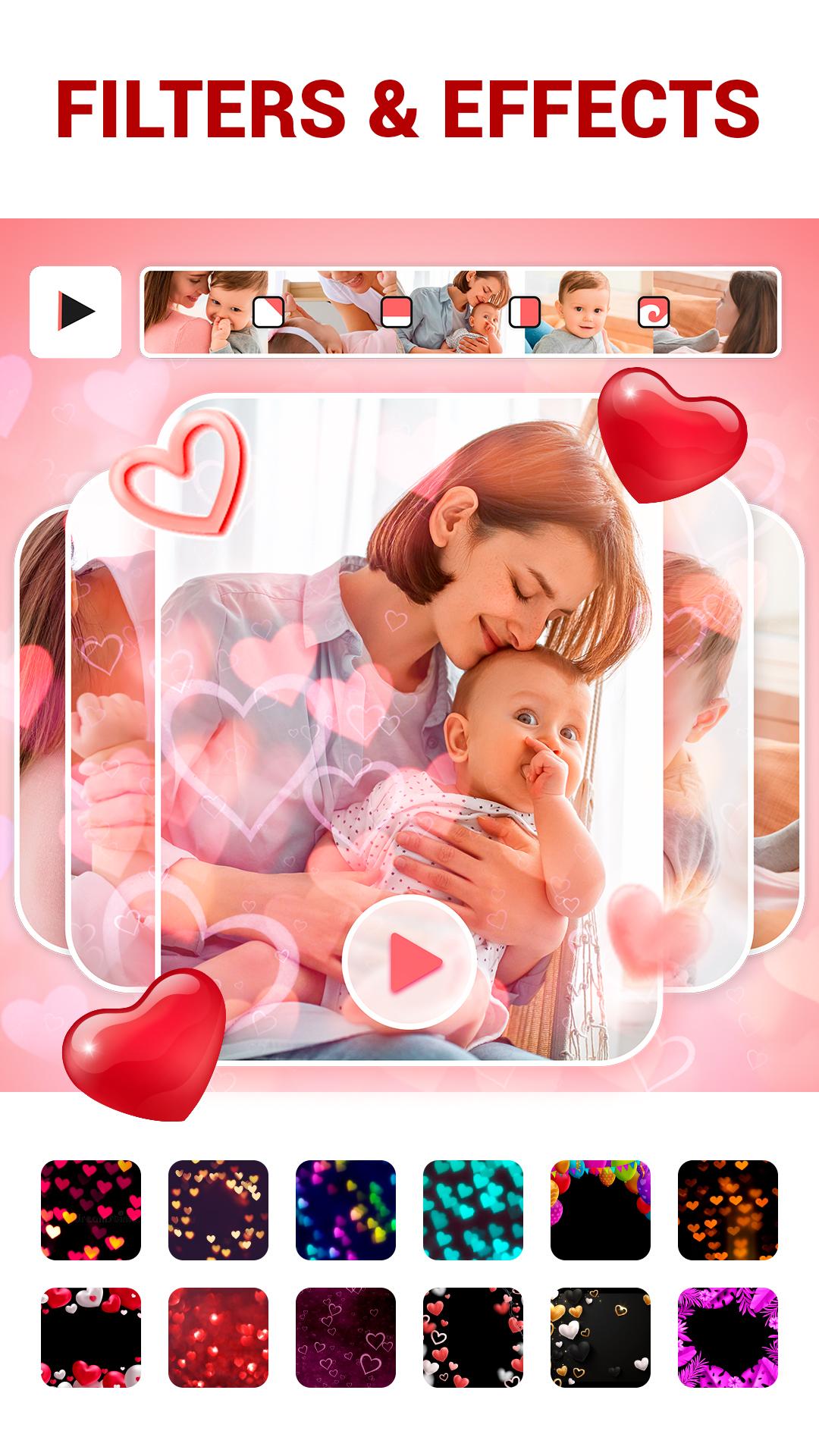
Love Collage slideshow maker is the most romantic picture video maker among editing apps. It has a lot of love filters and effects that turn your pictures into an amazing photo slideshow. Also the app is easy to use: it has an intuitive interface and usable photo features. Create an amazing slideshow with music, merge pictures, add lovely music, try on amazing transitions, apply charming filters and effects.
Key features of Love Collage Slideshow:
- Add photos from your gallery
- Adjust ratio of photos: 1:1,9:16, 4:5
- Select the theme of slideshow: romantic, relax, adventure, family story and others
- Apply stylish transitions
- Add favorite music to get a music slideshow
- Select music from our playlists or use your music library
- Make video with pictures in a few minutes
- Merge photos together for free
- Apply love filters and effects to make your video colorful
- Adjust an appropriate speed for your slideshow
- Set duration of any photo in the video slideshow
- Enjoy the intuitive interface of a free slideshow maker
- Create a celebratory video for such events: Valentine’s Day, Birthday, Christmas, New Year, etc.
- Share your piece of art with your beloved, parents or friends directly from our music video maker
- Express your feelings using the photo and video editor
Just follow 5 steps to create your personal love slideshow:
1. Select the photos from gallery and sequence them in the right way
2. Combine pictures using amazing transitions and theme templates
3. Try on beautiful filters and effects: shape of heart, glitter, stars and others
4. Add inspiring music in our video editor
5. Save it and share with your love, relatives or friends
Love Collage slideshow maker with music lets you use the flight of fantasy and create unique romantic slideshows. It is the easiest photo video maker with music that helps you to turn pictures into a slide show in just a few minutes. Don’t hesitate to create your video slideshow if you are not a professional. Our photo video editing app is simple, so any user understands how to create a slideshow. Put pictures together, find the most appropriate music or sounds, apply amazing filters - voila, your own slideshow is ready. Use our video maker for any occasion: create a Happy Birthday video or make a video card on Valentine’s Day.
Install Love Collage slideshow maker to create a brilliant photo slideshow with music and save pleasant moments of your life!
Preview

Tags
Video-PlayersInformation
Developer
eToolkit Inc
Latest Version
1.18
Last Updated
2022-06-02
Category
Video-players-editors
Available on
Google Play
Show More
How to play Love Collage - Video Slideshow with GameLoop on PC
1. Download GameLoop from the official website, then run the exe file to install GameLoop
2. Open GameLoop and search for “Love Collage - Video Slideshow” , find Love Collage - Video Slideshow in the search results and click “Install”
3. Enjoy playing Love Collage - Video Slideshow on GameLoop
Minimum requirements
OS
Windows 8.1 64-bit or Windows 10 64-bit
GPU
GTX 1050
CPU
i3-8300
Memory
8GB RAM
Storage
1GB available space
Recommended requirements
OS
Windows 8.1 64-bit or Windows 10 64-bit
GPU
GTX 1050
CPU
i3-9320
Memory
16GB RAM
Storage
1GB available space