
KwaiCut - Video Editor PC
Kwai Technology Limited
Download KwaiCut - Video Editor on PC With GameLoop Emulator
KwaiCut - Video Editor sa PC
Ang KwaiCut - Video Editor, na nagmumula sa developer na Kwai Technology Limited, ay tumatakbo sa Android systerm sa nakaraan.
Ngayon, maaari mong laruin ang KwaiCut - Video Editor sa PC gamit ang GameLoop nang maayos.
I-download ito sa GameLoop library o mga resulta ng paghahanap. Hindi na tumitingin sa baterya o nakakadismaya na mga tawag sa maling oras.
I-enjoy lang ang KwaiCut - Video Editor PC sa malaking screen nang libre!
KwaiCut - Video Editor Panimula
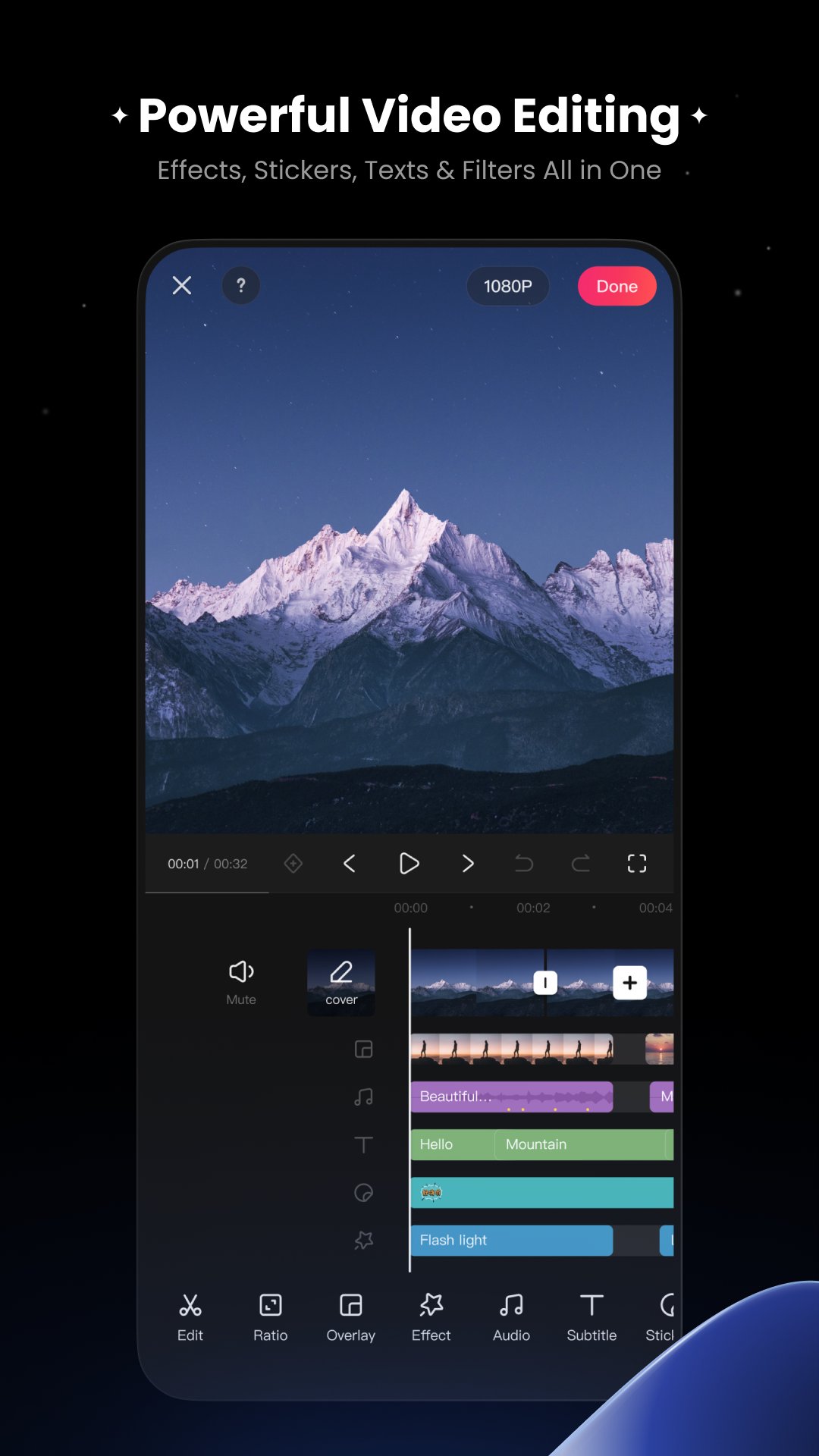
KwaiCut provides you with completely free, powerful and easy-to-use professional video editing capabilities to help you efficiently realize creativity at zero cost.
[Free & Easy]
Precise video segmentation, cropping, splicing, rewind, and speed adjustment
Supports exporting in multiple ultra-high definition resolutions, compatible with various platforms
[Rich Sound]
Professional audio noise reduction for clear vocal performance
Multi-style sound effect library for easily adding video music
[Smart Subtitles]
Convenient manual subtitle adding and editing tools
Hundreds of professional subtitle styles and dynamic effects library
[Cinematic Filters]
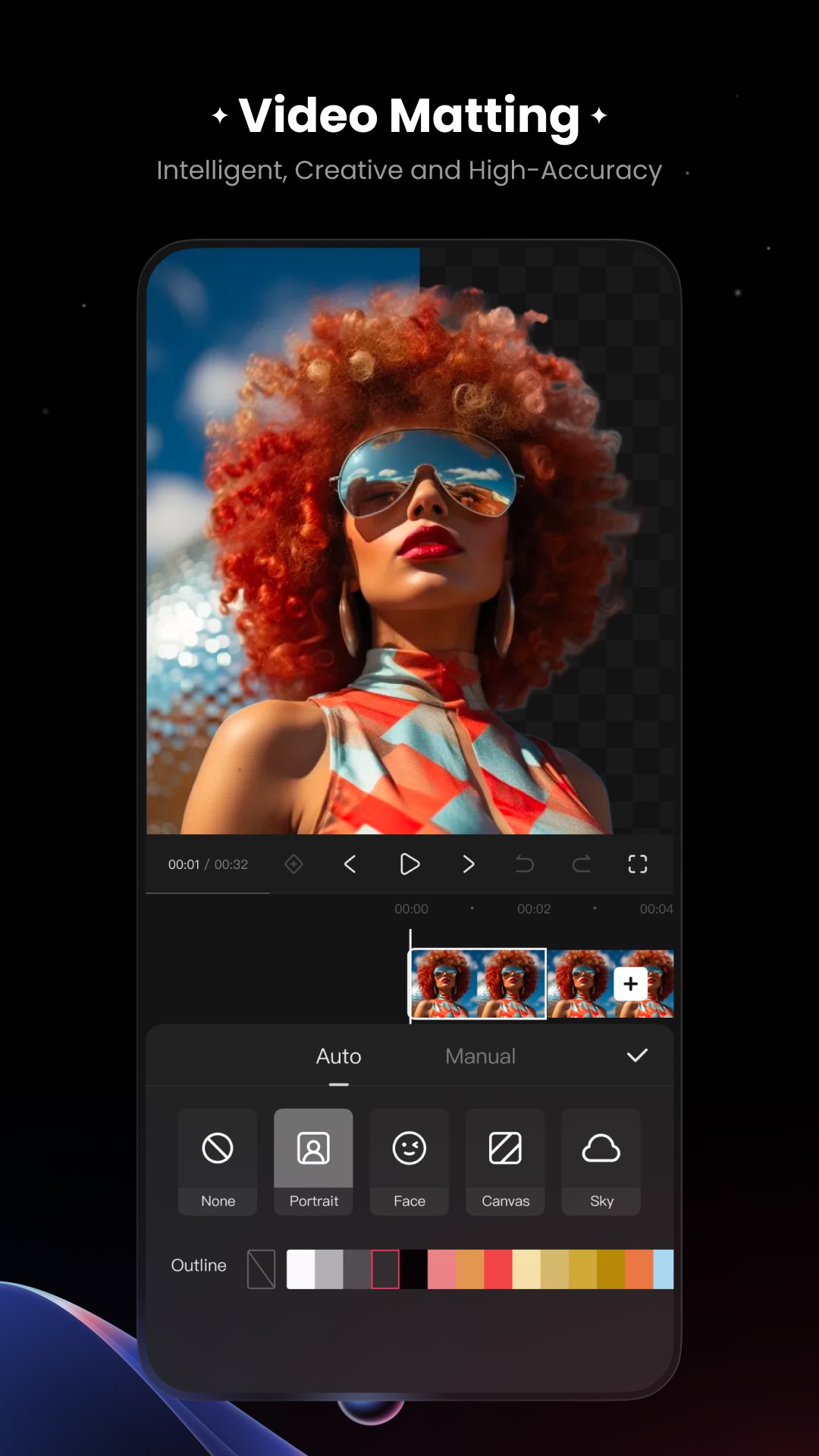
Offers advanced visual effects for professional dynamic results
Massive movie-grade filters with adjustable intensity
[Creative Stickers]
Extensive static and dynamic sticker library covering multiple themes
Supports custom sticker import and management, convenient sticker addition, scaling, and adjustment
[Inspiration Center]
Material center upgraded - apply trending materials with one click
Vast exclusive design materials - endless creative inspiration
Preview
Tags
Video-PlayersInformation
Developer
Kwai Technology Limited
Latest Version
7.5.0.710135
Last Updated
2025-12-25
Category
Video-players-editors
Available on
Google Play
Show More
How to play KwaiCut - Video Editor with GameLoop on PC
1. Download GameLoop from the official website, then run the exe file to install GameLoop
2. Open GameLoop and search for “KwaiCut - Video Editor” , find KwaiCut - Video Editor in the search results and click “Install”
3. Enjoy playing KwaiCut - Video Editor on GameLoop
Minimum requirements
OS
Windows 8.1 64-bit or Windows 10 64-bit
GPU
GTX 1050
CPU
i3-8300
Memory
8GB RAM
Storage
1GB available space
Recommended requirements
OS
Windows 8.1 64-bit or Windows 10 64-bit
GPU
GTX 1050
CPU
i3-9320
Memory
16GB RAM
Storage
1GB available space