
IPTV Player: Connect PC
bb studio
Download IPTV Player: Connect on PC With GameLoop Emulator
IPTV Player: Connect sa PC
Ang IPTV Player: Connect, na nagmumula sa developer na bb studio, ay tumatakbo sa Android systerm sa nakaraan.
Ngayon, maaari mong laruin ang IPTV Player: Connect sa PC gamit ang GameLoop nang maayos.
I-download ito sa GameLoop library o mga resulta ng paghahanap. Hindi na tumitingin sa baterya o nakakadismaya na mga tawag sa maling oras.
I-enjoy lang ang IPTV Player: Connect PC sa malaking screen nang libre!
IPTV Player: Connect Panimula
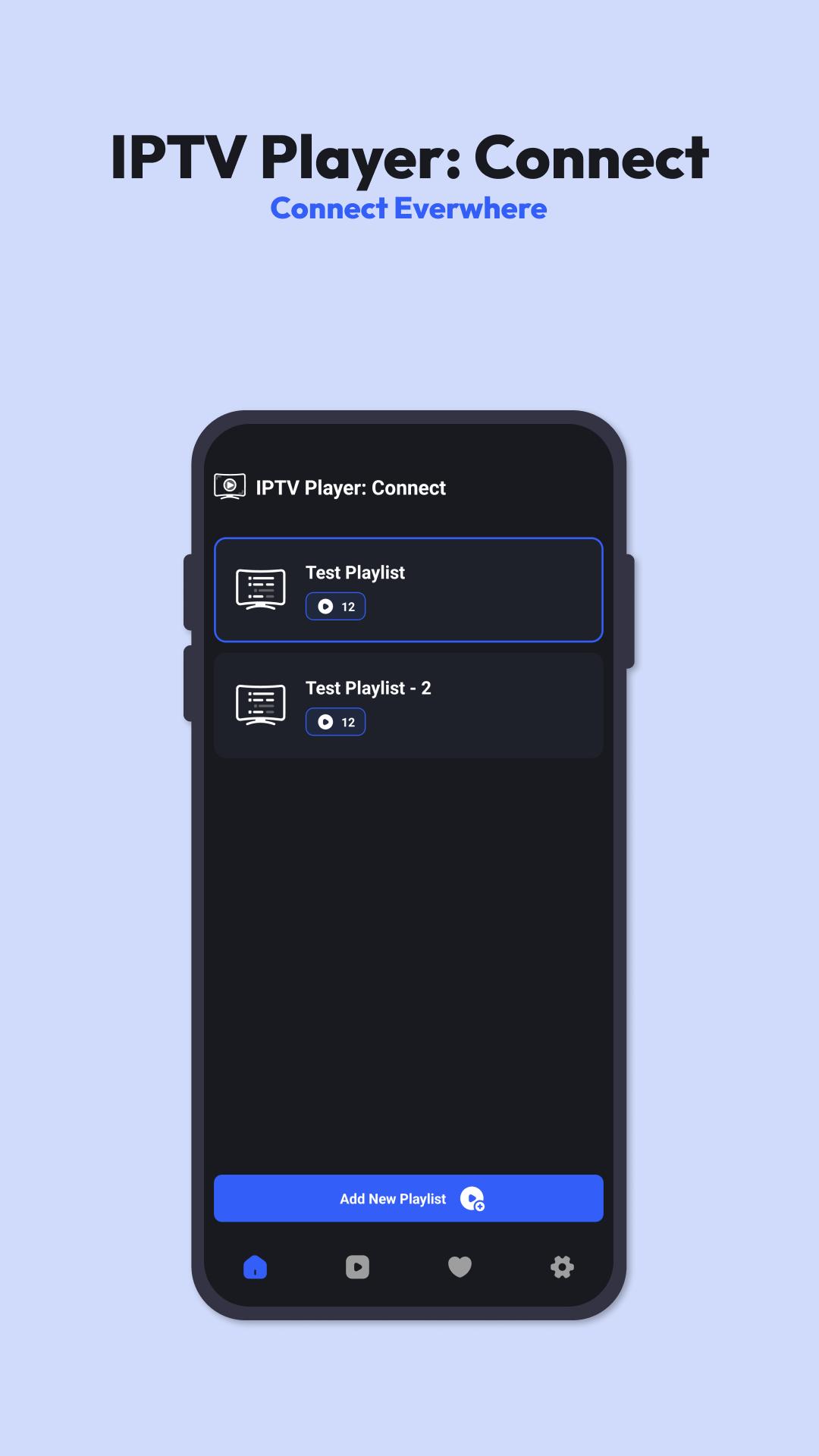
IPTV Player: Connect is your ultimate companion for streaming IPTV channels seamlessly on your device. With its intuitive interface and powerful features, it offers a convenient way to access and enjoy your favorite channels from anywhere.
Stream Anywhere, Anytime:
Whether you're at home or on the go, IPTV Player: Connect allows you to stream your favorite channels effortlessly. Simply import your M3U playlist link and start watching your preferred content instantly.
Save and Organize Your Favorites:
Never miss out on your favorite channels again! IPTV Player: Connect lets you save and organize your preferred channels with ease. With just a few taps, you can add channels to your favorites list for quick access whenever you want.
Lightning-Fast Performance:
Experience unparalleled speed with IPTV Player: Connect. Our advanced technology ensures that the app opens swiftly, and channels load in an instant, providing you with a seamless streaming experience every time you use it.
User-Friendly Interface:
Navigating through your channels has never been easier. IPTV Player: Connect features a user-friendly interface designed to enhance your viewing experience. With smooth navigation and intuitive controls, you can effortlessly browse through channels and switch between them hassle-free.
Stay Connected, Stay Entertained:
With IPTV Player: Connect, entertainment is just a tap away. Whether you're catching up on the latest news, watching sports matches, or enjoying your favorite TV shows, our app keeps you connected to the content you love.
Download IPTV Player: Connect now and start enjoying a world of entertainment at your fingertips!
#iptv #player #connect #bestiptv
Preview

Tags
Video-PlayersInformation
Developer
bb studio
Latest Version
2.1.1
Last Updated
2025-08-25
Category
Video-players-editors
Available on
Google Play
Show More
How to play IPTV Player: Connect with GameLoop on PC
1. Download GameLoop from the official website, then run the exe file to install GameLoop
2. Open GameLoop and search for “IPTV Player: Connect” , find IPTV Player: Connect in the search results and click “Install”
3. Enjoy playing IPTV Player: Connect on GameLoop
Minimum requirements
OS
Windows 8.1 64-bit or Windows 10 64-bit
GPU
GTX 1050
CPU
i3-8300
Memory
8GB RAM
Storage
1GB available space
Recommended requirements
OS
Windows 8.1 64-bit or Windows 10 64-bit
GPU
GTX 1050
CPU
i3-9320
Memory
16GB RAM
Storage
1GB available space