Glitch Video Effects – Editor PC
Photo Video Maker with Song
Download Glitch Video Effects – Editor on PC With GameLoop Emulator
Glitch Video Effects – Editor sa PC
Ang Glitch Video Effects – Editor, na nagmumula sa developer na Photo Video Maker with Song, ay tumatakbo sa Android systerm sa nakaraan.
Ngayon, maaari mong laruin ang Glitch Video Effects – Editor sa PC gamit ang GameLoop nang maayos.
I-download ito sa GameLoop library o mga resulta ng paghahanap. Hindi na tumitingin sa baterya o nakakadismaya na mga tawag sa maling oras.
I-enjoy lang ang Glitch Video Effects – Editor PC sa malaking screen nang libre!
Glitch Video Effects – Editor Panimula
Turn your videos into cool, eye-catching creations with Glitch Video Effects - Editor!
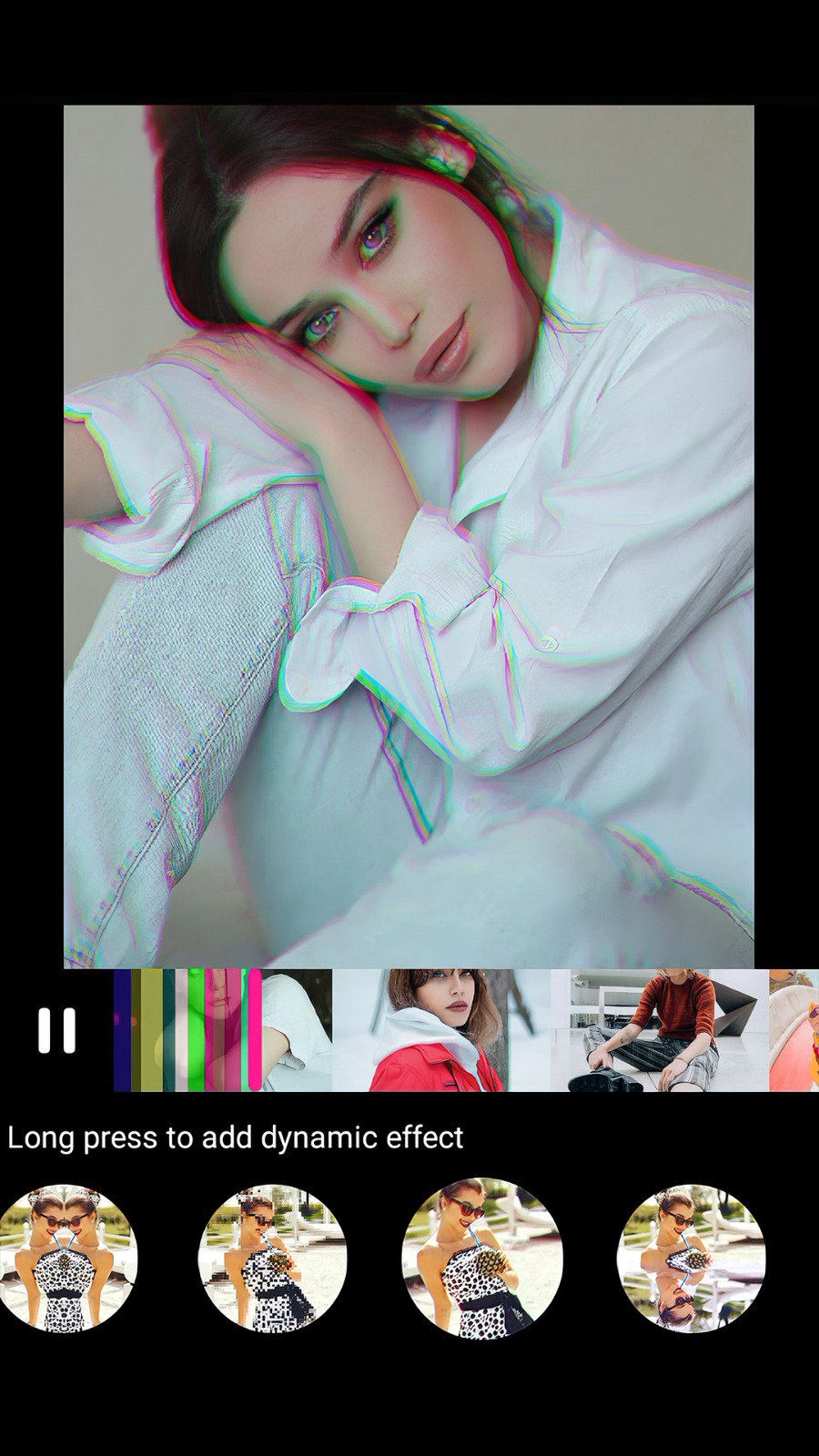
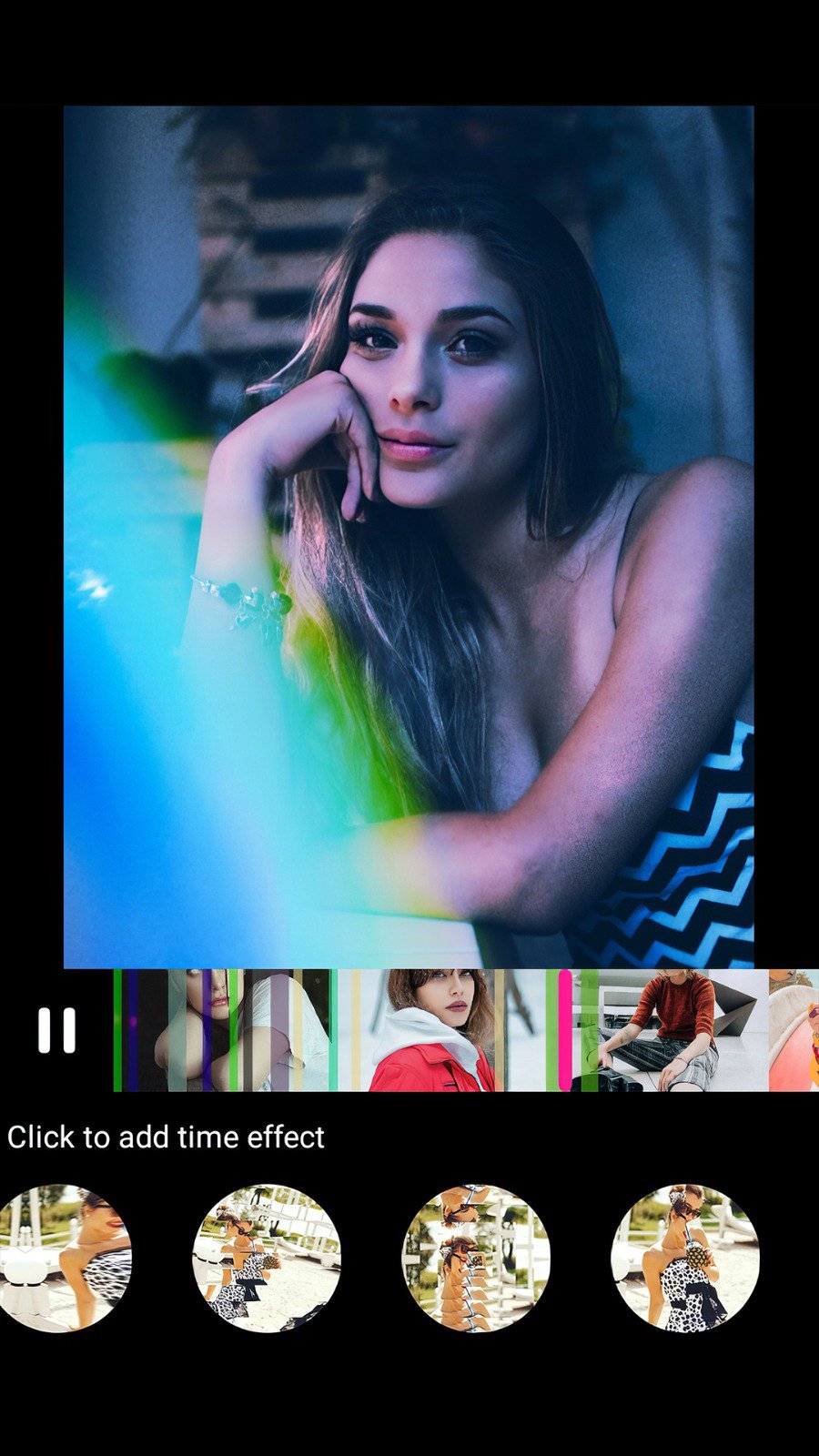
Glitch Video Editor app offers the best VHS and glitch effects for your videos. With this app, you can add unique glitches, VHS, and retro effects, giving your videos a creative and professional look.
Simply select a video from your gallery and apply glitch effects and transitions from a wide range of over 25+ video effects and editing styles.
Glitch video effects, vaporwave effects & VHS effects in real time!
Key Features:
Glitch Video Editor
Edit videos with perfect glitch effects, and transitions and easily save your eye-catching creative videos effortlessly.
Glitch Video Maker
Quickly create videos with glitch and retro effects, perfect for social media or creative collection.
Glitch Video Effects
Choose from a variety of glitch, pixel, and VHS effects to give your videos a trendy look. Add cool glitch effects to create an amazing video with 25+ unique video effects.
Glitch video editor allows you to easily add awesome effects to your videos. With a user-friendly app design and quick sharing options, you can edit videos like a pro in minutes!
Download Glitch Video Effects & Glitch Video Editor now and start making videos that stand out!
Thanks for using this app.
Preview
Tags
Video-PlayersInformation
Developer
Photo Video Maker with Song
Latest Version
1.16
Last Updated
2025-11-26
Category
Video-players-editors
Available on
Google Play
Show More
How to play Glitch Video Effects – Editor with GameLoop on PC
1. Download GameLoop from the official website, then run the exe file to install GameLoop
2. Open GameLoop and search for “Glitch Video Effects – Editor” , find Glitch Video Effects – Editor in the search results and click “Install”
3. Enjoy playing Glitch Video Effects – Editor on GameLoop
Minimum requirements
OS
Windows 8.1 64-bit or Windows 10 64-bit
GPU
GTX 1050
CPU
i3-8300
Memory
8GB RAM
Storage
1GB available space
Recommended requirements
OS
Windows 8.1 64-bit or Windows 10 64-bit
GPU
GTX 1050
CPU
i3-9320
Memory
16GB RAM
Storage
1GB available space