
GIFs: Share Animated Fun PC
Al-Hadidi Apps
Download GIFs: Share Animated Fun on PC With GameLoop Emulator
GIFs: Share Animated Fun sa PC
Ang GIFs: Share Animated Fun, na nagmumula sa developer na Al-Hadidi Apps, ay tumatakbo sa Android systerm sa nakaraan.
Ngayon, maaari mong laruin ang GIFs: Share Animated Fun sa PC gamit ang GameLoop nang maayos.
I-download ito sa GameLoop library o mga resulta ng paghahanap. Hindi na tumitingin sa baterya o nakakadismaya na mga tawag sa maling oras.
I-enjoy lang ang GIFs: Share Animated Fun PC sa malaking screen nang libre!
GIFs: Share Animated Fun Panimula
GIFs: The ultimate GIF sharing app
Express yourself with the perfect GIF for every occasion
GIFs are a fun and expressive way to communicate with your friends and family. They can be used to convey a wide range of emotions, from joy to sadness to anger. And they're perfect for any occasion, from a casual conversation to a special celebration.
GIFs is the ultimate GIF sharing app, with millions of GIFs and animated stickers to choose from. You can find the perfect GIF for any occasion, from funny to heartwarming, and share it with your friends and family on Facebook, Messenger, Twitter, and other social media platforms.
Features:
• Millions of GIFs and stickers to choose from: GIFs has a wide variety of GIFs and stickers to choose from, so you're sure to find the perfect one to express yourself.
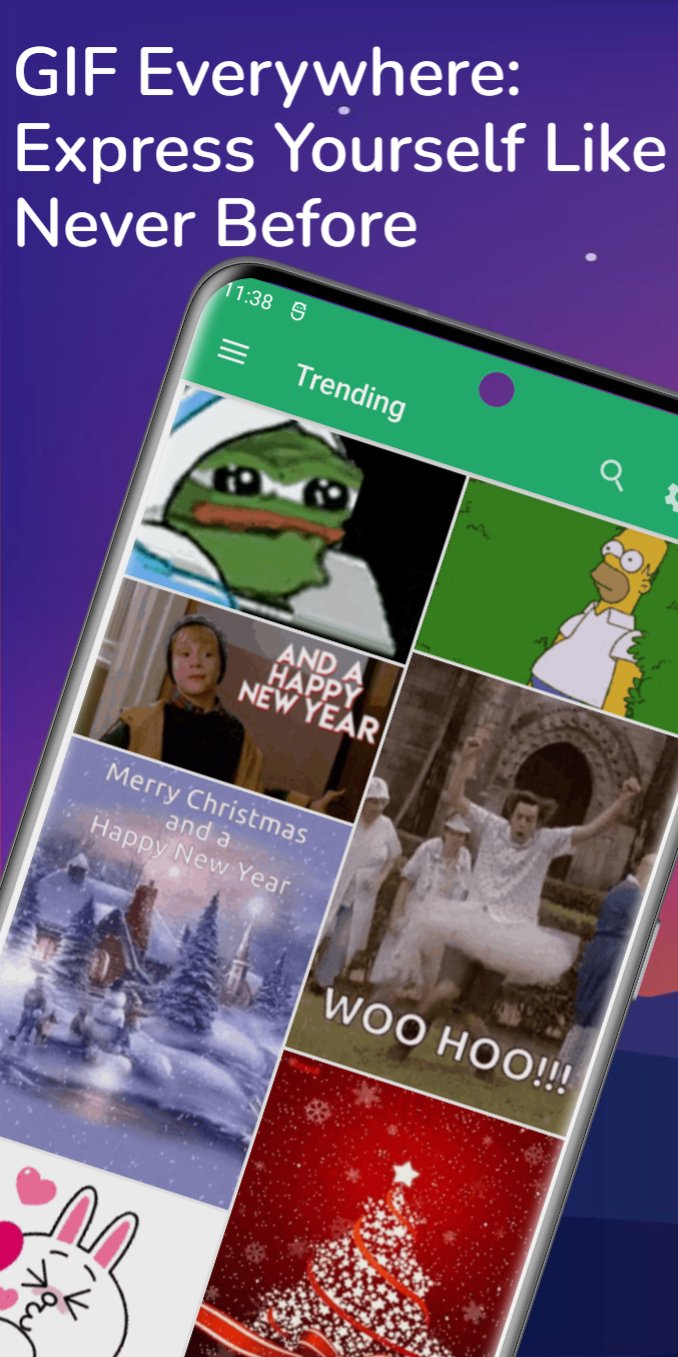
• Trending GIFs, reactions, anime, funny, and more: GIFs has a variety of GIF categories, including trending, reactions, anime, funny, and more. This makes it easy to find the perfect GIF for any occasion.
• Featured search GIFs: GIFs also features a search function, so you can easily find the specific GIF you're looking for.
• Post GIFs on Facebook timeline: You can easily post GIFs to your Facebook timeline with GIFs. Simply select the GIF you want to share and tap the "Share" button.
• Download GIFs to your device: You can also download GIFs to your device with GIFs. This is great if you want to share a GIF with someone who doesn't have the app installed.
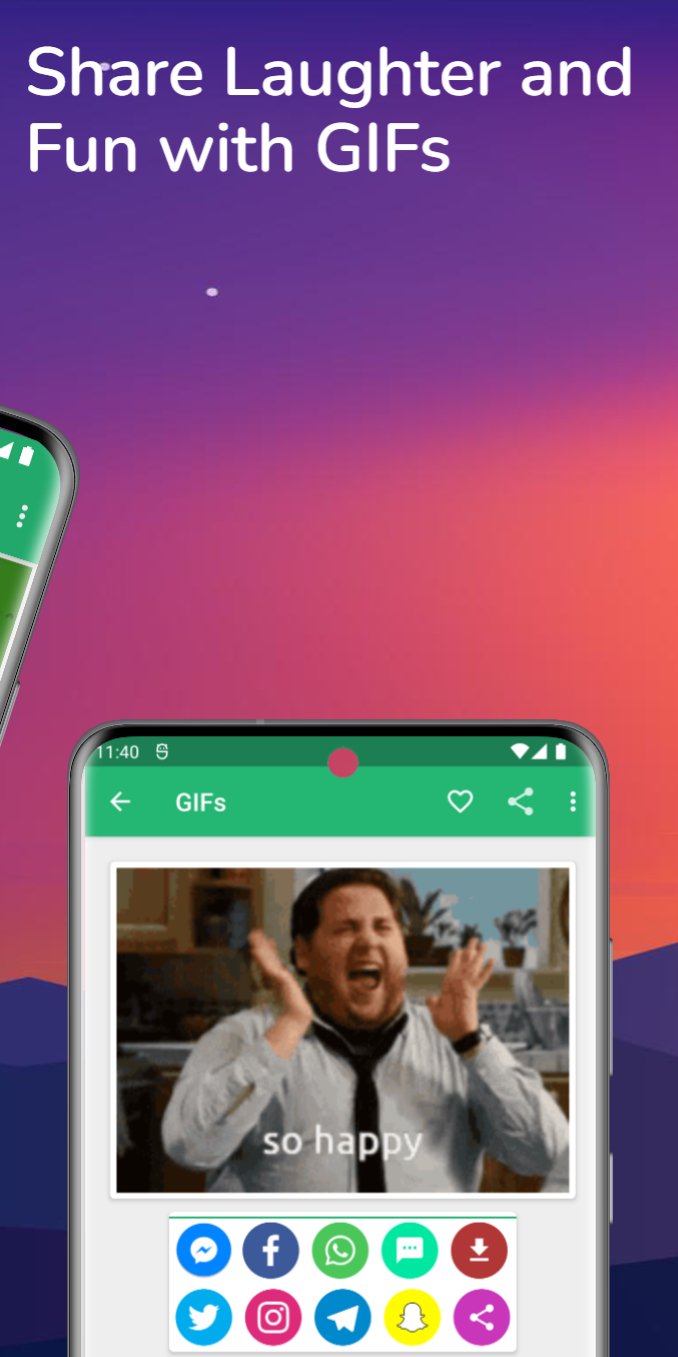
• Share GIFs on WhatsApp, Instagram, and other social media: You can share GIFs on WhatsApp, Instagram, and other social media platforms with GIFs. Simply select the GIF you want to share and tap the "Share" button.
• Two GIF resolutions: normal and low: GIFs offers two GIF resolutions: normal and low. This is great if you want to save data or if you're sending a GIF to someone with a slow internet connection.
Benefits:
• Express yourself more effectively: GIFs are a great way to express yourself more effectively than words alone can. They can be used to convey a wide range of emotions, from joy to sadness to anger.
• Make your conversations more fun: GIFs can make your conversations more fun and engaging. They can also be used to break the ice or to lighten the mood.
• Connect with your friends and family: GIFs are a great way to connect with your friends and family. They can be used to share special moments, to celebrate milestones, or to simply show how much you care.
Why choose GIFs?
GIFs is the best GIF sharing app on the market. It offers a wide variety of GIFs and stickers to choose from, as well as a variety of features that make it easy to share GIFs with your friends and family. Additionally, GIFs is constantly adding new content and features, so you can always be sure that you're getting the most out of your GIF sharing experience.
GIFs content powered by Tenor, Giphy and other websites.
Download GIFs today and start expressing yourself!
Contact us:
We're always happy to hear from you! If you have any questions or feedback, please feel free to contact us at:
Facebook: https://www.facebook.com/al.hadidi.apps
Twitter: https://www.twitter.com/alhadidiapps
Instagram: https://instagram.com/al.hadidi.apps
Thank you for using GIFs!
Preview
Tags
Video-PlayersInformation
Developer
Al-Hadidi Apps
Latest Version
1.9.4
Last Updated
2025-10-19
Category
Video-players-editors
Available on
Google Play
Show More
How to play GIFs: Share Animated Fun with GameLoop on PC
1. Download GameLoop from the official website, then run the exe file to install GameLoop
2. Open GameLoop and search for “GIFs: Share Animated Fun” , find GIFs: Share Animated Fun in the search results and click “Install”
3. Enjoy playing GIFs: Share Animated Fun on GameLoop
Minimum requirements
OS
Windows 8.1 64-bit or Windows 10 64-bit
GPU
GTX 1050
CPU
i3-8300
Memory
8GB RAM
Storage
1GB available space
Recommended requirements
OS
Windows 8.1 64-bit or Windows 10 64-bit
GPU
GTX 1050
CPU
i3-9320
Memory
16GB RAM
Storage
1GB available space