
Filmora: AI Video Editor&Maker PC
FilmoraGo Studio
Download Filmora: AI Video Editor&Maker on PC With GameLoop Emulator
Filmora: AI Video Editor&Maker sa PC
Ang Filmora: AI Video Editor&Maker, na nagmumula sa developer na FilmoraGo Studio, ay tumatakbo sa Android systerm sa nakaraan.
Ngayon, maaari mong laruin ang Filmora: AI Video Editor&Maker sa PC gamit ang GameLoop nang maayos.
I-download ito sa GameLoop library o mga resulta ng paghahanap. Hindi na tumitingin sa baterya o nakakadismaya na mga tawag sa maling oras.
I-enjoy lang ang Filmora: AI Video Editor&Maker PC sa malaking screen nang libre!
Filmora: AI Video Editor&Maker Panimula
Filmora is an AI-based video editor & movie maker, helping you create viral videos perfectly tailored for TikTok, Instagram, YouTube, and beyond.
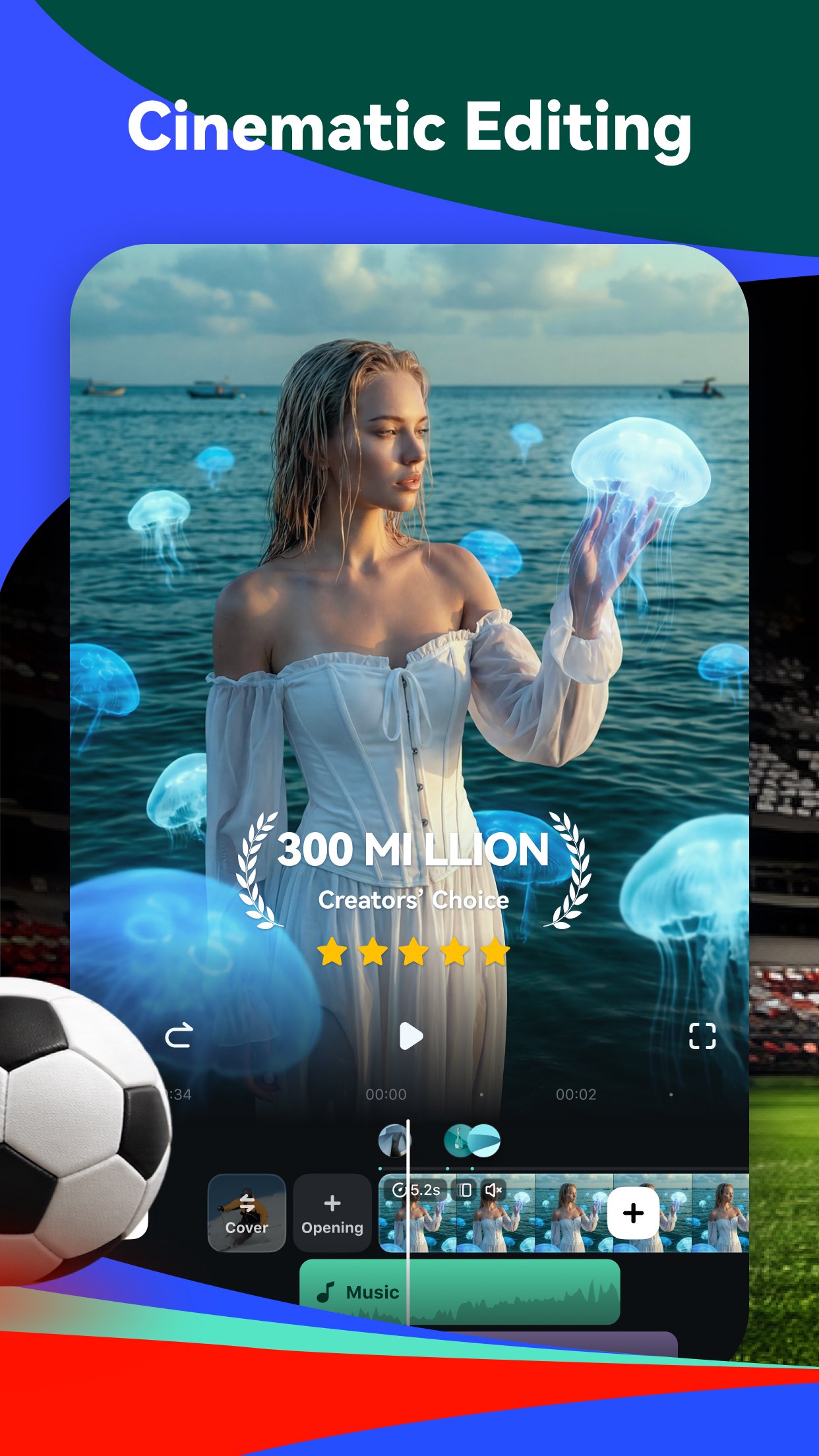
Packed with AI tools, thousands of templates, and powerful editing features, Filmora gives you everything you need to make content that truly stands out.
🤖AI Video Creation
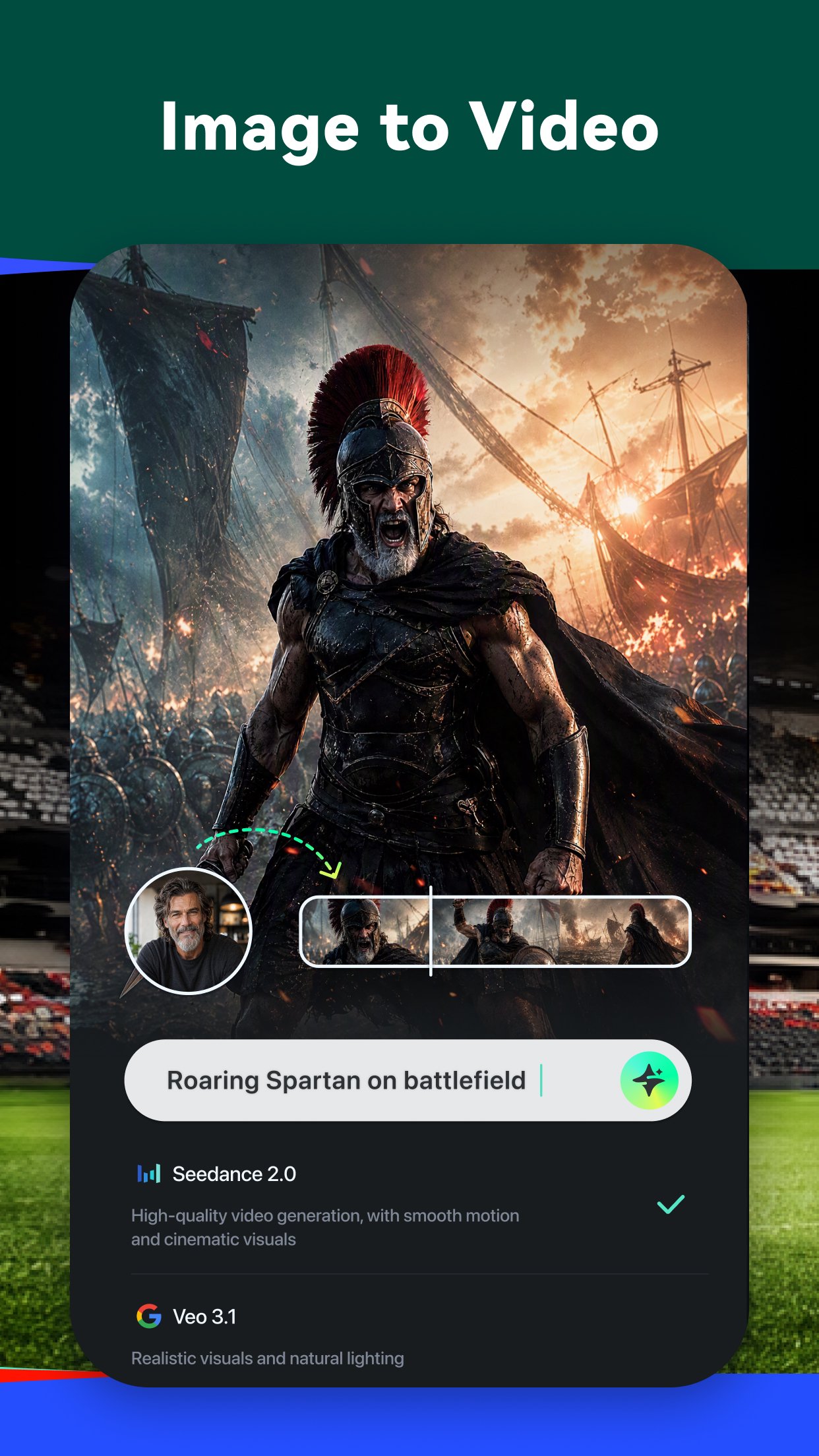
🔮Image & Text to Video
- Write a description or upload a photo and watch AI turn it into a stunning, high-quality video clip.
📖Story to Video
- Give AI your storyline and watch it unfold into a full, scene-by-scene AI short drama complete with visuals, pacing, and cinematic flow. Your next viral series starts here.
📣Marketing Video
- One product image is all it takes. Choose from a range of AI-powered templates and turn it into a polished, scroll-stopping video ad in minutes.
🖼️VideoGen
- Tell AI exactly what you want — swap, add, or transform any element in your video.
✂️Smart Editing
🎞AI Auto Cut
- Automatically picks your best moments and cuts them into a cinematic highlight reel.
📜AI Captions
- Accurate, word-by-word captions auto-generated from your audio in multiple languages.
🧽b>AI Remover
- Remove backgrounds, unwanted objects, or distractions from your shots in one tap.
🎙️Text to Speech
- Turn your script into voiceovers with a huge library of high-quality voices to choose from.
🎵AI Music, Beats & Sound Effects
- Generate royalty-free music, sync cuts to the beat, and add soundscapes that fit your video perfectly.
🎬Easy Editing for Every Creator
- Stunning templates help create videos in one click.
- Fast, intuitive timeline editing to cut and rearrange clips without quality loss.
- Add text, stickers, filters, and transitions to set your style.
- Built-in royalty-free music library with full audio editing tools.
- Speed ramp for smooth slow-mo or punchy time-lapse effects.
- Rotate, crop, and reframe your shots with ease.
- Share to TikTok, Instagram, YouTube, and more with the perfect format in one tap.
🏆Advanced Tools When You Need Them
- Keyframe control for precise motion, color, and effect animations.
- Speed Curve: smooth ramp effects with preset or custom curves.
- Multi-track editing: build complex scenes by stacking video, image, text, and effect layers independently.
- Masking and blending for seamless, creative transitions.
- Smart Tracking: follow faces, objects, or any target automatically.
🌟Filmora Subscription Plans
- With Filmora Pro Benefits, you can access all features and paid editing materials, including stickers, filter packages, and more. Watermark and Logo Roll will be removed automatically.
- You can turn off auto-renewal at any time through your Account Settings.
- Any unused portion of a free trial period, if offered, will be forfeited upon purchase of a subscription.
💖 Follow Filmora
YouTube: https://www.youtube.com/c/FilmoraWondershare
Facebook: https://www.facebook.com/filmoravideoeditor
Instagram: https://www.instagram.com/filmora_editor
📧 Contact Us
mailer@service.wondershare.com
Preview
Tags
Video-PlayersInformation
Developer
FilmoraGo Studio
Latest Version
15.6.97
Last Updated
2026-09-04
Category
Video-players-editors
Show More
How to play Filmora: AI Video Editor&Maker with GameLoop on PC
1. Download GameLoop from the official website, then run the exe file to install GameLoop
2. Open GameLoop and search for “Filmora: AI Video Editor&Maker” , find Filmora: AI Video Editor&Maker in the search results and click “Install”
3. Enjoy playing Filmora: AI Video Editor&Maker on GameLoop
Minimum requirements
OS
Windows 8.1 64-bit or Windows 10 64-bit
GPU
GTX 1050
CPU
i3-8300
Memory
8GB RAM
Storage
1GB available space
Recommended requirements
OS
Windows 8.1 64-bit or Windows 10 64-bit
GPU
GTX 1050
CPU
i3-9320
Memory
16GB RAM
Storage
1GB available space