
FanTV Trending Videos & Music PC
ArtistFirst Technology Inc
Download FanTV Trending Videos & Music on PC With GameLoop Emulator
FanTV Trending Videos & Music sa PC
Ang FanTV Trending Videos & Music, na nagmumula sa developer na ArtistFirst Technology Inc, ay tumatakbo sa Android systerm sa nakaraan.
Ngayon, maaari mong laruin ang FanTV Trending Videos & Music sa PC gamit ang GameLoop nang maayos.
I-download ito sa GameLoop library o mga resulta ng paghahanap. Hindi na tumitingin sa baterya o nakakadismaya na mga tawag sa maling oras.
I-enjoy lang ang FanTV Trending Videos & Music PC sa malaking screen nang libre!
FanTV Trending Videos & Music Panimula
🎯 FanTV - Watch, Create & Earn with AI!
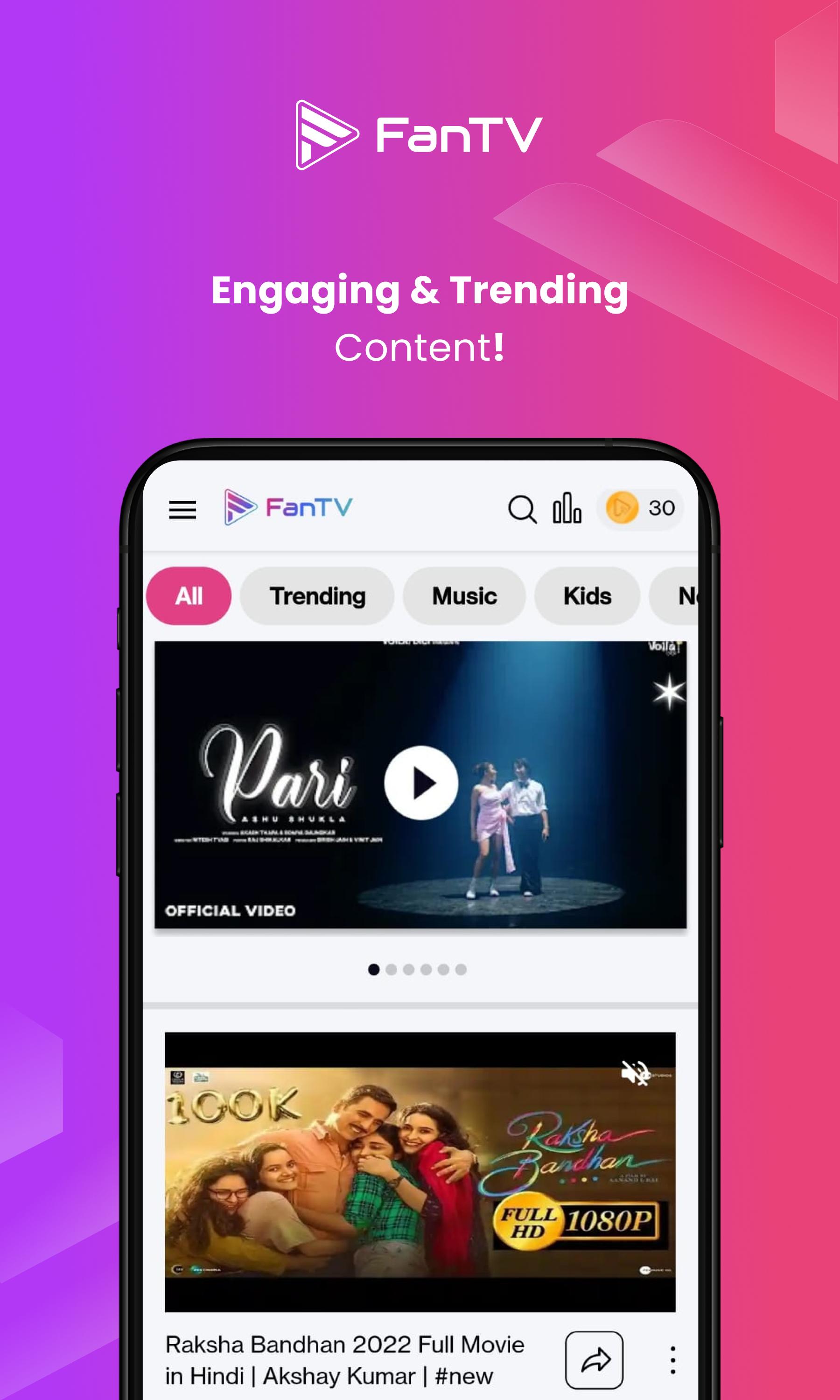
Create AI Videos, Watch Premium Content & Earn Real Rewards! India's #1 Entertainment Platform with 6M+ Users.
🌟 Why Choose FanTV:
📱 WATCH & EARN
Watch Premium HD Videos & Music
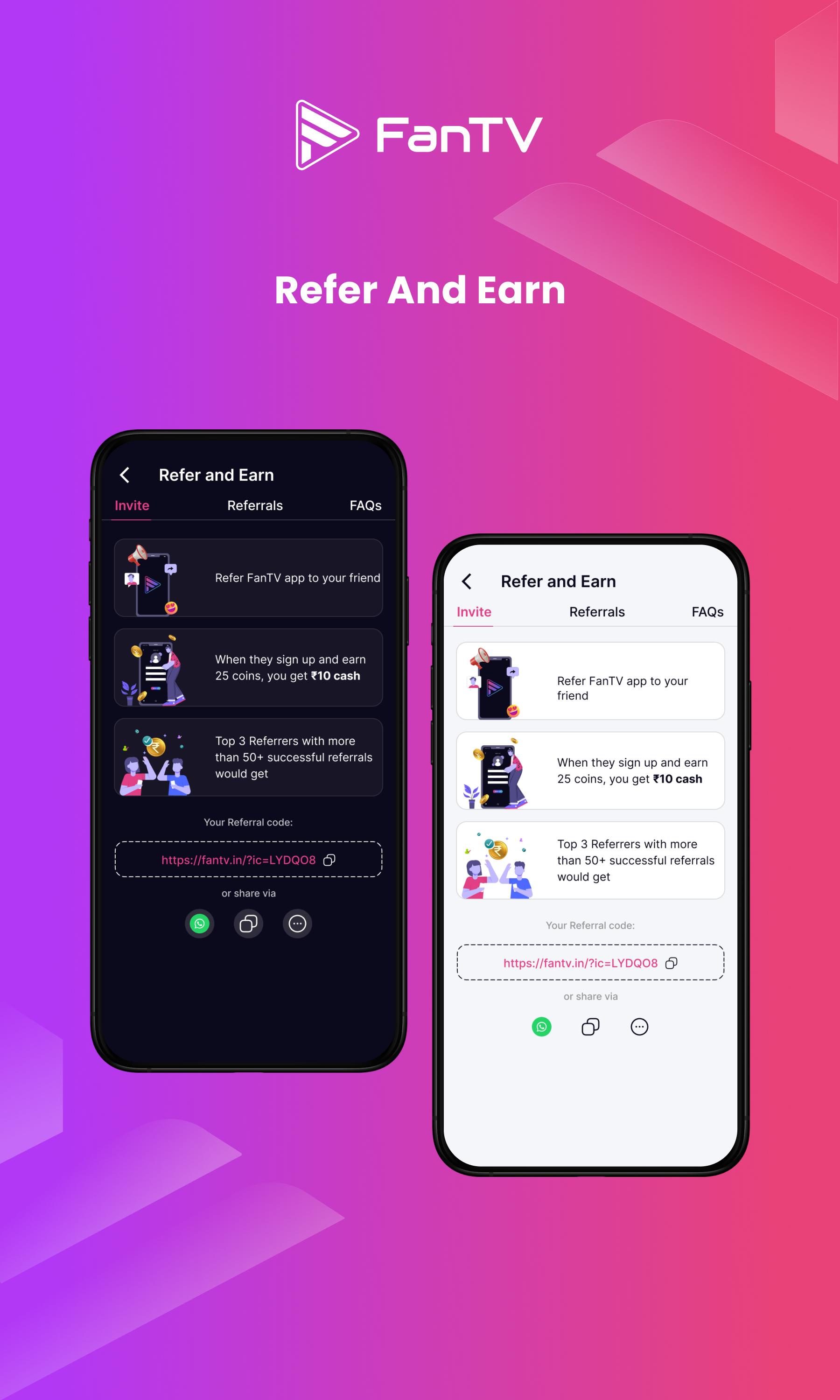
Earn Real Rewards Daily
Zero Ads, Pure Entertainment
AI-Personalized Content Feed
Multi-Language Support
🎥 CREATE WITH AI
Transform Text to Videos Instantly
AI Music Generation
Professional Video Editor
Viral Content Templates
One-Click Multi-Platform Sharing
💰 EARN & GROW
Daily Watch Rewards
Creator Monetization
Weekly Contests & Jackpots
Brand Collaboration Opportunities
Exclusive Creator Program
✨ TRENDING FEATURES
Short Videos & Music
Live Streaming
AI Video Creation
Premium Content Library
Community Challenges
🏆 INDIA'S TOP ENTERTAINMENT APP
6 Million+ Active Users
75,000+ Professional Creators
1.2M+ Hours Watched Monthly
Multiple Language Support
Made in India 🇮🇳
Join the AI Entertainment Revolution! Create, Watch, and Earn with FanTV - Where Everyone's a Creator! 🚀
📲 Updates & Community:
Instagram: @fantv.official
Twitter: @FanTV_official
YouTube: @FanTV.official
Facebook: @FanTV.in
Telegram: https://t.me/+6ldTYbzU1epmMmU9
Do you love the app? Rate us ⭐⭐⭐⭐⭐
Preview
Tags
Video-PlayersInformation
Developer
ArtistFirst Technology Inc
Latest Version
1.7.9
Last Updated
2025-03-18
Category
Video-players-editors
Available on
Google Play
Show More
How to play FanTV Trending Videos & Music with GameLoop on PC
1. Download GameLoop from the official website, then run the exe file to install GameLoop
2. Open GameLoop and search for “FanTV Trending Videos & Music” , find FanTV Trending Videos & Music in the search results and click “Install”
3. Enjoy playing FanTV Trending Videos & Music on GameLoop
Minimum requirements
OS
Windows 8.1 64-bit or Windows 10 64-bit
GPU
GTX 1050
CPU
i3-8300
Memory
8GB RAM
Storage
1GB available space
Recommended requirements
OS
Windows 8.1 64-bit or Windows 10 64-bit
GPU
GTX 1050
CPU
i3-9320
Memory
16GB RAM
Storage
1GB available space