Hologram 3D PC
AFapps.de
Download Hologram 3D on PC With GameLoop Emulator
Hologram 3D sa PC
Ang Hologram 3D, na nagmumula sa developer na AFapps.de, ay tumatakbo sa Android systerm sa nakaraan.
Ngayon, maaari mong laruin ang Hologram 3D sa PC gamit ang GameLoop nang maayos.
I-download ito sa GameLoop library o mga resulta ng paghahanap. Hindi na tumitingin sa baterya o nakakadismaya na mga tawag sa maling oras.
I-enjoy lang ang Hologram 3D PC sa malaking screen nang libre!
Hologram 3D Panimula
Now you can make 3D holograms your smartphone to the projector. No fake, no simulation, really true thanks the simple pyramid effect!
There are many hologram Apps in Google Play Store. But the most are only simulations or pranks. Not this! It requires just a little manual skill for building the required pyramid.
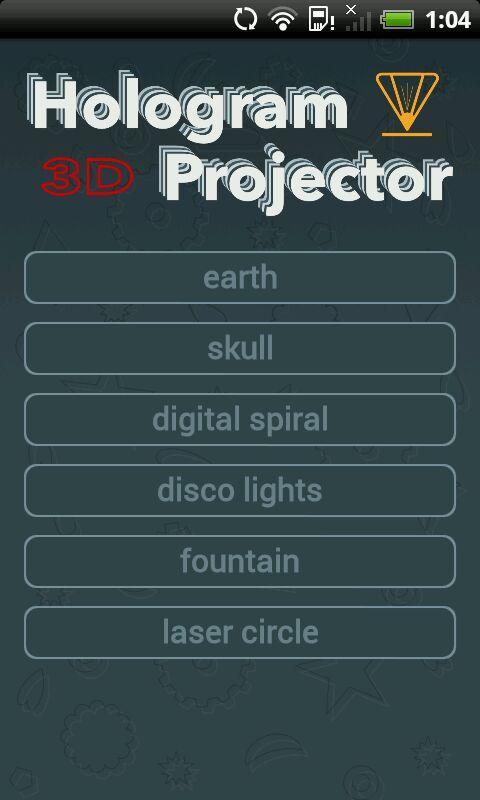
With this app you can create true 3D holograms on your Android smartphone or tablet. Already in its first version, you have the choice between six different projections: Earth, skull, digital spiral, lights, fountain and laser circle. More will be added in the future with an update (for free).
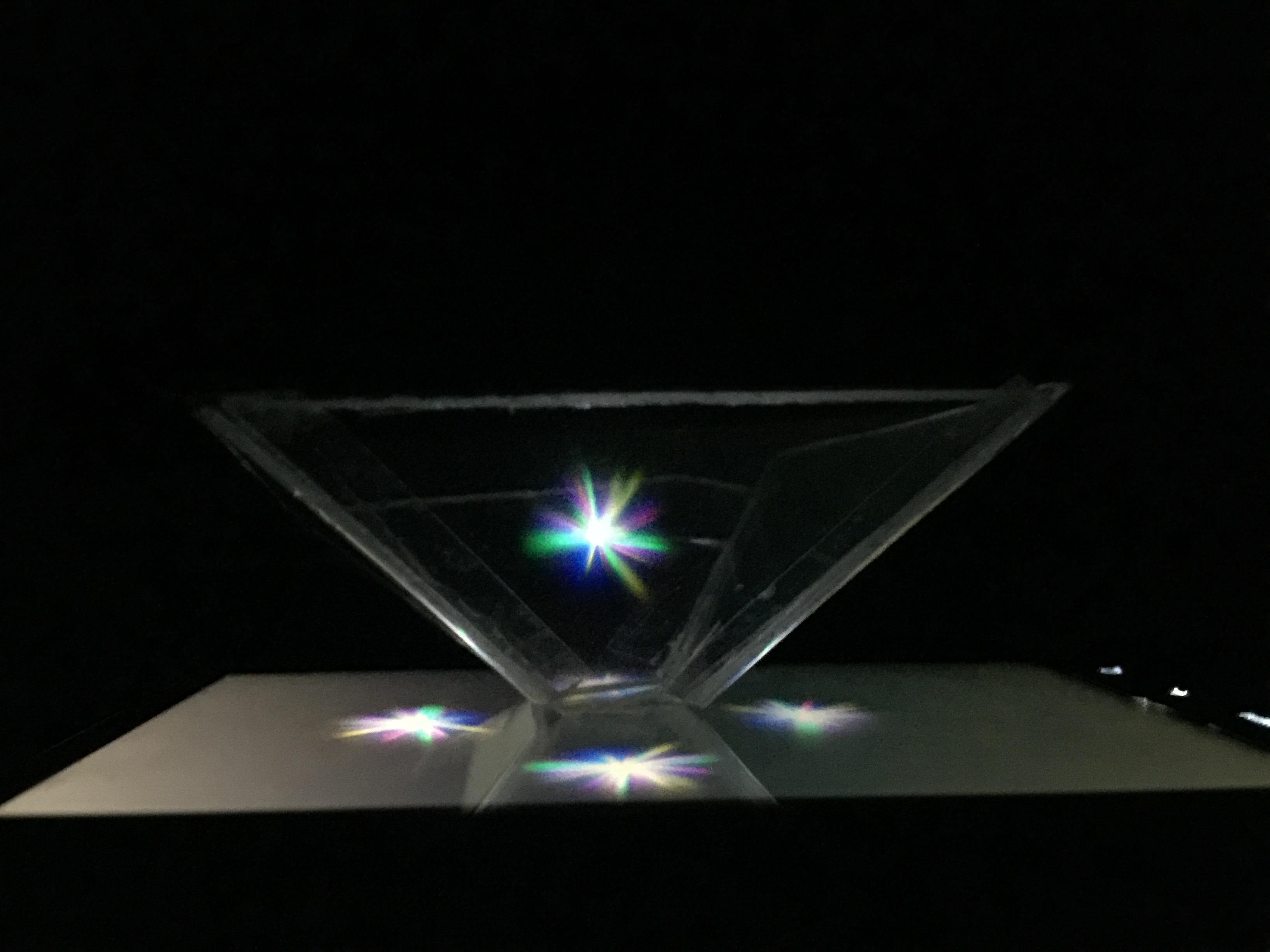
The hologram 3D Viewer works according to the principle of the pyramid as it is being used in many commercial solutions. Among others at exhibitions and in shop windows you can see the hologram effect with all-round view.
As 2D version - the stripped down version with only one projection instead 360 degrees – you can find a similar effect in many modern vehicles, called HUD (head-up display; HUD display).
To create a 3D hologram with this Android app and your any smartphone or tablet, you do not need much:
Only a transparent piece of glass or plastic. It must reflect strong. For example a CD Case is suitable optimally. Such ranges for displays up to about 6 inches. If you want to use it on a tablet, more are needed.
Use a knife or scalpel can this piece of plastic handle with little effort to a hologram pyramid. A piece of tape and a few drops of superglue ensure a stable structure that can be placed on your phone.
In the app you'll find an easy-to-understand instructions, which is adapted to the respective screen size of your device and will save you the hassle of converting.
The application includes in its first version already various 3D projections. Gradually new holograms will be added in future. Installing a update is always recommended.
You like this hologram projector app? Then review it at the Google Play Store. If you have problems or errors, however, send me an email, so I have the chance to fix it as soon as possible.
Preview
Tags
Video-PlayersInformation
Developer
AFapps.de
Latest Version
1.1
Last Updated
2016-05-08
Category
Video-players-editors
Available on
Google Play
Show More
How to play Hologram 3D with GameLoop on PC
1. Download GameLoop from the official website, then run the exe file to install GameLoop
2. Open GameLoop and search for “Hologram 3D” , find Hologram 3D in the search results and click “Install”
3. Enjoy playing Hologram 3D on GameLoop
Minimum requirements
OS
Windows 8.1 64-bit or Windows 10 64-bit
GPU
GTX 1050
CPU
i3-8300
Memory
8GB RAM
Storage
1GB available space
Recommended requirements
OS
Windows 8.1 64-bit or Windows 10 64-bit
GPU
GTX 1050
CPU
i3-9320
Memory
16GB RAM
Storage
1GB available space