
Screen Recorder-Video Recorder PC
AB APPLICATIONS
Download Screen Recorder-Video Recorder on PC With GameLoop Emulator
Screen Recorder-Video Recorder sa PC
Ang Screen Recorder-Video Recorder, na nagmumula sa developer na AB APPLICATIONS, ay tumatakbo sa Android systerm sa nakaraan.
Ngayon, maaari mong laruin ang Screen Recorder-Video Recorder sa PC gamit ang GameLoop nang maayos.
I-download ito sa GameLoop library o mga resulta ng paghahanap. Hindi na tumitingin sa baterya o nakakadismaya na mga tawag sa maling oras.
I-enjoy lang ang Screen Recorder-Video Recorder PC sa malaking screen nang libre!
Screen Recorder-Video Recorder Panimula
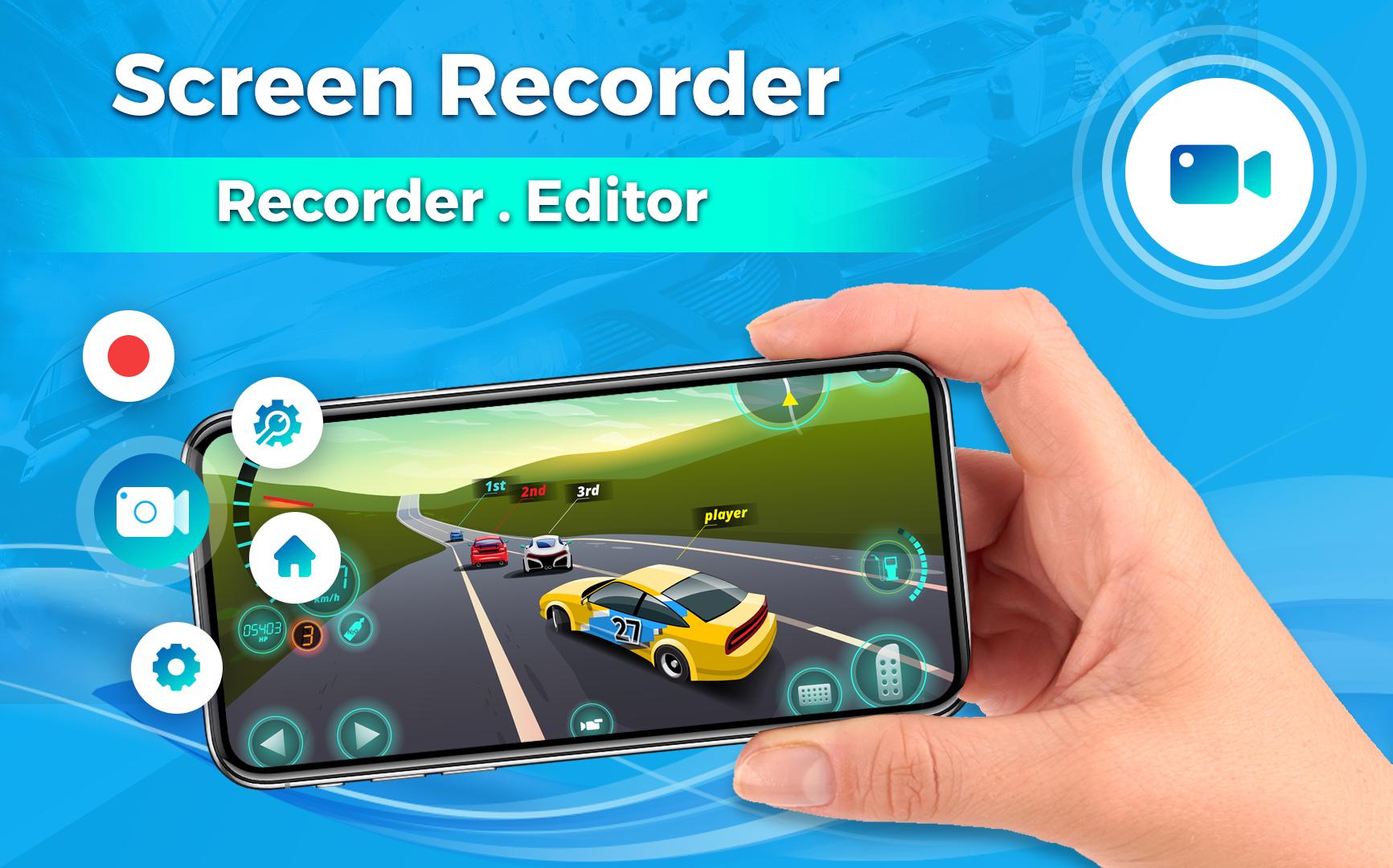
Looking for an easy screen record tool or a Screen Video Recorder to record quick videos and video recorder app? Screen recorder with audio to take live videos & Screenshot in high quality! Screen Recorder and Quick Video Recorder app with background video recorder is one of the best professional screen recording & video editor apps 2022. screen recorder with audio makes it faster and easier than ever to record your screen, record your apps, and video games.
Screen Recorder & Screen Video Recorder is a screen recording and screen capture tool that helps you record screen and record videos in an easy way. Quick Video recorder with Screen Recorder app is also used for scene record and secret video records. Screen recorder is a quick video recorder app. Popular screen recorder & video editor, no recording time limit! no watermark!
Just with a tap, You can easily record screen, record videos, and record games with a screen recorder.
➤Main Features
✓ Capture screen to take a clear Screenshot
✓ Screen recorder with audio
✓ Video recorder without watermarks (No Watermark)
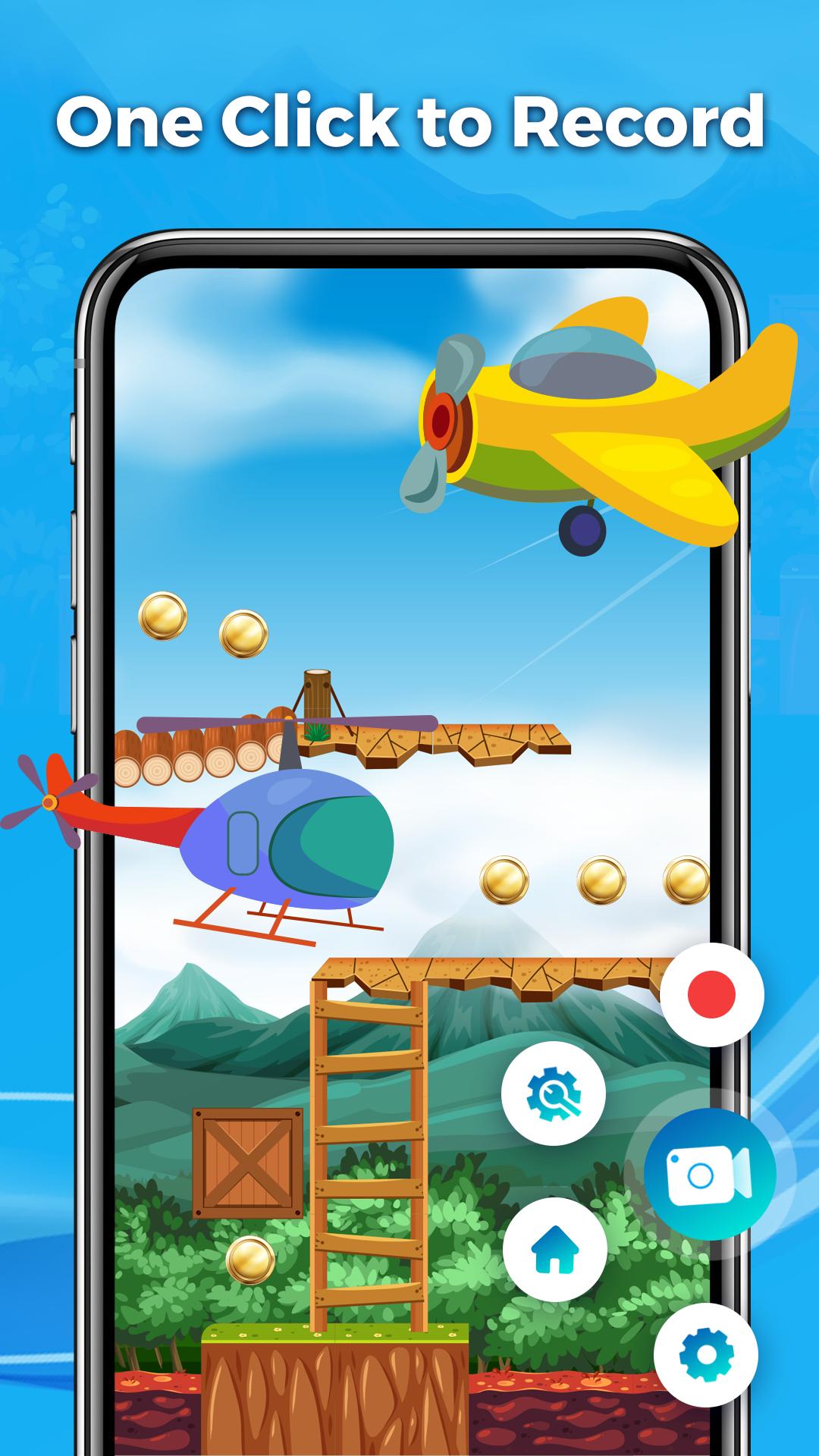
✓ It only takes one touch to start recording on your phone with sound, one single tap to pause/resume at any time.
✓ Trim video after finish recording or any video has format MP4 available on devices
✓ Screen recorder without lag
✓ Simple and easy to use.
✓ Pause/resume screen recording, rotate screen
✓ No internet needed
✓ Floating Control Panel: One touch to control and snap the exact moment easily.
✓ Game Recorder with no Time Limit (Record Gameplay on your phone)
✓ You can easily share your recorded videos.
✓ Shake the device to start/stop recording the screen.
✓ And much more!...
➤Screen Recorder in full HD Video
Screen Video Recorder supports recording game screen in the highest quality.
➤ Game Recorder with no Time Limit
This screen recorder is also a convenient game recorder & screen capture tool. It helps you capture screen, record screen & record gameplay video without recording time limit.
➤ Screen Video Recorder with NO Watermark
Still find a screen capture tool without a watermark? Download this video recorder to capture screen in a cleaner way. If you want to capture screen, record screen or take a screenshot efficiently.
➤ Screen Recorder with Sound (Audio Recorder)
Want to record gameplay, video tutorial with sound or audio? This powerful screen recorder with audio is your best choice. It will record your voice clearly.
This Screen Recorder application does not use data/internet because we do not download any recordings on a network or cloud server. All videos and screenshots are save locally to a phone / SD card memory.
Thanks for downloading Screen Recorder, if you have any feedback, please feel free to contact us.
Preview
Tags
Video-PlayersInformation
Developer
AB APPLICATIONS
Latest Version
1.3.0
Last Updated
2023-11-03
Category
Video-players-editors
Available on
Google Play
Show More
How to play Screen Recorder-Video Recorder with GameLoop on PC
1. Download GameLoop from the official website, then run the exe file to install GameLoop
2. Open GameLoop and search for “Screen Recorder-Video Recorder” , find Screen Recorder-Video Recorder in the search results and click “Install”
3. Enjoy playing Screen Recorder-Video Recorder on GameLoop
Minimum requirements
OS
Windows 8.1 64-bit or Windows 10 64-bit
GPU
GTX 1050
CPU
i3-8300
Memory
8GB RAM
Storage
1GB available space
Recommended requirements
OS
Windows 8.1 64-bit or Windows 10 64-bit
GPU
GTX 1050
CPU
i3-9320
Memory
16GB RAM
Storage
1GB available space