Reverse Video PC
Movies Studio
Download Reverse Video on PC With GameLoop Emulator
Reverse Video sa PC
Ang Reverse Video, na nagmumula sa developer na Movies Studio, ay tumatakbo sa Android systerm sa nakaraan.
Ngayon, maaari mong laruin ang Reverse Video sa PC gamit ang GameLoop nang maayos.
I-download ito sa GameLoop library o mga resulta ng paghahanap. Hindi na tumitingin sa baterya o nakakadismaya na mga tawag sa maling oras.
I-enjoy lang ang Reverse Video PC sa malaking screen nang libre!
Reverse Video Panimula
Reverse Video is a free application that helps you create interesting reverse videos, just like doing magic.
Broken mirror and burned paper is restored, everything go backward ..etc. This video will be very interesting.
You can turn yourself into a magician with the Reverse Video app.
Record video, reverse it and share it with friends, they will be surprised and admired.
Slow down the video to look more interesting after the reversal.
Suggest some ideas to record and make reverse:
- throw something and then do reverse
- burn a paper
- drinking water
- etc.
Main features:
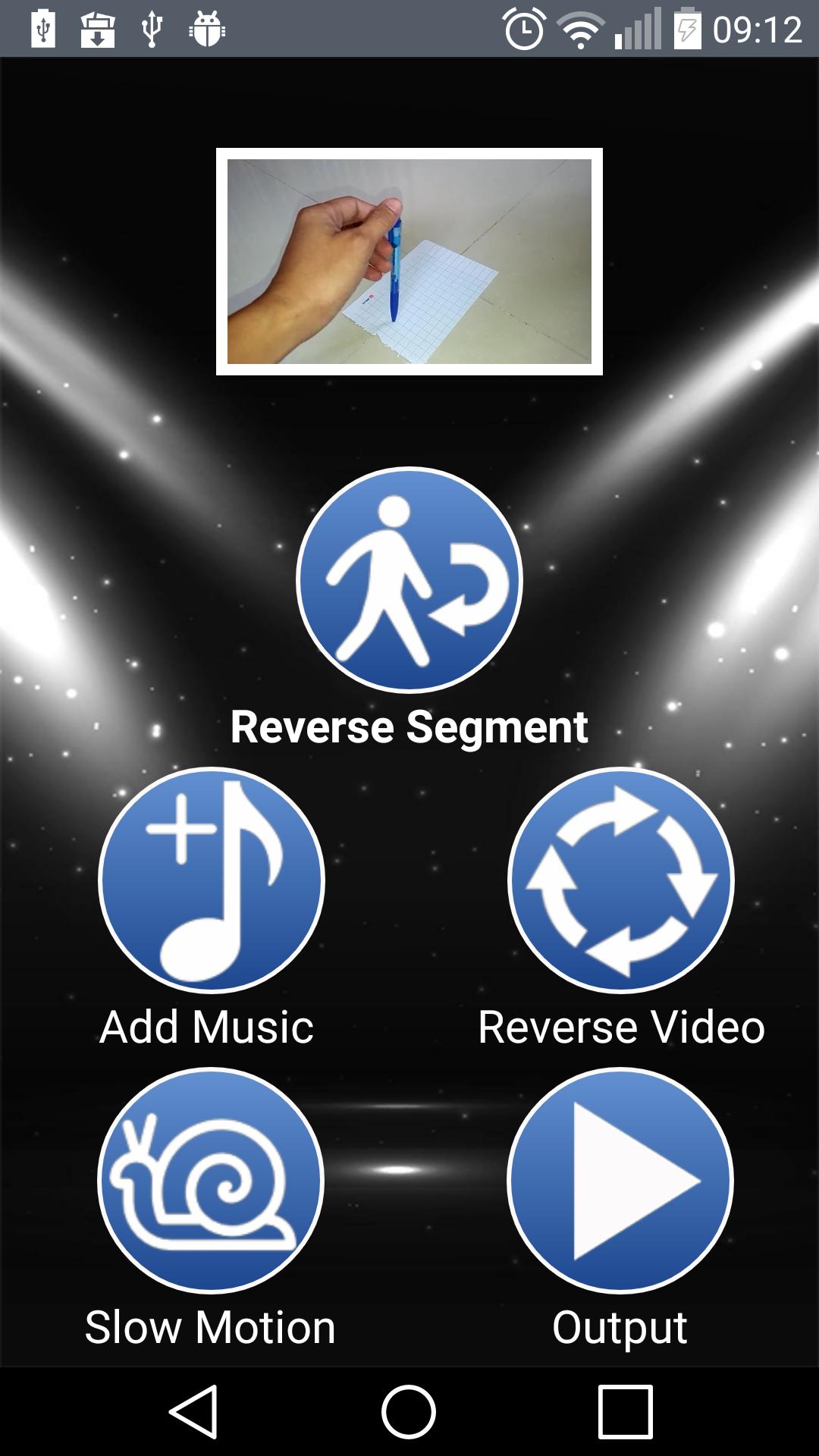
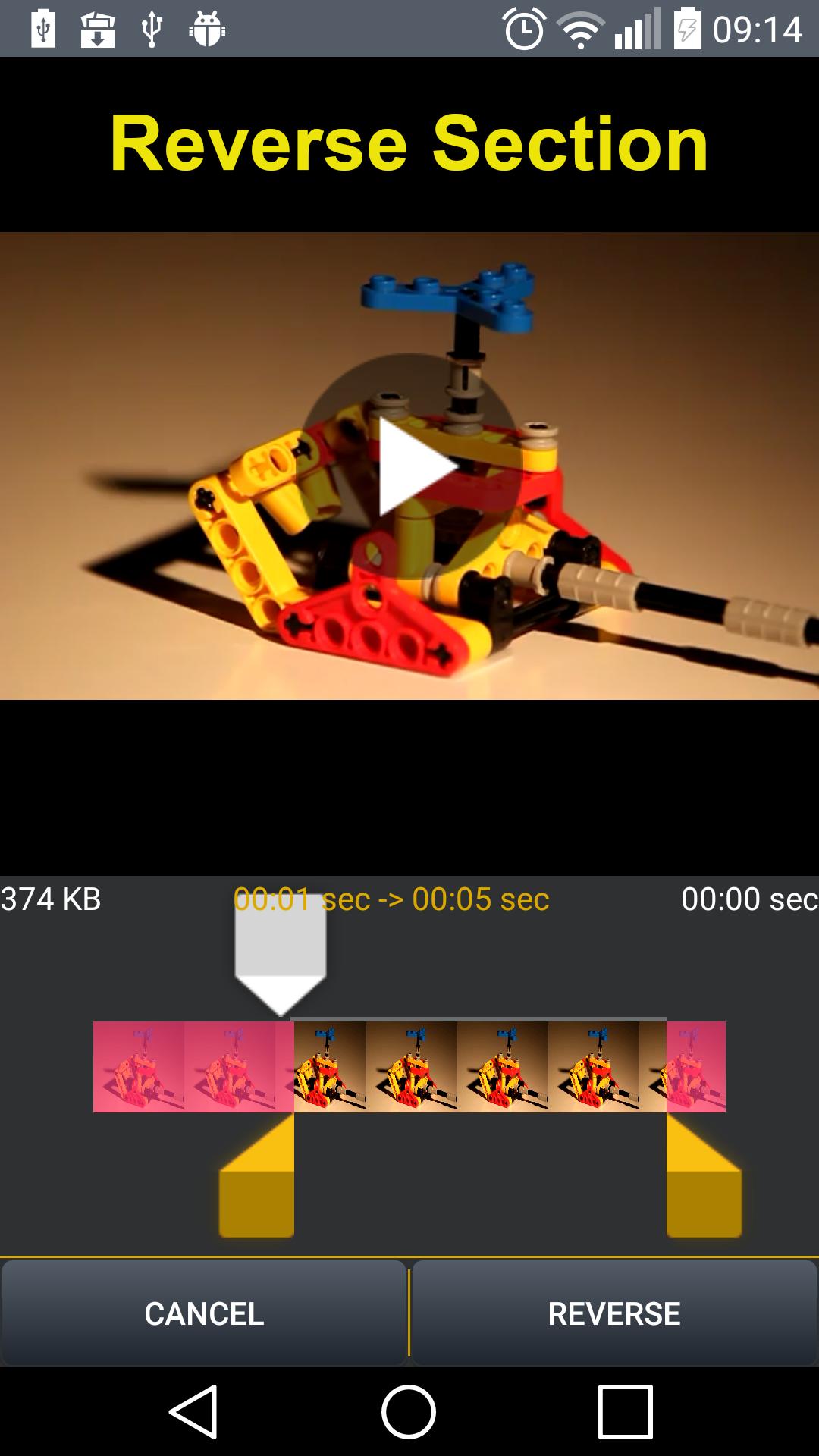
- Reverse the desired part of the video and remove the unimportant part.
- Reverse a whole video file.
- Add audio to the video after reversing or slowing down.
- Slowing down the video after it has been reversed, making the video more detailed and interesting.
- Select the desired video part to reverse.
- Fast processing speed, compact size.
- Share the video after reversing to friends through social networks.
- Display and watch videos inside the app.
More information:
- The application uses the FFmpeg library under the LGPL license.
- We use some images designed by: iconfinder.com, freepik.com, flaticon.com
Preview
Information
Developer
Movies Studio
Latest Version
1.5.0
Last Updated
2020-03-01
Category
Video-players-editors
Available on
Google Play
Show More
How to play Reverse Video with GameLoop on PC
1. Download GameLoop from the official website, then run the exe file to install GameLoop
2. Open GameLoop and search for “Reverse Video” , find Reverse Video in the search results and click “Install”
3. Enjoy playing Reverse Video on GameLoop
Minimum requirements
OS
Windows 8.1 64-bit or Windows 10 64-bit
GPU
GTX 1050
CPU
i3-8300
Memory
8GB RAM
Storage
1GB available space
Recommended requirements
OS
Windows 8.1 64-bit or Windows 10 64-bit
GPU
GTX 1050
CPU
i3-9320
Memory
16GB RAM
Storage
1GB available space