
IPTV Smarters - Xtream IPTV PC
Mind Cube Apps
Download IPTV Smarters - Xtream IPTV on PC With GameLoop Emulator
IPTV Smarters - Xtream IPTV sa PC
Ang IPTV Smarters - Xtream IPTV, na nagmumula sa developer na Mind Cube Apps, ay tumatakbo sa Android systerm sa nakaraan.
Ngayon, maaari mong laruin ang IPTV Smarters - Xtream IPTV sa PC gamit ang GameLoop nang maayos.
I-download ito sa GameLoop library o mga resulta ng paghahanap. Hindi na tumitingin sa baterya o nakakadismaya na mga tawag sa maling oras.
I-enjoy lang ang IPTV Smarters - Xtream IPTV PC sa malaking screen nang libre!
IPTV Smarters - Xtream IPTV Panimula
IPTV is a media player that allows users to play their content online.
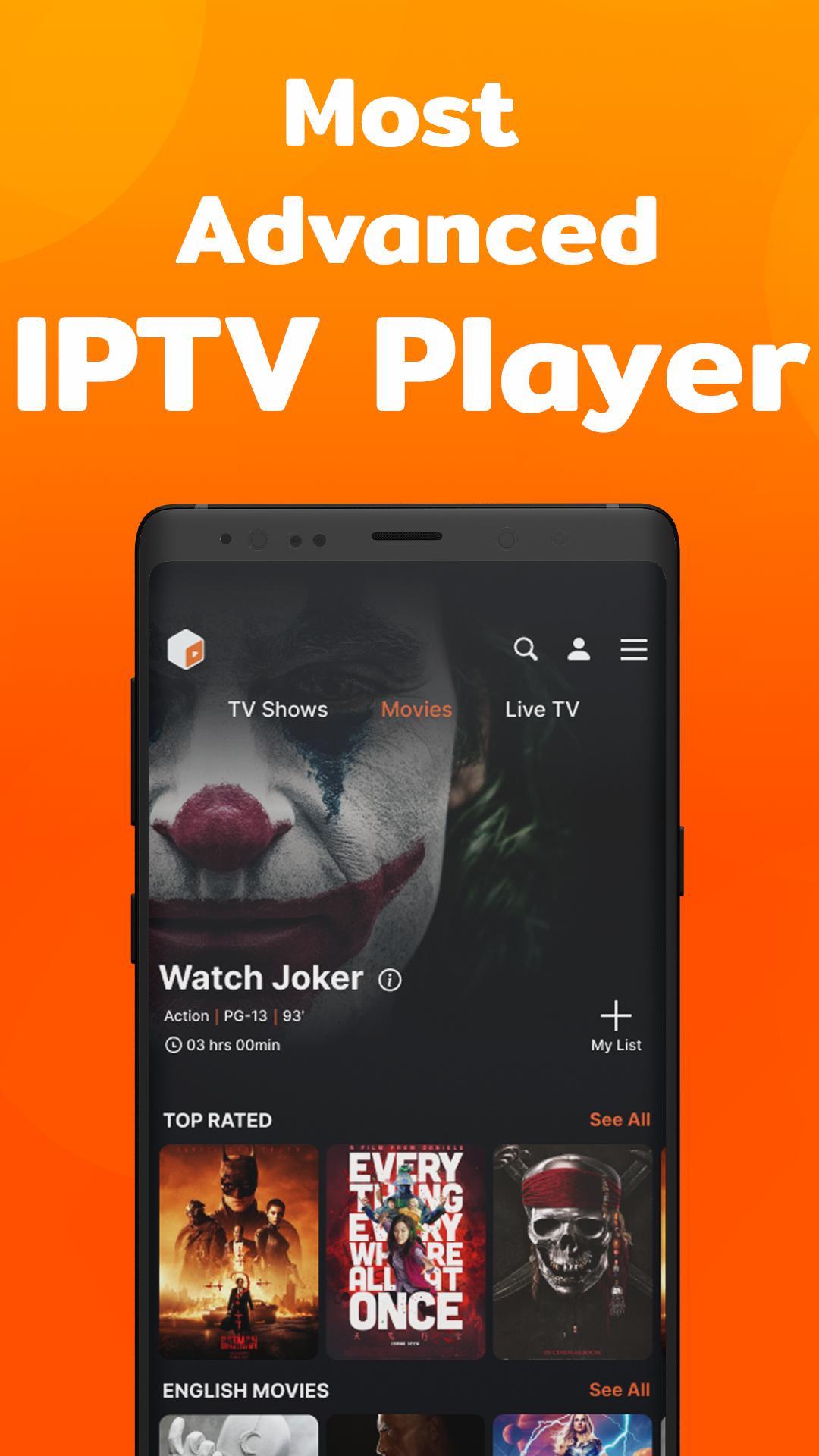
This IPTV is a complete package of entertainment. With this player, you can watch live TV, TV Shows, and Movies on your Android Phones, Android TVs, and other android devices.
With the help of a Wi-Fi connection, it makes it easier to stream content from your home network.
The IPTV is the perfect way to catch up on all your favorite shows. It has a one-touch button that allows you to watch any show, anytime, anywhere. The IPTV is perfect for anyone who loves TV but doesn't have time to watch it live. With this player, you can access thousands of episodes and movies in an instant with just one touch of a button.
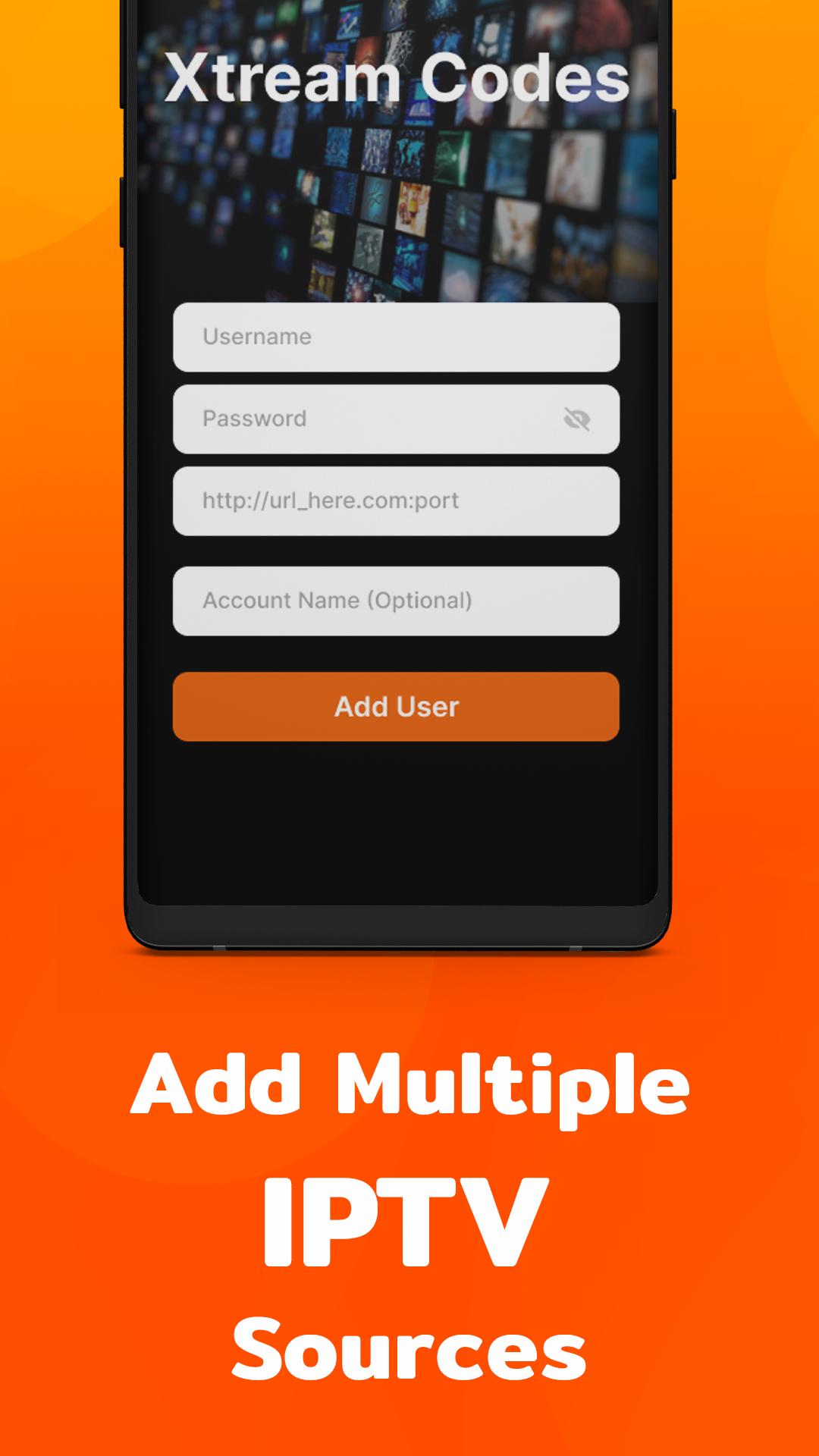
The application is only a player and does not contain any preset channels or streams. You need to add playlists and EPGs of your IPTV provider.
FEATURES:
- Live, Movies, and Series ( TV Shows) Streaming
- You can see recently Added Movies & Series
- Supported Multi-Screens and Multi-Users
- Support Xtream Codes API
- User interface designed for big screens
- Audio Selection
-Subtitle
- Play a Single Stream
- M3U URL & Playlist
- Load channels logo
- Master Search
- Favorite channels
- Continue Watching
- Casting
- Ability to download On-Demand Programs
UPCOMING FEATURES:
- EPG ( TV Program Guide)
- Parental Controls
- TV Catch Up Streaming
- Local Audio / Video file Playing
- Internal and external video players
- Speed Test facility and VPN
- Dynamic language switching
- Native Player and Built-in Player
- Auto Next Episode Play
- Backup & Restore Settings
- Picture-in-Picture
- Grid, list, or tile view of TV channels
- Playlists history
- Ability to record Live Streaming with a time limit
- Timers Management
- Search for Similar Events on TV Guide
- Add, modify, delete, and sort playlists
- Drag & drop to sort channels and playlists
Easy to use:
IPTV is so easy to be used and offers you a huge variety of features to make more enjoyable cricket & football matches of your favorite team, your series, and kid's channels.
What are you waiting for?
Download this application and entertain yourself.
Disclaimer note:
- IPTV is a Player and it does not provide any kind of IPTV content.
- You need to add a playlist from your IPTV provider to be able to watch it.
- IPTV has no affiliation with any IPTV provider.
Support:
Remember to give us a rating and share it with your friends if you like us.
Privacy Policy: https://mindcubeapps.com/data/privacy.html
Terms & Conditions: https://mindcubeapps.com/data/terms.html
Preview
Tags
Video-PlayersInformation
Developer
Mind Cube Apps
Latest Version
2.2.4
Last Updated
2023-11-09
Category
Video-players-editors
Available on
Google Play
Show More
How to play IPTV Smarters - Xtream IPTV with GameLoop on PC
1. Download GameLoop from the official website, then run the exe file to install GameLoop
2. Open GameLoop and search for “IPTV Smarters - Xtream IPTV” , find IPTV Smarters - Xtream IPTV in the search results and click “Install”
3. Enjoy playing IPTV Smarters - Xtream IPTV on GameLoop
Minimum requirements
OS
Windows 8.1 64-bit or Windows 10 64-bit
GPU
GTX 1050
CPU
i3-8300
Memory
8GB RAM
Storage
1GB available space
Recommended requirements
OS
Windows 8.1 64-bit or Windows 10 64-bit
GPU
GTX 1050
CPU
i3-9320
Memory
16GB RAM
Storage
1GB available space