Lightworks PC
Malik_Ibhram
Download Lightworks on PC With GameLoop Emulator
Lightworks sa PC
Ang Lightworks, na nagmumula sa developer na Malik_Ibhram, ay tumatakbo sa Android systerm sa nakaraan.
Ngayon, maaari mong laruin ang Lightworks sa PC gamit ang GameLoop nang maayos.
I-download ito sa GameLoop library o mga resulta ng paghahanap. Hindi na tumitingin sa baterya o nakakadismaya na mga tawag sa maling oras.
I-enjoy lang ang Lightworks PC sa malaking screen nang libre!
Lightworks Panimula
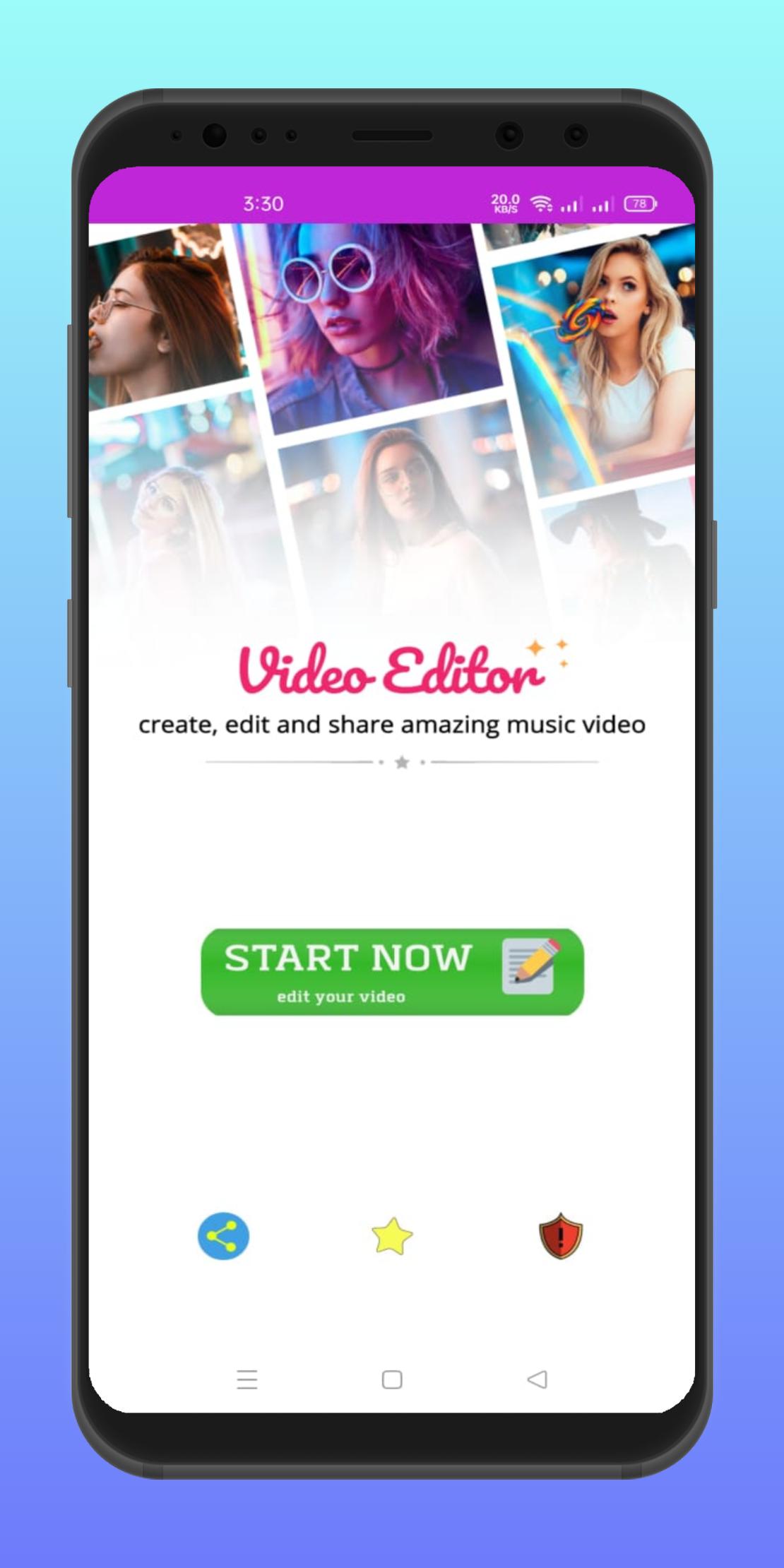
Lightworks-Video Editor provides detailed tutorials to edit videos and quickly become mv master. Everyone can be a pro director of great power using Film Maker editing features, combining clips to share, capturing exciting moments & cuts.
In another way to show yourself. Unlimited theme & time. The video editor has useful features as another vlog maker. Editing videos with Vlog U to create weekly, daily,… like a Lightworks-Video Editor.
Free video editing apps Video Trimmer & Video Cutter
Trim & cut video clips to a certain length.
Slice & split video into video clips. One-click to crop videos.
Easy to use video trimmer & video cutter.
Video Merger & Video Splicer with Transitions
Merge/splice video clips into one video by Lightworks-Video Editor for your channel.
Use a free video editing app to edit video with transitions & merge video.
Edit Subtitle/Text on keyframe video editor
Add text to video with fonts & colors. Editing videos with stylish text in a free editor.
Keyframe animation available for Text. You don’t need to get burnt when you see it. Vlog U provides the easiest way for beginners to add keyframe animations. It is not a function only a pro video editor can use. This function is just for you.
Edit with Free Vlog Music/
Kinds of free vlog music: Happy, Dance, Romantic...
Add free featured music or vlogger's own music for video editing to be a vlog video star.
Lightworks-Video Editor with music to create a photo slideshow.
Edit video with music & Free editing app with song.
Movie Editing With Effects
Video editing effects: Glitch, Blur, Disco...
Lightworks-Video Editor with effects, easy to become a vlog star.
Speed Control - Slow Motion & Fast Motion
Free fast/slow motion vlog editor to speed up or slow down.
In free video editing app ,adjust & control the speed of video clips, to make
Reverse Video Maker
Reverse video clips, like a movie sense video.
Create a time-lapse video, edit the montage video.
Powerful video editing: Video Rotate & Flip & Mirror.
Stickers keyframe animation Vlog Video Maker
Movie editing with stickers & emoji. Splice stickers & emoji to edit videos.
Keyframe video editor to sticker layers
DIY stickers: combine videos with the vlogger's own photos to make the vlog video leap.
Merge DIY stickers on the video to create a slideshow in minutes.
Movie Filters & Video Background
Movie & film style filters for vloggers.
Combine video clips with filters by vlog editor for your channel.
Full-size video on Instagram without video cropping. Crop videos to any ratio.
Blur & colorful vlog video backgrounds by free video editor app.
Preview
Information
Developer
Malik_Ibhram
Latest Version
1.0
Last Updated
2021-07-10
Category
Video-players-editors
Available on
Google Play
Show More
How to play Lightworks with GameLoop on PC
1. Download GameLoop from the official website, then run the exe file to install GameLoop
2. Open GameLoop and search for “Lightworks” , find Lightworks in the search results and click “Install”
3. Enjoy playing Lightworks on GameLoop
Minimum requirements
OS
Windows 8.1 64-bit or Windows 10 64-bit
GPU
GTX 1050
CPU
i3-8300
Memory
8GB RAM
Storage
1GB available space
Recommended requirements
OS
Windows 8.1 64-bit or Windows 10 64-bit
GPU
GTX 1050
CPU
i3-9320
Memory
16GB RAM
Storage
1GB available space