
Free Video Editor PC
Media Maker Apps
Download Free Video Editor on PC With GameLoop Emulator
Free Video Editor sa PC
Ang Free Video Editor, na nagmumula sa developer na Media Maker Apps, ay tumatakbo sa Android systerm sa nakaraan.
Ngayon, maaari mong laruin ang Free Video Editor sa PC gamit ang GameLoop nang maayos.
I-download ito sa GameLoop library o mga resulta ng paghahanap. Hindi na tumitingin sa baterya o nakakadismaya na mga tawag sa maling oras.
I-enjoy lang ang Free Video Editor PC sa malaking screen nang libre!
Free Video Editor Panimula
Free Video Editor is the best video editor to make a music video with photos
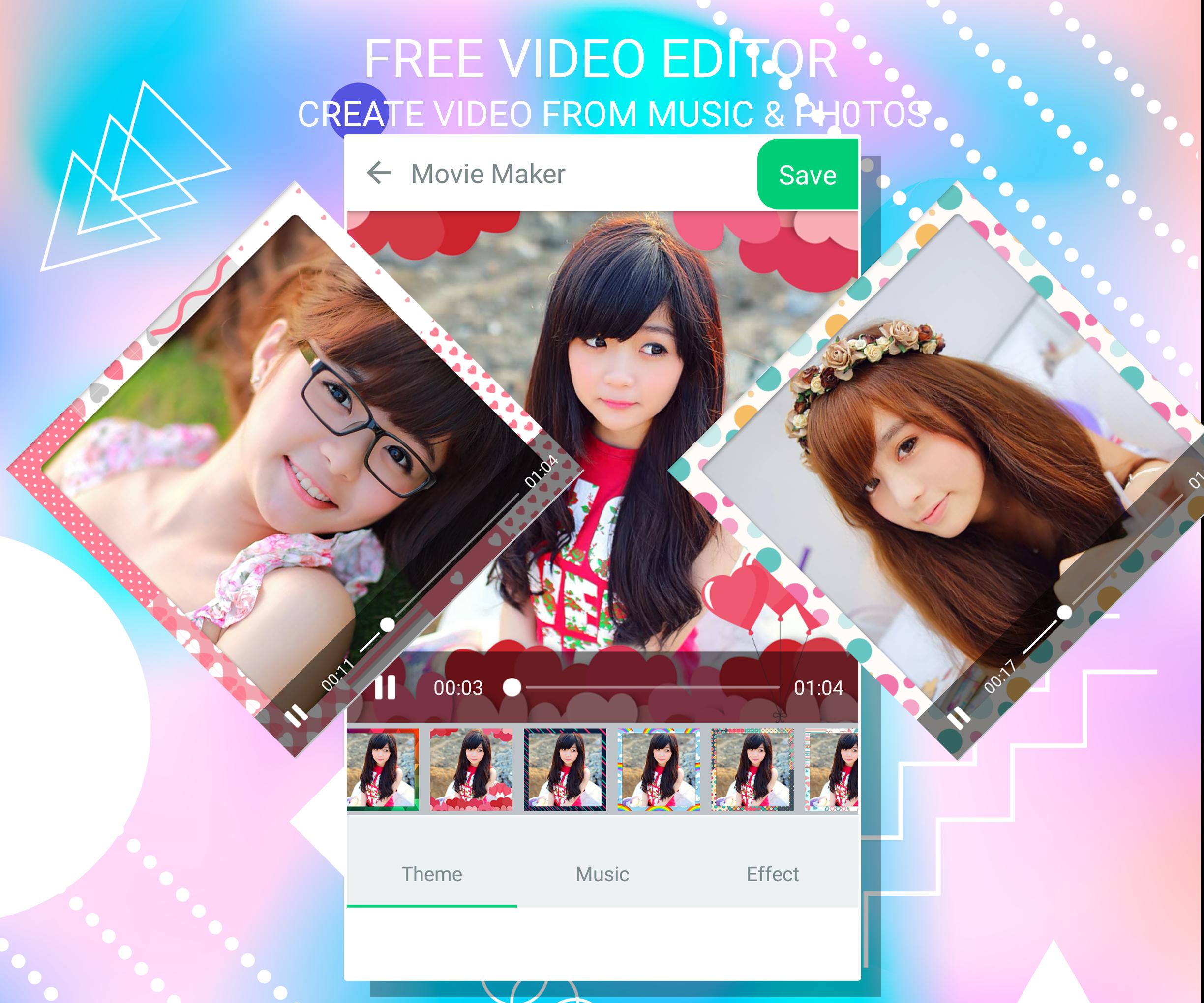
Free Video Editor app helps you to create fast and awesome slideshow with selected photos and music. For creating videos or slideshow from this application you can just select photos form gallery or captured photos from camera, add music track and select stunning animations.
Free Video Editor is one of the best video editor, photo slideshow maker and movie editing apps in Android Store. Create profile video and share video photo story to your friends.
In Free Video Editor application your video editor with best tools: Music, Frames, Effects, ...
Free Video Editor is one of the power full video maker application. Everything you need to make an awesome video
Select your photo from camera and gallery and make video and also you add different music or add and give effect your photo and make video and add different text on your image also you share this video share with your friends or families through social app.
Free Video Editor – VIDEO SLIDESHOW MAKER
📷📷📷 FASTEST VIDEO MAKING 📷📷📷
📷📷📷 INSTANT VIDEO PREVIEW 📷📷📷
📷📷📷 ADD YOUR FAVORITE MUSIC TRACK 📷📷📷
📷📷📷 MAKE VIDEOS IN ANY OCCASIONS 📷📷📷
📷📷📷 SHARE WITH FRIENDS & FAMILY 📷📷📷
*Main Features*
📷 Video Editor
★ Tools Video Maker and Editor.
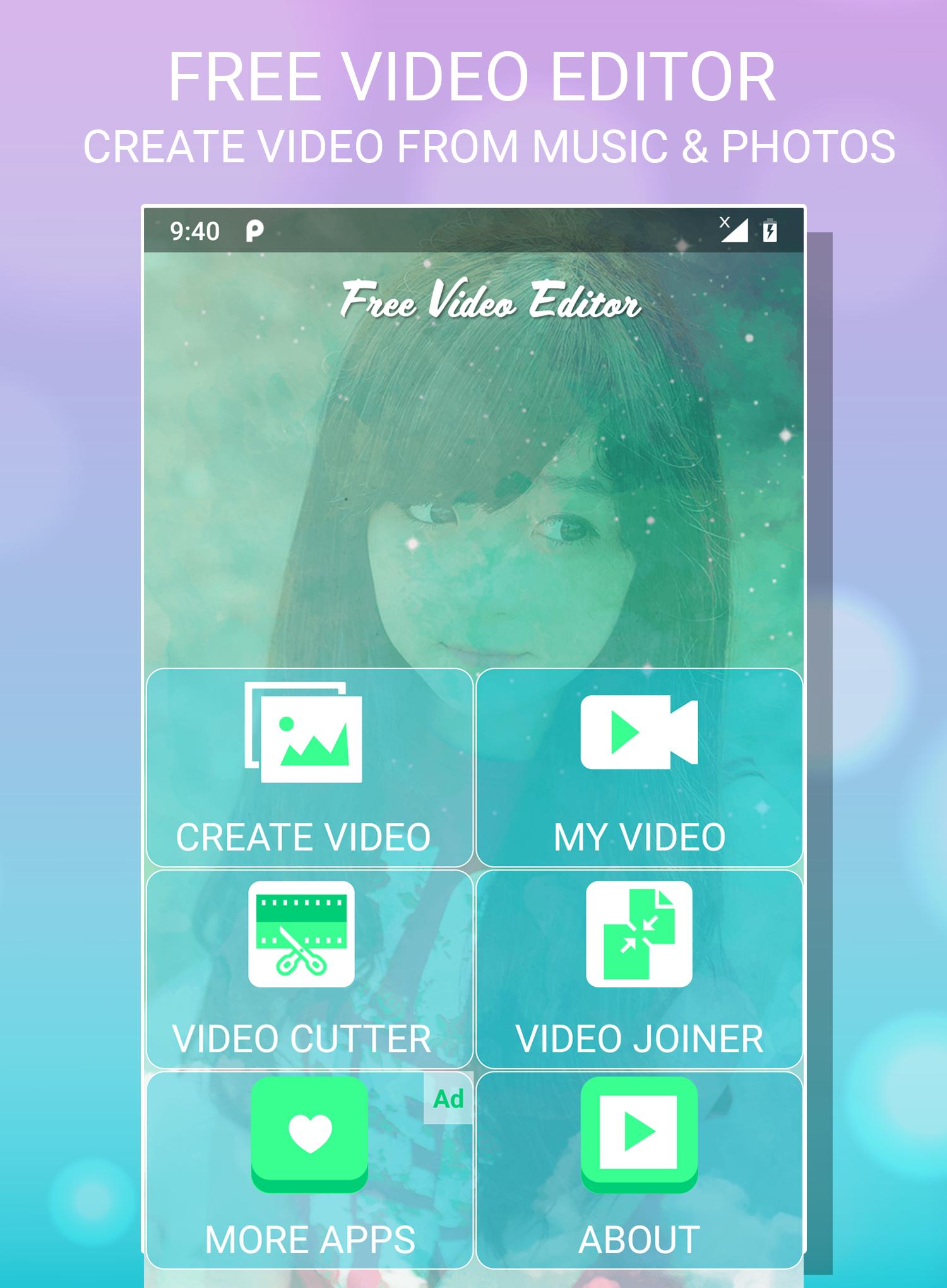
★ Easy Cut, Trim or Join, Merge Videos.
★ Professional editing tools.
★ Fast create video.
★ Video Effect so cool and cute.
★ Get and add music from list sound in device.
★ Option motion speed change between image.
★ Video show and save High Quality.
★ Video with Square Size to post on Instagram or update profile avatar on Facebook.
📷 Best Photo Editor
★ Auto enhance, color fix and illuminate.
★ Perfect effects filter and frames.
★ Crop, rotate, and straighten your photo.
★ Draw and add text.
★ Sharpen and blur.
★ Create your own memes.
★ Photo Crop.
★ Stickers so cool, like doggy face, cat face, rabbit face, rainbow, animal eyes, masquerade camera, emoji, tears, snap and more
NOTE: Your video stories saved in sdcard/FreeVideoEditor/MyVideos/
Free Video Editor is a free video editing app, movie maker free and the best choice to make video with pictures and music and share your sweet memories!
Download Free Video Editor and create awesome movie - video to share with your friend... Thank you.
Preview
Information
Developer
Media Maker Apps
Latest Version
1.0.9
Last Updated
2021-05-19
Category
Video-players-editors
Available on
Google Play
Show More
How to play Free Video Editor with GameLoop on PC
1. Download GameLoop from the official website, then run the exe file to install GameLoop
2. Open GameLoop and search for “Free Video Editor” , find Free Video Editor in the search results and click “Install”
3. Enjoy playing Free Video Editor on GameLoop
Minimum requirements
OS
Windows 8.1 64-bit or Windows 10 64-bit
GPU
GTX 1050
CPU
i3-8300
Memory
8GB RAM
Storage
1GB available space
Recommended requirements
OS
Windows 8.1 64-bit or Windows 10 64-bit
GPU
GTX 1050
CPU
i3-9320
Memory
16GB RAM
Storage
1GB available space