
Roger PC
TPER spa
Download Roger on PC With GameLoop Emulator
Roger sa PC
Ang Roger, na nagmumula sa developer na TPER spa, ay tumatakbo sa Android systerm sa nakaraan.
Ngayon, maaari mong laruin ang Roger sa PC gamit ang GameLoop nang maayos.
I-download ito sa GameLoop library o mga resulta ng paghahanap. Hindi na tumitingin sa baterya o nakakadismaya na mga tawag sa maling oras.
I-enjoy lang ang Roger PC sa malaking screen nang libre!
Roger Panimula
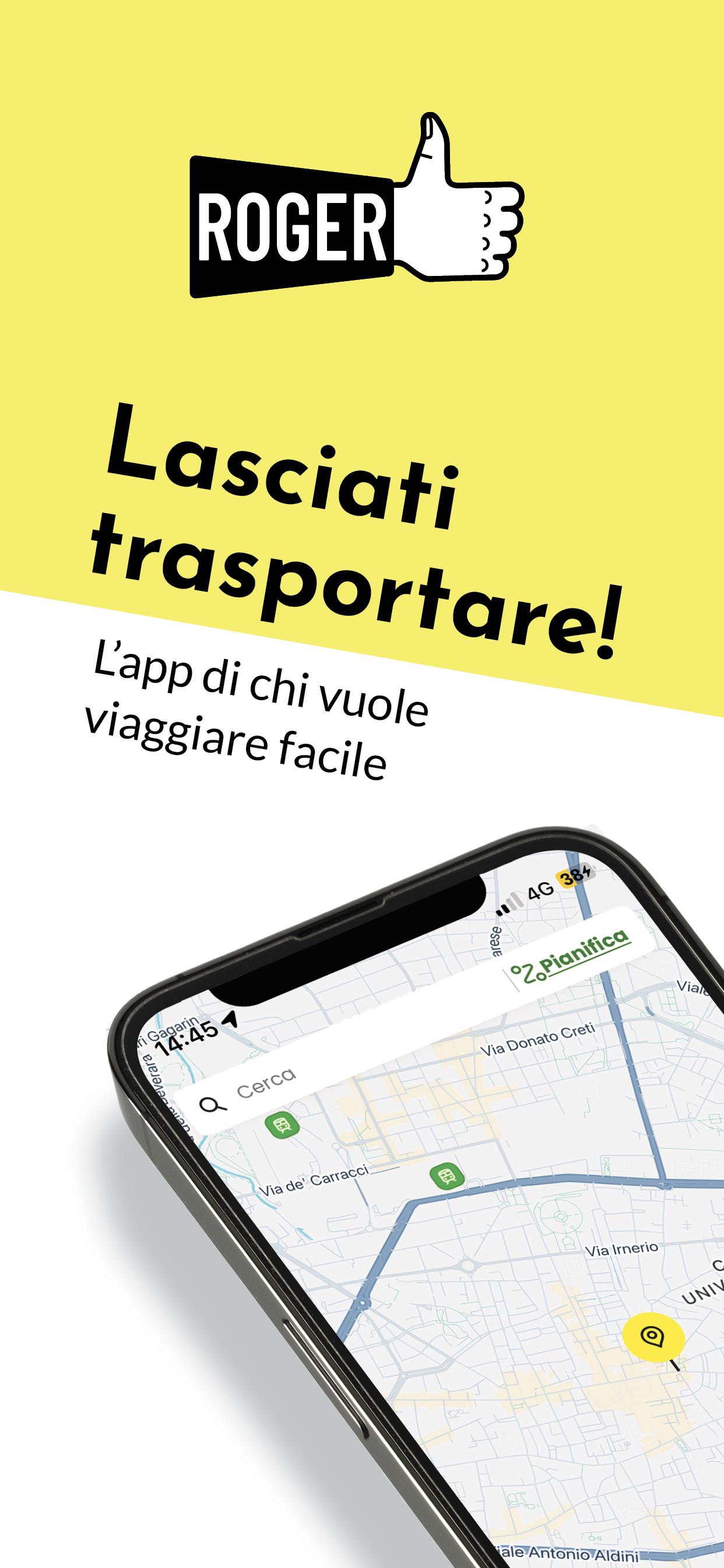
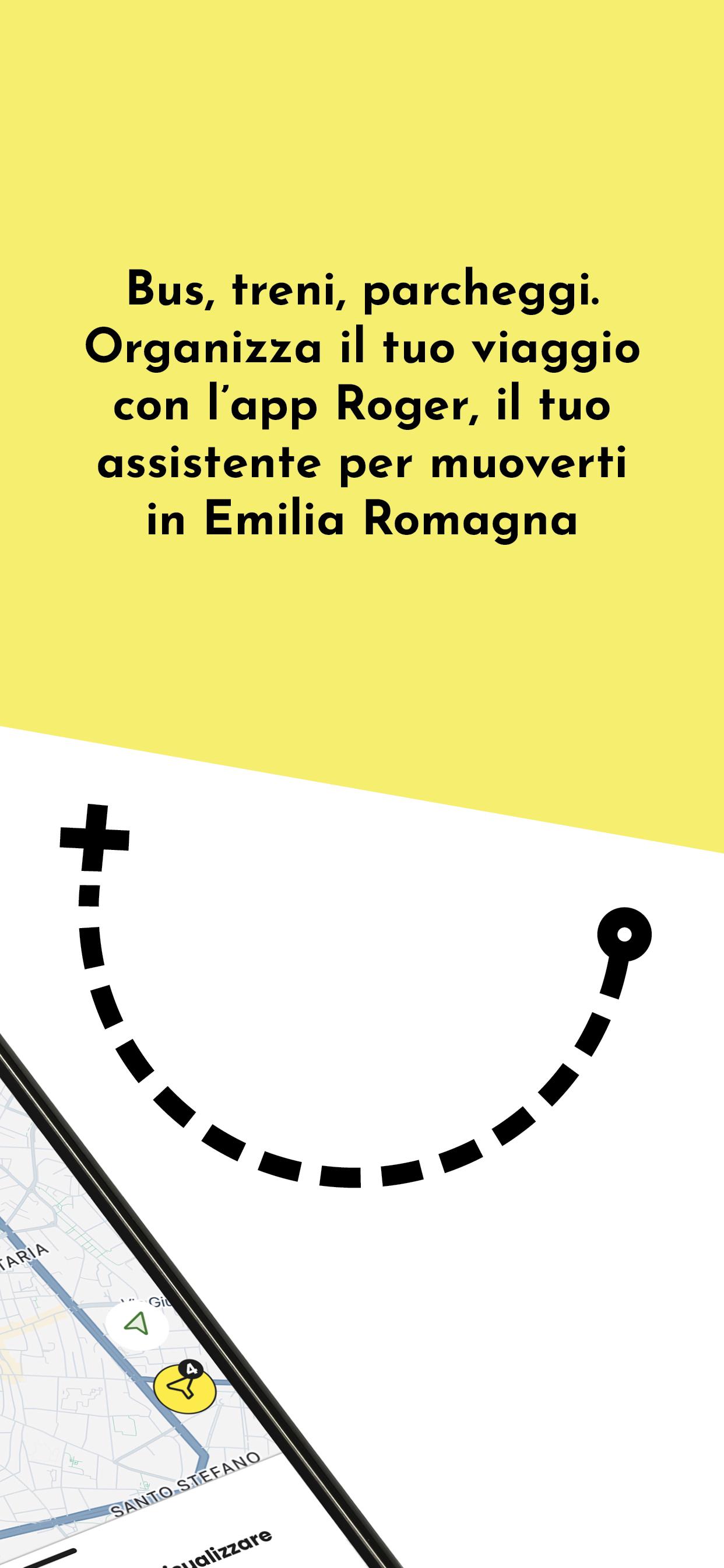
Buy all the tickets, plan the entire trip, check timetables in real time, renew a subscription or buy and extend a stop, all "in a click". In Emilia-Romagna it is possible thanks to "Roger, your assistant to move in Emilia-Romagna", the new app promoted by the Emilia-Romagna Region that integrates, in a single instrument, the transport services of all the companies in the territory.
With Roger it is possible to buy any ticket directly from the smartphone with a single operation, making it easier and more convenient for the user to travel throughout the region.
A project that today sees the realization thanks to the collaboration of all the transport companies of the regional territory (SETA, START, TEP, TPER) and with the support of the Emilia-Romagna Region, together to provide a service that facilitates mobility and services to the citizen.
The new application, which can be used on Android and IOS phones, will allow you to plan your trip with solutions that integrate national connections with local transport (train and bus) and parking, and buy tickets wherever you are, even for Trenitalia.
Preview
Tags
Travel-&Information
Developer
TPER spa
Latest Version
16.4.1
Last Updated
2025-08-04
Category
Travel-local
Available on
Google Play
Show More
How to play Roger with GameLoop on PC
1. Download GameLoop from the official website, then run the exe file to install GameLoop
2. Open GameLoop and search for “Roger” , find Roger in the search results and click “Install”
3. Enjoy playing Roger on GameLoop
Minimum requirements
OS
Windows 8.1 64-bit or Windows 10 64-bit
GPU
GTX 1050
CPU
i3-8300
Memory
8GB RAM
Storage
1GB available space
Recommended requirements
OS
Windows 8.1 64-bit or Windows 10 64-bit
GPU
GTX 1050
CPU
i3-9320
Memory
16GB RAM
Storage
1GB available space