
P&O Freight PC
P&O Ferries Ltd
Download P&O Freight on PC With GameLoop Emulator
P&O Freight sa PC
Ang P&O Freight, na nagmumula sa developer na P&O Ferries Ltd, ay tumatakbo sa Android systerm sa nakaraan.
Ngayon, maaari mong laruin ang P&O Freight sa PC gamit ang GameLoop nang maayos.
I-download ito sa GameLoop library o mga resulta ng paghahanap. Hindi na tumitingin sa baterya o nakakadismaya na mga tawag sa maling oras.
I-enjoy lang ang P&O Freight PC sa malaking screen nang libre!
P&O Freight Panimula
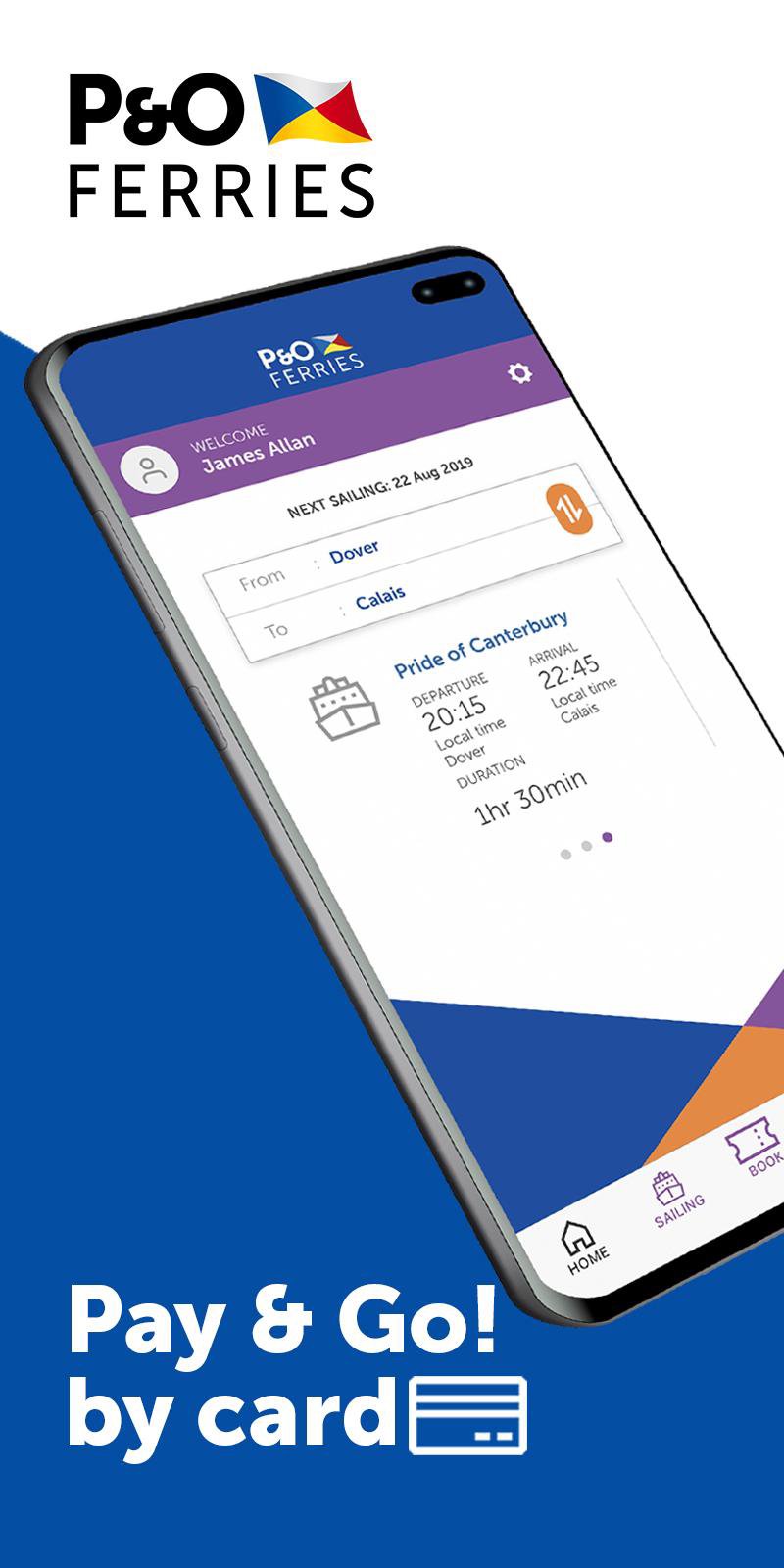
Your freight ferry sailing between Dover and Calais is easy via this handy free app, specifically designed for P&O Ferries freight non-account holders.
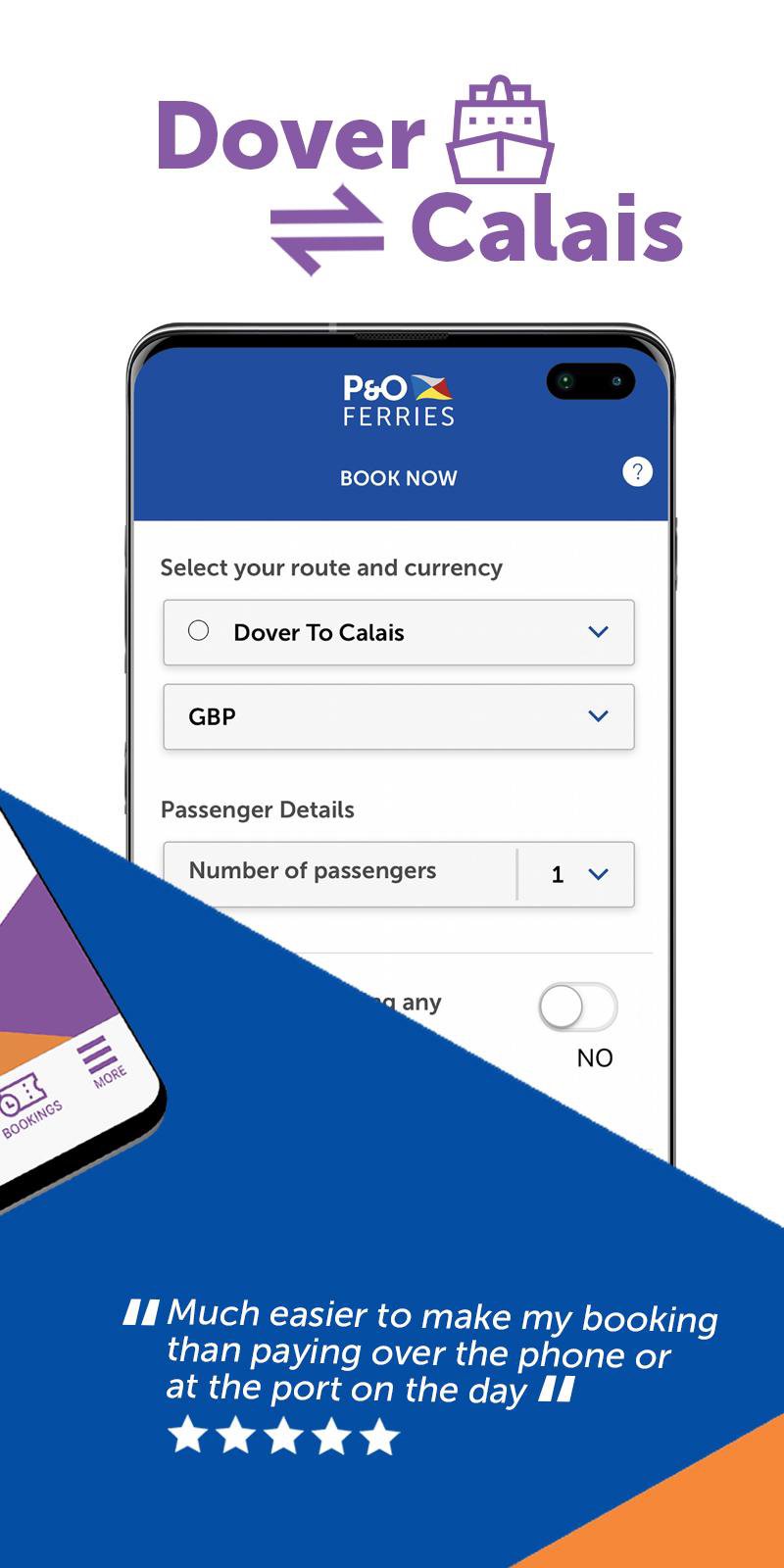
BOOK YOUR FERRY FREIGHT CROSSING
- If you haven’t travelled on one of our ferries as a freight customer before, with just a few personal details you will be able to register and create a profile.
- Once you have a profile, you’ll be able to sign in, book and pay online for any ferry freight crossings between Dover and Calais for your lorry, truck or van 24/7.
- All your ferry bookings are stored in one place, and you can view them once you’ve signed in.
SAILING SCHEDULE
- Stay up-to-date with our ferry sailing schedule.
- Check for live updates on all our routes, including Dover ⇌ Calais, Hull ⇌ Zeebrugge, Hull ⇌ Europoort (Rotterdam), Tilbury ⇌ Zeebrugge, Teesport ⇌ Zeebrugge, Teesport ⇌ Europoort (Rotterdam), Larne ⇌ Cairnryan and Liverpool ⇌ Dublin.
- Manage your alerts with options to choose to be notified when there are changes to a specific sailing or you can choose to receive notification about a specific route.
MANAGE YOUR PROFILE
- Do you need to make changes to your personal details? Our app allows you to manage those changes en route 24 hours a day.
Preview
Tags
Travel-&Information
Developer
P&O Ferries Ltd
Latest Version
4.7
Last Updated
2022-04-28
Category
Travel-local
Available on
Google Play
Show More
How to play P&O Freight with GameLoop on PC
1. Download GameLoop from the official website, then run the exe file to install GameLoop
2. Open GameLoop and search for “P&O Freight” , find P&O Freight in the search results and click “Install”
3. Enjoy playing P&O Freight on GameLoop
Minimum requirements
OS
Windows 8.1 64-bit or Windows 10 64-bit
GPU
GTX 1050
CPU
i3-8300
Memory
8GB RAM
Storage
1GB available space
Recommended requirements
OS
Windows 8.1 64-bit or Windows 10 64-bit
GPU
GTX 1050
CPU
i3-9320
Memory
16GB RAM
Storage
1GB available space