
Oxford Tube: Plan>Track>Buy PC
Stagecoach Group plc
Download Oxford Tube: Plan>Track>Buy on PC With GameLoop Emulator
Oxford Tube: Plan>Track>Buy sa PC
Ang Oxford Tube: Plan>Track>Buy, na nagmumula sa developer na Stagecoach Group plc, ay tumatakbo sa Android systerm sa nakaraan.
Ngayon, maaari mong laruin ang Oxford Tube: Plan>Track>Buy sa PC gamit ang GameLoop nang maayos.
I-download ito sa GameLoop library o mga resulta ng paghahanap. Hindi na tumitingin sa baterya o nakakadismaya na mga tawag sa maling oras.
I-enjoy lang ang Oxford Tube: Plan>Track>Buy PC sa malaking screen nang libre!
Oxford Tube: Plan>Track>Buy Panimula
Time matters, so the Oxford Tube app puts everything you need right at your fingertips. With a live route map, real-time coach tracking, and expected arrival and departure times, you can plan your journey with confidence and stay in control every step of the
way.
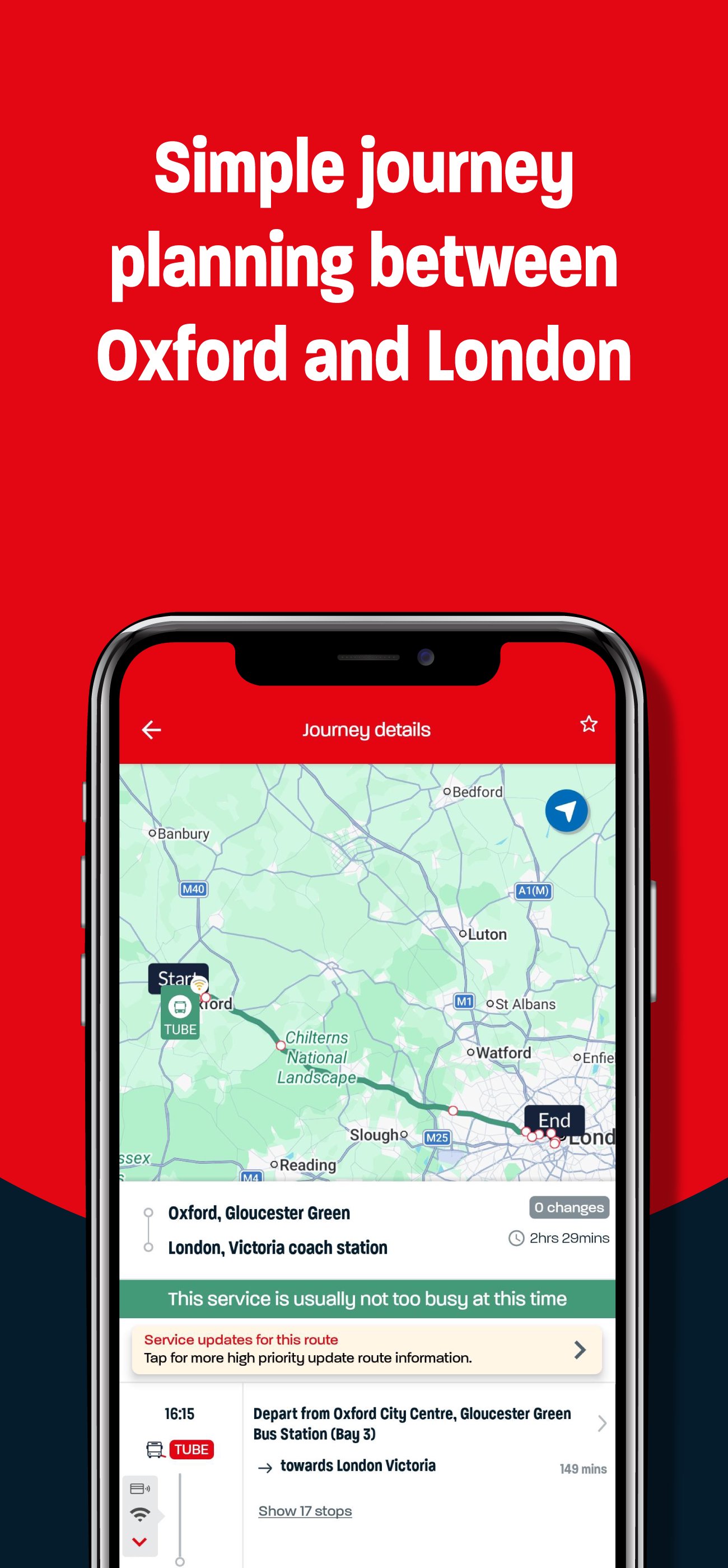
The interactive map and journey planner help you make the most of your time in the city – whether you’re heading to work, meeting friends, or catching a connection.
App features:
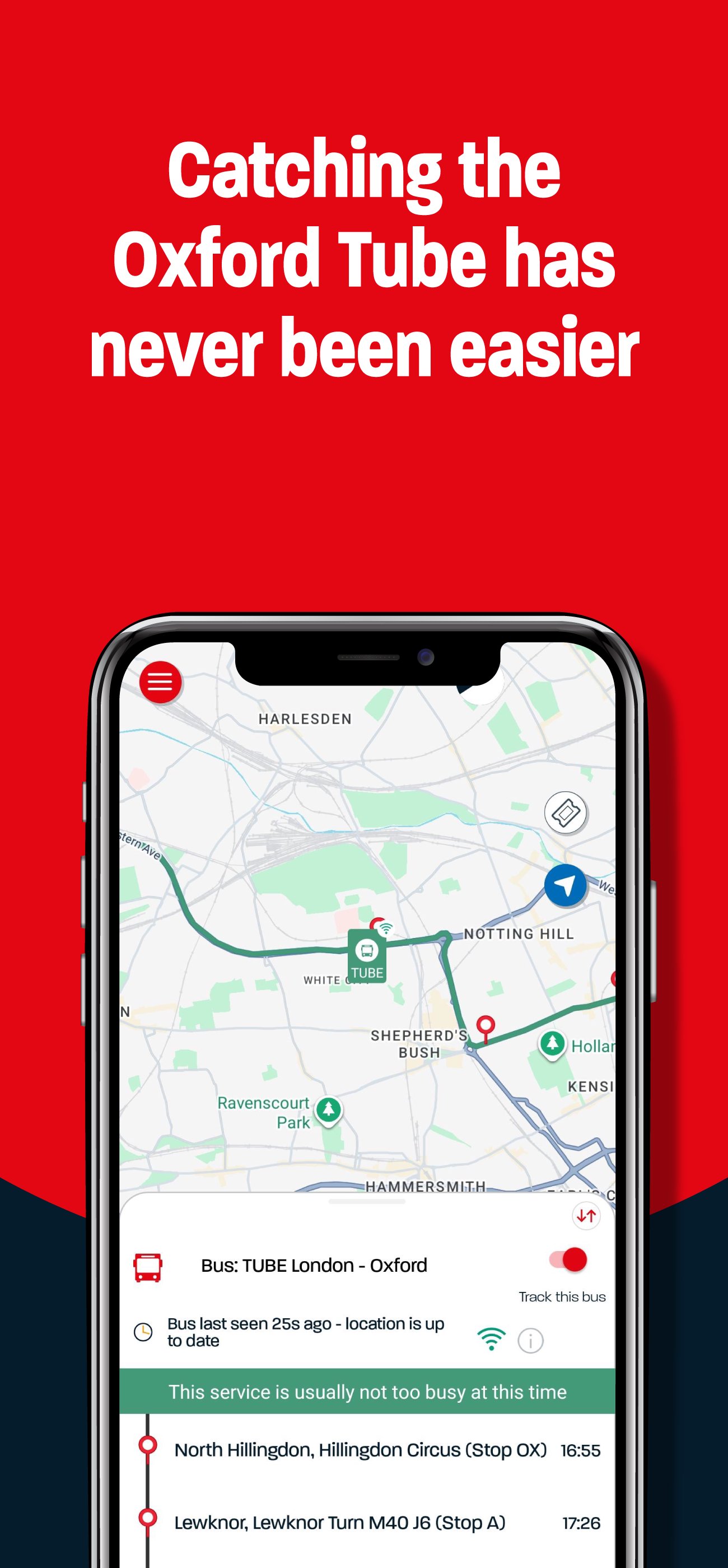
Follow your coach in real time
See your coach moving along the route and check exactly how far away it is, so you can time your journey perfectly.
Explore the interactive route map
View all stops and coaches in service. Just tap to see journey details and plan your next trip.
Save your favourites
Heading to the same stops often? Save your favourite journeys and stops to
make planning even quicker.
Buy and use mobile tickets
Purchase tickets safely and securely on your phone. Your ticket appears instantly – simply activate it when you’re ready to board and show it to the driver.
Share the journey
Buy tickets for others or gift unused tickets to friends or family if your plans
change.
Everything you need for travel between Oxford and London – all in one place.
It’s an Oxford Tube thing.
Preview
Tags
Travel-&Information
Developer
Stagecoach Group plc
Latest Version
4.47.0.758
Last Updated
2026-09-04
Category
Travel-local
Available on
Google Play
Show More
How to play Oxford Tube: Plan>Track>Buy with GameLoop on PC
1. Download GameLoop from the official website, then run the exe file to install GameLoop
2. Open GameLoop and search for “Oxford Tube: Plan>Track>Buy” , find Oxford Tube: Plan>Track>Buy in the search results and click “Install”
3. Enjoy playing Oxford Tube: Plan>Track>Buy on GameLoop
Minimum requirements
OS
Windows 8.1 64-bit or Windows 10 64-bit
GPU
GTX 1050
CPU
i3-8300
Memory
8GB RAM
Storage
1GB available space
Recommended requirements
OS
Windows 8.1 64-bit or Windows 10 64-bit
GPU
GTX 1050
CPU
i3-9320
Memory
16GB RAM
Storage
1GB available space