
Metrobus: App PC
OnTrack Retail Ltd
Download Metrobus: App on PC With GameLoop Emulator
Metrobus: App sa PC
Ang Metrobus: App, na nagmumula sa developer na OnTrack Retail Ltd, ay tumatakbo sa Android systerm sa nakaraan.
Ngayon, maaari mong laruin ang Metrobus: App sa PC gamit ang GameLoop nang maayos.
I-download ito sa GameLoop library o mga resulta ng paghahanap. Hindi na tumitingin sa baterya o nakakadismaya na mga tawag sa maling oras.
I-enjoy lang ang Metrobus: App PC sa malaking screen nang libre!
Metrobus: App Panimula
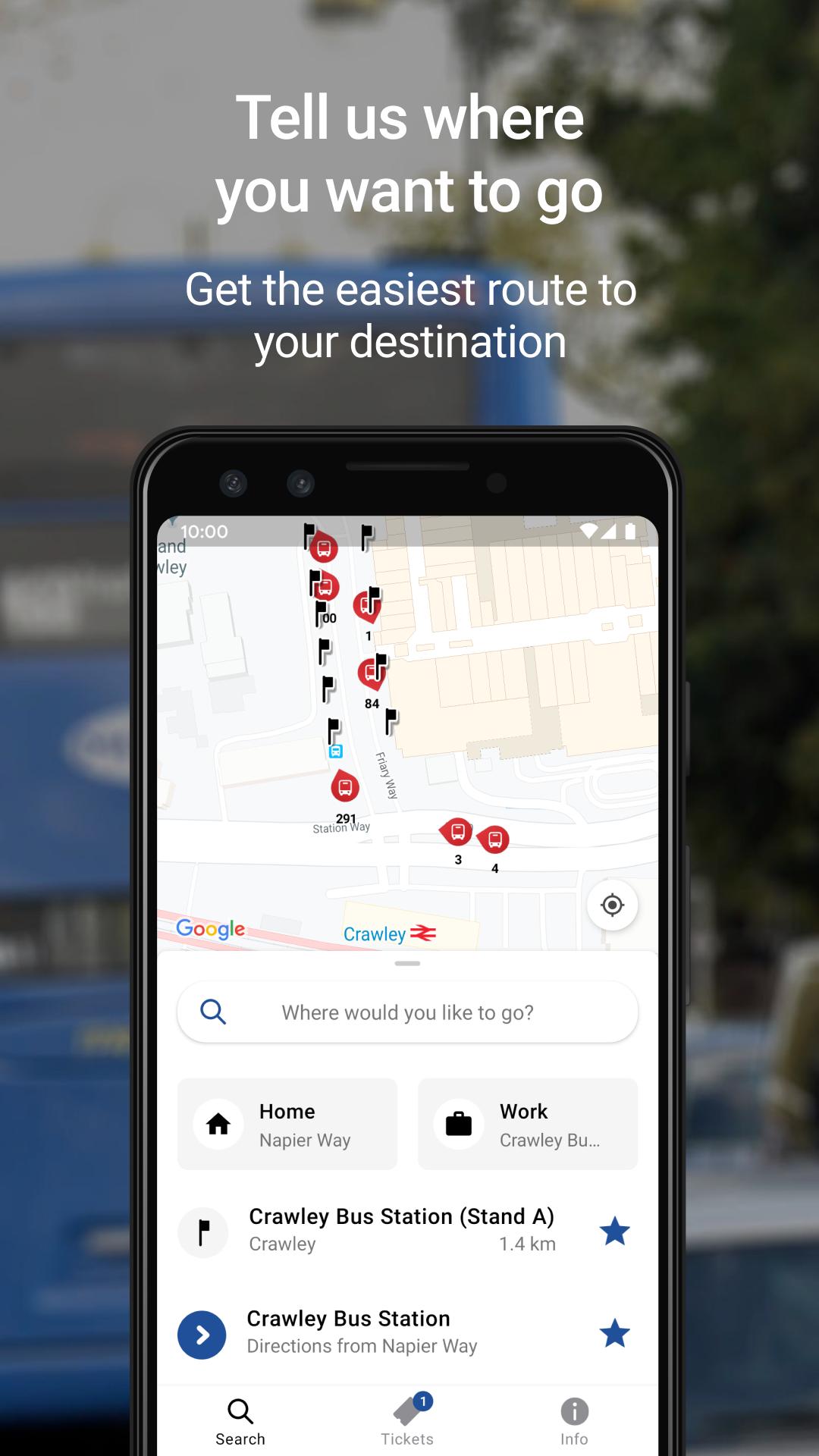
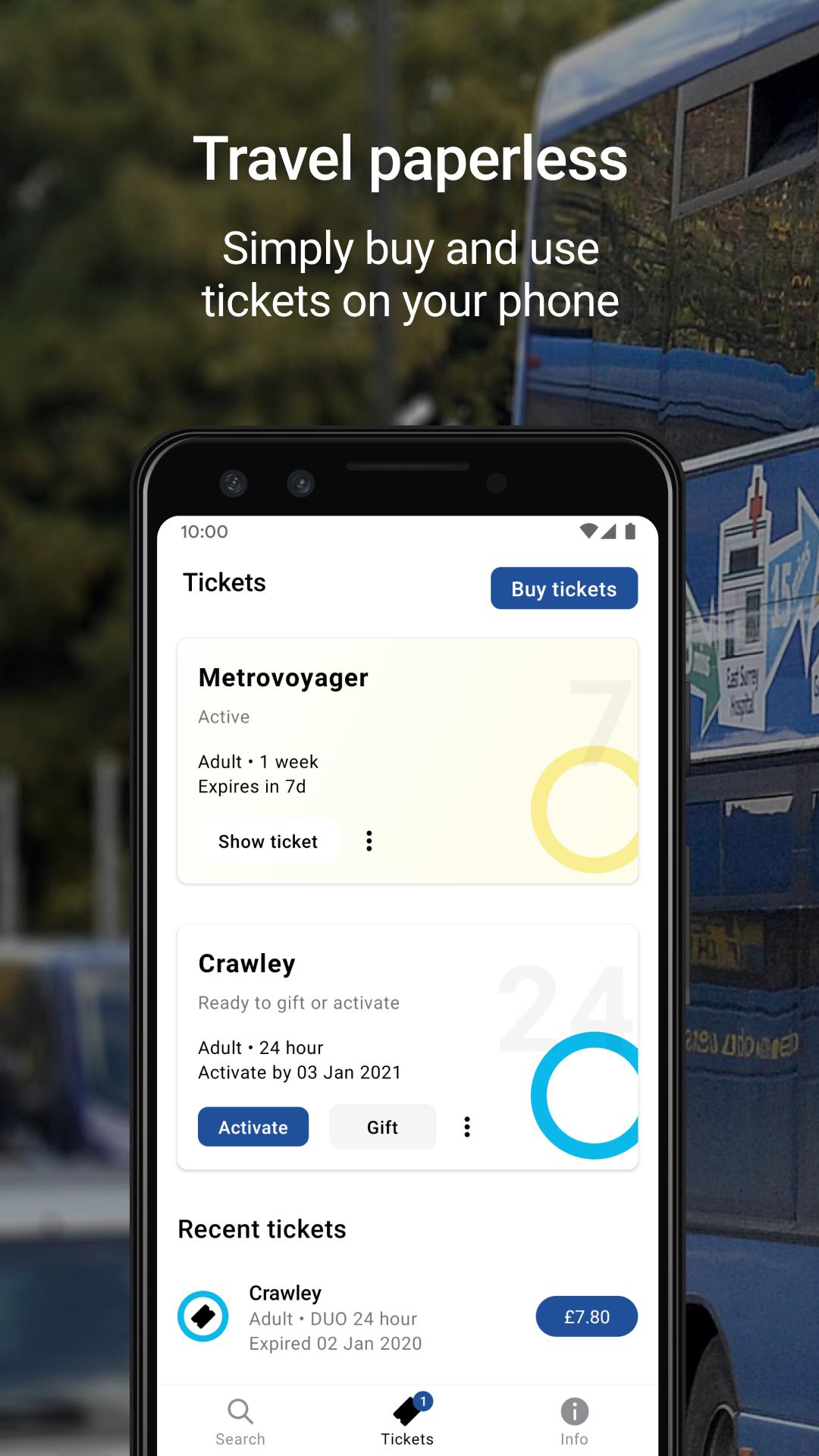
Use the Metrobus app to plan your next journey and buy cheap bus tickets. Designed to make bus travel easier, it will work out how to get to your destination, show you where the nearest bus stop is and the departure time of the next bus. You can buy and store your bus tickets in the app or use them straight away.
Main features:
- Smart journey planning – Add your start and end points, it will work from postcodes, bus stop names or place names and return the best route. Or it can detect where you are and plan from there, providing you with live arrival times.
- Buy cheap bus tickets – Purchase bus tickets with ease and choose how you want to pay.
- Live directions – The map will default to your current location or you can set it to show any starting point. Know how long you need to walk to your bus stop. Get step by step directions with live guidance as you travel on the map. View the arrival time of your bus and see buses moving along the route.
- Live bus times – Use your location or tap on a bus stop on the map and see the next bus arrival time.
Preview
Information
Developer
OnTrack Retail Ltd
Latest Version
2.5.0
Last Updated
2021-05-25
Category
Travel-local
Available on
Google Play
Show More
How to play Metrobus: App with GameLoop on PC
1. Download GameLoop from the official website, then run the exe file to install GameLoop
2. Open GameLoop and search for “Metrobus: App” , find Metrobus: App in the search results and click “Install”
3. Enjoy playing Metrobus: App on GameLoop
Minimum requirements
OS
Windows 8.1 64-bit or Windows 10 64-bit
GPU
GTX 1050
CPU
i3-8300
Memory
8GB RAM
Storage
1GB available space
Recommended requirements
OS
Windows 8.1 64-bit or Windows 10 64-bit
GPU
GTX 1050
CPU
i3-9320
Memory
16GB RAM
Storage
1GB available space