
HELLO CYCLING - シェアサイクル PC
OPENSTREET CO.,LTD.
Download HELLO CYCLING - シェアサイクル on PC With GameLoop Emulator
HELLO CYCLING - シェアサイクル sa PC
Ang HELLO CYCLING - シェアサイクル, na nagmumula sa developer na OPENSTREET CO.,LTD., ay tumatakbo sa Android systerm sa nakaraan.
Ngayon, maaari mong laruin ang HELLO CYCLING - シェアサイクル sa PC gamit ang GameLoop nang maayos.
I-download ito sa GameLoop library o mga resulta ng paghahanap. Hindi na tumitingin sa baterya o nakakadismaya na mga tawag sa maling oras.
I-enjoy lang ang HELLO CYCLING - シェアサイクル PC sa malaking screen nang libre!
HELLO CYCLING - シェアサイクル Panimula
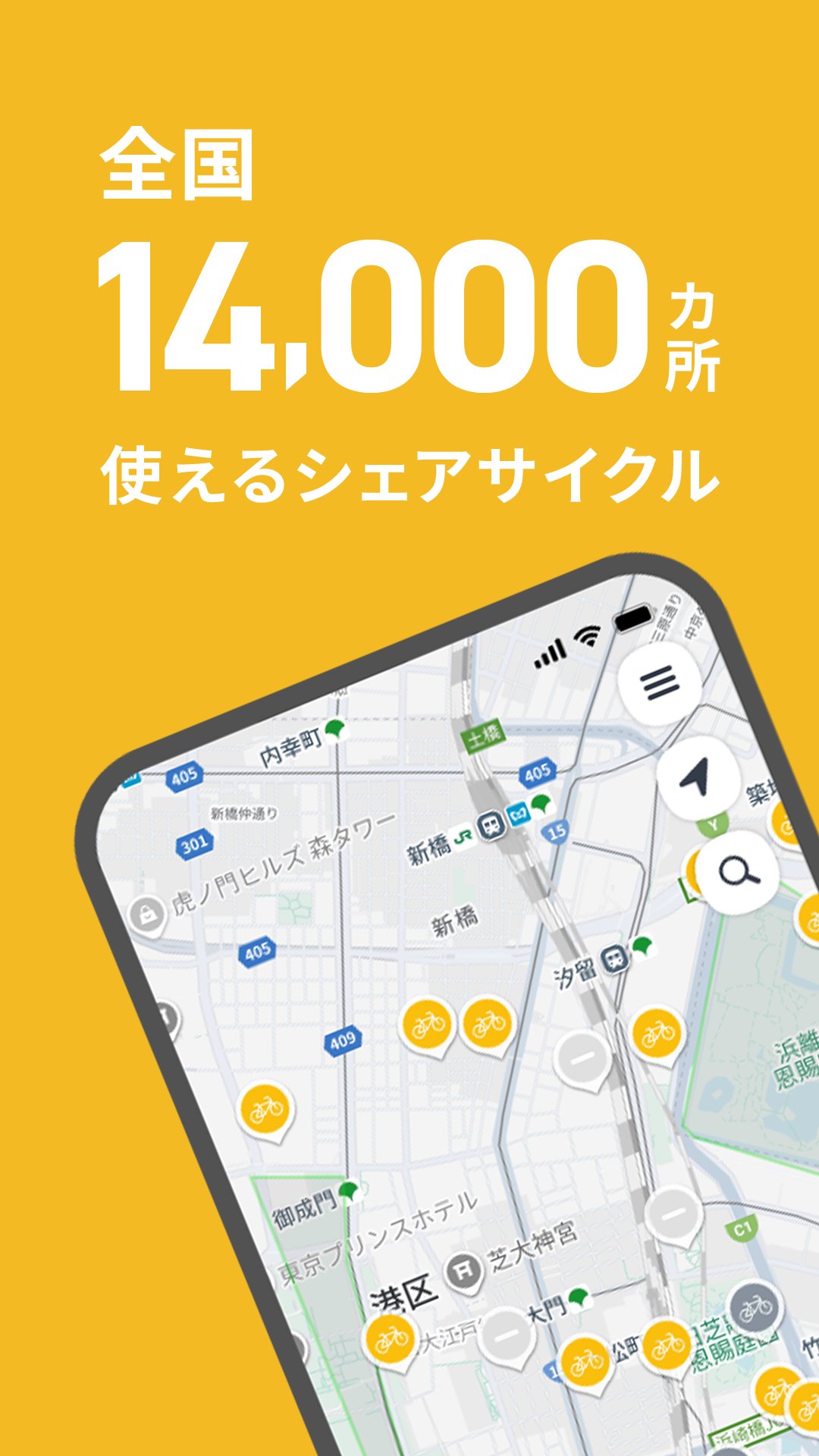
HELLO CYCLING offers shared bicycles at over 14,000 locations nationwide!
Why not try HELLO CYCLING, which provides comfortable transportation with electric-assist bicycles and electric bikes for various situations, from daily life to sightseeing?
【Features of HELLO CYCLING】
・Electric-assist bicycles make transportation incredibly comfortable.
・The app allows you to easily reserve a bicycle from your current location and also reserve a return location.
・Rental is available from 30 minutes, making it convenient for short trips.
(In some areas, there may be a mix of bicycles with different hourly rates. Please check the bicycle usage fees in the app.)
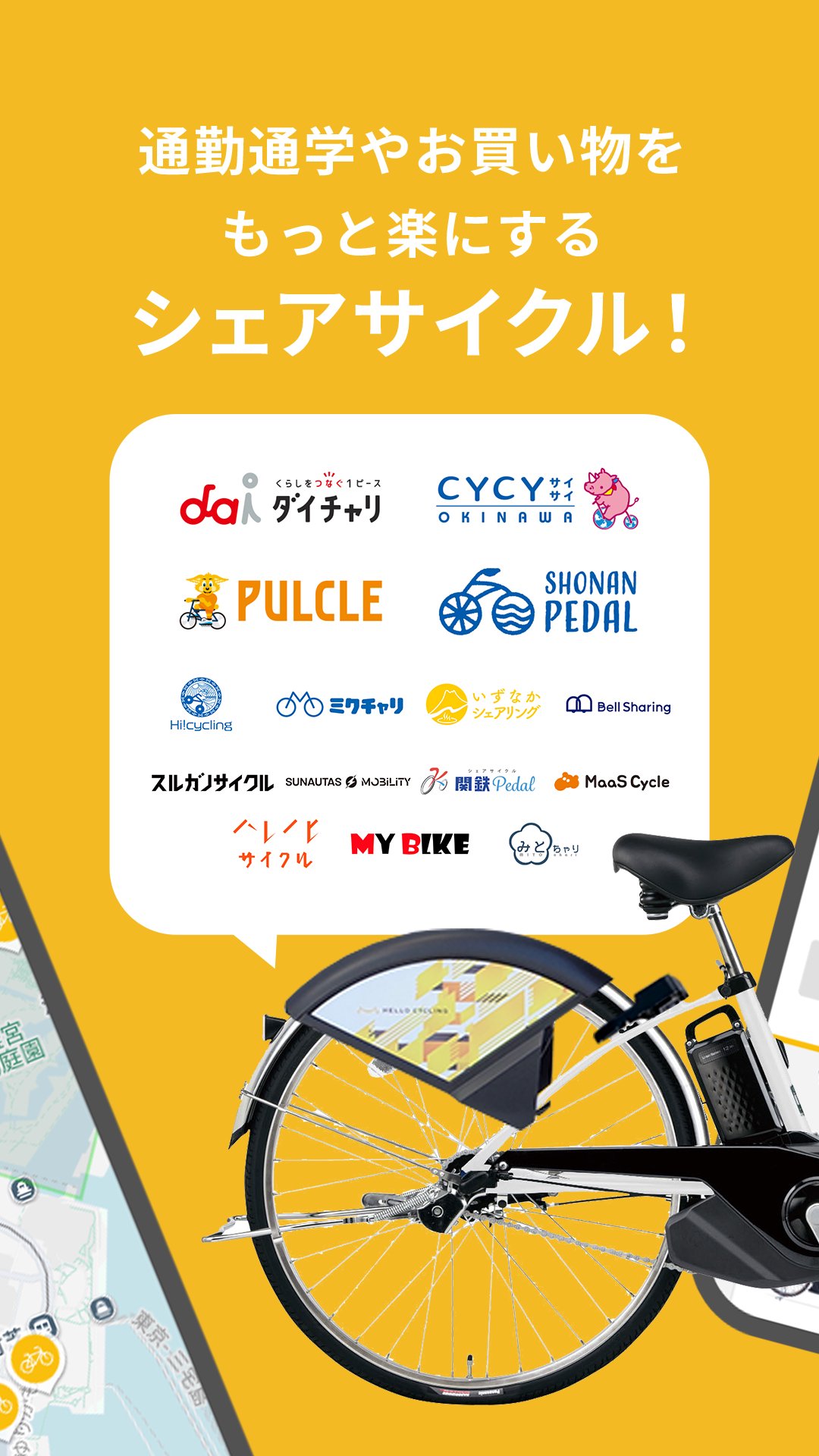
Available shared cycling services: daicahri/Bell Sharing/SHONAN PEDAL/MY BIKE/Kantetsu Pedal/Mitochari/MaaS Cycle/SUNAUTUS MOBILITY/Harenohi Cycle/PULCLE/Izunaka Sharing/Surugano Cycle/CYCY/Hi!Cycling/Mikuchari, etc.
・If you register your IC card, you can easily rent a bicycle from the app without making a reservation.
【HELLO CYCLING Usage Scenarios】
・For shopping in the neighborhood and short trips.
・For commuting to work or school, and for everyday travel.
・For travel at leisure or tourist destinations, and for creating memories.
・For travel in emergencies such as train service suspensions or disasters. [How to Use]
1. First, register as a member! There are no monthly fees for membership registration. It takes as little as 1 minute!
You can register an account using your email address or Yahoo! JAPAN ID.
2. Find a HELLO CYCLING station nationwide.
After free membership registration, launch the app, find a nearby station in your desired area, and reserve a bicycle.
3. Head to the station and unlock the bicycle.
Confirm the "vehicle number" you reserved on the app, and press the button on the app to unlock the bicycle and begin your rental.
4. Enjoy a comfortable ride to your destination with our electric-assist bicycles!
Available from 160 yen/30 minutes.
(Depending on the region, there may be a mix of bicycles with different hourly rates. Please check the bicycle usage fees in the app.)
5. Return the bicycle at a nearby station.
Return the bicycle to the station you wish to return it to, and manually lock it.
Press the "RETURN" button on the bicycle key to complete the return!
【Payment Methods】
・PayPay
・Credit Card
・Carrier Payment (NTT Docomo, au, SoftBank)
For other payment methods, please check the official website or app.
【Notes on Use】
・Please be sure to read the Terms of Service before use.
・This application uses the device's location information and Bluetooth function.
・Pricing plans vary depending on the area.
Preview
Tags
Travel-&Information
Developer
OPENSTREET CO.,LTD.
Latest Version
3.21.3
Last Updated
2026-10-09
Category
Travel-local
Available on
Google Play
Show More
How to play HELLO CYCLING - シェアサイクル with GameLoop on PC
1. Download GameLoop from the official website, then run the exe file to install GameLoop
2. Open GameLoop and search for “HELLO CYCLING - シェアサイクル” , find HELLO CYCLING - シェアサイクル in the search results and click “Install”
3. Enjoy playing HELLO CYCLING - シェアサイクル on GameLoop
Minimum requirements
OS
Windows 8.1 64-bit or Windows 10 64-bit
GPU
GTX 1050
CPU
i3-8300
Memory
8GB RAM
Storage
1GB available space
Recommended requirements
OS
Windows 8.1 64-bit or Windows 10 64-bit
GPU
GTX 1050
CPU
i3-9320
Memory
16GB RAM
Storage
1GB available space