Elie and Earlsferry History So PC
Open Virtual Worlds
Download Elie and Earlsferry History So on PC With GameLoop Emulator
Elie and Earlsferry History So sa PC
Ang Elie and Earlsferry History So, na nagmumula sa developer na Open Virtual Worlds, ay tumatakbo sa Android systerm sa nakaraan.
Ngayon, maaari mong laruin ang Elie and Earlsferry History So sa PC gamit ang GameLoop nang maayos.
I-download ito sa GameLoop library o mga resulta ng paghahanap. Hindi na tumitingin sa baterya o nakakadismaya na mga tawag sa maling oras.
I-enjoy lang ang Elie and Earlsferry History So PC sa malaking screen nang libre!
Elie and Earlsferry History So Panimula
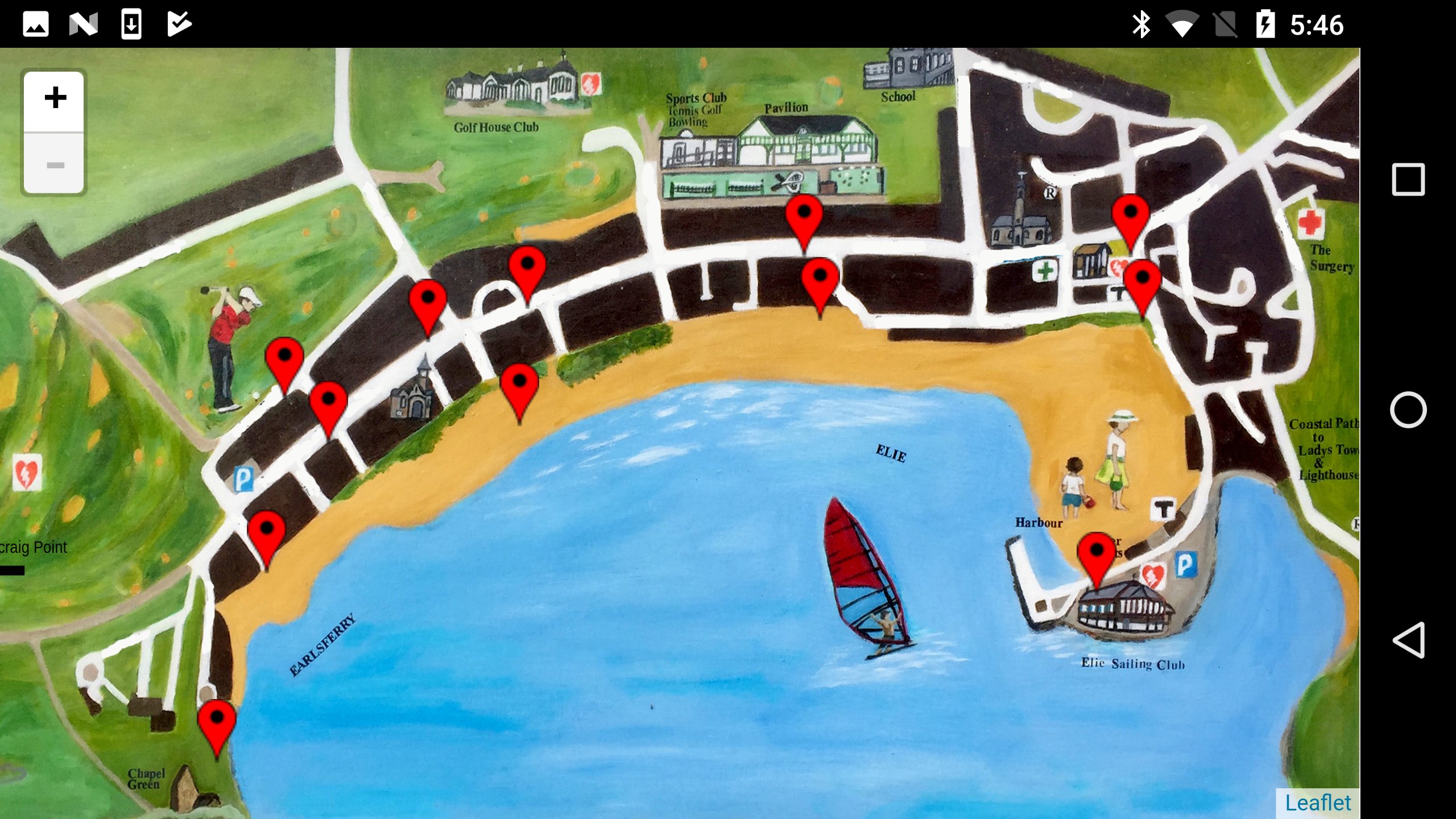
A swipe of your device will allow you to see and experience their journey and the history of Elie and Earlsferry through the ages from the 13th century to the current time. With the help of Dr Alan Miller and his team at St. Andrews University, Elie and Earlsferry History Society has created a heritage mobile phone application which captures the history of the area through images, audios, text and digital reconstruction. A grant from the Heritage Lottery Fund has made the whole thing possible.
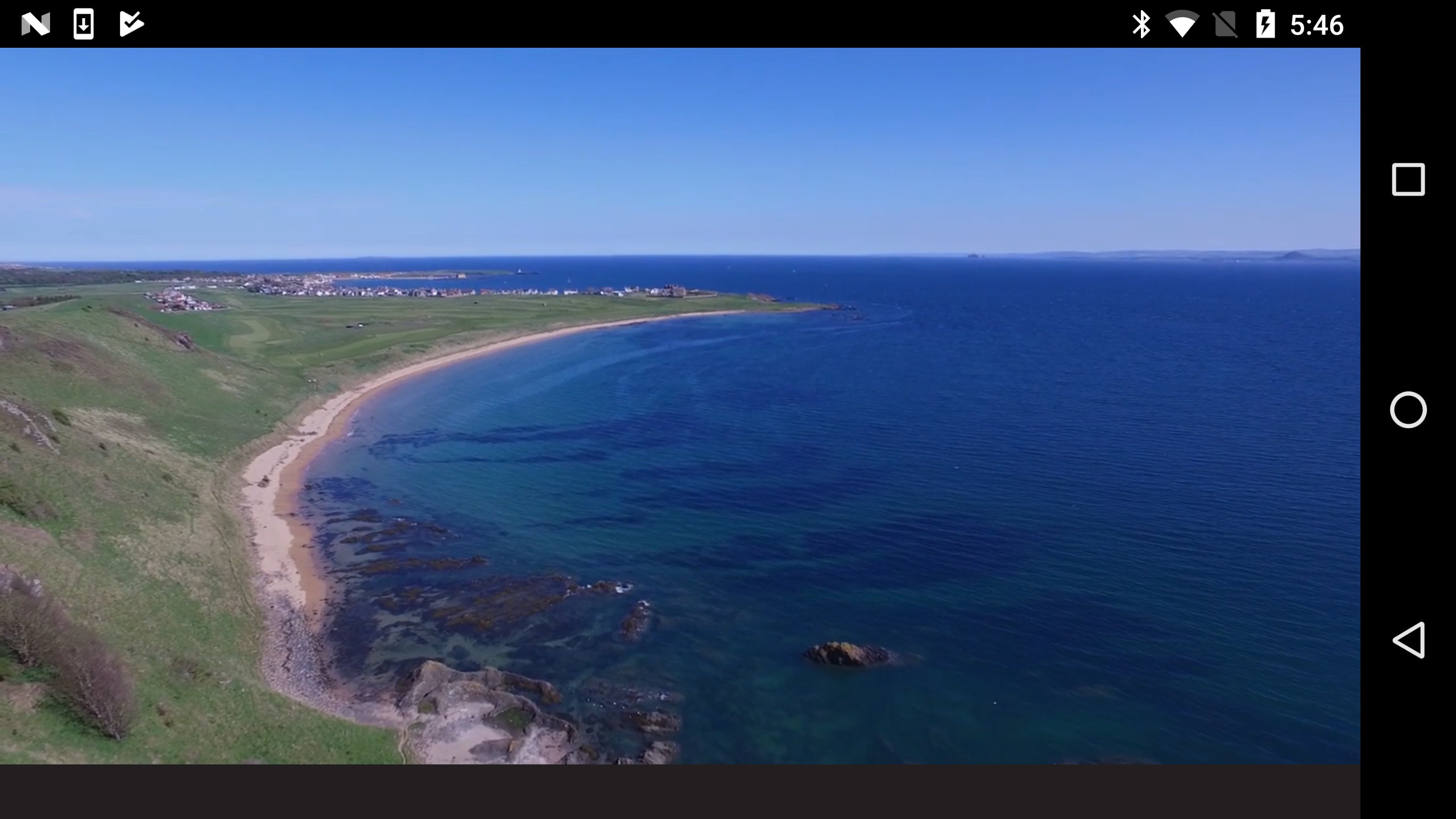
The heritage mobile phone App uses modern technology to let you journey back through time to the 13th century chapel at Earlsferry. As you walk into the chapel, the bell tolls, seagulls swoop overhead. In the flickering candlelight the pilgrims are preparing to say prayers and give thanks for a safe journey across the river Forth from North Berwick to Earlsferry. They are resting in the chapel before setting off to walk to the cathedral at St. Andrews. An aerial view of the bay shows where their boat landed and the pilgrims climbed up to the chapel, cold and tired after their sea crossing.
In addition to the pilgrims, information on the industrial heritage of the area including weaving, mining and fishing can be accessed via the app. In addition, the story is told of transport and communications through the ages, starting with the introduction of turnpikes and toll roads. You can listen to some songs the weavers in Earlsferry sang as they worked in their cottages until the Town Hall bell tolled at 8.00pm, signalling the end of the working day.
The App also covers the history of the Mars Boys, who under-privileged boys who spent time from the age of nine on board the Mars Training ship moored off Wormit. The boys were looked after and provided with skills enabling them to make a living once they left the ship. Each year, like the pilgrims, they travelled - sometimes by foot - to Elie, where they holidayed for six weeks using the Granary at Elie Harbour as their base. An advance party was sent to clear out the rats, as the Granary was at that time a working building. Two songs about the Mars Boys have been composed for the App by Gordon Douglas, who has undertaken considerable research on the Training Ship Mars.
For more information and advice contact Graham Johnston at gjeliehistory@btinternet.com or Angela Anderson at angela_as_anderson@btinternet.com or telephone 01333 330 270
Preview
Tags
Travel-&Information
Developer
Open Virtual Worlds
Latest Version
1.0.10
Last Updated
2018-10-02
Category
Travel-local
Available on
Google Play
Show More
How to play Elie and Earlsferry History So with GameLoop on PC
1. Download GameLoop from the official website, then run the exe file to install GameLoop
2. Open GameLoop and search for “Elie and Earlsferry History So” , find Elie and Earlsferry History So in the search results and click “Install”
3. Enjoy playing Elie and Earlsferry History So on GameLoop
Minimum requirements
OS
Windows 8.1 64-bit or Windows 10 64-bit
GPU
GTX 1050
CPU
i3-8300
Memory
8GB RAM
Storage
1GB available space
Recommended requirements
OS
Windows 8.1 64-bit or Windows 10 64-bit
GPU
GTX 1050
CPU
i3-9320
Memory
16GB RAM
Storage
1GB available space