
Disneyland® PC
Disney
Download Disneyland® on PC With GameLoop Emulator
Disneyland® sa PC
Ang Disneyland®, na nagmumula sa developer na Disney, ay tumatakbo sa Android systerm sa nakaraan.
Ngayon, maaari mong laruin ang Disneyland® sa PC gamit ang GameLoop nang maayos.
I-download ito sa GameLoop library o mga resulta ng paghahanap. Hindi na tumitingin sa baterya o nakakadismaya na mga tawag sa maling oras.
I-enjoy lang ang Disneyland® PC sa malaking screen nang libre!
Disneyland® Panimula
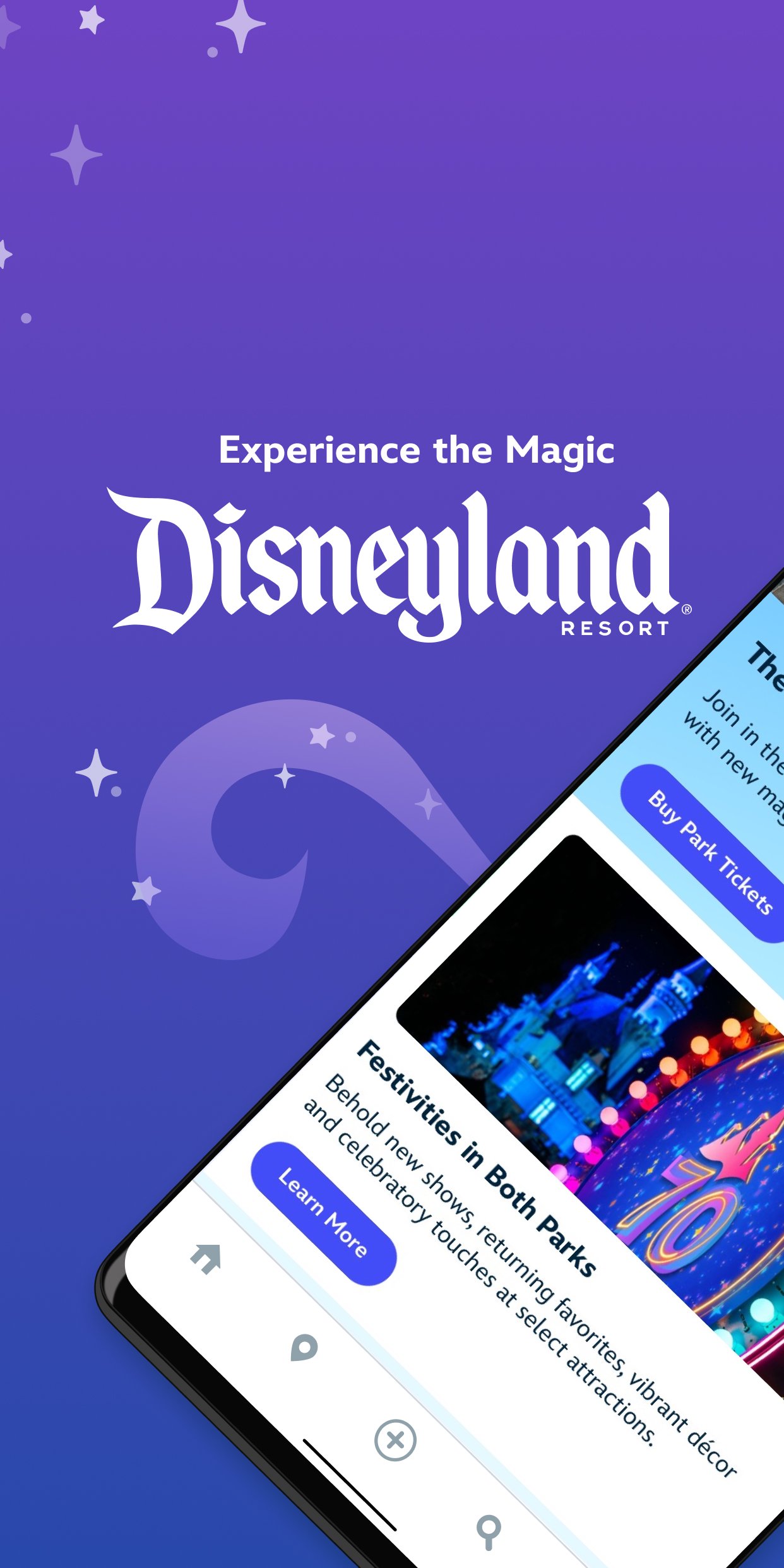
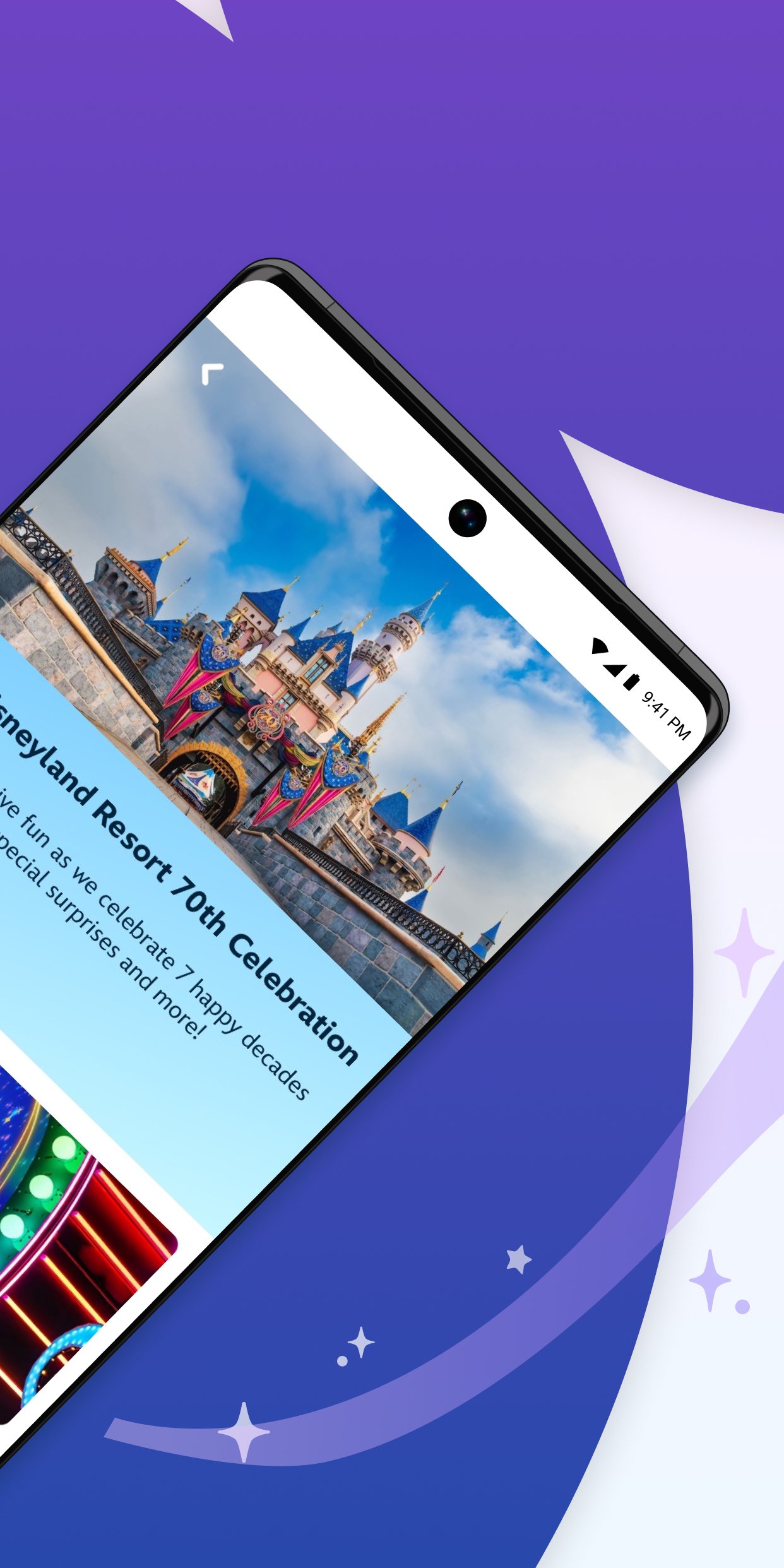
The official Disneyland® Resort app makes it easier to plan, explore and enjoy more magic! Use the app to:
PLAN AHEAD
-Learn about Disneyland Resort theme parks, hotels, dining, shopping and more.
-Buy park tickets (US and Japan residents only) and make park reservations.
-Manage tickets, passes, reservations and more.
-Let Disney Genie service build your personalized park itinerary.
ENJOY RIDES & SHOWS
-View wait times (current and estimated), park hours, showtimes and Character schedules.
-Purchase Lightning Lane passes to save time in line for select attractions.
FIND YOUR WAY AROUND
-Use the GPS-enabled map.
-Get step-by-step directions.
DINE & SNACK
-Browse restaurants and menus.
-Book dining and modify reservations.
-Check in for dining reservations.
-Order food and drinks from select locations.
STAY NEAR THE FUN
-Start the check-in process and get room-ready updates for your Disneyland Resort hotel.
-Unlock your room’s door.
GET PHOTOS & VIDEOS
-Access your Disney PhotoPass® photos.
-Capture photos and videos with Disney-themed lenses.
NEED HELP?
Visit disneyland.disney.go.com/help/.
IMPORTANT INFORMATION
MAGIC KEY HOLDERS & LEGACY PASSHOLDERS
-MAGIC KEY HOLDERS: Link your Magic Key pass to access discounts at select dining and shopping locations. Show your Magic Key pass via the Disneyland app!
-LEGACY PASSHOLDERS: Bring your Passport and valid photo ID. You must show a valid Annual Passport card for Passholder discounts and more.
PRIVACY & PERMISSIONS
-Some app features require your full name, country, birthdate, email address and access to your location data.
-If Bluetooth is enabled on your device, the app will collect precise location information through beacon technology to improve your experience.
-Optional planning tools may ask for details about your travel party, or allow you to save a credit card to your profile for purchases.
-App provides optional push notifications about the Disneyland Resort.
-Features include the ability to make purchases and require a Wi-Fi or mobile carrier data connection. Must be 18 years or older to make purchases.
-Optional features use your device's microphone and allow you to upload and save content from the app to your device.
-Available in English and Spanish.
Terms of Use: http://disneytermsofuse.com
Privacy Policy: https://disneyprivacycenter.com
US State Privacy Rights: https://privacy.thewaltdisneycompany.com/en/current-privacy-policy/your-us-state-privacy-rights/
Do Not Sell or Share My Personal Information: https://privacy.twdc.com/dnssmpi
Disney PhotoPass Terms & Conditions: https://disneyland.disney.go.com/photopass-terms-conditions/
Preview
Tags
Travel-&Information
Developer
Disney
Latest Version
8.26.1
Last Updated
2026-11-03
Category
Travel-local
Available on
Google Play
Show More
How to play Disneyland® with GameLoop on PC
1. Download GameLoop from the official website, then run the exe file to install GameLoop
2. Open GameLoop and search for “Disneyland®” , find Disneyland® in the search results and click “Install”
3. Enjoy playing Disneyland® on GameLoop
Minimum requirements
OS
Windows 8.1 64-bit or Windows 10 64-bit
GPU
GTX 1050
CPU
i3-8300
Memory
8GB RAM
Storage
1GB available space
Recommended requirements
OS
Windows 8.1 64-bit or Windows 10 64-bit
GPU
GTX 1050
CPU
i3-9320
Memory
16GB RAM
Storage
1GB available space