
Zip File Reader 7zip Extractor PC
Essence Apps Studio
Download Zip File Reader 7zip Extractor on PC With GameLoop Emulator
Zip File Reader 7zip Extractor sa PC
Ang Zip File Reader 7zip Extractor, na nagmumula sa developer na Essence Apps Studio, ay tumatakbo sa Android systerm sa nakaraan.
Ngayon, maaari mong laruin ang Zip File Reader 7zip Extractor sa PC gamit ang GameLoop nang maayos.
I-download ito sa GameLoop library o mga resulta ng paghahanap. Hindi na tumitingin sa baterya o nakakadismaya na mga tawag sa maling oras.
I-enjoy lang ang Zip File Reader 7zip Extractor PC sa malaking screen nang libre!
Zip File Reader 7zip Extractor Panimula
Zip app is a beneficial app for smartphone users that provides them with a complete zip tool. They can compress and extract data most easily for free. Zip file opener unzip files / unarchiver has the fastest unzip and zip algorithm with which the user can instantly compress and extract files in seconds depending upon their size. By using the zip feature of zip archive open for android app / rar opener, the user can increase the efficiency of the device by saving its storage space. It also tends to improve file transfer via email. The zip file format will encrypt the data, thus making it faster for the user to send emails with smaller files.
Additionally, the zip archiver app / decompression permits the user to unzip files stored on the device. If the user wants to work with the zip files, they are required to unzip them first. Hence, this tool is equally important and advantageous for the user. The zip file reader free download / 压缩 has eight categories including; archive files, extracted files, all files, images, videos, audios, documents, and my favorite files. In addition, the zip reader app shows the internal storage of the device. Through this feature, the user can determine the free space and total space of the device. Finally, the user can also share the zip and unzip application with its friends and family with just a click.
Features of Zip and Unzip
1. Zip and unzip file / 解压 is a useful app for smartphone users as it allows them to zip and unzip files as well as RAR files instantly for free.
2. The archive files feature of the zip and RAR file opener for android permits the user to extract, delete and share archive files stored on the device. All such files will display on the screen along with their title and date of creation. The user can search for any particular file using the search bar at the top. Moreover, they can multi-select using this feature.
3. The extracted files feature of the zip file opener unzip files / extract zip file authorizes the user to compress, delete and share files stored in the device. All such files will display on the screen along with their title and date of creation. The user can use the search bar at the top and can multi-select files using this feature.
4. The all-files feature of the zip and unzip file extractor permits the user to compress, share or delete the files stored in the device. The user can also protect these files using a password of their choice. Also, they can select the compression level before downloading the file.
5. All the files will display on the screen along with their title, number of files, and date of creation. The user can also search for any particular file using the search bar at the top. Moreover, they can also multi-select using this feature.
6. The images feature of the zip and unzip app authorizes the user to compress, share or delete images stored on the device. All the images will display on the screen along with their title and date of creation. The user can also search for any particular image using the search bar at the top.
7. The videos feature of the zip file extractor for android lets the user compress, share or delete video files stored on the device. All the videos will display on the screen along with their title and date of creation. The user can search for any particular video using the search bar at the top. Also, there is a multi-select option for the user’s convenience.
8. The audio feature of the zip file viewer allows the user to compress, share or delete audio files stored on the device. All the audios will display on the screen along with their title and date of creation.
How to Use Zip and Unzip
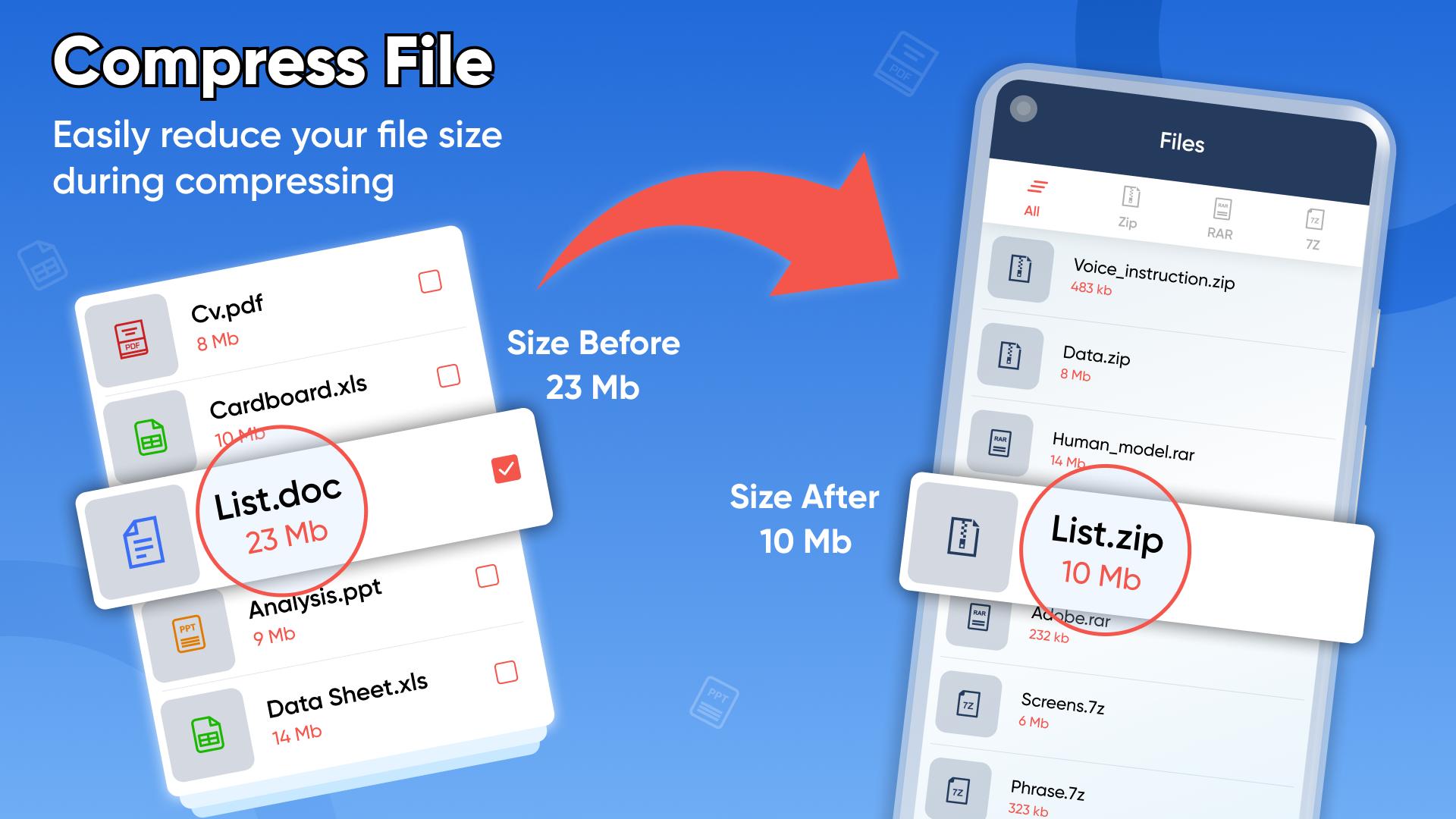
1. If the user wants to compress any particular file, they are required to click on the all-files tab on the home screen of the zip extractor. After selecting the file, they simply need to click on the compress button on the menu. They can also rename the file before saving it.
Preview

Tags
ToolsInformation
Developer
Essence Apps Studio
Latest Version
1.21.0
Last Updated
2025-04-28
Category
Tools
Available on
Google Play
Show More
How to play Zip File Reader 7zip Extractor with GameLoop on PC
1. Download GameLoop from the official website, then run the exe file to install GameLoop
2. Open GameLoop and search for “Zip File Reader 7zip Extractor” , find Zip File Reader 7zip Extractor in the search results and click “Install”
3. Enjoy playing Zip File Reader 7zip Extractor on GameLoop
Minimum requirements
OS
Windows 8.1 64-bit or Windows 10 64-bit
GPU
GTX 1050
CPU
i3-8300
Memory
8GB RAM
Storage
1GB available space
Recommended requirements
OS
Windows 8.1 64-bit or Windows 10 64-bit
GPU
GTX 1050
CPU
i3-9320
Memory
16GB RAM
Storage
1GB available space