Battery Info & Percentage PC
Zanoj Mobi Apps
Download Battery Info & Percentage on PC With GameLoop Emulator
Battery Info & Percentage sa PC
Ang Battery Info & Percentage, na nagmumula sa developer na Zanoj Mobi Apps, ay tumatakbo sa Android systerm sa nakaraan.
Ngayon, maaari mong laruin ang Battery Info & Percentage sa PC gamit ang GameLoop nang maayos.
I-download ito sa GameLoop library o mga resulta ng paghahanap. Hindi na tumitingin sa baterya o nakakadismaya na mga tawag sa maling oras.
I-enjoy lang ang Battery Info & Percentage PC sa malaking screen nang libre!
Battery Info & Percentage Panimula
Battery Info – Simple Battery Monitor
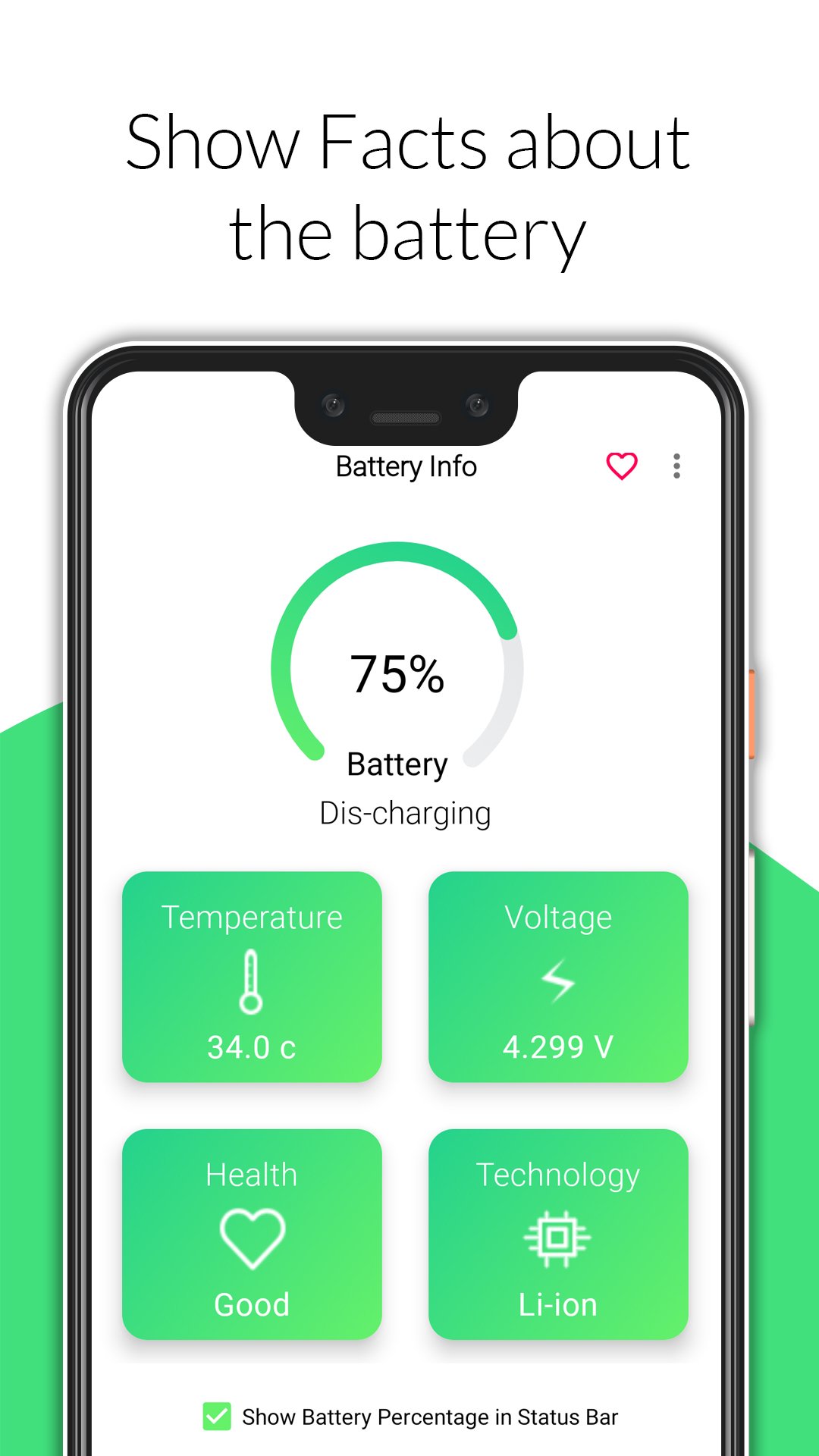
Battery Info helps you check your phone’s battery details in one simple app. View battery percentage, health, temperature, voltage, charging status, and more at a glance.
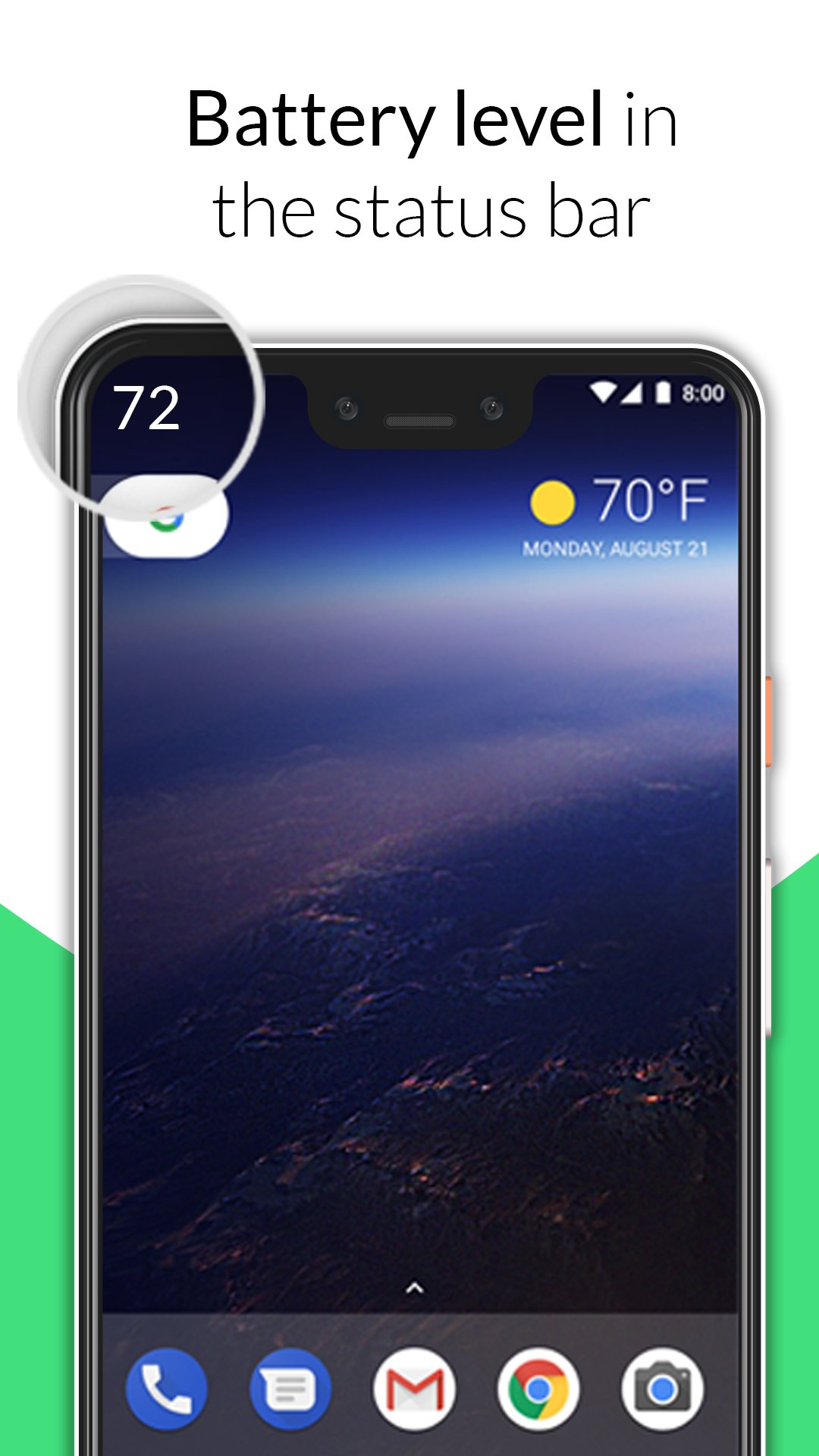
You can also show live battery percentage in the status bar, so you always know your battery level without opening the app.
Key Features
✔ Live battery percentage in the status bar
✔ Battery health monitor
✔ Battery temperature and voltage
✔ Charging and discharging status
✔ Battery level and technology details
✔ Expanded notification with progress bar
✔ Home screen and lock screen widget
✔ Lightweight and easy to use
Battery Info is useful when you want a quick way to monitor your battery percentage, charging status, temperature, voltage, and battery health.
Preview
Tags
ToolsInformation
Developer
Zanoj Mobi Apps
Latest Version
1.7.2
Last Updated
2026-05-10
Category
Tools
Available on
Google Play
Show More
How to play Battery Info & Percentage with GameLoop on PC
1. Download GameLoop from the official website, then run the exe file to install GameLoop
2. Open GameLoop and search for “Battery Info & Percentage” , find Battery Info & Percentage in the search results and click “Install”
3. Enjoy playing Battery Info & Percentage on GameLoop
Minimum requirements
OS
Windows 8.1 64-bit or Windows 10 64-bit
GPU
GTX 1050
CPU
i3-8300
Memory
8GB RAM
Storage
1GB available space
Recommended requirements
OS
Windows 8.1 64-bit or Windows 10 64-bit
GPU
GTX 1050
CPU
i3-9320
Memory
16GB RAM
Storage
1GB available space