X1 RGB PC
Thermaltake Technology Co., Ltd.
Download X1 RGB on PC With GameLoop Emulator
X1 RGB sa PC
Ang X1 RGB, na nagmumula sa developer na Thermaltake Technology Co., Ltd., ay tumatakbo sa Android systerm sa nakaraan.
Ngayon, maaari mong laruin ang X1 RGB sa PC gamit ang GameLoop nang maayos.
I-download ito sa GameLoop library o mga resulta ng paghahanap. Hindi na tumitingin sa baterya o nakakadismaya na mga tawag sa maling oras.
I-enjoy lang ang X1 RGB PC sa malaking screen nang libre!
X1 RGB Panimula
The X1 RGB App is the perfect companion for your TT Premium hardware.
With a host of convenient features, the X1 RGB app transforms your smartphone & tablet into a powerful tool that lets you get the most out of your device.
APP Features:
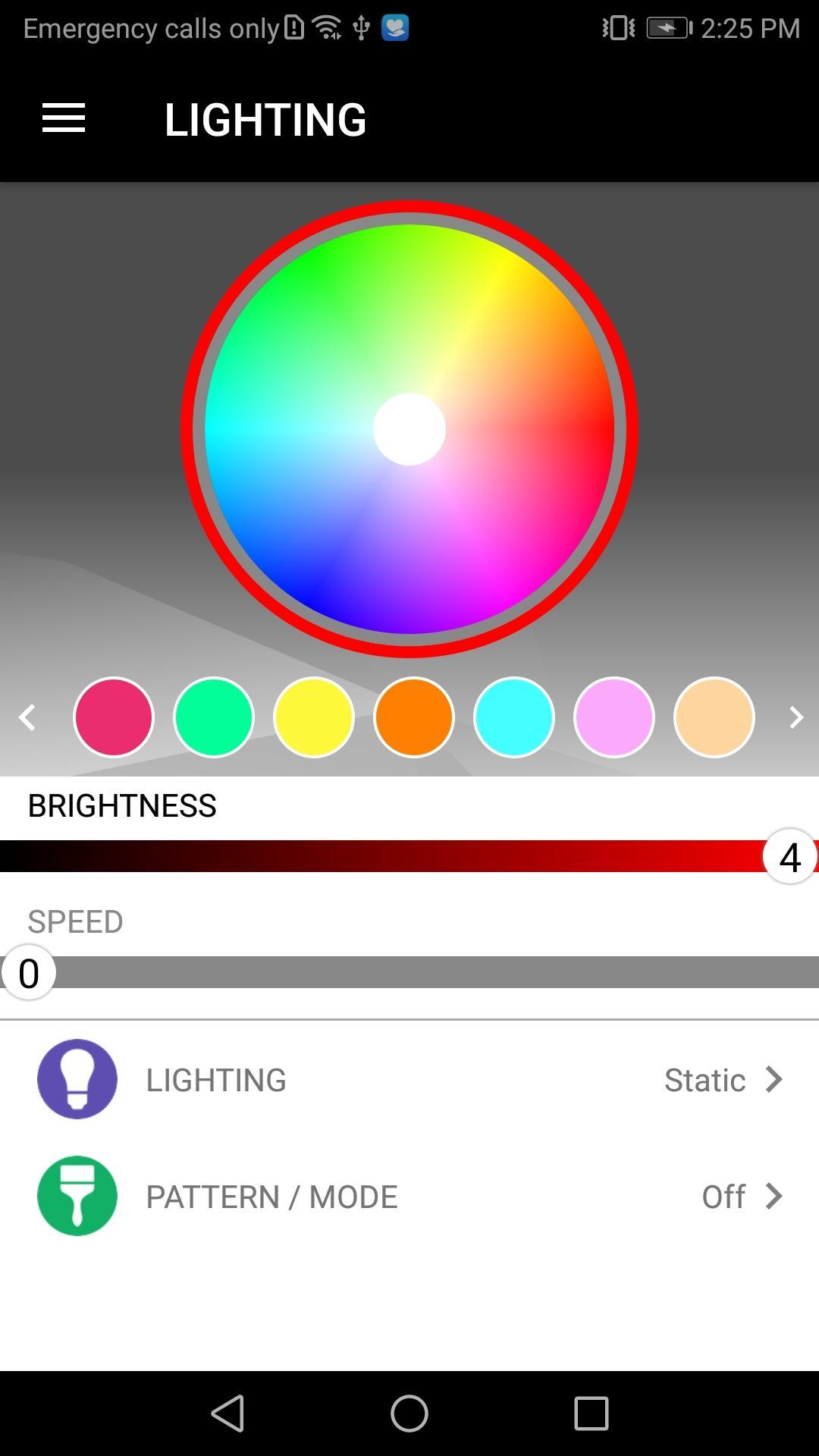
• Users can switch between 12 illumination effects, adjust illumination effect speed and adjust illumination brightness
• App comes with a four key macro function which allows users to load up registered key commands from the gaming software and to executive a chain of commands in-game without interruption.
• Featuring a specially designed voice controlled AI, users gain access to all light functions: color, effects, speed, and brightness with easy-to-use voice recognition commands for a truly hands-free gaming experience
• Play your favorite games using your smartphone/tablet device with exclusive patented designed (VGC) virtual game controller mode on your mobile device in order to play your favorite games for a truly wireless mobile gaming experience
INSTALLATION:
1) Download the X1 RGB app.
2) Download, install and start the X1 RGB driver software on your computer.
3) Ensure computer and mobile device are connected to the same WiFi network.
4) Start the app on your mobile device, then follow the on-screen pairing instructions.
Preview
Tags
ToolsInformation
Developer
Thermaltake Technology Co., Ltd.
Latest Version
1.4.2
Last Updated
2021-08-18
Category
Tools
Available on
Google Play
Show More
How to play X1 RGB with GameLoop on PC
1. Download GameLoop from the official website, then run the exe file to install GameLoop
2. Open GameLoop and search for “X1 RGB” , find X1 RGB in the search results and click “Install”
3. Enjoy playing X1 RGB on GameLoop
Minimum requirements
OS
Windows 8.1 64-bit or Windows 10 64-bit
GPU
GTX 1050
CPU
i3-8300
Memory
8GB RAM
Storage
1GB available space
Recommended requirements
OS
Windows 8.1 64-bit or Windows 10 64-bit
GPU
GTX 1050
CPU
i3-9320
Memory
16GB RAM
Storage
1GB available space