World clock Widget-Time Zones PC
ITXi Apps
Download World clock Widget-Time Zones on PC With GameLoop Emulator
World clock Widget-Time Zones sa PC
Ang World clock Widget-Time Zones, na nagmumula sa developer na ITXi Apps, ay tumatakbo sa Android systerm sa nakaraan.
Ngayon, maaari mong laruin ang World clock Widget-Time Zones sa PC gamit ang GameLoop nang maayos.
I-download ito sa GameLoop library o mga resulta ng paghahanap. Hindi na tumitingin sa baterya o nakakadismaya na mga tawag sa maling oras.
I-enjoy lang ang World clock Widget-Time Zones PC sa malaking screen nang libre!
World clock Widget-Time Zones Panimula
World Clock
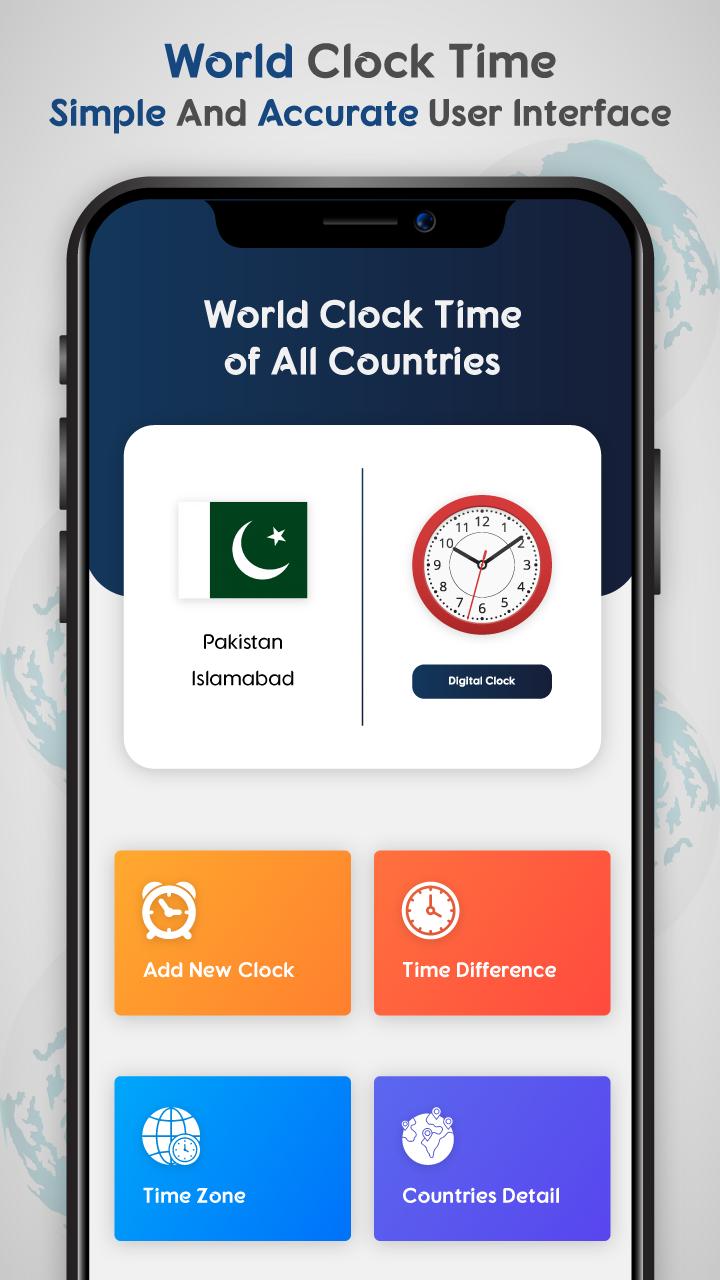
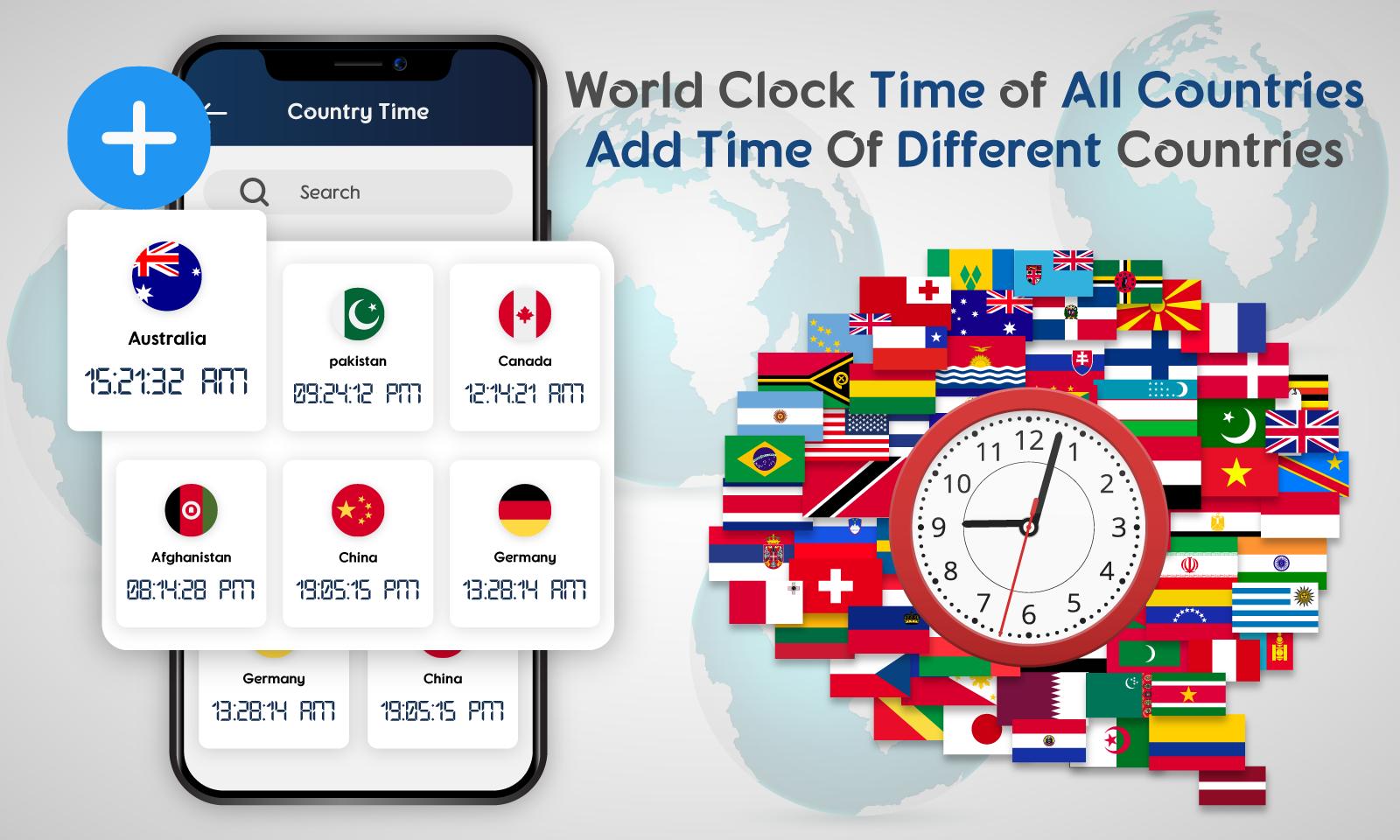
World clock widget time converter and world time zones is an app to get all world time and all world cities time on your android phone. World clock time for all countries helps you know UTC time zone and GMT time zone on your phone. Suppose you want to know current time gmt or mountain time zones you will be able to get these tome zone by using our time zone widget app. world clock and atomic clock tells you exact time of time difference between your time zone and other time zones. It’s also a time converter world clock because you can convert your time to other time zones to know time in other world cities. Through this timerbuddy app you can get all international time at one place which is our world clock app.world clock calculator to calculate different times zones time.
Set Alarm : Another feature of this world clock widget is you can’t set different alarms on your phone to make yourself punctual. Like you can set alarm for 6 to wake up and set alarm for 7 to take breakfast and so on. If you are working in an office you can set alarm for 1 hour during lunch break. During summer you can set alarm for drinking water. It’s a multi time set alarm clock where you can set different time alarms for your daily routines.
Timer : Timer is another best function of this app like you can set timer for walk. Also you can set 25 minute timer for running to complete laps. Simply you can set 20 minute timer or 1 hour timer to complete you any task on time.
Stop watch: by using this world clock you can also get an extra feature like stop watch to measure time in minutes seconds and hours for any task. You can set stop watch timer for any sports activity like football game timer or any other running competition game stop watch countdown timer.
Time Zones: you will be able to get times of deferent zones like time for GMT zone and time for UTC zone and many more so install today from Google play store to get all the functions in single app.
Main Features :
World clock all world cities times and world time converter.
Set my Alarm for different tasks.
Set timer for your activities.
Stop watch countdown timer for different sports activities.
World clock different time converters to know other time zones.
Different world time zones like utc time zone and Gmt time zones times.
Set different cities time on your home screen.
Preview
Tags
ToolsInformation
Developer
ITXi Apps
Latest Version
1.0
Last Updated
2022-11-30
Category
Tools
Available on
Google Play
Show More
How to play World clock Widget-Time Zones with GameLoop on PC
1. Download GameLoop from the official website, then run the exe file to install GameLoop
2. Open GameLoop and search for “World clock Widget-Time Zones” , find World clock Widget-Time Zones in the search results and click “Install”
3. Enjoy playing World clock Widget-Time Zones on GameLoop
Minimum requirements
OS
Windows 8.1 64-bit or Windows 10 64-bit
GPU
GTX 1050
CPU
i3-8300
Memory
8GB RAM
Storage
1GB available space
Recommended requirements
OS
Windows 8.1 64-bit or Windows 10 64-bit
GPU
GTX 1050
CPU
i3-9320
Memory
16GB RAM
Storage
1GB available space