
Wizard Ozone Remote Control PC
Wizard Ozone
Download Wizard Ozone Remote Control on PC With GameLoop Emulator
Wizard Ozone Remote Control sa PC
Ang Wizard Ozone Remote Control, na nagmumula sa developer na Wizard Ozone, ay tumatakbo sa Android systerm sa nakaraan.
Ngayon, maaari mong laruin ang Wizard Ozone Remote Control sa PC gamit ang GameLoop nang maayos.
I-download ito sa GameLoop library o mga resulta ng paghahanap. Hindi na tumitingin sa baterya o nakakadismaya na mga tawag sa maling oras.
I-enjoy lang ang Wizard Ozone Remote Control PC sa malaking screen nang libre!
Wizard Ozone Remote Control Panimula
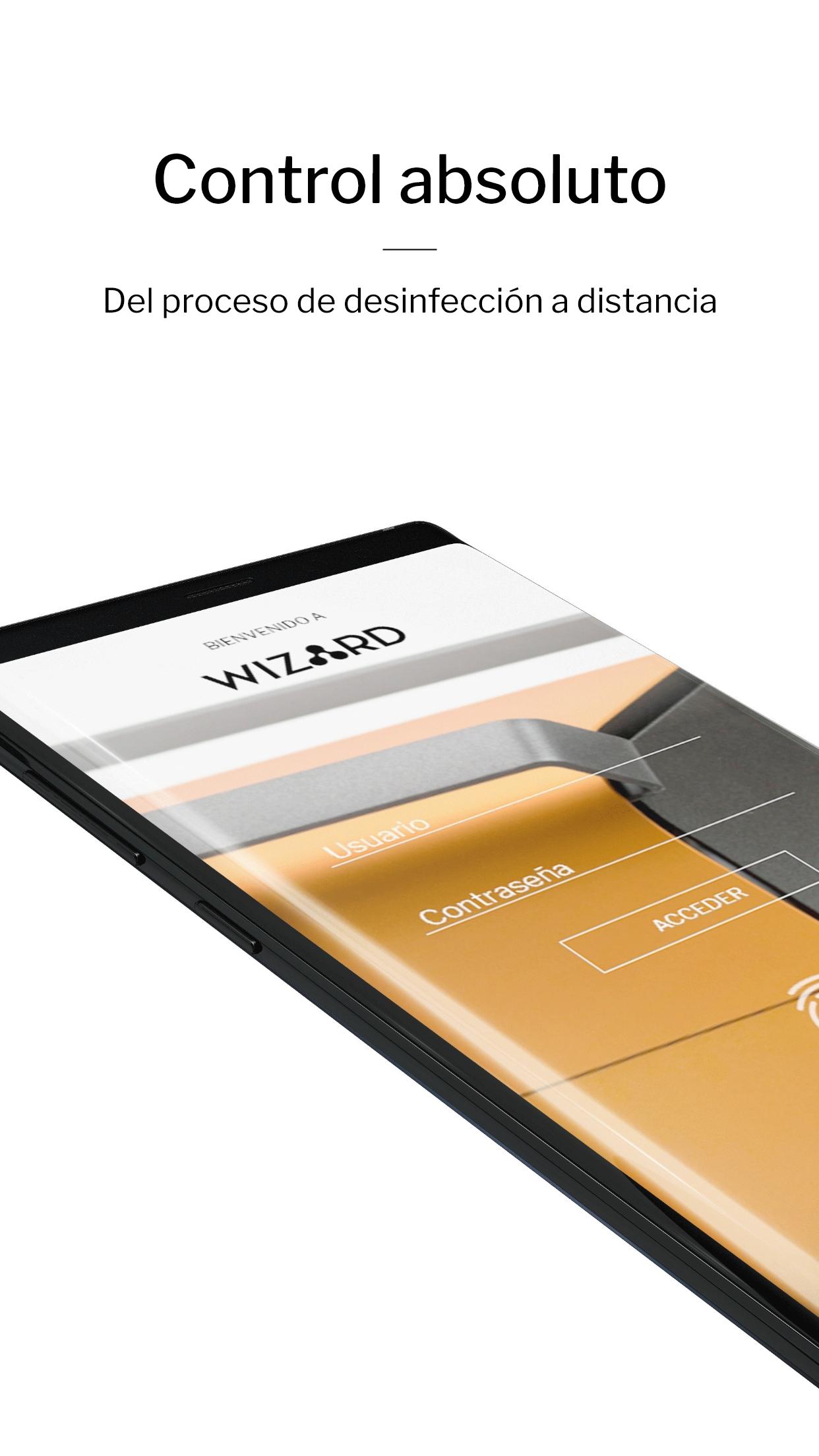
Technology, design and safety combined. With the Ozone Wizard App, you can manage sanitation processes remotely. Ozone generators with double de-ozonization and oxygenation cycle, active carbon filters and ozone detector with real time measurement. Everything at the reach of your hand.
EASY ACCESS AND HANDLING
Connect your ozone generator via Bluetooth from your mobile phone. Start your day-to-day activities, while you disinfect your home or business remotely. A simple and easy-to-use control app.
MAXIMUM SECURITY
Manage your App wherever you go and start cleaning cycles, receive real-time data and safety warnings. The ozone disinfection process has never been so convenient and safe.
FULL CONTROL
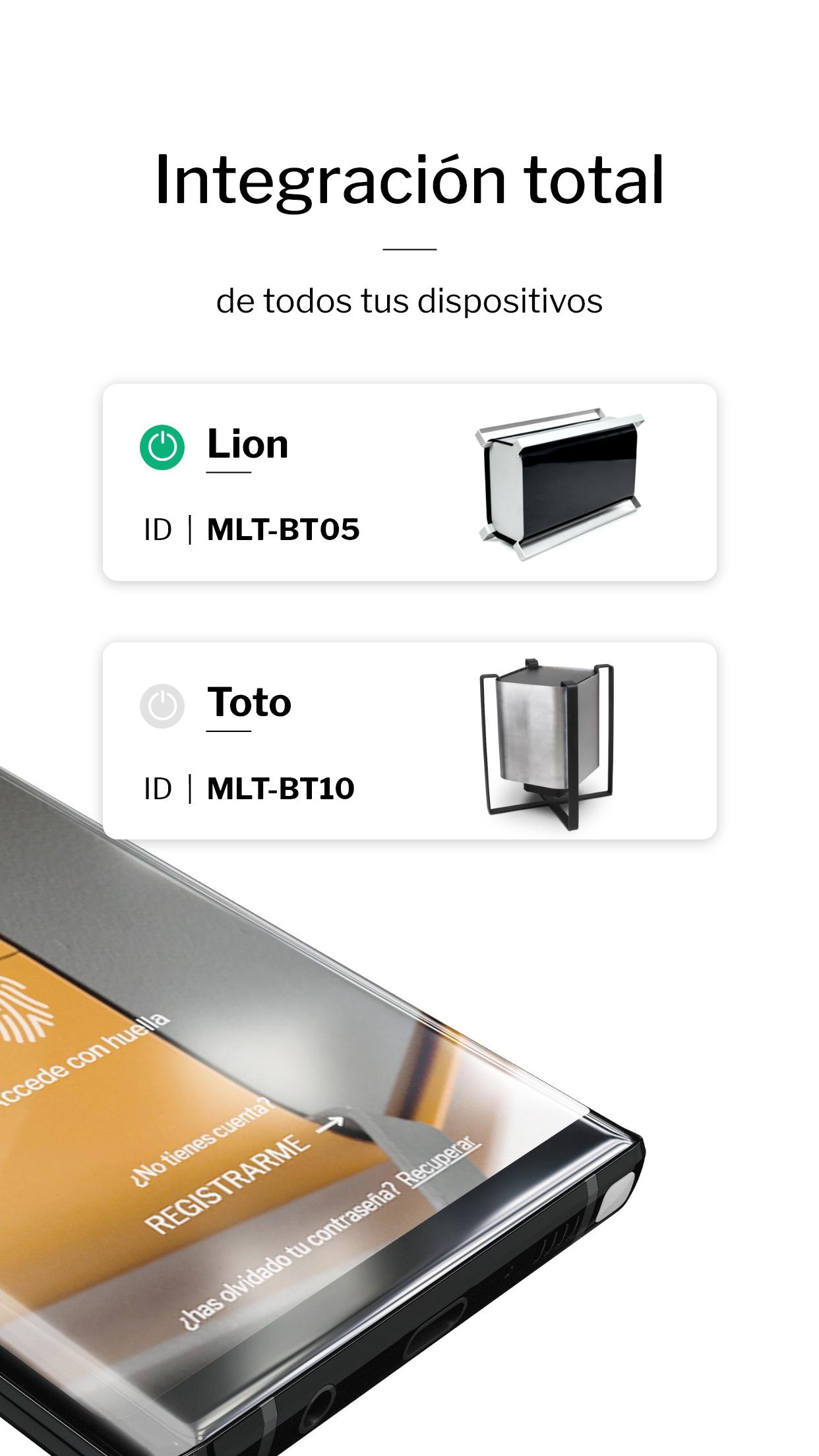
You can manage multiple machines from a single location. Our App allows simultaneous use of different ozone generators wherever they are. Connect them to your Wizard App and have total control of the process in different spaces.
INSTRUCTIONS AND USER MANUAL
At Wizard Ozone, we want you to use the full potential of our products. Discover the Toto and Lion user manual for proper and correct management of air and surface disinfection through their App.
Simple, fast, safe and efficient. Powerd by Wizard.
Preview
Tags
ToolsInformation
Developer
Wizard Ozone
Latest Version
2.5
Last Updated
2021-12-29
Category
Tools
Available on
Google Play
Show More
How to play Wizard Ozone Remote Control with GameLoop on PC
1. Download GameLoop from the official website, then run the exe file to install GameLoop
2. Open GameLoop and search for “Wizard Ozone Remote Control” , find Wizard Ozone Remote Control in the search results and click “Install”
3. Enjoy playing Wizard Ozone Remote Control on GameLoop
Minimum requirements
OS
Windows 8.1 64-bit or Windows 10 64-bit
GPU
GTX 1050
CPU
i3-8300
Memory
8GB RAM
Storage
1GB available space
Recommended requirements
OS
Windows 8.1 64-bit or Windows 10 64-bit
GPU
GTX 1050
CPU
i3-9320
Memory
16GB RAM
Storage
1GB available space