
Wisom - Cam & Mic Indicator PC
Andatsoft
Download Wisom - Cam & Mic Indicator on PC With GameLoop Emulator
Wisom - Cam & Mic Indicator sa PC
Ang Wisom - Cam & Mic Indicator, na nagmumula sa developer na Andatsoft, ay tumatakbo sa Android systerm sa nakaraan.
Ngayon, maaari mong laruin ang Wisom - Cam & Mic Indicator sa PC gamit ang GameLoop nang maayos.
I-download ito sa GameLoop library o mga resulta ng paghahanap. Hindi na tumitingin sa baterya o nakakadismaya na mga tawag sa maling oras.
I-enjoy lang ang Wisom - Cam & Mic Indicator PC sa malaking screen nang libre!
Wisom - Cam & Mic Indicator Panimula
Most applications use your camera when needed but some apps might try to access it in the background or foreground without your consent.
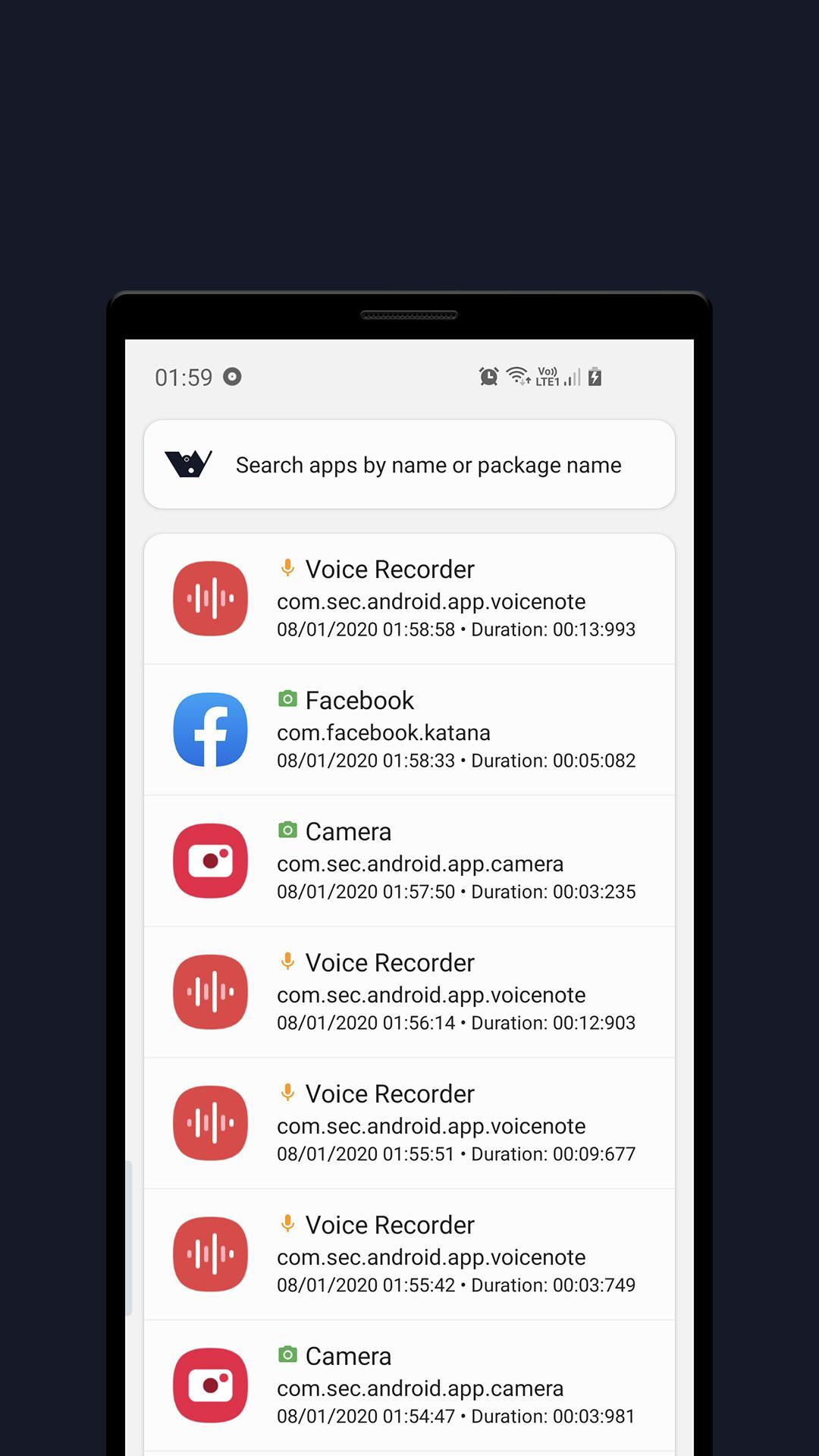
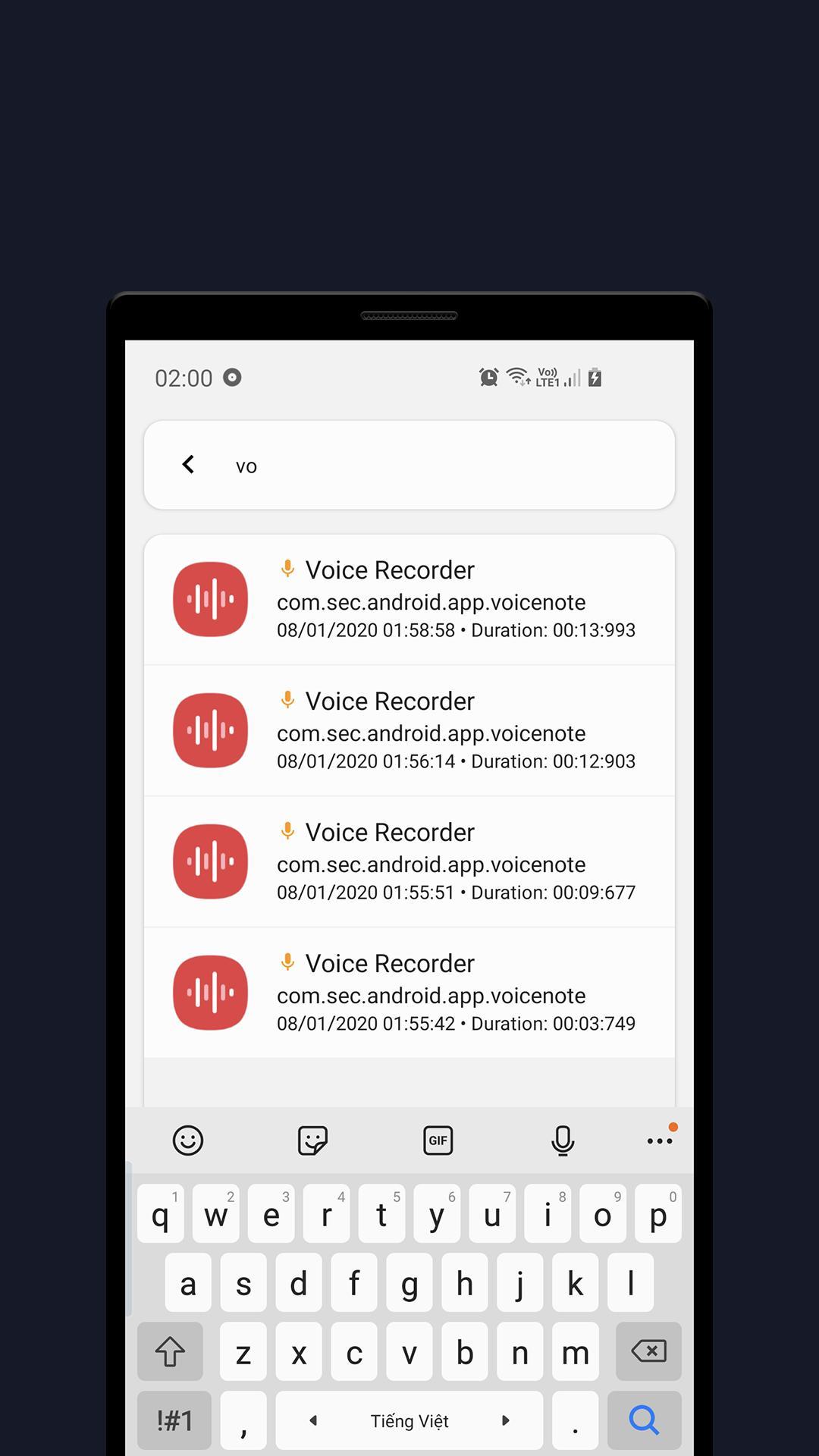
Wisom is a really simple tool that notify you with green and orange indicators when apps use Microphone or Camera.
To use Wisom, you need to grant USAGE_STATS permission by clicking the Start button at the app main page and grant the access (or go to Settings and search for Usage data access).
For the access dots indicator to work, you need to turn it on in the app setting (you have to allow Wisom to appear on top permission as well)
Features:
- Detect camera/microphone usage
- Show app access history
- Show camera or microphone recording indicator when apps use them
- And some other useful features.
Wisom is inspired by new iOS 14 and Android 12 privacy feature that shows an indicator whenever camera or microphone is accessed.
Wisom is in beta phase!
Wisom means Who is spying on me!
Note: On Android 6, Microphone usage can not be detected due to system limitation.
This application uses these icon packs:
1. Abstract Elements, made by Alfredo Hernandez from www.flaticon.com
2. Shapes, made by Pixel perfect from www.flaticon.com
3. Emotions, made by Vitaly Gorbachev from www.flaticon.com
Contact us:
Website: https://www.andatsoft.com
Facebook: https://www.facebook.com/andatsoft/
Twitter: https://twitter.com/andatsoft
Pinterest: https://www.pinterest.com/andatsoft/
Preview
Tags
ToolsInformation
Developer
Andatsoft
Latest Version
0.9.2
Last Updated
2023-05-30
Category
Tools
Available on
Google Play
Show More
How to play Wisom - Cam & Mic Indicator with GameLoop on PC
1. Download GameLoop from the official website, then run the exe file to install GameLoop
2. Open GameLoop and search for “Wisom - Cam & Mic Indicator” , find Wisom - Cam & Mic Indicator in the search results and click “Install”
3. Enjoy playing Wisom - Cam & Mic Indicator on GameLoop
Minimum requirements
OS
Windows 8.1 64-bit or Windows 10 64-bit
GPU
GTX 1050
CPU
i3-8300
Memory
8GB RAM
Storage
1GB available space
Recommended requirements
OS
Windows 8.1 64-bit or Windows 10 64-bit
GPU
GTX 1050
CPU
i3-9320
Memory
16GB RAM
Storage
1GB available space