WiFi WPS Connect, Tester PC
WiFi Password Show
Download WiFi WPS Connect, Tester on PC With GameLoop Emulator
WiFi WPS Connect, Tester sa PC
Ang WiFi WPS Connect, Tester, na nagmumula sa developer na WiFi Password Show, ay tumatakbo sa Android systerm sa nakaraan.
Ngayon, maaari mong laruin ang WiFi WPS Connect, Tester sa PC gamit ang GameLoop nang maayos.
I-download ito sa GameLoop library o mga resulta ng paghahanap. Hindi na tumitingin sa baterya o nakakadismaya na mga tawag sa maling oras.
I-enjoy lang ang WiFi WPS Connect, Tester PC sa malaking screen nang libre!
WiFi WPS Connect, Tester Panimula
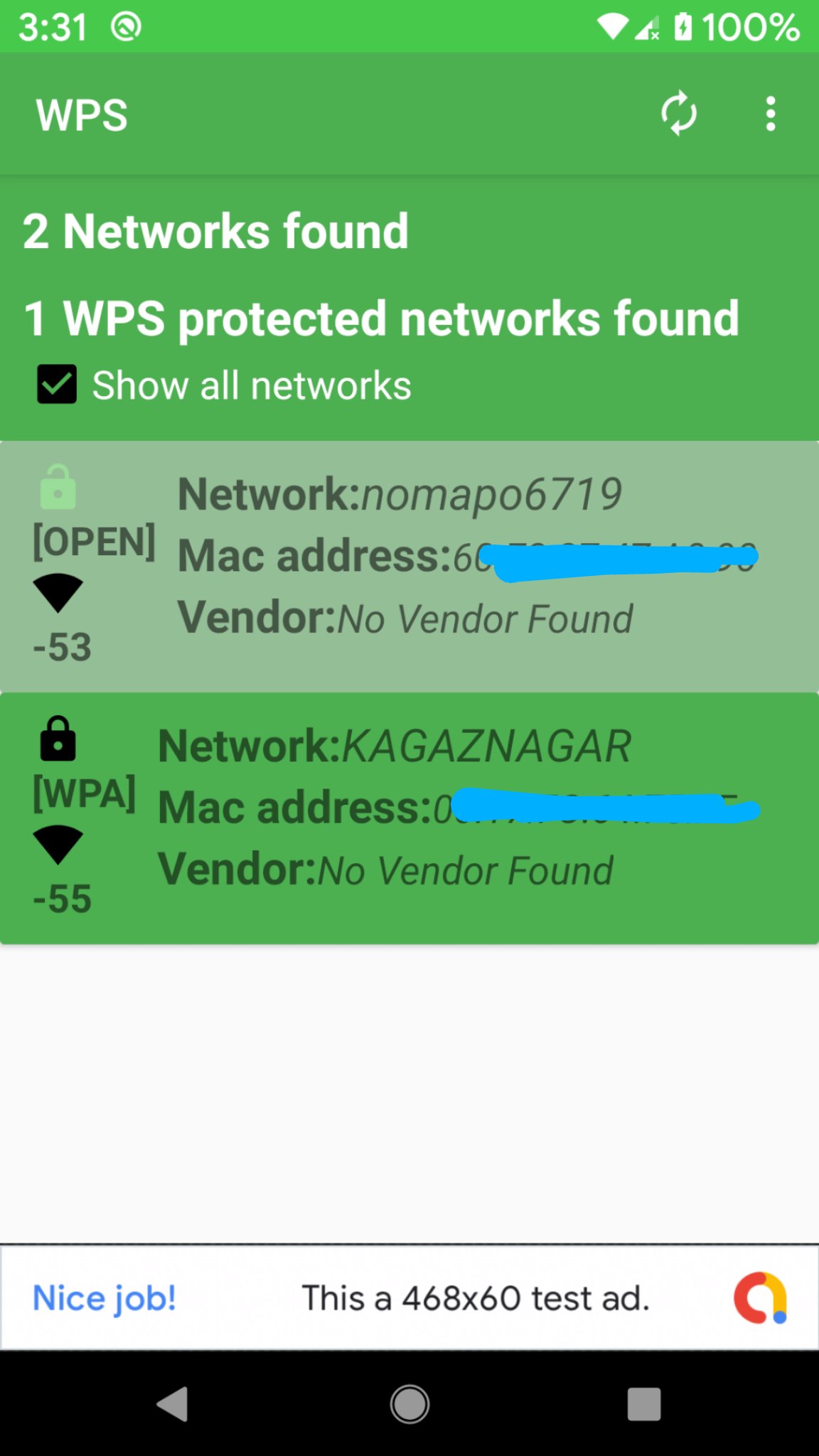
WiFi WPS Connect is a secure method to connect to Wi-Fi networks. The WPS protocol utilizes a secure PIN to authenticate devices, ensuring your data remains safe. Most new routers feature WPS (Wi-Fi Protected Setup), allowing you to connect without needing a password. Scan Wi-Fi networks and test WPS vulnerability within a range of 24-25 meters for optimal connectivity. If it has any vulnerability, you can disable wps button on your router.For enhanced security, consider using a password instead of WPS. Overall, WiFi WPS Connect offers a convenient method to connect to Wi-Fi networks. However, be aware of the associated security risks with WPS before using it.
Features:
-Scan for available Wi-Fi networks
-Test WPS vulnerability
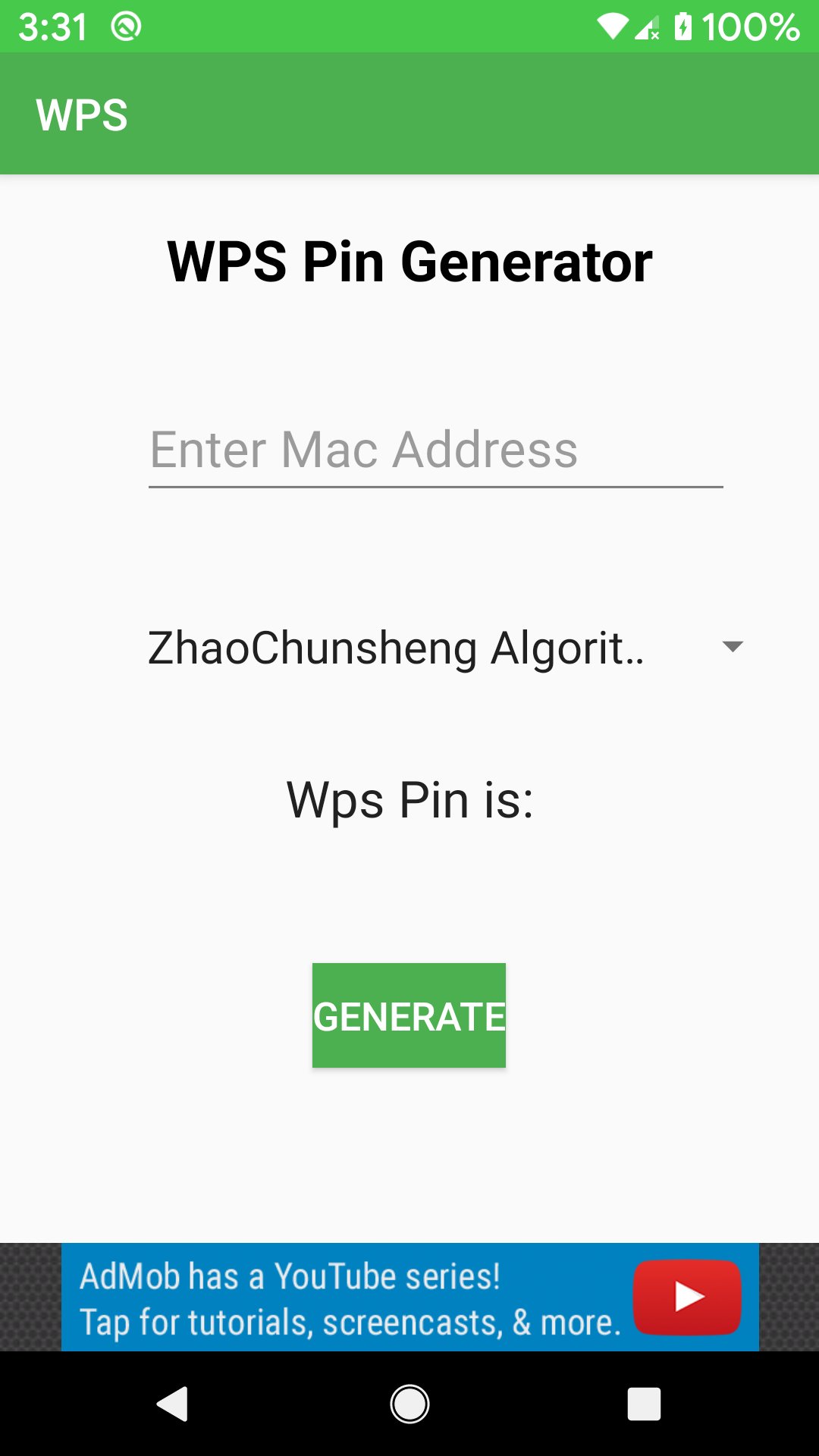
-Connect to WPS networks using a PIN
-Display Wi-Fi passwords (root/superuser permission required)
- Access default router PINs.
Why Choose WiFi WPS Connect?
If you need a straightforward and secure way to connect to Wi-Fi networks, WiFi WPS Connect is the perfect solution.
Important Considerations: WPS is less secure than using a password.Some routers have security flaws that make WPS vulnerable to attacks.
How to Use WiFi WPS Connect:
- Open the app and select your desired Wi-Fi network.
-Press the WPS button on your router.
-The app will automatically connect you to the network.
Disclaimer:
WiFi WPS Connect is not a Wi-Fi hacking tool. Do not misuse this app on routers or networks you do not own.
website:
https://www.wifipasswordshow.app
contact us: contact@wifipasswordshow.app
Preview
Tags
ToolsInformation
Developer
WiFi Password Show
Latest Version
1.9
Last Updated
2026-02-22
Category
Tools
Available on
Google Play
Show More
How to play WiFi WPS Connect, Tester with GameLoop on PC
1. Download GameLoop from the official website, then run the exe file to install GameLoop
2. Open GameLoop and search for “WiFi WPS Connect, Tester” , find WiFi WPS Connect, Tester in the search results and click “Install”
3. Enjoy playing WiFi WPS Connect, Tester on GameLoop
Minimum requirements
OS
Windows 8.1 64-bit or Windows 10 64-bit
GPU
GTX 1050
CPU
i3-8300
Memory
8GB RAM
Storage
1GB available space
Recommended requirements
OS
Windows 8.1 64-bit or Windows 10 64-bit
GPU
GTX 1050
CPU
i3-9320
Memory
16GB RAM
Storage
1GB available space