
Webr - Block Ads and Popups PC
nikzdevz
Download Webr - Block Ads and Popups on PC With GameLoop Emulator
Webr - Block Ads and Popups sa PC
Ang Webr - Block Ads and Popups, na nagmumula sa developer na nikzdevz, ay tumatakbo sa Android systerm sa nakaraan.
Ngayon, maaari mong laruin ang Webr - Block Ads and Popups sa PC gamit ang GameLoop nang maayos.
I-download ito sa GameLoop library o mga resulta ng paghahanap. Hindi na tumitingin sa baterya o nakakadismaya na mga tawag sa maling oras.
I-enjoy lang ang Webr - Block Ads and Popups PC sa malaking screen nang libre!
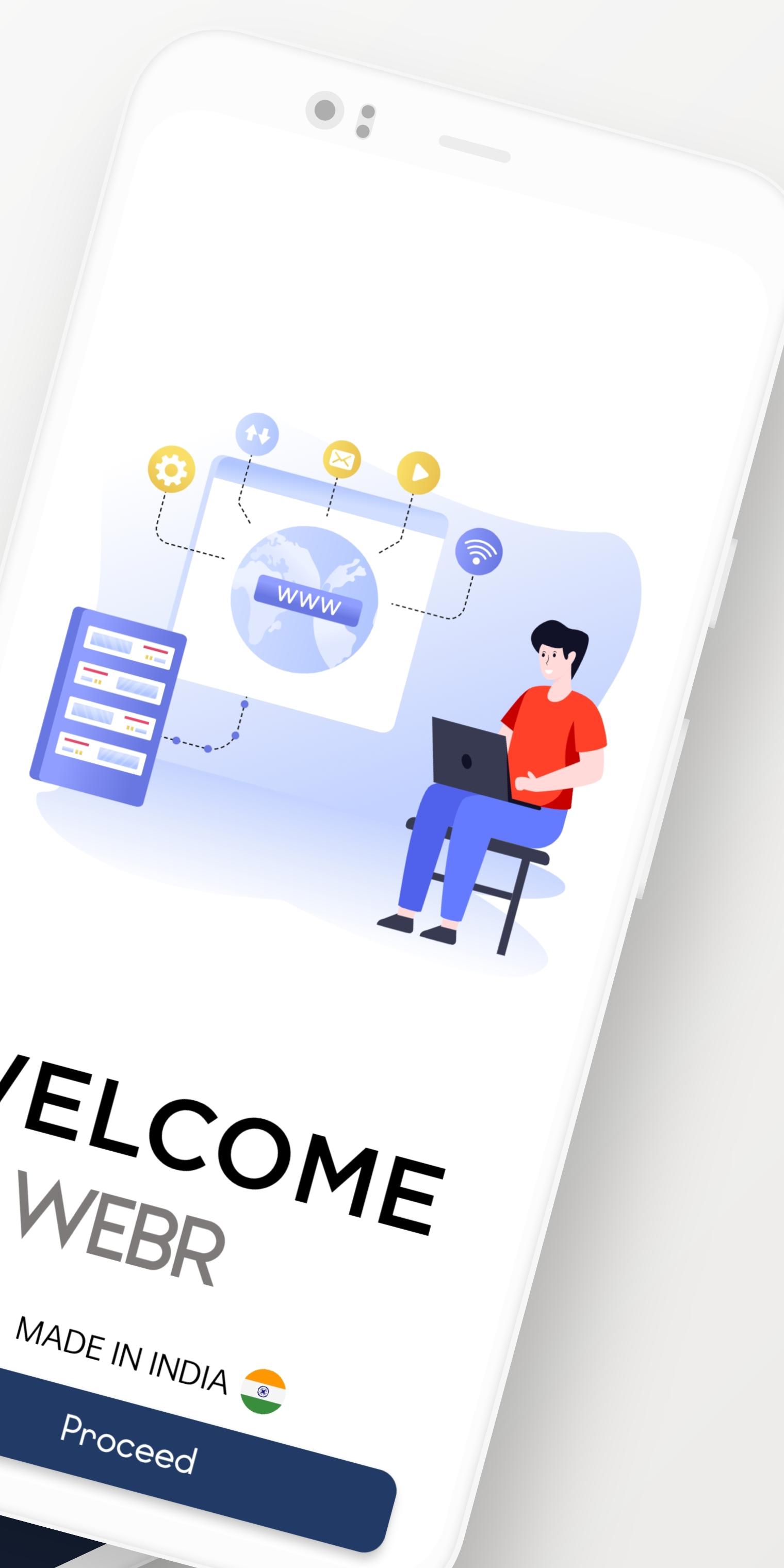
Webr - Block Ads and Popups Panimula
Fast & Secure
Internet Browser can activate various extensions like content blocker, for example, lets you block pop-up ads on any website, while the video assistant helps you play videos more quickly and easily.
Samsung Internet Browser also lets you change your default search engine, letting you use DuckDuckGo instead of Google, for example. You can also benefit from something called 'Amazon Shopping Assistant,' which automatically compares Amazon product prices so you always get the best deal.
* Incognito Browsing - Use Incognito mode to browse the internet without saving your history.
* DuckDuckGo - DuckDuckGo is available as a search engine option. DuckDuckGo is a privacy-focused search engine which has lots of features to enable you to quickly find the content you need the most.
It is a high-performance small-sized app built for those who don't want cumbersome size apps AB browser is enabled with the latest security and privacy features to help you stay safe on the internet. So go ahead and download the app we promise we wont disappoint you.
If you have any problems or have a suggestion for us, please get in touch!
Preview

Tags
ToolsInformation
Developer
nikzdevz
Latest Version
Pre
Last Updated
2022-03-12
Category
Tools
Available on
Google Play
Show More
How to play Webr - Block Ads and Popups with GameLoop on PC
1. Download GameLoop from the official website, then run the exe file to install GameLoop
2. Open GameLoop and search for “Webr - Block Ads and Popups” , find Webr - Block Ads and Popups in the search results and click “Install”
3. Enjoy playing Webr - Block Ads and Popups on GameLoop
Minimum requirements
OS
Windows 8.1 64-bit or Windows 10 64-bit
GPU
GTX 1050
CPU
i3-8300
Memory
8GB RAM
Storage
1GB available space
Recommended requirements
OS
Windows 8.1 64-bit or Windows 10 64-bit
GPU
GTX 1050
CPU
i3-9320
Memory
16GB RAM
Storage
1GB available space