Walkie talkie Wifi Intercom PC
OkraApps
Download Walkie talkie Wifi Intercom on PC With GameLoop Emulator
Walkie talkie Wifi Intercom sa PC
Ang Walkie talkie Wifi Intercom, na nagmumula sa developer na OkraApps, ay tumatakbo sa Android systerm sa nakaraan.
Ngayon, maaari mong laruin ang Walkie talkie Wifi Intercom sa PC gamit ang GameLoop nang maayos.
I-download ito sa GameLoop library o mga resulta ng paghahanap. Hindi na tumitingin sa baterya o nakakadismaya na mga tawag sa maling oras.
I-enjoy lang ang Walkie talkie Wifi Intercom PC sa malaking screen nang libre!
Walkie talkie Wifi Intercom Panimula
Are you looking for a solution for contacting family members at home 🏡 or you are in search of a way to connect with colleagues 👨💼 in the office about the work because you need to discuss work, again and again, ❓ 📶
Are you depressed about the heavy bills of the phone❓ 📠
Here is the only solution to all your problems, Walkie talkie Wi-Fi intercom android app turns your Android phone into an intercom that you can talk to everyone at home or office distance very easily. Wifi calling- Push to talk app sends your voice with a crystal clear audio sound and you can talk with family and friends with ease. Just log in with a Username and enjoy the conversation of the unlimited calls and talk radio.
🔥Characteristics:🔥
👉 Walkie Talkie Call app lets you call on Wi-Fi at a distance at home or office etc.
👉 Receives Call and Push to talk app lets you receive calls from others while the walkie talkie PTT app is not running, you do not need to keep open the Bluetooth of walkie talkie, you just need to keep the internet wifi calling on your phone.
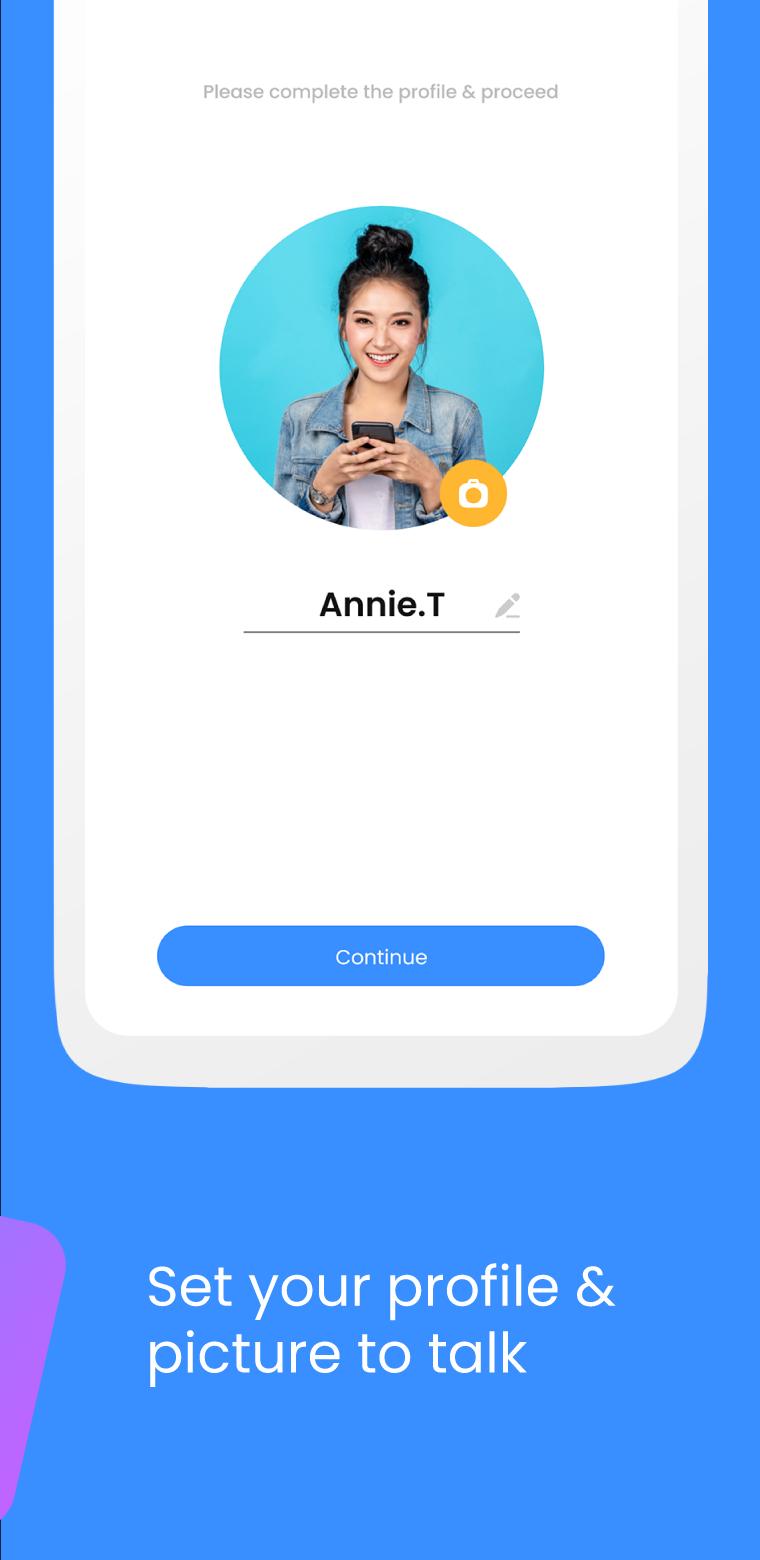
👉 No Login ID - Most of the apps will require a Login for chat with others but this walkie talkie communication app does not require any login ID, you can log in just with a username, or you can use your real name or a temporary name.
👉 Change User Name- Change the user name at any stage any time whenever you wish to change it. Changing the user name is very easy and simple on this talk radio.
👉 Wireless walkie-talkie- If you want to become a policeman then use this wireless walkie-talkie app.
👉 Clear sound- with this Radio walkie-talkie app you will hear a crystal clear voice sound during the conversation.
👉 Capability- Bluetooth walkie-talkie app is capable with all Android devices; it has no limitations for Android versions.
👉 One-click to talk- PTT walkie-talkie android app uses one press hold for talking, just hold the call button and speak.
👉 Wi-Fi & Cellular Data- This fast walkie-talkie app works with both Wi-Fi and cellular data.
👉 UX-UI Design- This fast walkie-talkie app has an attractive user interface.
👉 Multiple devices connection- PTT walkie-talkie is a push-to-talk app that allows communicating directly with any number of users and works with devices connected to the same network and same place.
📶 Permissions of Walkie talkie WIFI intercom: 📶
Location- Location Permission is needed to find nearby devices and connect with them.
Bluetooth- Bluetooth permission is needed to be open for Push to talk.
Record Audio- audio recording is necessary for the Bluetooth walkie-talkie app to send to others.
Way to Use of Walkie talkie WIFI intercom:
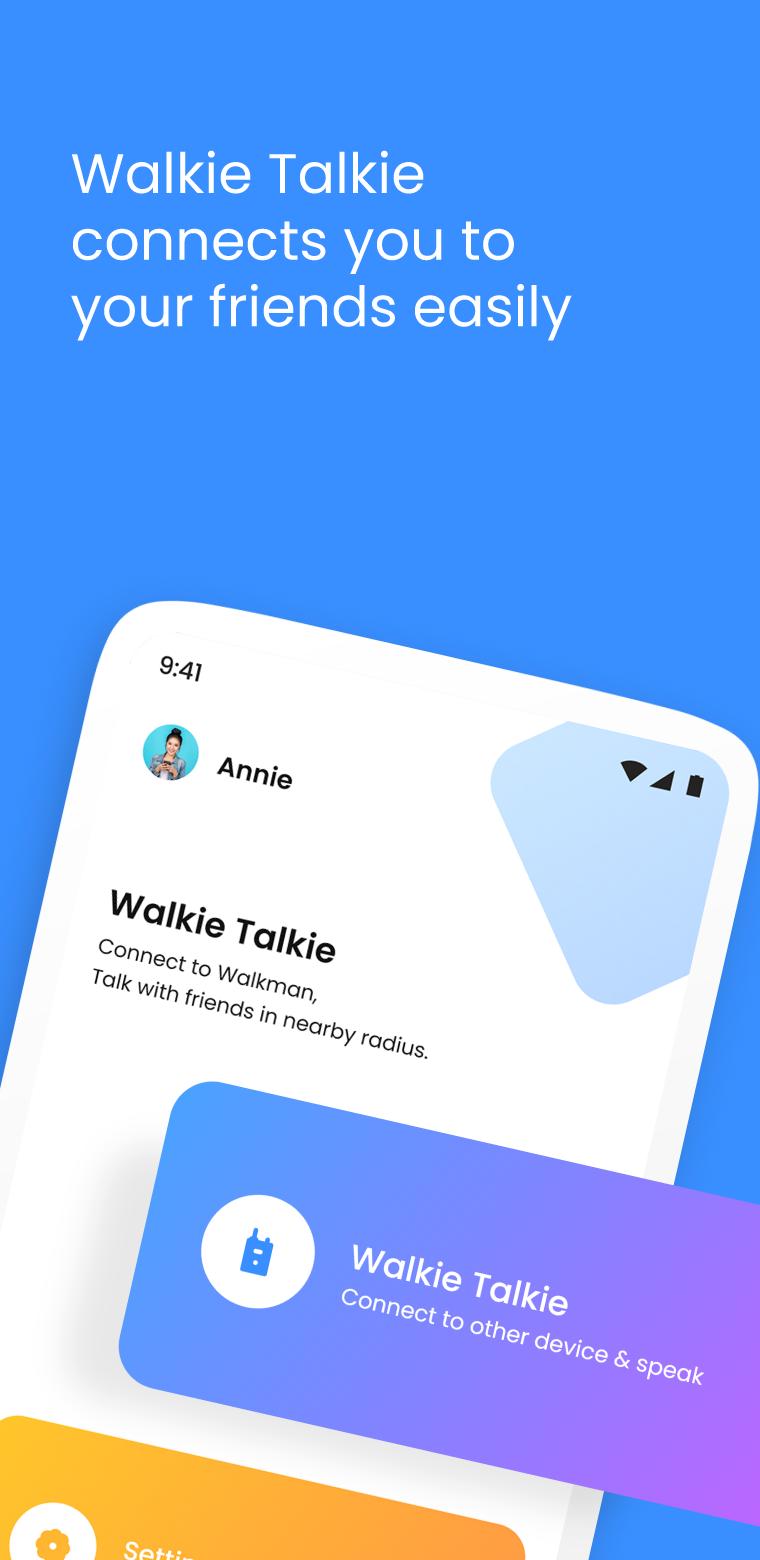
Install the talk radio- wifi calling app from the google play store,
Proceed to the Start button,
Click on the Walkie Talkie Click on the Call button to start a call,
Now for the talk Radio and wifi calling app to find the device for you,
Connect with your friend/family member/colleague’s device,
Now you are ready to start a conversation.
Preview
Tags
ToolsInformation
Developer
OkraApps
Latest Version
3.0.1
Last Updated
2022-12-02
Category
Tools
Available on
Google Play
Show More
How to play Walkie talkie Wifi Intercom with GameLoop on PC
1. Download GameLoop from the official website, then run the exe file to install GameLoop
2. Open GameLoop and search for “Walkie talkie Wifi Intercom” , find Walkie talkie Wifi Intercom in the search results and click “Install”
3. Enjoy playing Walkie talkie Wifi Intercom on GameLoop
Minimum requirements
OS
Windows 8.1 64-bit or Windows 10 64-bit
GPU
GTX 1050
CPU
i3-8300
Memory
8GB RAM
Storage
1GB available space
Recommended requirements
OS
Windows 8.1 64-bit or Windows 10 64-bit
GPU
GTX 1050
CPU
i3-9320
Memory
16GB RAM
Storage
1GB available space