
VU+ TOOLS PC
bigmetamobile
Download VU+ TOOLS on PC With GameLoop Emulator
VU+ TOOLS sa PC
Ang VU+ TOOLS, na nagmumula sa developer na bigmetamobile, ay tumatakbo sa Android systerm sa nakaraan.
Ngayon, maaari mong laruin ang VU+ TOOLS sa PC gamit ang GameLoop nang maayos.
I-download ito sa GameLoop library o mga resulta ng paghahanap. Hindi na tumitingin sa baterya o nakakadismaya na mga tawag sa maling oras.
I-enjoy lang ang VU+ TOOLS PC sa malaking screen nang libre!
VU+ TOOLS Panimula
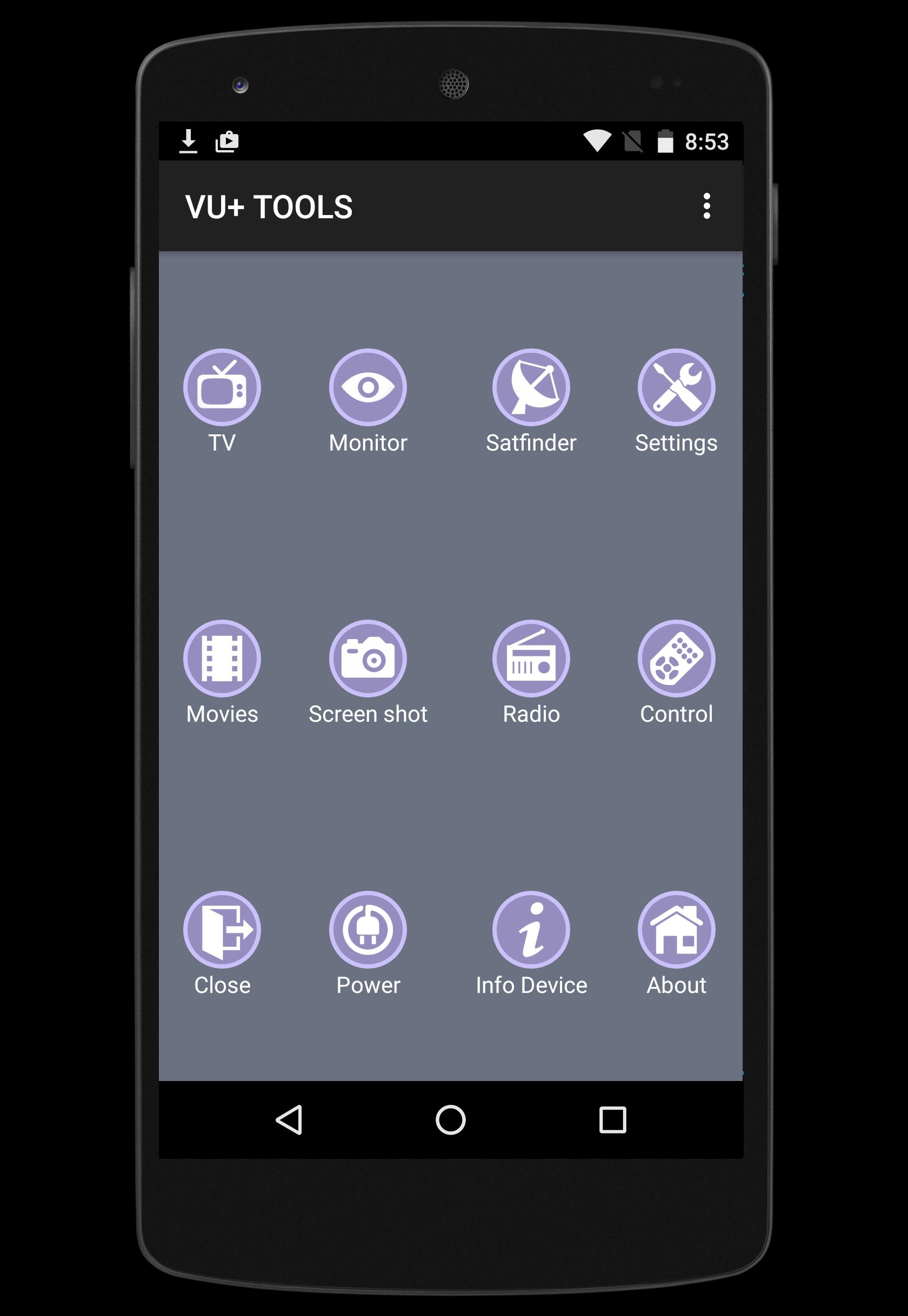
VU+ TOOLS is an Android application designed to allow you to control and manage your VUplus receivers such as VU+ SOLO or VU+ DUO , either from the same network.
- For best performace you must have stable 802.11g/n Wi-Fi connection between your receiver and your android smatphone or tablet. (802.11n strongly recommended)
Features:
★ Live TV and RADIO streaming directly from your Vu+ receiver.
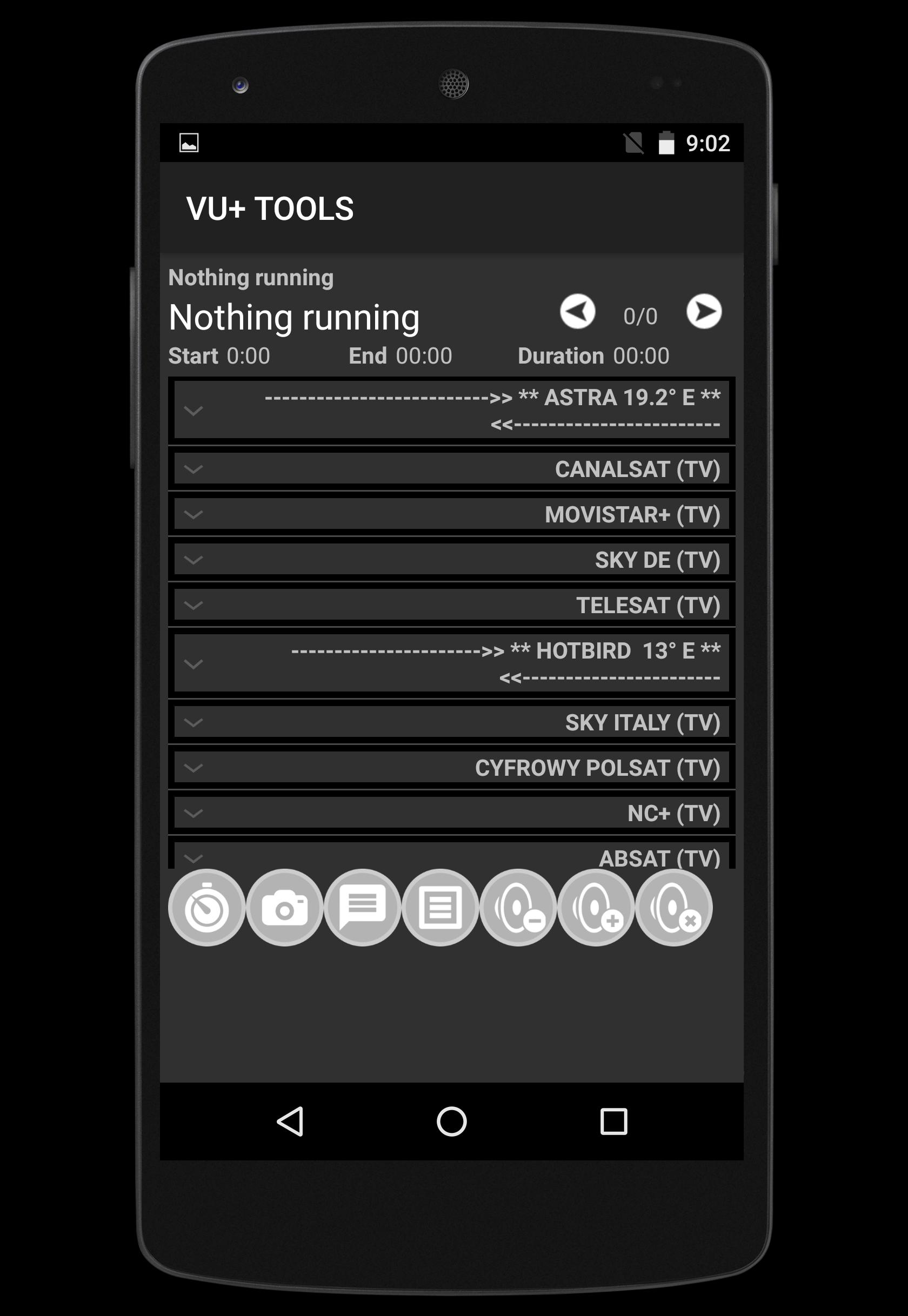
★ Show and discover Channel list provided Favourite group
★ Zapping channel
★ Satfinder (signal meter)
★ Add ZAP channel
★ Send message to your TV via your receiver
★ Volume Control UP-DOWN-MUTE
★ Show and Play recorded files directly to your TV
★ Monitor your receivers by screenshots from live TV
★ Manage timers record (add, edit, delete) either from EPG or manually.
★ EPG information provided
★ Take Screen shot from your TV
List of supported VU+ receivers :
► Vu+ SOLO
► Vu+ SOLO 2
► Vu+ SOLO SE
► Vu+ SOLO 4K
► Vu+ ZERO
► Vu+ UNO
► Vu+ UNO 4K
► Vu+ DUO
► Vu+ DUO 2
► Vu+ ULTIMO
► Vu+ ULTIMO 4K
This application was tested with BLACK HOLE, VTI, Open Black Hole,OpenPLi, Open VIX, SATDREAMGER, HDMU, INDB, OpenDroid, OpenSPA, PKT Hypervision, RUDream,
If you have any feedback, a feature request, or wish to report an issue,Contact us at bigmetamobile@gmail.com
Our Facebook page : https://www.facebook.com/bigmetamobile
Preview
Tags
ToolsInformation
Developer
bigmetamobile
Latest Version
1.2
Last Updated
2015-12-15
Category
Tools
Available on
Google Play
Show More
How to play VU+ TOOLS with GameLoop on PC
1. Download GameLoop from the official website, then run the exe file to install GameLoop
2. Open GameLoop and search for “VU+ TOOLS” , find VU+ TOOLS in the search results and click “Install”
3. Enjoy playing VU+ TOOLS on GameLoop
Minimum requirements
OS
Windows 8.1 64-bit or Windows 10 64-bit
GPU
GTX 1050
CPU
i3-8300
Memory
8GB RAM
Storage
1GB available space
Recommended requirements
OS
Windows 8.1 64-bit or Windows 10 64-bit
GPU
GTX 1050
CPU
i3-9320
Memory
16GB RAM
Storage
1GB available space